Variant pickNew


Keep one of a batch of generations: your save runs, the others blow away in their own colours, and the one you kept grows into the space.
Used forImage generatorsLogo and icon makersProduct photo toolsAvatar apps
Install with the shadcn CLI
Registered the namespace? Then it’s shadcn add @hairline/variant-pick. Set it up
Templates
Need the whole page?
61 Next.js landing pages, each designed from scratch. Try any of them live; one is $39, all of them $159, and 6 are free.
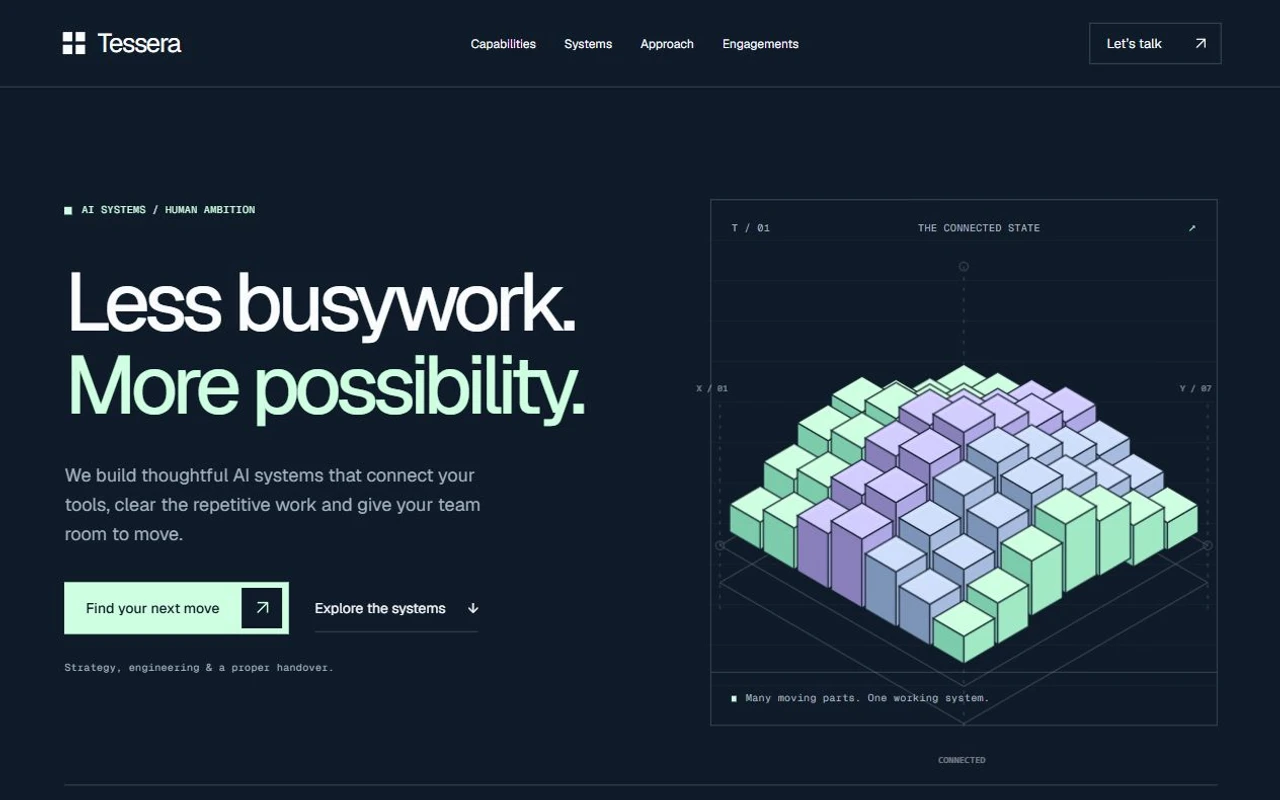
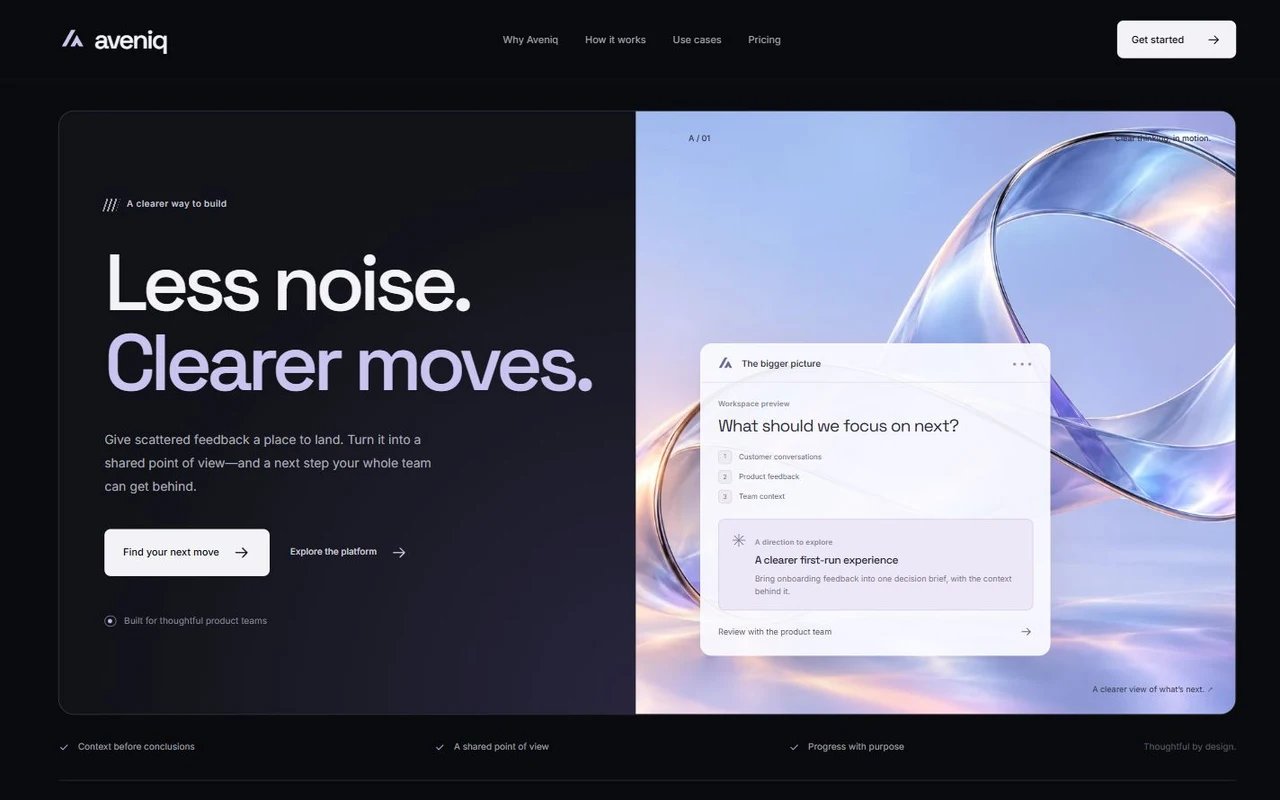
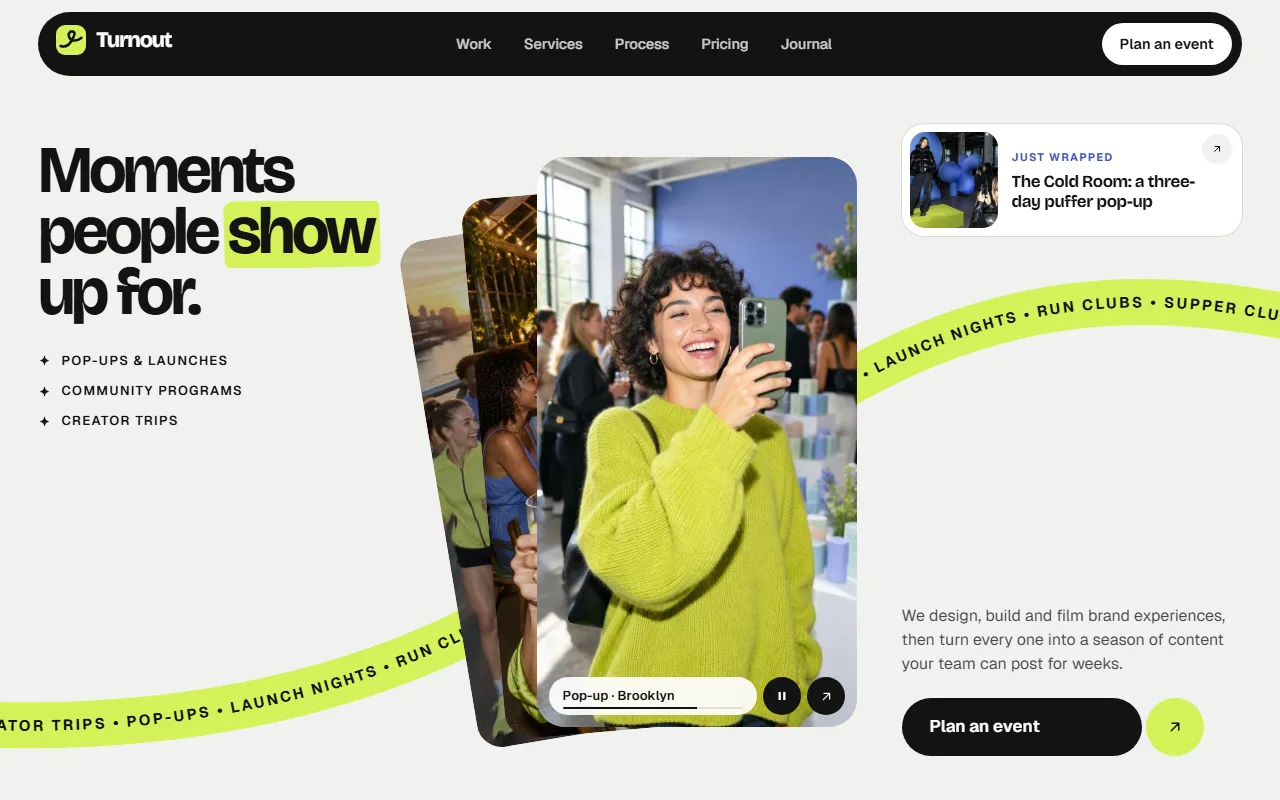
Where it’s used
Image generators
Pick the take to keep from a batch of four, the way Midjourney-style tools work.
Logo and icon makers
Choose one of several marks before refining it.
Product photo tools
Keep the background or the lighting that works.
Avatar apps
Choose the portrait to use as a profile picture.
What it handles for you
Choosing from a batch is usually a click that adds a border, and the takes you didn’t want just sit there.
Saves before it moves
onPick runs first and the picker waits for it; if it throws, nothing goes and the reason shows under the grid.
The rest really leave
The takes you didn’t keep blow away (or shatter) in their own colours, so the choice is visible.
The keeper takes the space
The kept take grows into the grid in one 0.52s move, measured from layout, so it lands exactly.
Choose again
Plays it back: the winner returns to its place while the others gather back where they were.
Controlled or not
Use value and onValueChange, or defaultValue, so your app can hold the choice.
Keyboard
Arrow keys, Home and End move between takes; Enter or Space keeps one.
Overview
Image models return a batch, and the choice is the moment that matters. Variant pick lays two to four takes side by side; pick one and your onPick saves it while a small spinner sits on its corner. Once it resolves, the takes you didn’t keep blow away in their real colours (or shatter, if you prefer) and the one you kept grows into the space they left, in one move. Choose again plays it all back: the winner returns to its place and the others gather back where they were. If the save fails, nothing goes and the reason is shown. Arrow keys move between takes, Enter keeps one.
States
- choosing
- Two to four takes in a two-column grid; hover lifts the picture 3% inside its tile.
- saving
- A primary badge with a spinner on the picked take while onPick runs; the others are disabled.
- kept
- The others blow away (about 1s), then the keeper grows to fill the grid in 0.52s and carries a check. The line under it reads “Kept 2 of 4” with Choose again.
- choosing again
- The keeper returns to its cell while the others gather back, then the grid is open again.
- save failed
- Nothing moves; the error shows in red under the grid.
- reduced motion
- The others fade out and the keeper takes the space without travelling.
Usage
Keeping one take and upscaling it
Save the choice, then start the upscale of the take you kept. The picker waits for onPick, so a failed save leaves the batch as it was.
Props
- images
- { id: string; src: string; alt: string }[]
- Two to four takes. A new set (different ids) starts fresh.
- value
- string | null
- The kept take’s id, controlled. null for none.
- defaultValue= null
- string | null
- The kept take when uncontrolled.
- onValueChange
- (id: string | null) => void
- Called with the kept id, or null after Choose again.
- onPick
- (id: string) => Promise<unknown> | void
- Saves the choice. The picker waits for it; if it throws, nothing moves and the error’s message is shown.
- away= "sand"
- "sand" | "burn" | "shatter" | "drain"
- How the takes you didn’t keep leave.
- crossOrigin
- "anonymous" | "use-credentials"
- Set it when your image host sends CORS headers, so the grains carry the real colours.
- labels
- { hint?, kept?, again?, failed? }
- The line under the grid and its button.
Accessibility and motion
- The takes are buttons with aria-pressed in a labelled group; one is in the tab order at a time and the arrow keys move between them.
- The line under the grid is a polite live region: it says what was kept, or why the save failed.
- The removals use the same engine as Sand away and friends, drawn in a layer over the page; the takes stay in the layout, hidden, so Choose again can bring them back.
- Pictures from another origin need CORS (and crossOrigin) for their real colours; without it they are masked away in place.
- Under reduced motion the others fade and the keeper takes the space without travelling.
Requirements
React 19, Tailwind CSS v4 and shadcn/ui theme variables (any style, light and dark). Icons from lucide-react.
Source
Registry item: /r/variant-pick.json