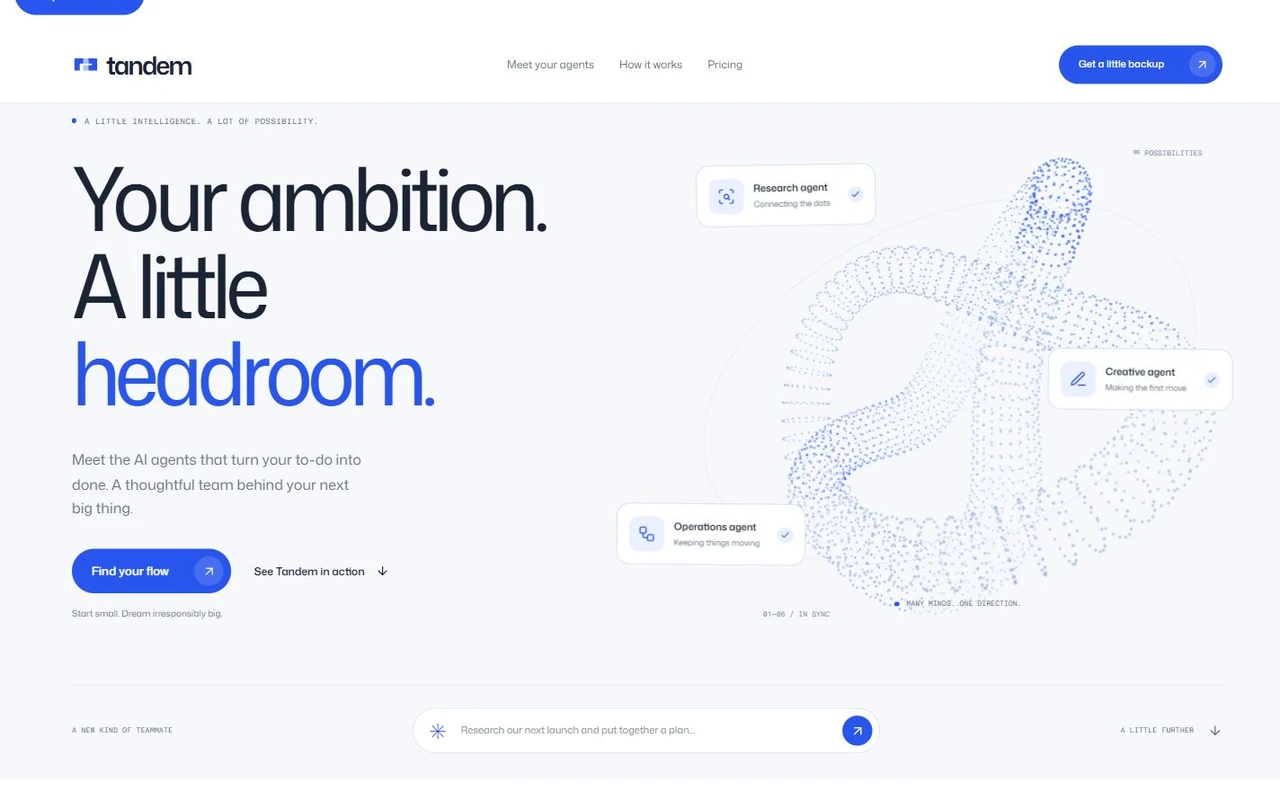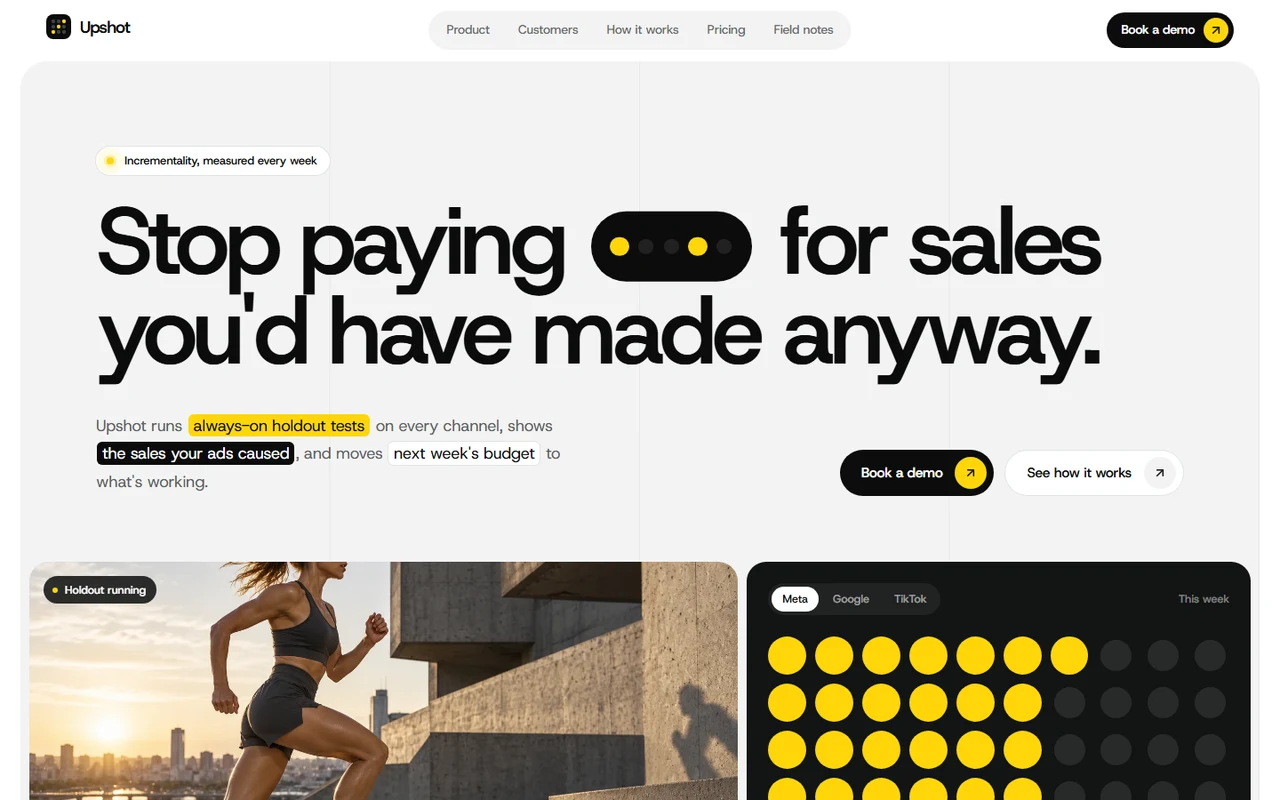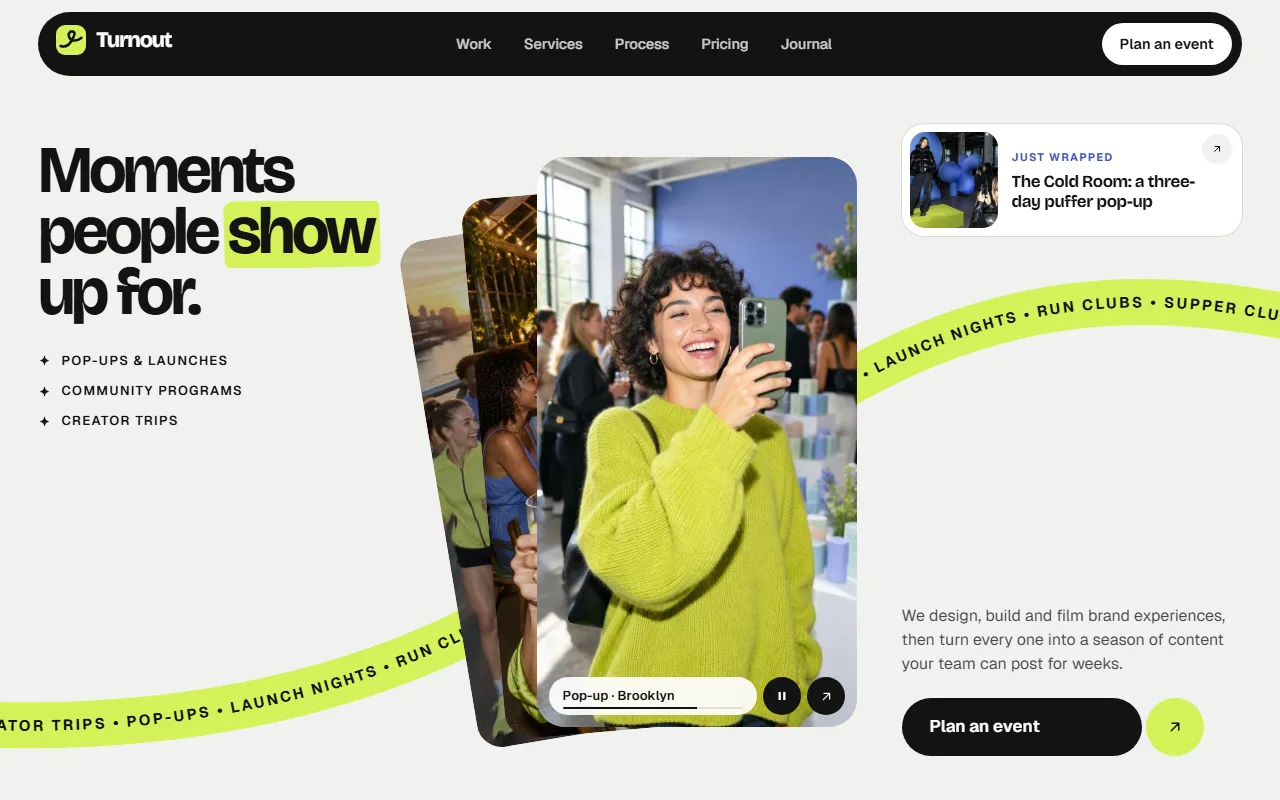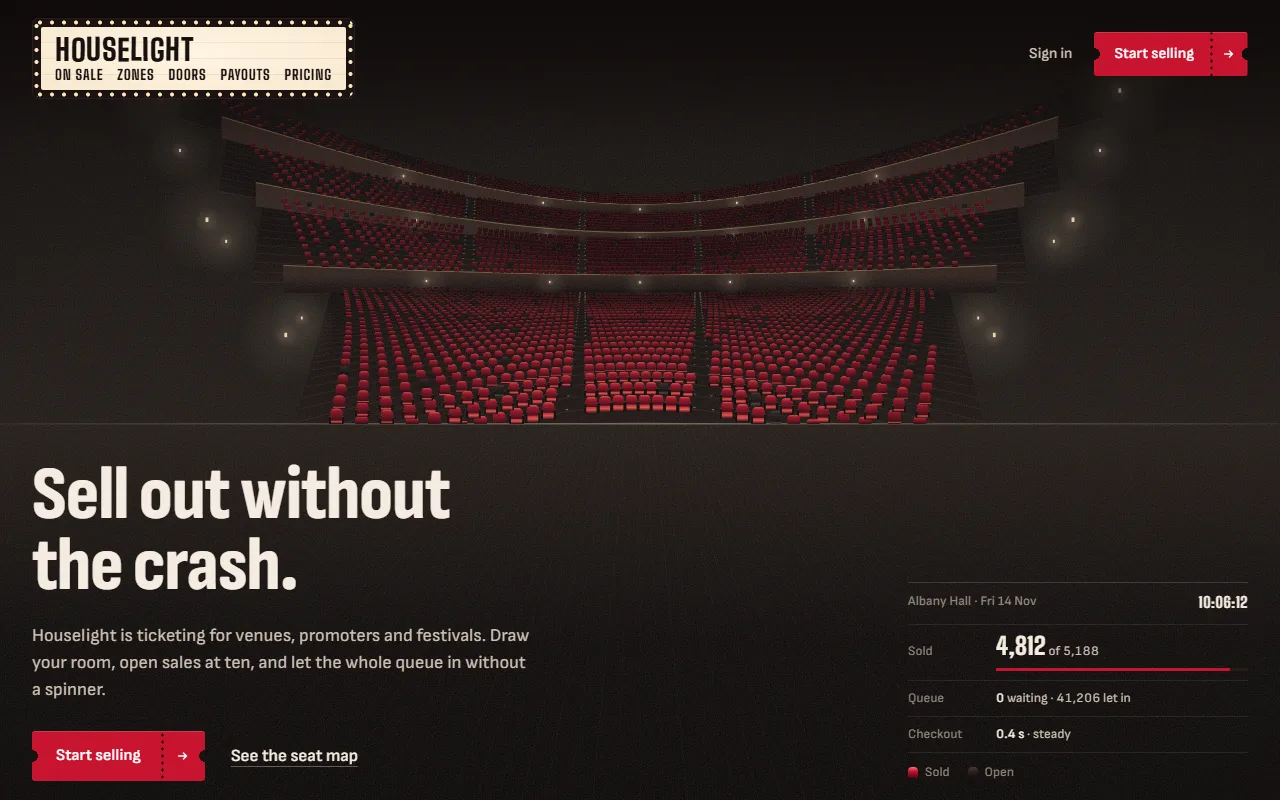
Developer tool templates that engineers will read.

Next.js sites for APIs, SDKs, CLIs and infrastructure products. The code, the logs and the failure cases sit on the page where a developer looks for them, and the claims are written so you can back them up.

In this collection
9 templates
Price
$39 each, one time
Free to download
None here, 6 elsewhere
Every template, ever
$159 once
Built with
Next.js 16, React 19
Median mobile Lighthouse
91

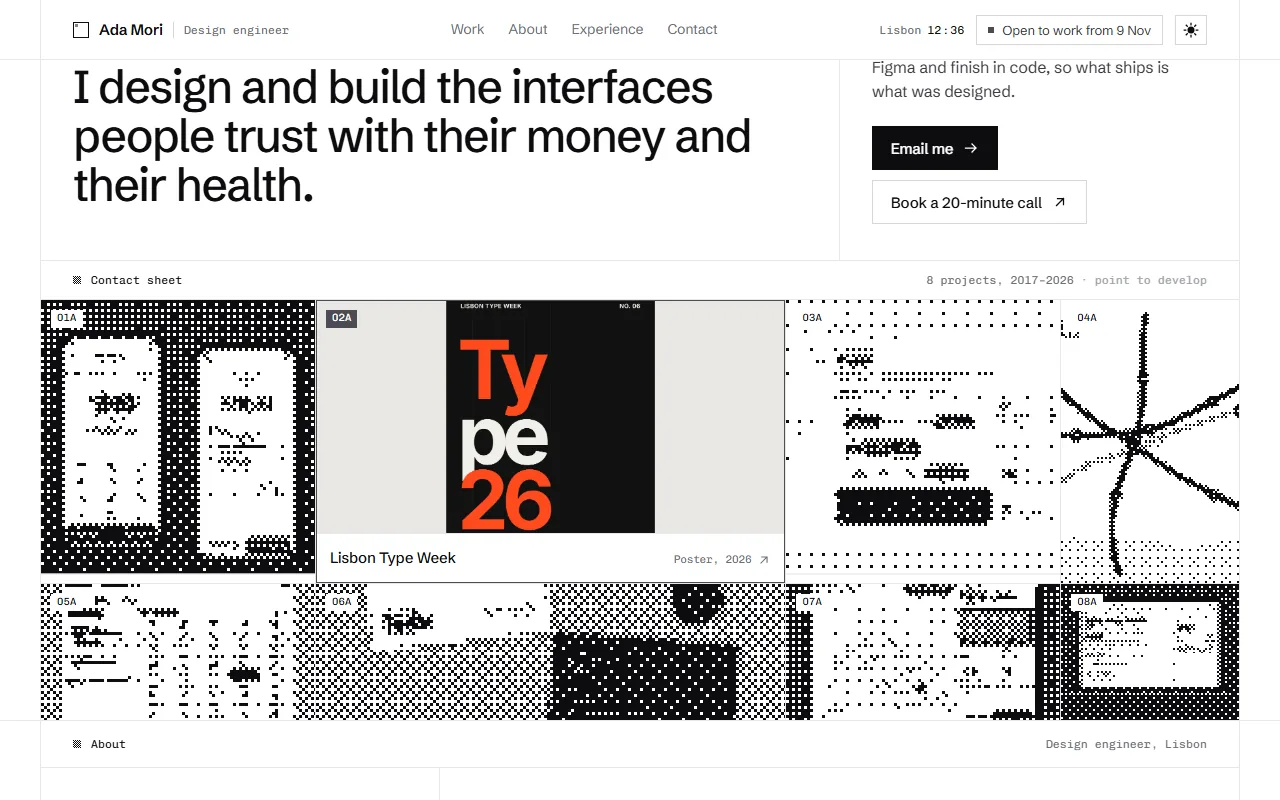
HalftoneDeveloper tool and API landing page$39

Choose by what a developer does with your product.

Do they call it, install it, run it during an incident or read its bill? That decides what belongs on the first screen.

  1. An API: webhooks, email, auth or payments

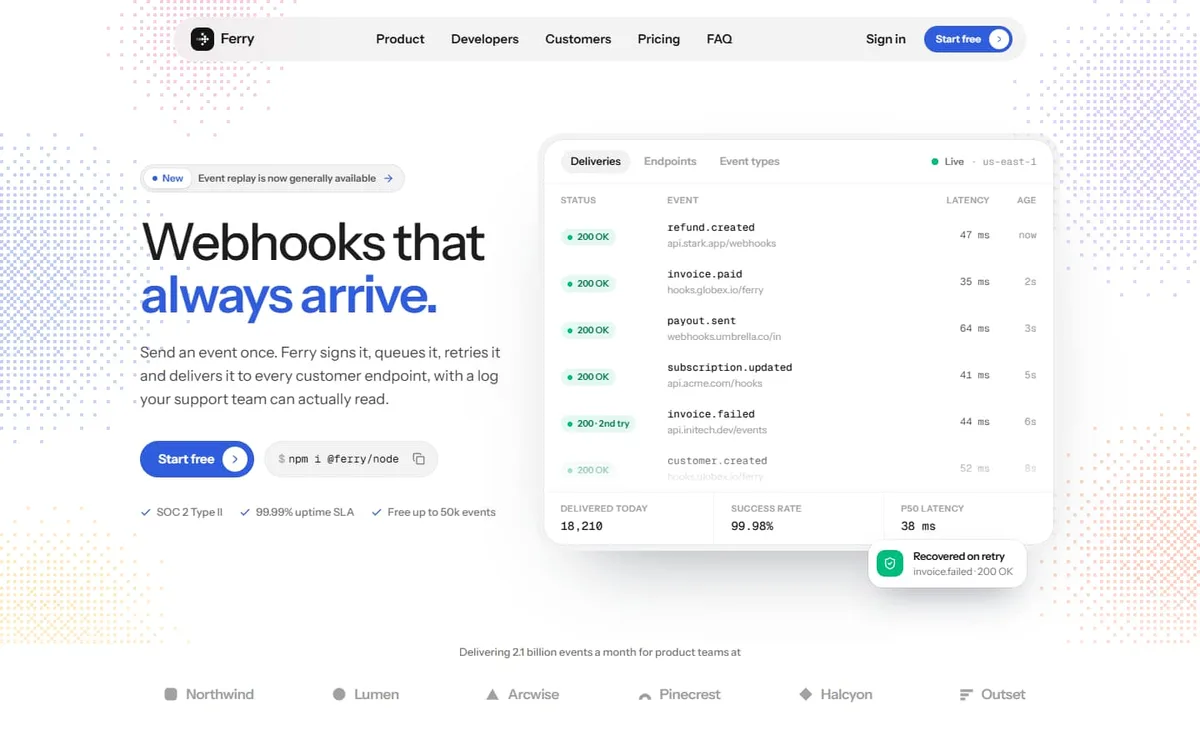
    Halftone$39

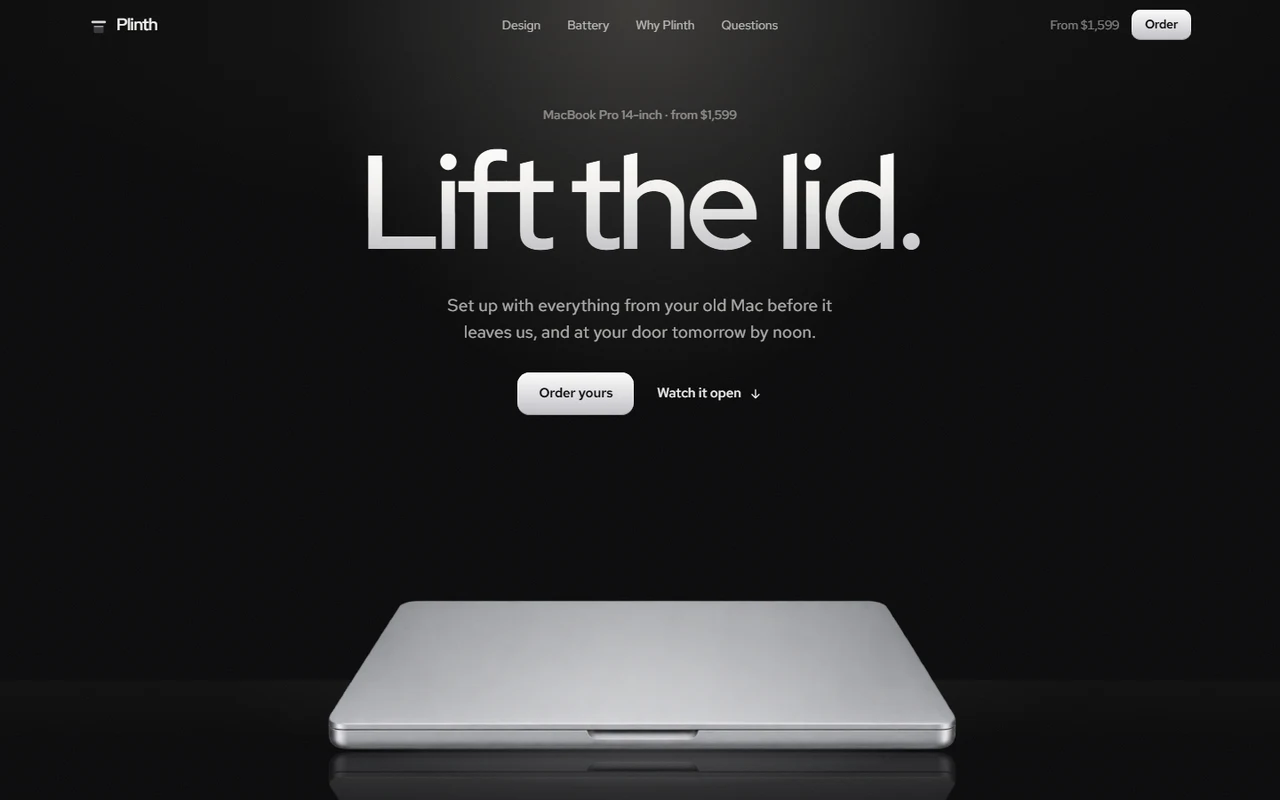
    Pick it if: Every product visual is coded and animated: a live delivery log, a pipeline, six product panels, a code window with language tabs and a CLI terminal. It also has a build-versus-buy section.

    Skip it if: You want a dark page, or a multi-page site out of the box: it is light with one route.

  2. An SDK or a tool people install and configure

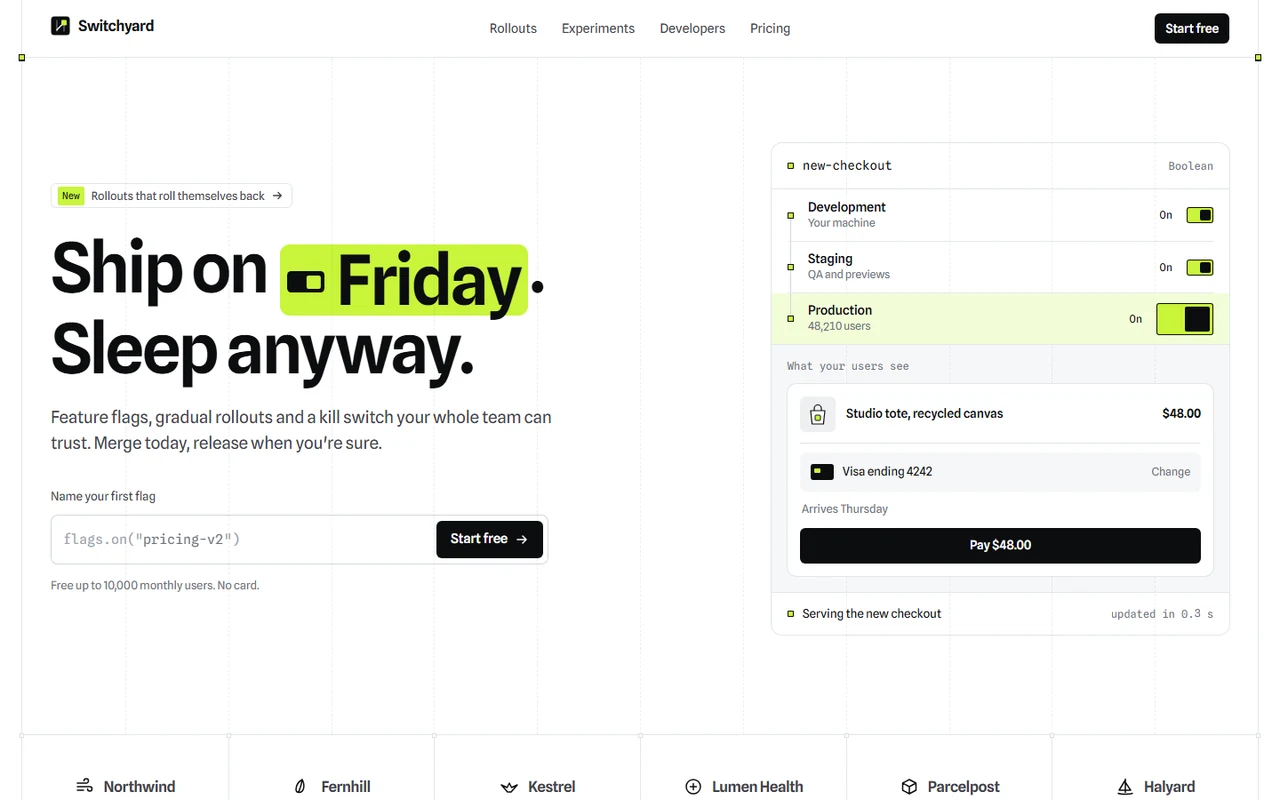
    Switchyard$39

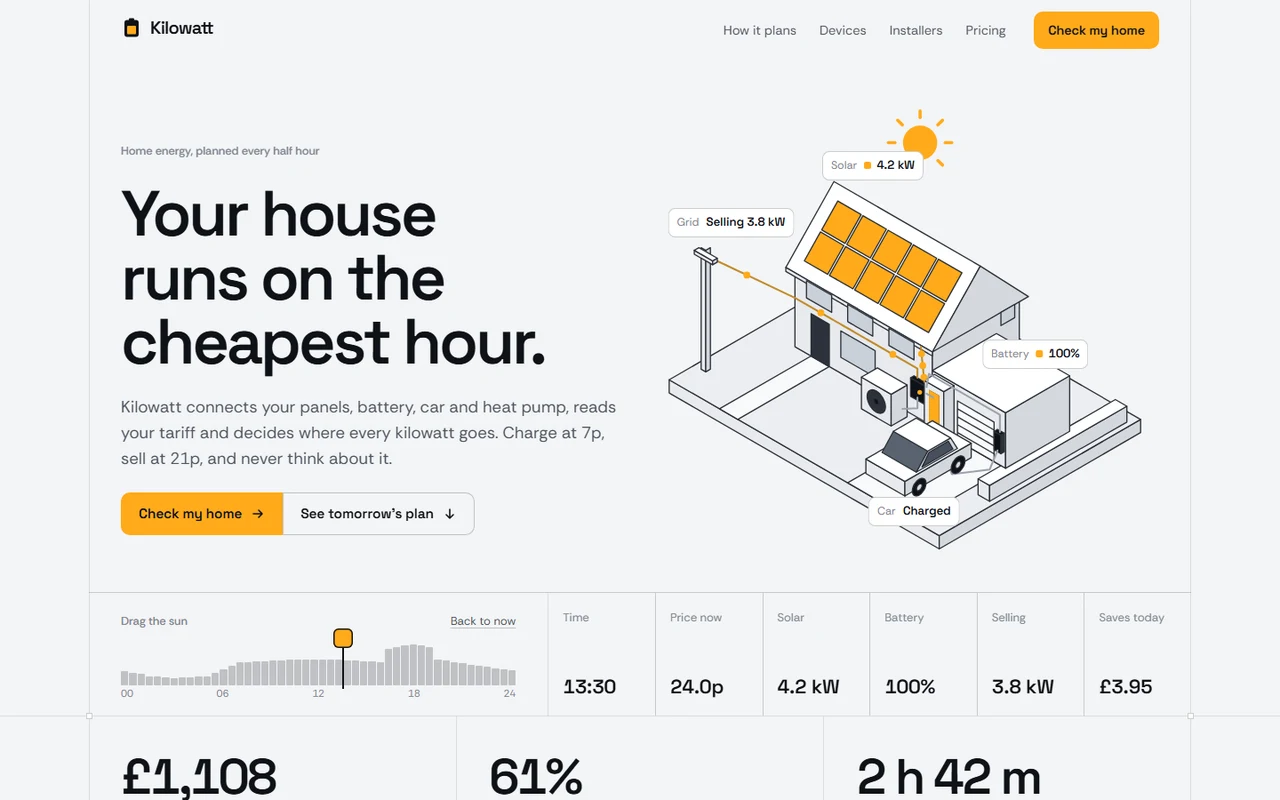
    Pick it if: The page behaves like your product. A flag named in the hero follows the visitor into the code sample and the audit log, and the integration fits in one short sample.

    Skip it if: Your product has no install step to show.

  3. Infrastructure, security or on-call tools

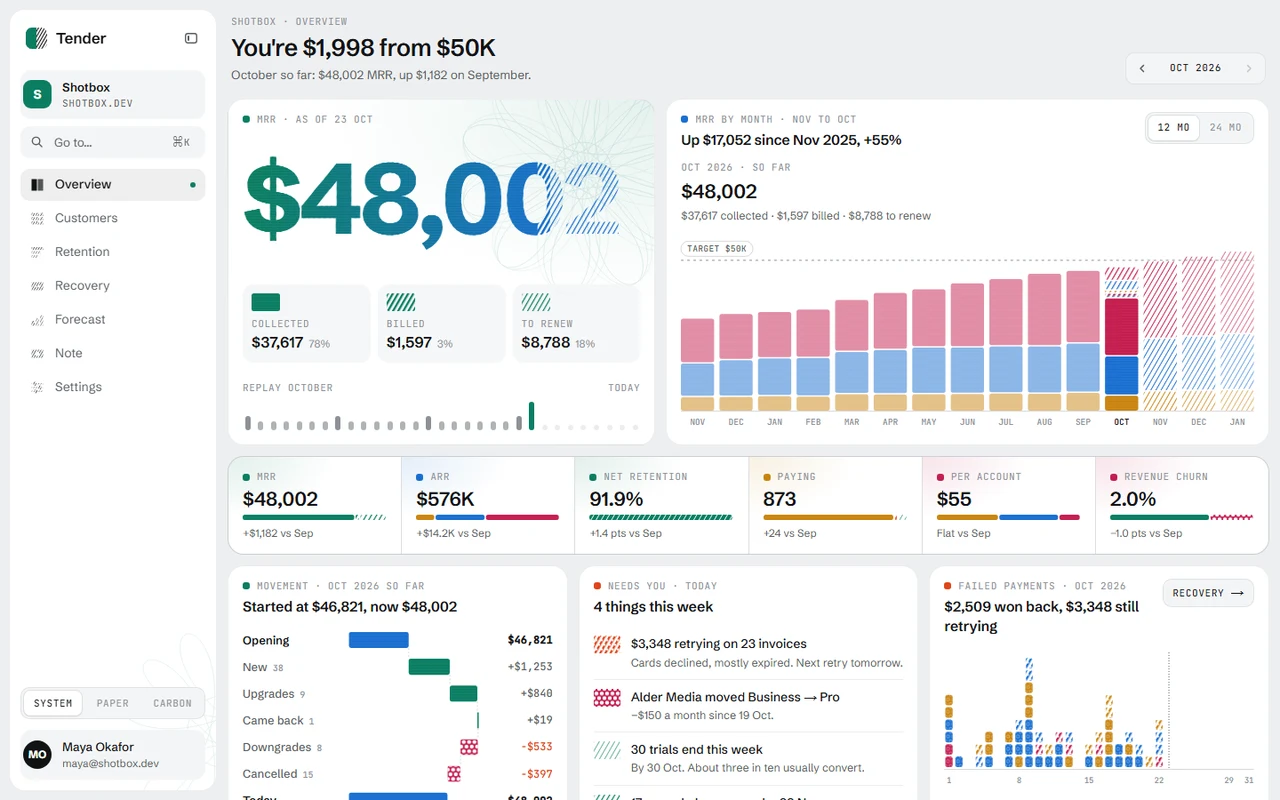
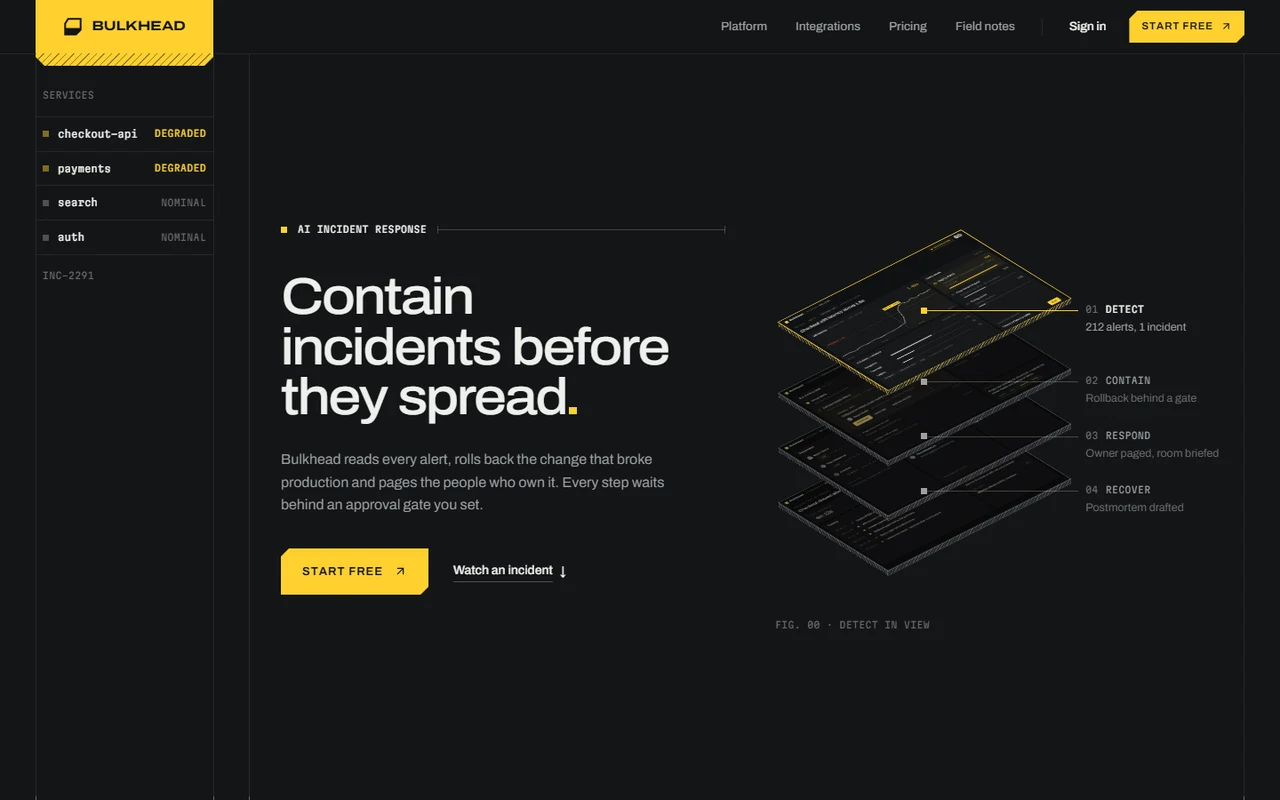
    Bulkhead$39

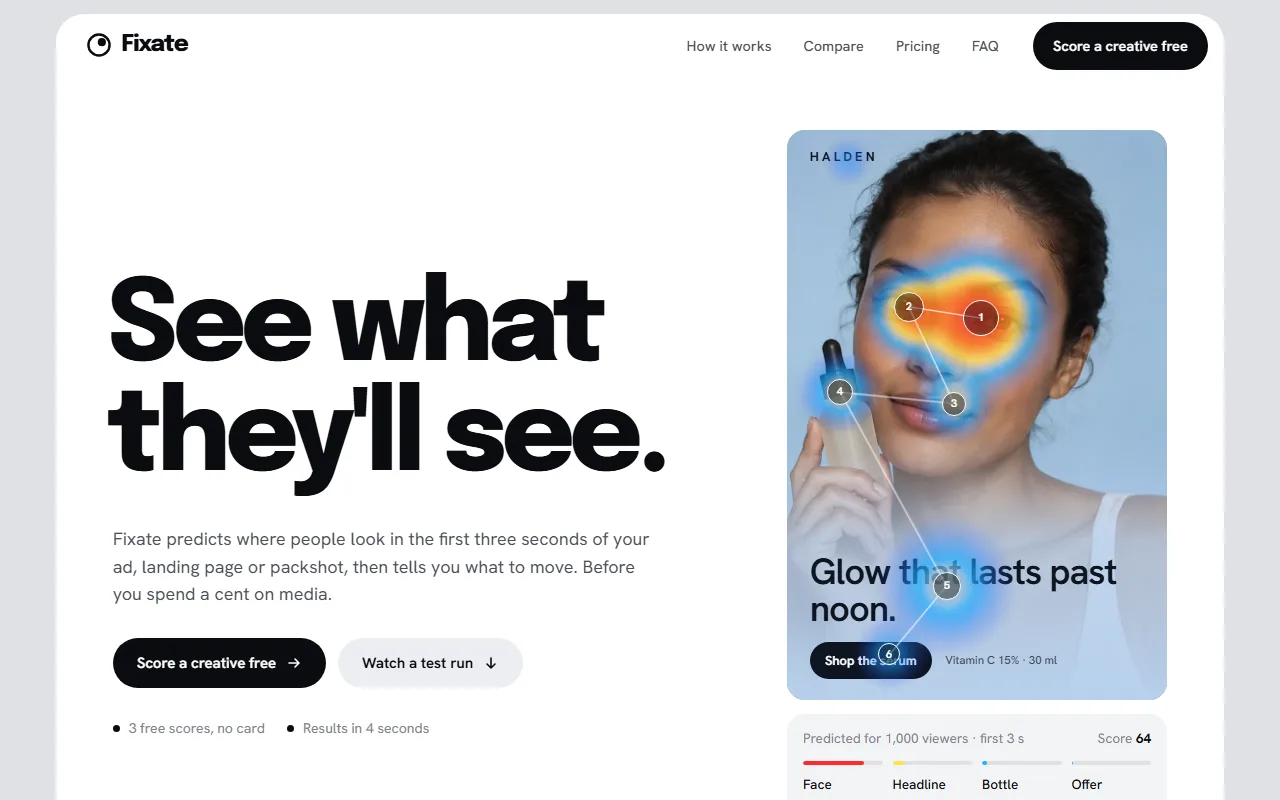
    Pick it if: Dark and engineered, with construction lines and cut-corner sheets. An incident playback pins as you scroll and a fixed rail tracks your place through 13 sections.

    Skip it if: You want a light, friendly page.

  4. A tool that opens pull requests or saves money

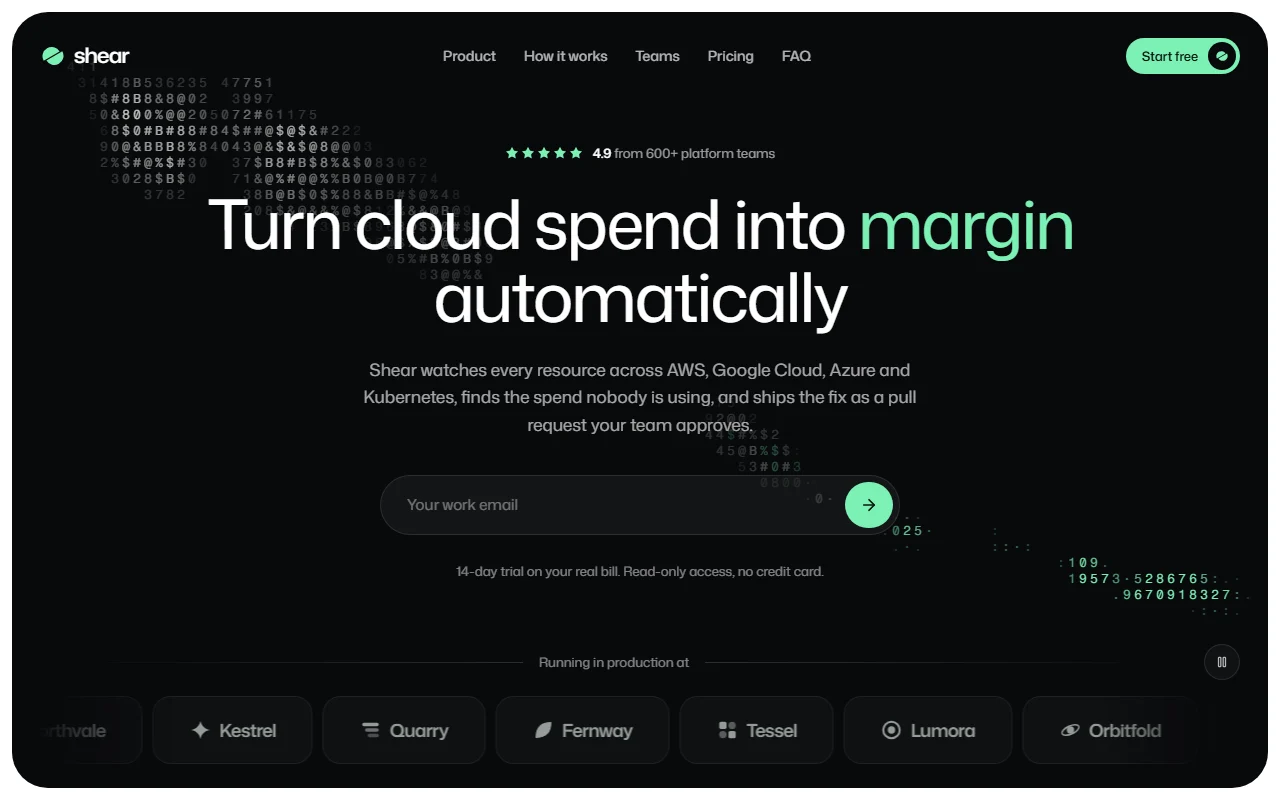
    Shear$39

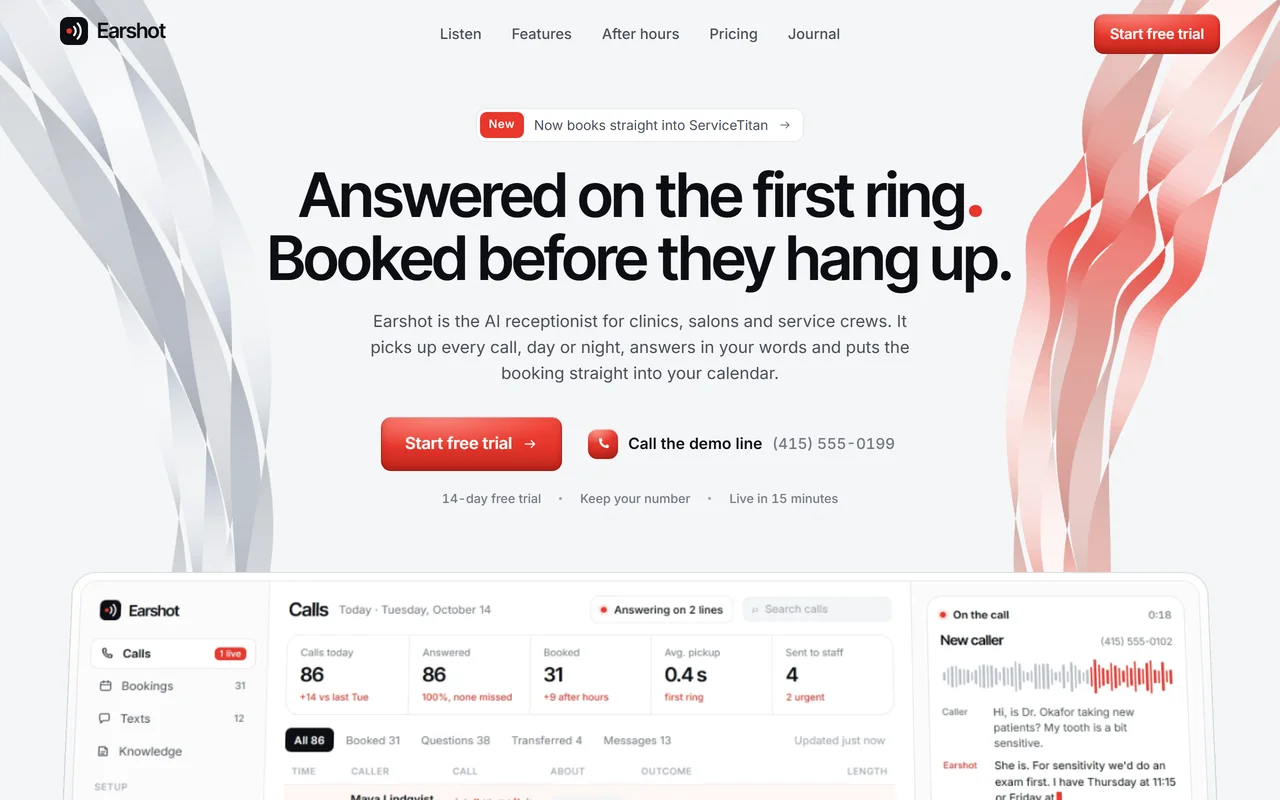
    Pick it if: Its position is that the fix ships as a pull request. Near-black frames, mint on every saving, and a comparison against scripts and consultants that engineers will recognise.

    Skip it if: You have no measurable result to put in the hero.

  5. Release, deployment or workflow software

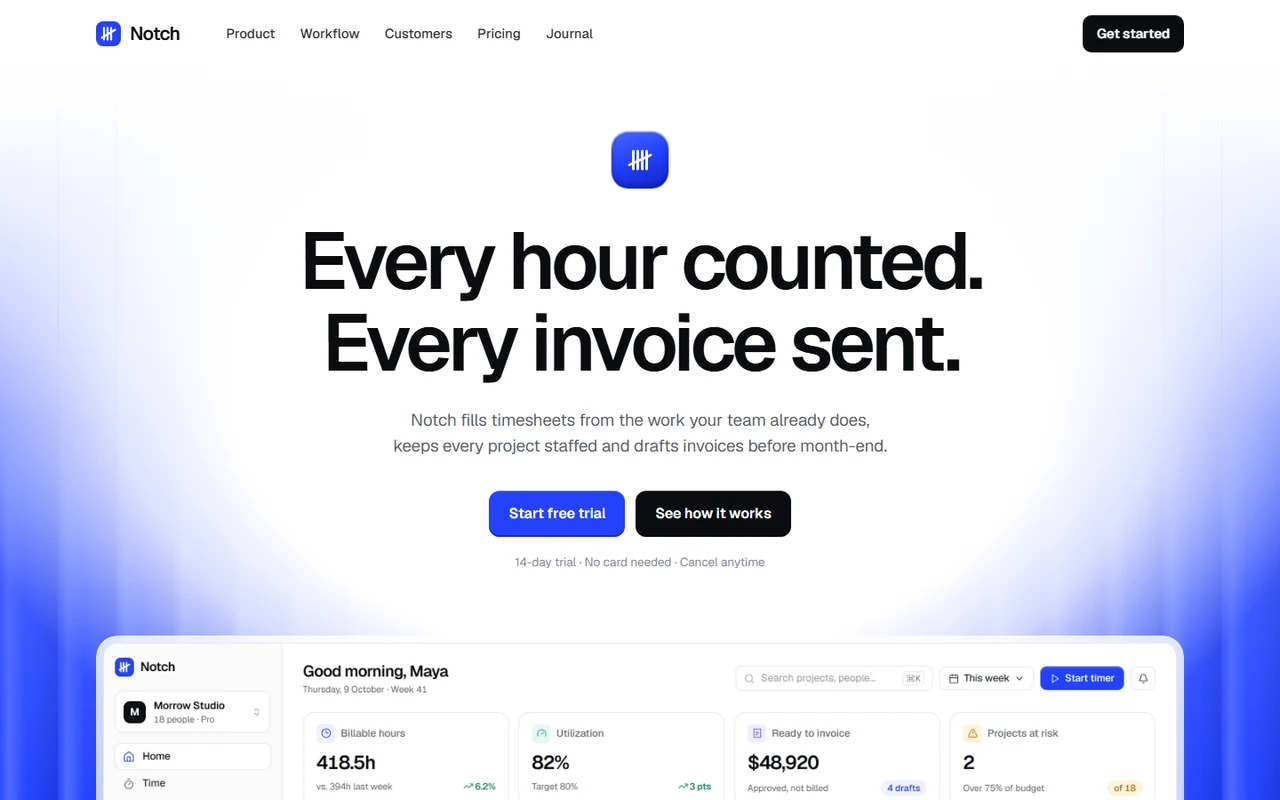
    Notch$39

    Pick it if: Cobalt light, Geist type and purpose-built release diagrams, for tools whose real user is the team around the deploy. It has a journal and legal pages.

    Skip it if: You want code on the first screen. This one leads with a diagram.

  6. An AI coding tool, builder or component product

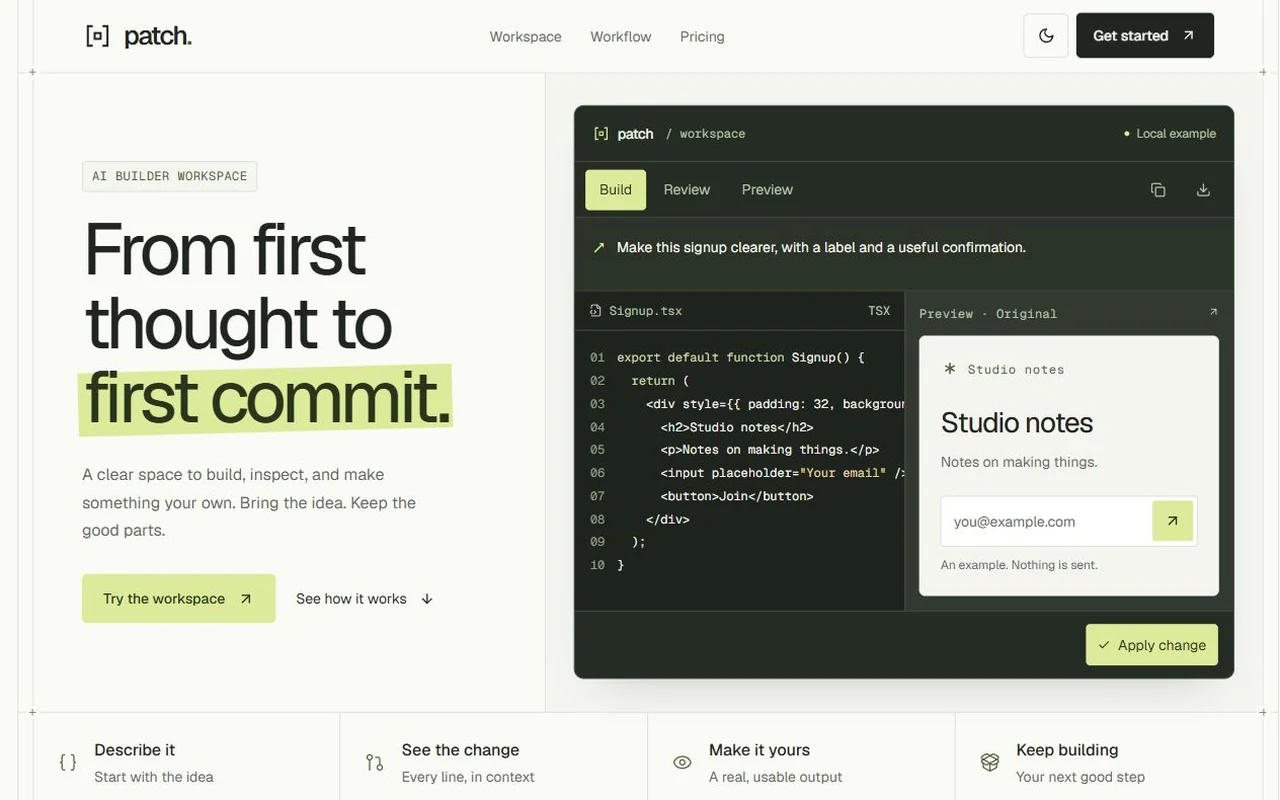
    Patch$39

    Pick it if: A code-and-output workspace with Apply and Undo, code review, clipboard copy and downloadable TSX, with a keyboard command menu and two complete appearances.

    Skip it if: You have a backend product with nothing to preview.

  7. A coding agent or a tool that does work on a branch

    Fleck$39

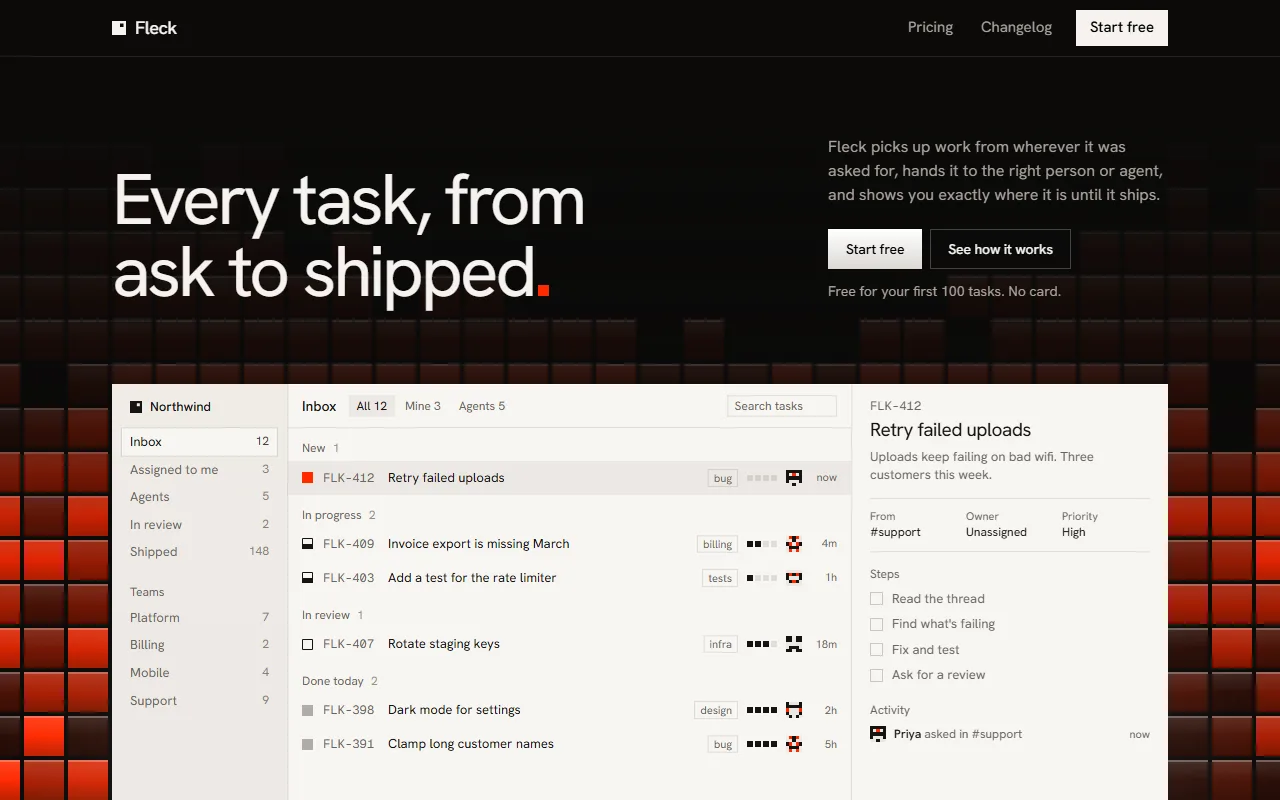
    Pick it if: One task runs down the whole page: handed to a person or an agent on a rail, a run panel with steps and a live code diff, a check that fails and gets fixed, then a person approves it. Dark and restrained, with no animation library.

    Skip it if: You want code on the first screen. It leads with the app window, and the diff comes further down.

  8. A small tool with one line of setup

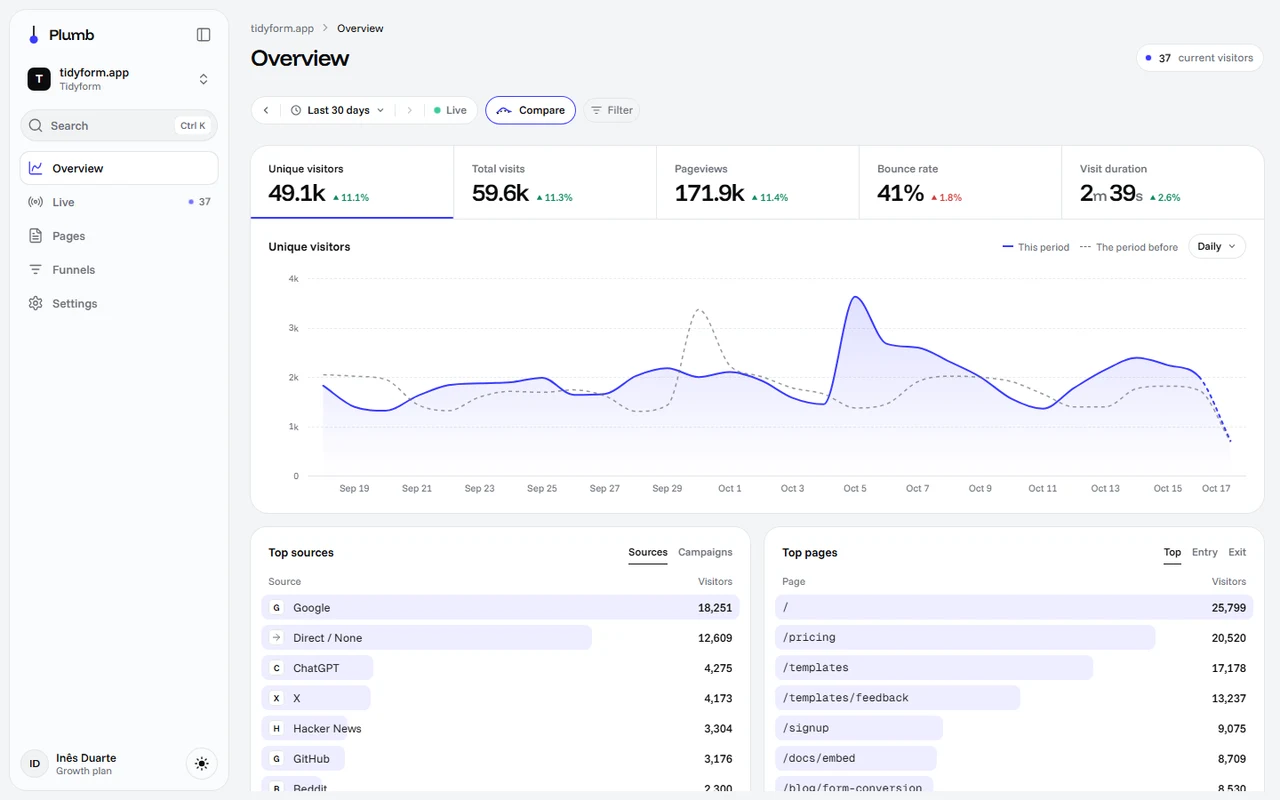
    Plumb$39

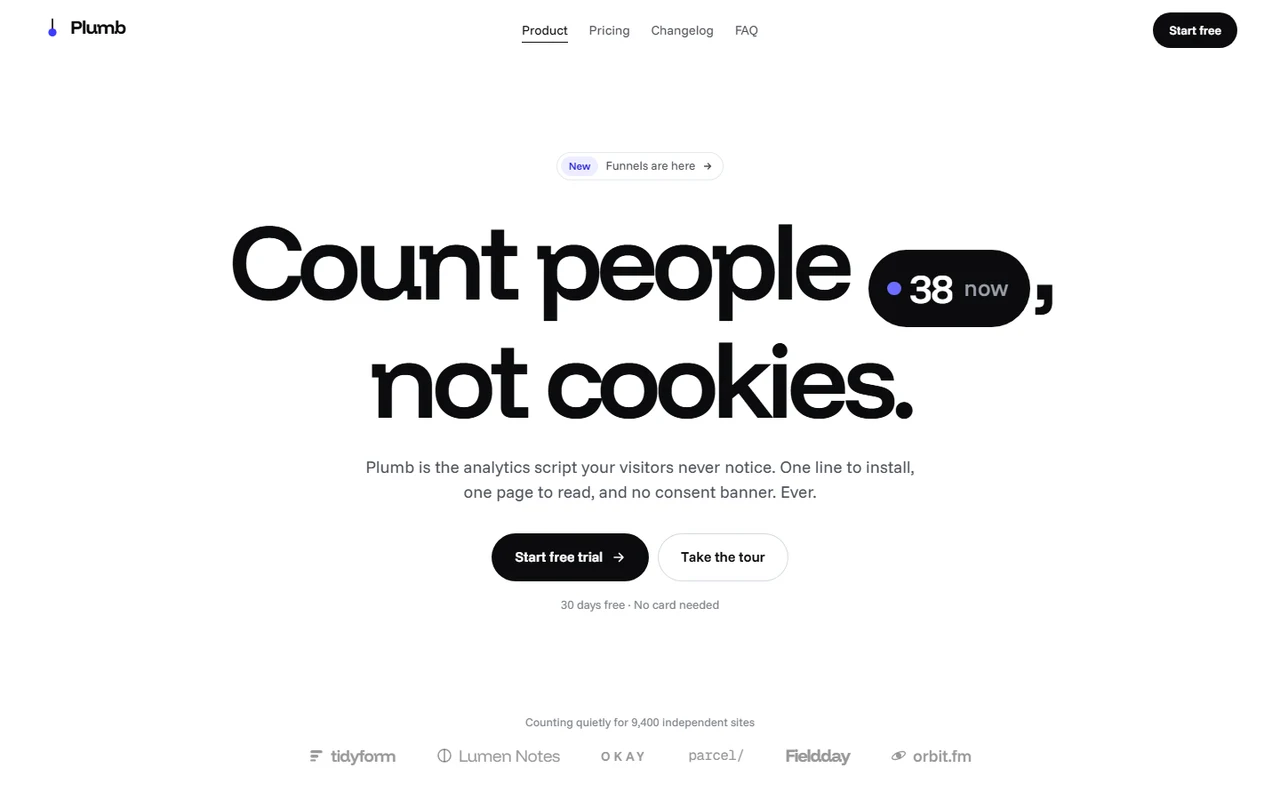
    Pick it if: One line of install code becomes the whole product tour. It has a usage slider for pricing, a changelog that proves you ship and a founder’s letter.

    Skip it if: You have a large team to sell, and a personal voice wouldn’t be true.

  9. An automation or orchestration platform

    Conduit$39

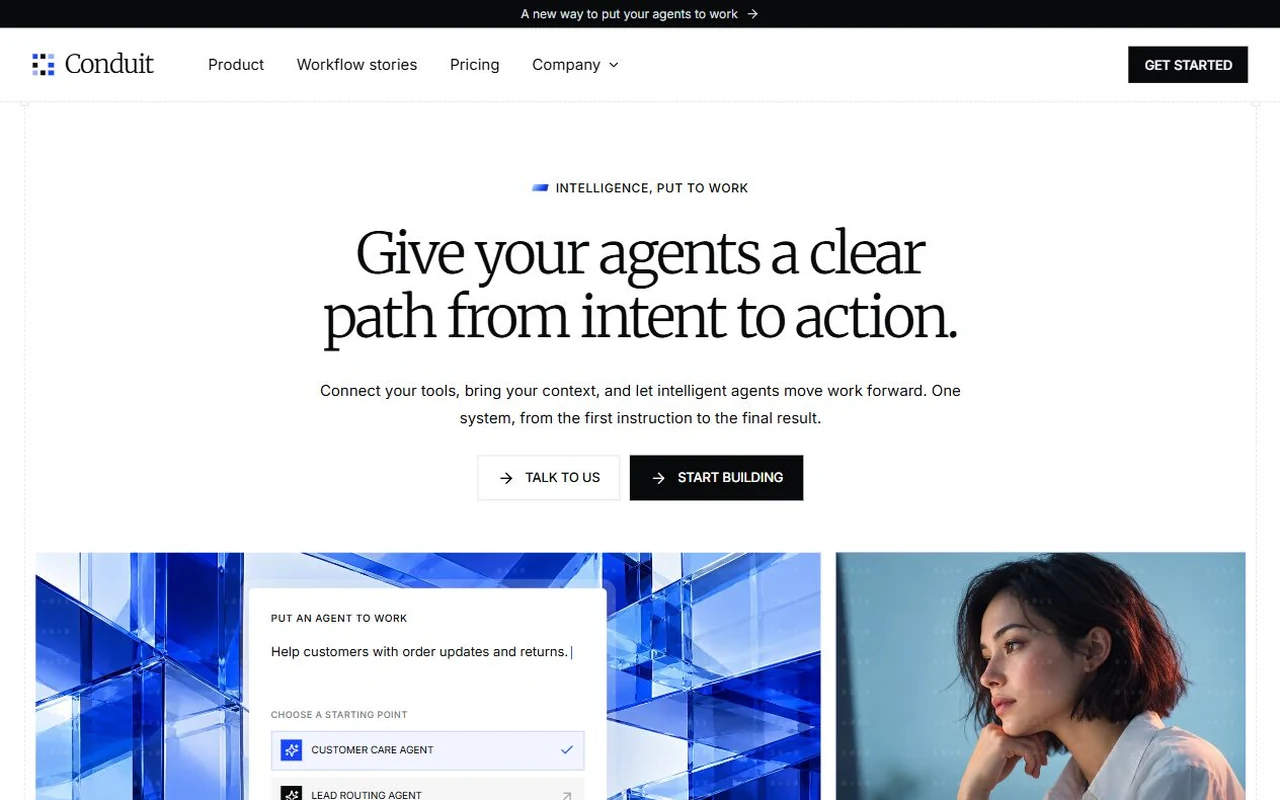
    Pick it if: A live route board plays real blueprints from intent to action, a readable policy shows each boundary, and it comes with pricing, contact and resource pages.

    Skip it if: You want something you can adapt in an afternoon: it is 61 files.

What engineers look for on a tool’s website.

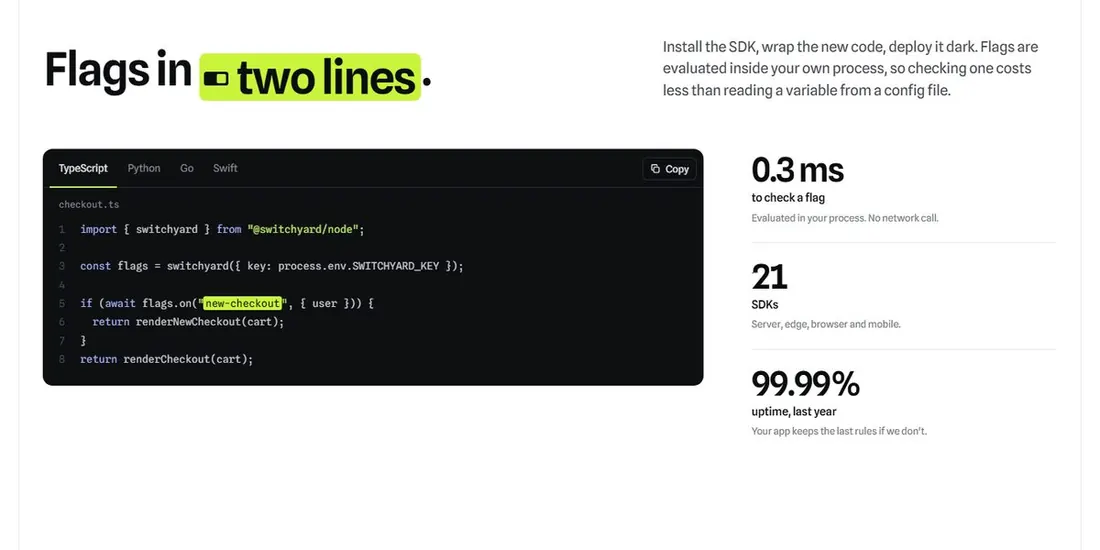
Switchyard template: a section titled Flags in two lines, with a TypeScript code window and three figures beside it.

Show real code. Soon, and short enough to judge.

A developer judges a tool by its call site. A short real sample says more about your API’s taste than a paragraph could: how you name things, what you make them configure, and whether it fits on a screen.

Switchyard shows the integration in a handful of lines, with language tabs and a Copy button, and the three facts an engineer asks next set beside it. Replace them with your own, and only claim figures you can show.
See Switchyard

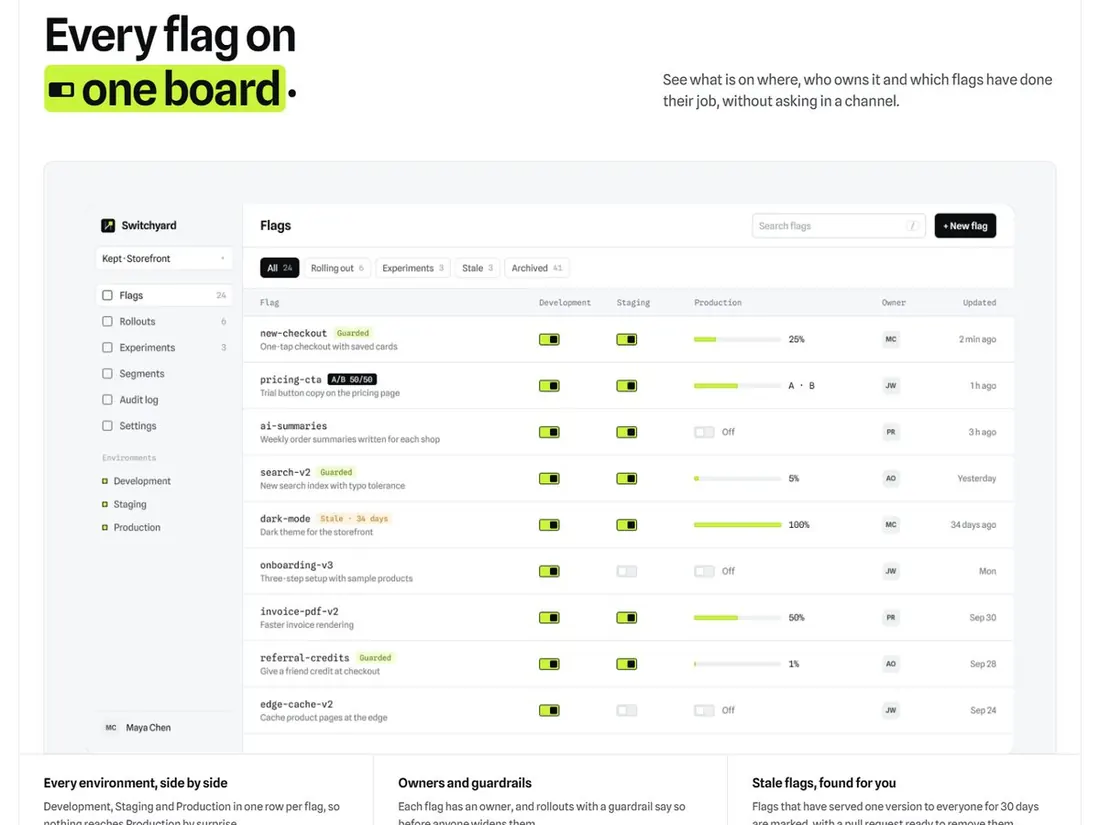
Switchyard template: a section titled Every flag on one board, showing a table of feature flags with toggles per environment and rollout percentages.

Show the product with realistic mess in it.

Marketing screenshots tend to show a clean state nobody has ever had. Switchyard’s board shows stale flags, partial rollouts and environments that disagree, and that is what convinces someone it was built by people who have run one.

When you swap in your own product, take the screenshot from a busy account or seed it with believable data. Then keep the edge cases in.

See Switchyard

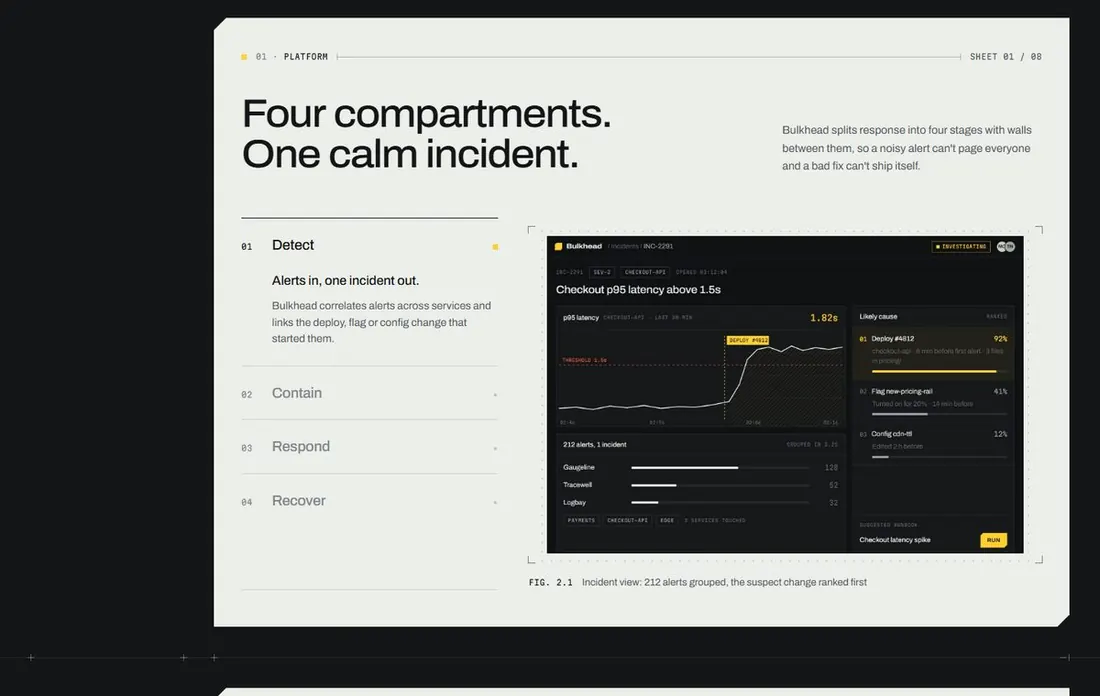
Bulkhead template: a section titled Four compartments. One calm incident, with four numbered steps beside an incident dashboard.

Explain how it works, and how it fails.

Engineers buy on their mental model of the system. Bulkhead explains its product in four stages (detect, contain, respond, recover) and walks through a single incident from the first alert to the end.

If you have a limit, a failure mode or a thing you deliberately don’t do, say it here. An admitted limit makes everything else on the page more believable.

See Bulkhead

All 9, side by side.

Hover a card to scroll the whole page, or compare them in the table.

Developer tools templates compared by audience, theme, styling, routes, sections, mobile Lighthouse score and price
TemplateBuilt forThemeStylingRoutesSectionsMobileLCPPrice
HalftoneAPIs and webhooksLightTailwind v4111823.8 s$39
SwitchyardFeature flag, experimentation and release toolsLightPlain CSS311913.4 s$39
BulkheadDeveloper tools, infrastructure, security and AI operations productsDarkTailwind v4113864.0 s$39
ShearDeveloper tools, infrastructure and FinOps productsDarkTailwind v4112883.3 s$39
NotchRelease and launch coordination softwareLightPlain CSS591001.6 s$39
PatchAI coding and builder toolsLightTailwind v41101001.3 s$39
FleckDeveloper tools, AI agent products and workflow softwareDarkPlain CSS49981.9 s$39
PlumbIndie and small-team SaaS: analytics, forms, scheduling, newsletters, developer and AI toolsLightTailwind v4411903.5 s$39
ConduitAI agent and automation platformsLightPlain CSS410972.4 s$39

How the speed was measured

We served each demo’s static export from a local server that compresses text like a real host, and loaded it in headless Chromium with Lighthouse’s default mobile profile: an emulated mid-range phone on simulated slow 4G with a 4x CPU slowdown. Each figure is the median of three to five runs, last taken November 15, 2026. 4 of 9 reached a Largest Contentful Paint of 2.5 seconds or less, which Lighthouse rates good.

What that doesn’t tell you

These are lab numbers from our machine, not what your visitors will see. Your host, your images and any scripts you add will change them, and real Core Web Vitals only come from real traffic. Scores for the same page moved by up to 4 points between runs, so a gap of a few points means nothing.

Buying guide

How to choose a developer tool template

Docs are a separate project

None of these templates includes a documentation framework. Switchyard, for example, has a setting for your docs link and points its Docs links at the developer section until you fill it in. Keep your docs where they work best, such as Fumadocs, Nextra or a hosted service, on a subdomain or at /docs, and link to them from the header.

That split is usually the right one anyway, because a marketing site changes with your positioning and docs change with your API.

Dark mode is not the signal you think it is

It is tempting to assume a developer tool has to be dark. Plenty of tools engineers love have light sites, and readable code samples matter far more than the page colour. Bulkhead, Shear and Fleck are dark here; Halftone, Switchyard, Notch, Plumb and Conduit are light, and Patch ships in two appearances. Choose the one that suits your product’s personality.

Replace every number

Uptime, latency, SDK counts and customer logos in these demos are placeholders. Engineers check claims like these, and a figure you can’t defend costs more than having no figure. If you are pre-launch, take the numbers out and show the code and the architecture instead. The layouts still work without them.

Who is going to edit it

You will. Each template is a plain Next.js project with no CMS or page builder to learn, its copy in one typed config file. The interactive sections are ordinary React. Halftone is the only template in the library that uses an animation library, Motion; in the others the motion is written into the project itself, so there is one less dependency to upgrade later.

One config file. That’s most of the job.

From Switchyard’s site.config.ts. Each link is optional, and the comment says what happens when it’s empty.

site.config.ts
export const site = {  brand: "Switchyard",  title: "Switchyard — Ship on Friday. Sleep anyway.",  links: {    /**     * Where "Start free" goes. The flag a visitor named in the hero is added as ?flag=… so     * your sign-up can create it for them. Empty: buttons lead to the pricing section.     */    signup: "",    /** Your app's sign-in page. Empty: "Sign in" is hidden. */    login: "",    /** Your documentation. Empty: "Docs" links lead to the developer section. */    docs: "",    /** Book a call or contact sales. Empty: it opens an email to `email`. */    sales: "",    email: "hello@example.com",  },  // …headings, the code sample, plans and questions follow in the same file.};
  • The project. A complete Next.js app with its components, styles and optimised images. Run npm install and npm run dev.
  • A README. How to run, edit and deploy it, and where each colour, font and section lives.
  • ASSETS.md. Where each image and font comes from, so you know what you’re using.
  • A license. Your products and any number of client projects, with no seat counts. Read it.
  • Before you go live. Replace the made-up brand, customers and quotes, and connect your own sign-up, billing and product. Interactive parts run on sample data.

Pay once. Keep it forever.

Every demo is free to explore, 6 templates are free to download, and every purchase includes a commercial license.

Single template

One complete project

$39one-time

Pick any template in the catalog.

  • Complete Next.js template, ready to run
  • Every word, link and price in one config file
  • Complete setup and customisation guide
  • Commercial license for unlimited projects
  • Free updates to this template

All-access

Best value

$159one-time

$2,145 if you bought every template on its own

  • All 61 templates, instantly
  • Every new template, free
  • Unlimited projects and clients
  • Updates to every template
  • Pay once. No subscription.
  • Full refund before download

61 templates today$2.61 each

9 more and it’s $169. Buy today and every one after is yours at $159.

Get All-Access

Done for you

Rather not do it yourself? I’ll redesign your page.

Send your copy and screenshots of your app. I start from the closest template and design your page around your product, in 5 days.

  • A first screen designed around your product
  • Your copy, screens, colours and fonts
  • Next.js code, one round of changes

$499one-time, 2 a week

See the redesign

Drag the line: Fennel is a made-up product, rebuilt from the Frank template.

Fennel as a typical AI-built page
Fennel redesigned, starting from the Frank template

Before you choose, the usual questions.

What is the best template for an API product?

Halftone is written for one: a delivery log, a pipeline, a code window with language tabs and a CLI terminal, for webhooks, email, auth or payments APIs. If your API is sold on savings or results, look at Shear. If setup is one line, look at Plumb.

Do they include documentation pages?

No. These are marketing sites. Run your docs separately with a tool built for them and link to it from the header. Switchyard has a setting for that link, and the other templates’ links live in their config too.

Can I change the code samples and languages?

Yes. They are plain text in the project, and you can replace them with your own SDK calls. Switchyard and Halftone both have language tabs in their code windows, so you can show several languages or cut it down to one.

Are they written in TypeScript?

Yes. Every template is a standalone Next.js 16, React 19 and TypeScript project. Some use Tailwind CSS v4 and some use plain CSS with design tokens; the table on this page says which.

Is there a dark mode?

Each template is designed for its own appearance rather than offering a generic toggle. Bulkhead, Shear and Fleck are dark, Patch ships in two complete appearances and the rest are light. The colour tokens are in one stylesheet if you want to change them.

Can I try one before paying?

Every template has a live demo you can open from this page. Index, Relay and four others are free with an account, so you can download one and read how it is built before you buy.

Not quite what you’re after? Keep looking.

Your next landing page, already finished.

Pick a template tonight, make it yours in one file, and ship it by the weekend.