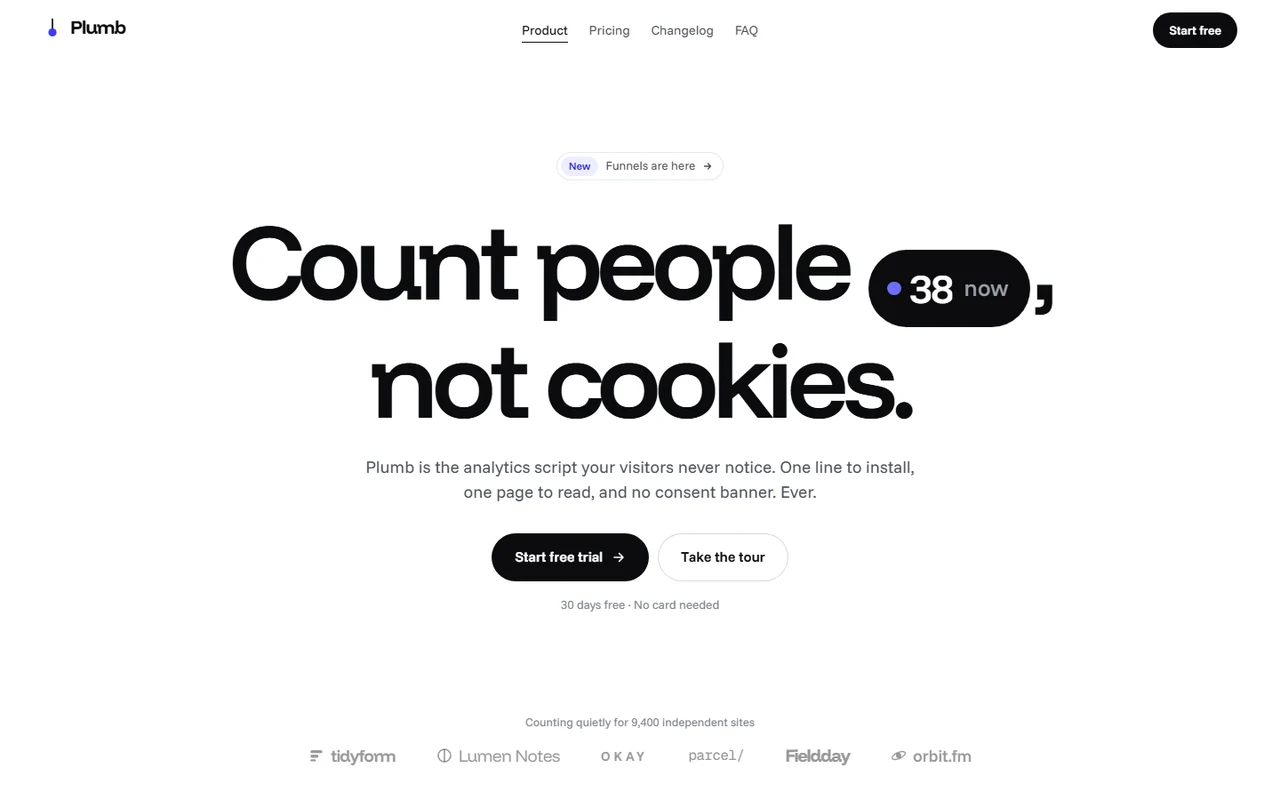
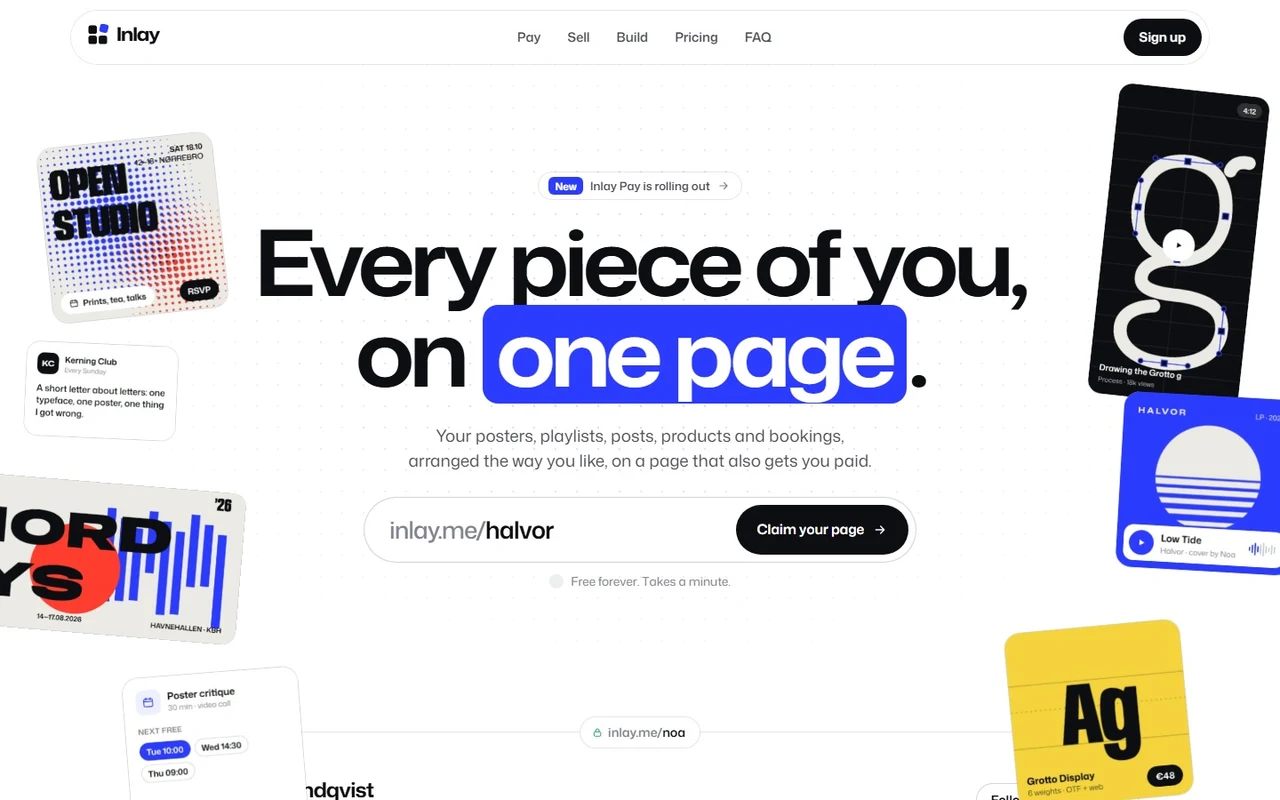
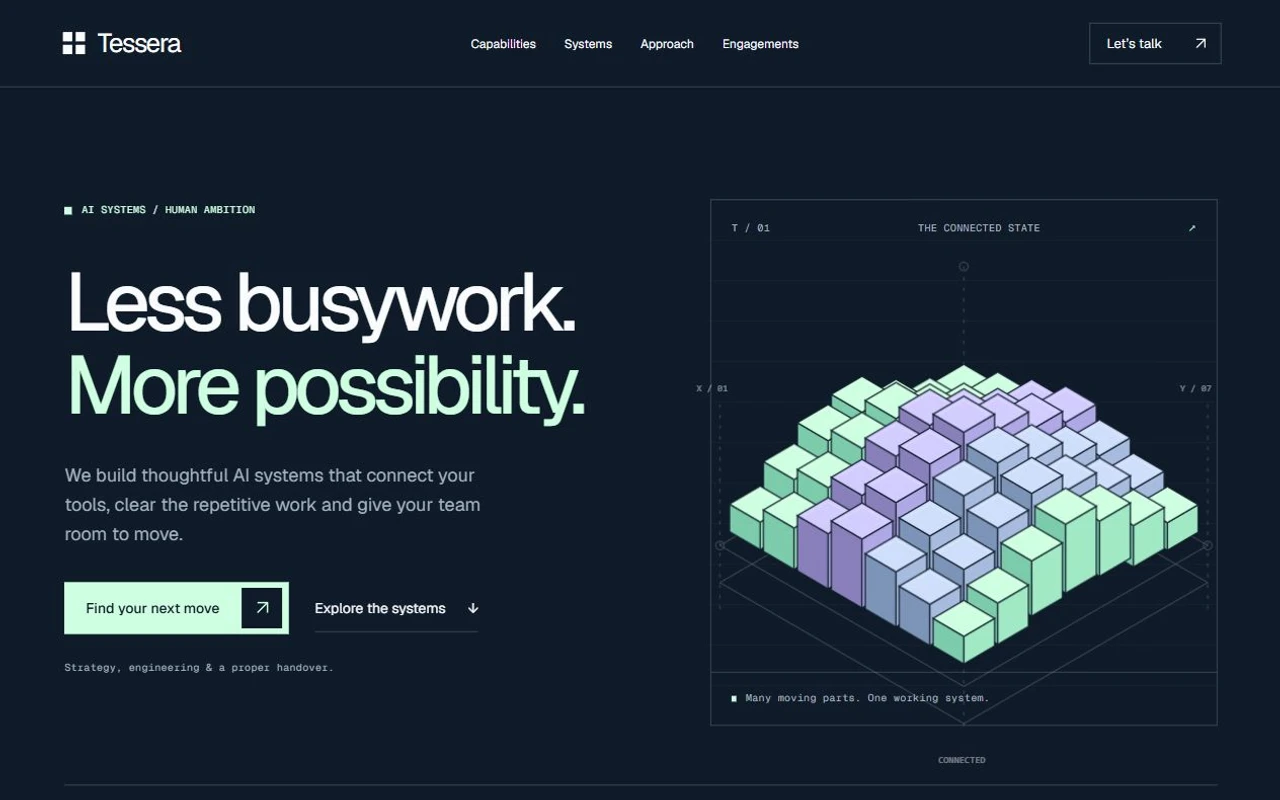
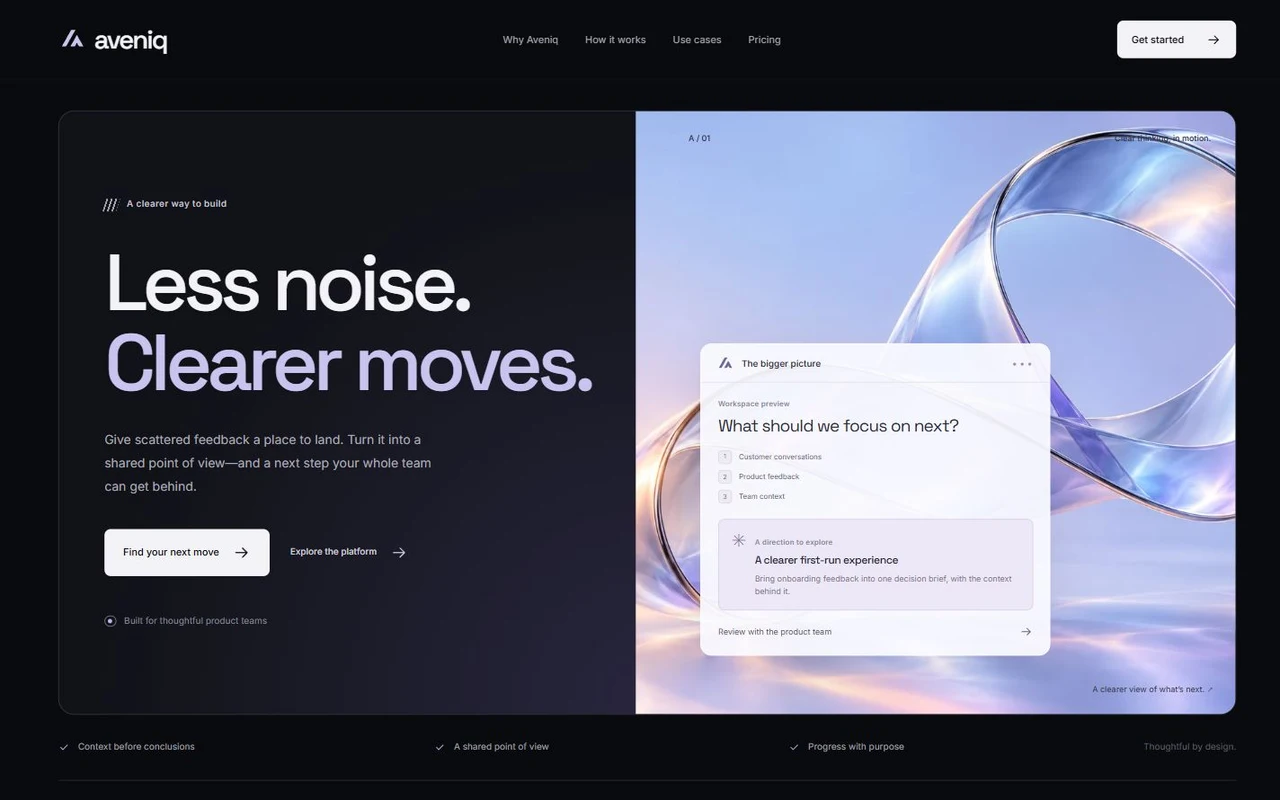
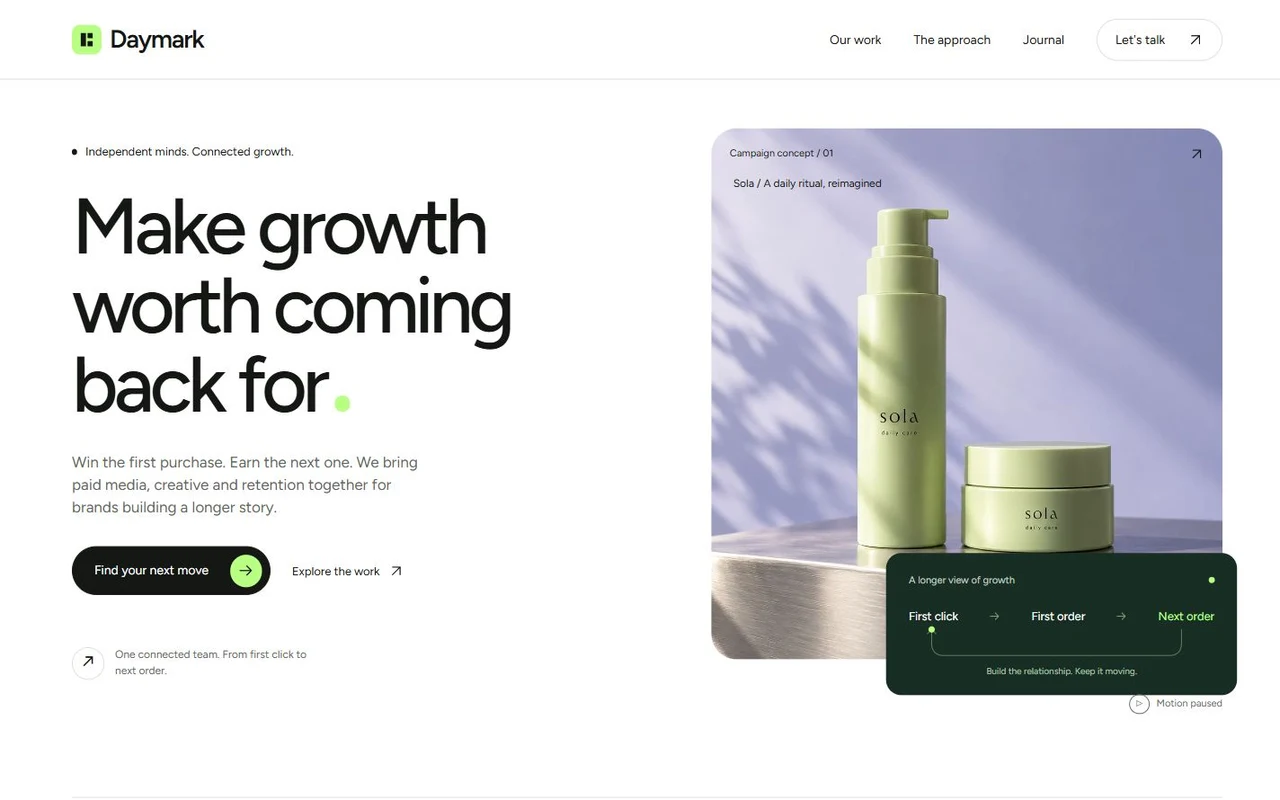
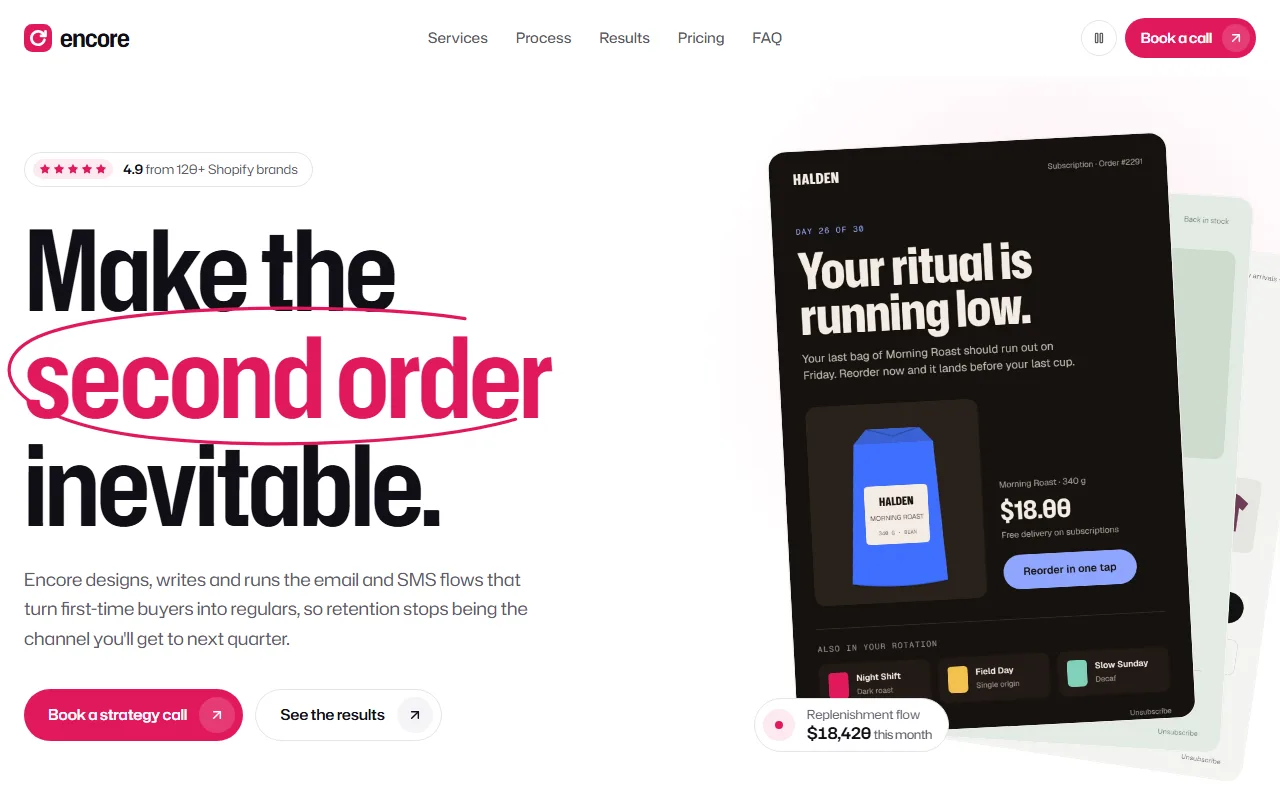
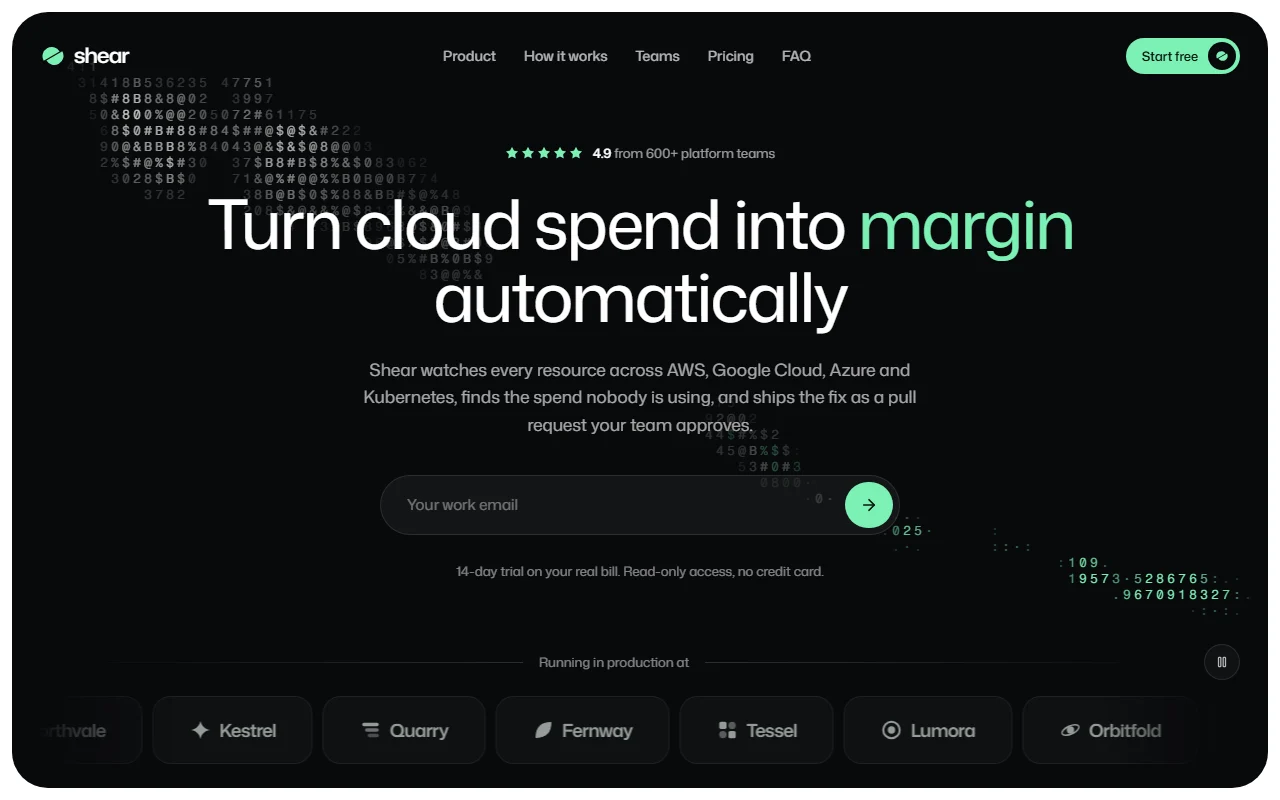
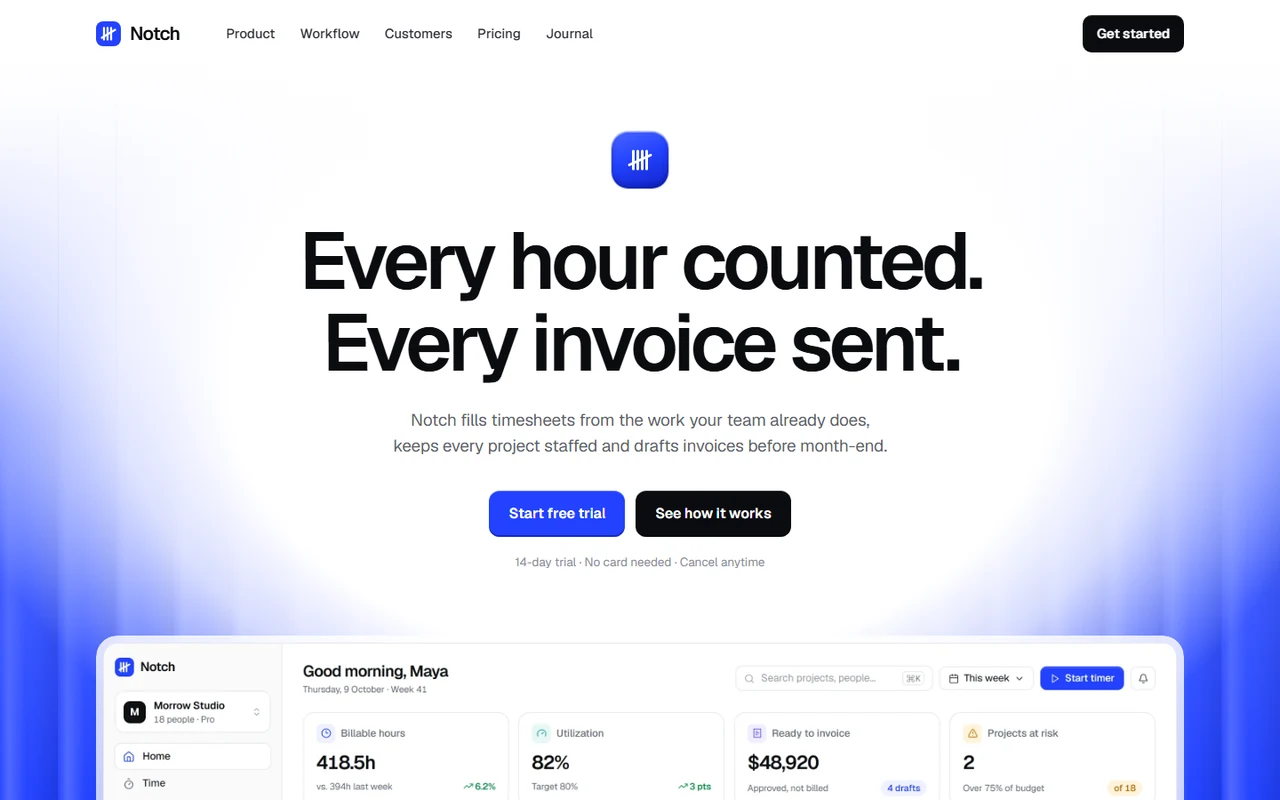
Plumb: Motion-led indie SaaS landing page template for Next.js.
- Next.js 15
- Tailwind CSS v4
- TypeScript
- 11 sections
- Light
- No API keys
- Updated Oct 10, 2026

Overview
A complete launch page for a product made by a small team, written for Plumb, a fictional privacy-first analytics tool. One ink surface carries the hero and the whole tour: it starts as the live visitor counter inside the headline and changes shape, chapter by chapter, into each part of the product, then docks into the navigation's sign-up button. Built for makers who sell software with a founder's voice: a usage slider for pricing, a changelog that proves you ship and a letter signed by hand.
- Made for
- Indie and small-team SaaS: analytics, forms, scheduling, newsletters, developer and AI tools, Products with an install snippet, an embed or a link that starts everything, Founders who want a page that feels made by people, with real motion craft
- Highlights
- One surface that changes shape through the whole product tour, with the live number riding through every screen
- Chapters are data: any number of lines, screens and phones, each with its own image
- Usage-based pricing slider, scrubbable changelog and a full /changelog page
- Sign-up pill that opens in place, rolling numbers everywhere, full reduced-motion support
- The look
- Funnel Display headlines with Funnel Sans for reading and Geist Mono for code. A white page with cool greys, an ink surface and one ultramarine accent. Hairlines instead of shadows, product screens in dark UI rendered as images, and a plumb line for a mark. No photographs.
Sections
- 01
Hero and tour
The headline carries a live counter as a word. Scroll and the sentence drifts apart while the counter becomes the install line (with a working Copy button), opens into the dashboard, narrows to the live view, turns into the weekly email and a phone, and flies into the navigation's Start free button. The counter lands on each screen's own slot. Chapters are configurable: line, screen or phone, as many as you need.
- 02
Navigation
A clear bar that turns white with a hairline on scroll, a hairline that glides to the link you point at and rests on the section you're reading, and a phone menu that opens the bar downward.
- 03
Drawn to scale
Each row draws a typical setup's bar across the page as you scroll, with its figure rolling up; then ours drops in, so thin at this scale that it is a hairline.
- 04
Feature grid
Nine smaller features in a hairline grid whose lines draw themselves, cells that rise in a diagonal wave and icons that draw their own strokes.
- 05
Testimonials
One quote at a time at display size, chosen by its people, with a ring for a timer and a rolling rating.
- 06
Pricing
One plan priced by traffic: drag through the tiers on a log scale, the price rolls, the plan's name morphs and a switch rolls every figure to its yearly price.
- 07
Founder's letter
Paragraphs brighten as they're read and the signature, one pen stroke, writes itself in step with your scroll. Four facts sit under a hairline.
- 08
Changelog
The newest releases on a ruler of days you can scrub or play, linking to a full /changelog page with filters and a trace that a bead rides down.
- 09
FAQ and closing
An accordion beside a sticky intro, then an ink panel with a plumb line dropping in and a sign-up pill that widens into an email field in place.
- 10
Footer
Links, then a giant odometer clock of the time spent on the page: we counted you once, without a cookie.
- 11
Pages
A full changelog page, privacy and terms placeholders and a custom 404.
Remove a section by deleting its line in app/page.tsx, or move the line to reorder.
Built with
Its motion comes from free components in our library, shipped in components/hairline/ so you can use them anywhere else on the page too.
- Number roll · Footer, Scale, Tour, VoicesNumbers that change like an odometer: every digit rolls in the direction the number moved.
- Text morph · Closing, TourText that changes the way it should: shared letters slide over, new ones rise out of a blur, the width eases.
- FAQ accordion · FaqQuestions on hairlines that open like they mean it: the answer eases to its height, the plus folds into a minus.
- Changelog trace · Changelog viewWhat shipped, routed like a circuit: the line steps aside between releases, and a bead runs down it as you read.
- Pricing calculator · PricingDrag to your size and watch the price roll, the plan morph and, at the top, “Let’s talk”.
- Changelog scrubber · ShippedYour release history on a ruler you scrub: drag the playhead, or press play and watch the product ship.
- Testimonials · VoicesOne quote, chosen by its people: faces step forward, the words cross-fade through a blur, a ring keeps time.
Make it yours
Every heading, chapter, plan and destination lives in site.config.ts, and the releases are a plain data file. Replace the product screens in public/images with your own and keep each chapter's aspect true to its image.
| To change | Edit |
|---|---|
| Brand, copy, tour chapters, comparison, plans, letter, FAQ and links | site.config.ts |
| Releases (home page and /changelog) | data/changelog.ts |
| Sign-up page, form endpoint and the live counter's endpoint | site.config.ts → links, signup, live |
| Palette and type | app/globals.css, app/layout.tsx |
| Product screens (sizes in the README) | public/images/ |
| Section order | app/page.tsx |
Run it
$ npm install$ npm run devNode.js 20.9 or newer. No environment variables.
Before you go live
Replace the fictional product, people, figures and releases. Set links.signup, signup.endpoint (or keep the email fallback), live.endpoint for a real counter, links.email and meta.url in site.config.ts, and swap in screenshots of your own product.
Specifications
- Framework
- Next.js 15 (App Router), React 19
- Language
- TypeScript
- Styling
- Tailwind CSS v4 with design tokens and component styles
- Fonts
- Funnel Display, Funnel Sans, Geist Mono, self-hosted with next/font
- Dependencies
- next, react, react-dom
- Images
- Five original product screens in dark UI, rendered at 2× and shipped as WebP, about 220 KB in all. The mark, wordmarks, icons and signature are SVG.
- API keys and environment variables
- None
- Node.js
- 20.9 or newer
- Colour scheme
- Light
- Responsive
- Desktop, tablet and phone
- Accessibility
- Skip link, visible focus, keyboard navigation, reduced motion
- Deploys to
- Vercel, Netlify, Cloudflare Pages or any Node host
- Codebase
- 59 source files, about 7,800 lines
- Last updated
- Oct 10, 2026
License
One license, no tiers. The full text ships as LICENSE.md in the download.
You can
- Use it for your own products
- Use it for any number of client projects
- Change the code and design however you like
- Deploy the result commercially
You can’t
- Resell or share the files as a template, theme or UI kit
- Publish the source as a template in a public repository
Questions
What do I get when I buy Plumb?
The complete Plumb project as a download: the Next.js app, its config file, a README with setup and customisation notes, and the license. The download link arrives right after checkout.
Can I use Plumb for client projects?
Yes. One purchase covers your own products and any number of client projects, and you can change the code however you like. What you can’t do is resell or share the template files themselves as a template or UI kit.
Do I need API keys, a database or a backend?
No. It runs with npm install and npm run dev and deploys to Vercel, Netlify or Cloudflare Pages without any environment variables.
What should I change before I launch?
Replace the fictional product, people, figures and releases. Set links.signup, signup.endpoint (or keep the email fallback), live.endpoint for a real counter, links.email and meta.url in site.config.ts, and swap in screenshots of your own product.
Do I need to know Next.js?
Basic React helps, but most changes are text edits in site.config.ts. The README walks through colours, fonts and section order.
How do updates work?
Updates to Plumb are free. When a new version ships, download it again from the link in your order email.
Can I get a refund?
Yes. If Plumb isn’t right for you, reply to your receipt within 14 days and you get your money back.
Should I buy all-access instead?
If you’ll use more than two templates, yes. All-access is $99 for all 35 templates, including Plumb and every template added later. Three single templates would cost $117.
All-access
All 35 templates for $99.
Every template in the library, including Plumb, and every one added later. Same license, free updates. Less than three single templates.