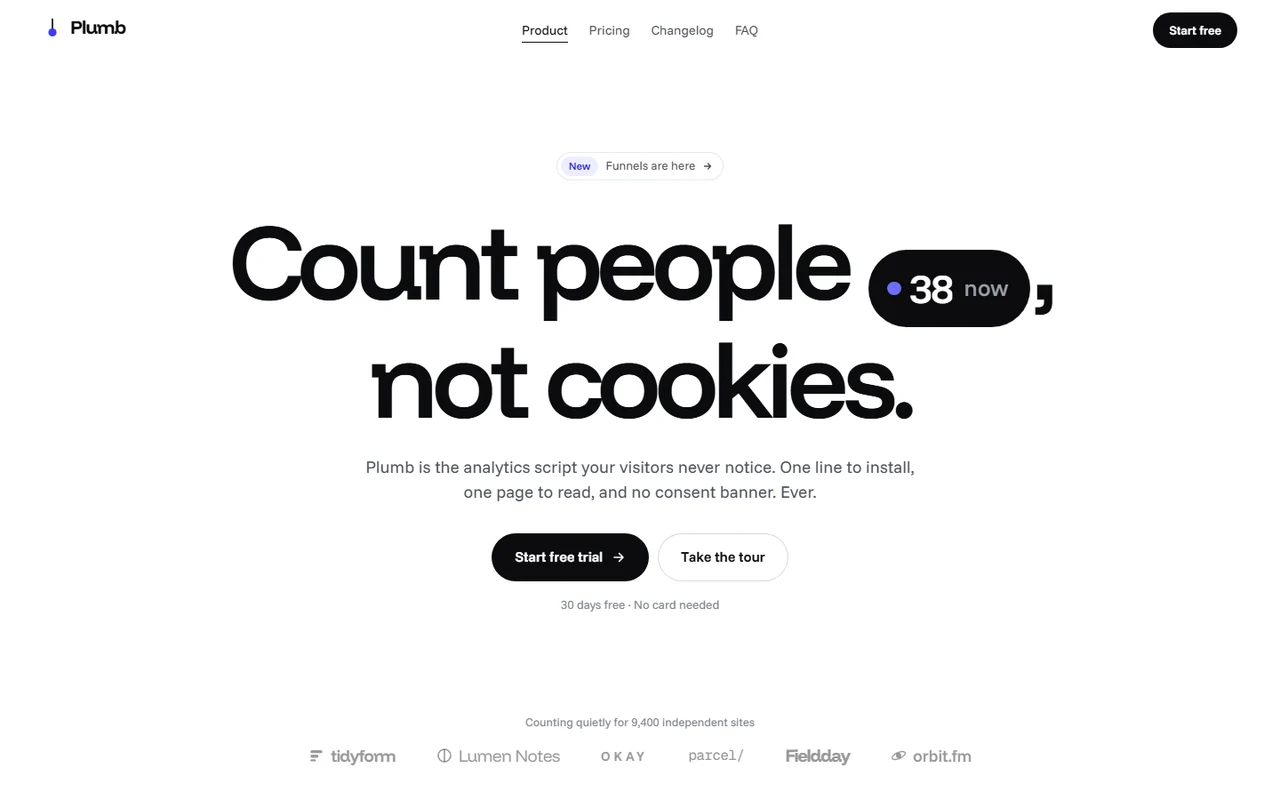
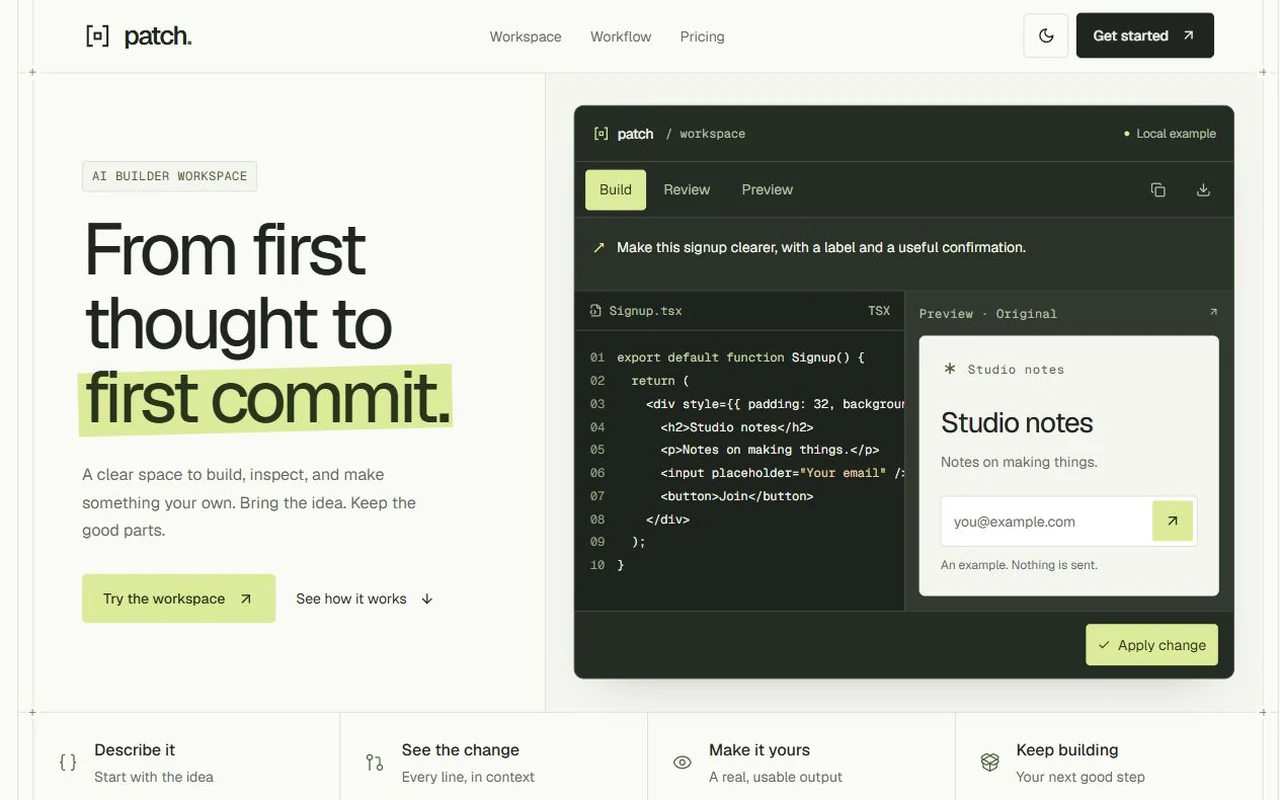
Plumb App: Web analytics dashboard template for Next.js.
- Next.js 16
- Tailwind CSS v4
- TypeScript
- 8 sections
- Light
- No API keys
- Palette
- Updated Oct 17, 2026
01Overview
At a glance
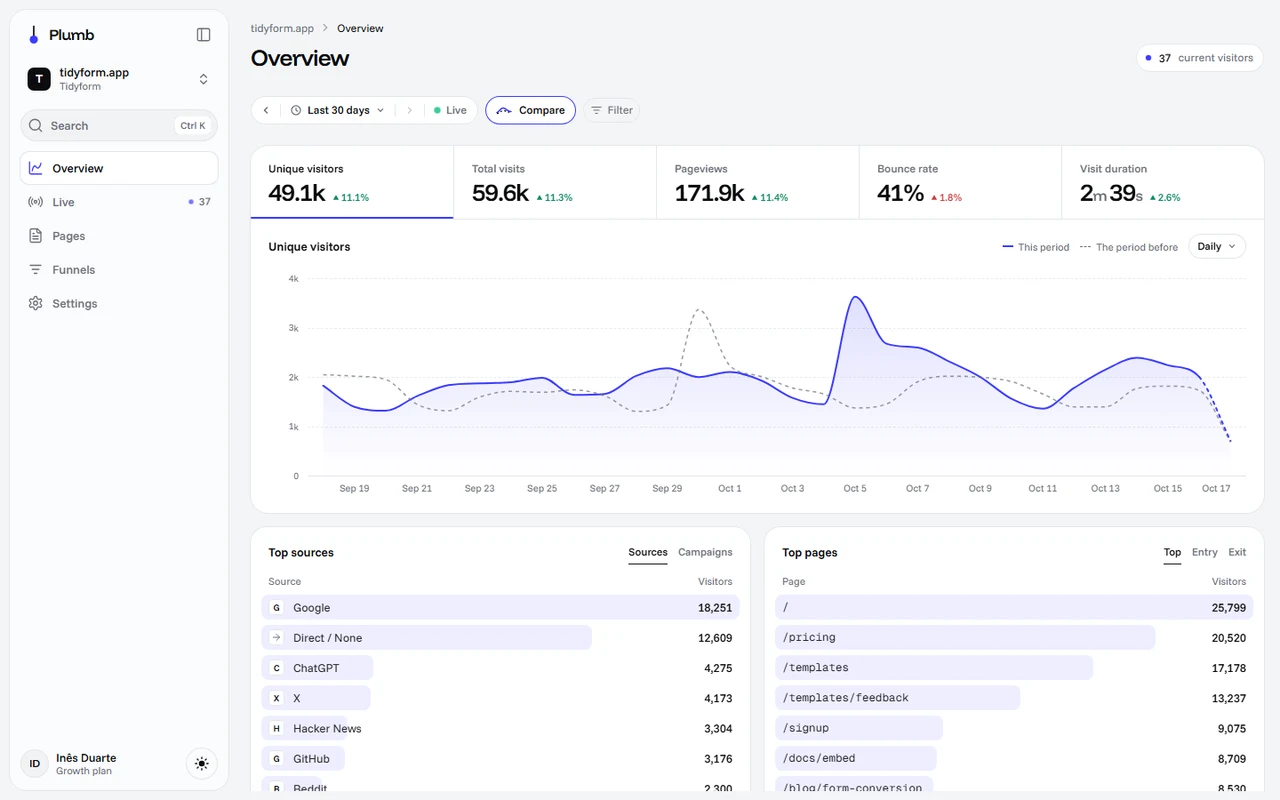
The app behind Plumb, a fictional privacy-first analytics product: five screens where one view (the range, the comparison and the filters) is shared by every chart, figure and list, and lives in the URL. Change it anywhere and the whole page answers at once. Built to pair with the Plumb landing page, and to carry any product whose numbers are visits, usage or events over time.
Made for
- Analytics, usage and reporting dashboards in a SaaS: traffic, events, API calls, sales
- Products that sell with the Plumb landing page and need the app behind it
- Teams who want a dashboard that reads like one tool, not a collage of cards
- One view in the URL: range, comparison, filters and metric, shared by every widget and every screen
- Drag to zoom on the trend, rows that become filters, figures that roll and lists that re-rank in place
- Live, Pages (sortable table, CSV export), Funnels and Settings (team, API keys, domain, email reports)
- Queries shaped like Plausible's Stats API v2, with a ready Plausible source and demo data in the browser
02The look
Its own palette and type
The colours and type it ships with. Tap a colour to copy it.
- AaFunnel DisplayIncluded with the template
The quick brown fox jumps over the lazy dog
0123456789
- AaFunnel SansIncluded with the template
The quick brown fox jumps over the lazy dog
0123456789
- AaGeist MonoIncluded with the template
The quick brown fox jumps over the lazy dog
0123456789
Funnel Display figures and headings, Funnel Sans for reading and Geist Mono for paths and codes. Cool greys, an ink dark mode and one ultramarine accent, hairlines instead of shadows, a floating sidebar that folds to a rail. Every number rolls and every label morphs when the view changes.
03Sections
8 sections, in page order
From the first screen to the footer.
- 01
Overview
Five figures that are also the chart's tabs, each with its change against the period before (green or red by what's good news). The trend draws the period before as a dashed line and today, still running, dashed too. Drag across it to zoom every widget to those days; point at a day and the readout says who sent its visitors.
- 02
Lists that filter
Top sources and campaigns, pages (top, entry, exit), countries and cities, devices, browsers and systems. Rows glide to their new ranks, bars ease and figures roll; press a row to filter the whole page to it and again to let go. Each card grows in place to show the rest.
- 03
View bar
A time range picker (presets, typed ranges like “last 14 days”, ‹ › to step), Compare, and a filter bar whose chips glide in when a row is pressed elsewhere. It stays pinned while you scroll and counts “2,585 of 18,340 visitors”.
- 04
Live
People on the site now, rolling as they come and go; the last thirty minutes by the minute, stepping left each minute; a world map that lights the city of every pageview; the pages and sources of the last five minutes; the newest pageviews as a stream.
- 05
Pages
Every page in a sortable, searchable table with visitors, views, bounce, time on page and a trend per row. Select rows to export them as CSV; open one in place to see its trend and where its readers came from.
- 06
Funnels
Saved funnels per site, or steps picked from the site's pages with a searchable combobox (two to five). Conversion and the biggest drop in words, and each step against the period before.
- 07
Settings
The install line with Copy and a check, the script on your own domain (DNS records that tick green), email reports and privacy that save as you change them, the team with invites and roles, and API keys you create, roll and revoke.
- 08
App frame
A site switcher that opens in place, ⌘K to jump to any screen, site or range, light, dark and system themes, and a drawer on phones where the figures scroll and the table becomes cards.
04Built with
Motion from our free library
Free components from our library, included so you can use them anywhere on your page.
- Number rollIn Funnels, Live, Kpi strip, App shell, Page header, Rank listNumbers that change like an odometer: every digit rolls in the direction the number moved.$39
- Text morphIn Breakdown, Overview, Site switcherText that changes the way it should: shared letters slide over, new ones rise out of a blur, the width eases.Book a call
- Status buttonIn SettingsSave, Saving, Saved: the spinner opens in, the check draws itself, errors shake, and the label morphs between them.
- ComboboxIn FunnelsPick one or several from a list your server searches: results morph between queries instead of flashing, and picks fly into chips.
- Stage barsIn FunnelsA funnel you can read at a glance: every stage as a bar against the first, the drop-off between them, and widths that ease when the period changes.
- Live mapIn LiveThe world as dots, lighting up where things happen: pings ripple, the light lingers, and one card follows the newest event from city to city.
- Trend chartIn OverviewOne metric over time, the way an analytics screen needs it: the period before as a dashed line, an unfinished day drawn dashed, a readout that glides with the pointer, and drag to zoom.
- Data tableIn PagesA table whose rows travel: sort and every row glides to its rank, live data re-ranks itself, and selection turns the toolbar into its actions.
- SparklineIn PagesAn ultra-compact inline trendline with magnetic scrubber and auto-trend color for table cells and stat cards.
- API keysIn SettingsThe API keys screen, done properly: the secret rises in once, and Done folds it down into the "sk_live_••••4f2a" it leaves behind.
- Domain connectIn SettingsA custom domain from typed to live: copyable records that tick green as DNS finds them, checks that wait longer each time, and a rail that runs to Live.
- Settings formIn SettingsA settings page that saves the way people expect: switches save themselves, text edits gather into one bar that rises with "2 unsaved changes".
- Team membersIn SettingsSettings → Members, done properly: invited addresses fly out of the field onto their rows, role pills grow into the list of roles, and seats roll.
- Command paletteIn App shell⌘K that grows out of the search pill: fuzzy search, nested lists, and commands that run in place.
- Theme toggleIn App shellThe sun sets into a moon, and the new theme spreads from the button in a circle.
- Filter barIn View barThe bar above a list, done like Linear’s: one panel from property to value, chips you change in place, and a sentence that becomes filters.
- Time range pickerIn View bar"Last 15 minutes" for logs, metrics and traces: type 2h or yesterday 14:00–16:00, step by the window, pause live, or drag across a chart to zoom.
05Make it yours
Where everything lives
Every screen asks for its numbers through one object in lib/analytics/index.ts, with queries shaped like Plausible's Stats API v2. It runs on demo data generated in the browser until you point it at Plausible (a ready source and two route handlers in the README) or at your own store.
| To change | Edit |
|---|---|
| Name, signed-in person, sites, saved funnels and navigation | site.config.ts |
| Where the numbers come from | lib/analytics/index.ts |
| Plausible (with two route handlers from the README) | lib/analytics/plausible.ts |
| Settings saves: install check, domain, preferences, team, keys | lib/account.ts |
| Colours for light and dark, and type | app/globals.css, app/layout.tsx |
| Range presets | components/view/ViewBar.tsx |
Run it
$ npm install$ npm run devNode.js 20.9 or newer. No environment variables.
Before you go live
Point analytics in lib/analytics/index.ts at Plausible or your own store and delete the demo data, replace the functions in lib/account.ts with calls to your backend, and put your sites and the signed-in person in site.config.ts (your auth fills those in).
06Specifications
What’s under the hood
- sections
- 8
- source files
- 75
- lines of code
- ~17,400
- dependencies
- 4
- API keys needed
- 0
Stack
- Framework
- Next.js 16 (App Router), React 19
- Language
- TypeScript
- Styling
- Tailwind CSS v4 with design tokens and component styles
- Dependencies
nextreactreact-domlucide-react
Design
- Fonts
- Funnel Display, Funnel Sans, Geist Mono, self-hosted with next/font
- Images
- No images: the charts, map, bars, tiles and avatars are drawn in SVG and CSS from the data.
- Colour scheme
- Light
- Responsive
- Desktop, tablet and phone
Quality
- Accessibility
- Skip link, visible focus, keyboard navigation, reduced motion
- API keys and environment variables
- None
- Node.js
- 20.9 or newer
Shipping
- Deploys to
- Vercel, Netlify, Cloudflare Pages or any Node host
- Codebase
- 75 source files, about 17,400 lines
- Last updated
- Oct 17, 2026
07License
One license, no tiers
The full text ships as LICENSE.md in the download and is on the license page.
You can
- Use it for your own products
- Use it for any number of client projects
- Change the code and design however you like
- Deploy the result commercially
You can’t
- Resell or share the files as a template, theme or UI kit
- Publish the source as a template in a public repository
08Questions
Before you buy
What do I get when I buy Plumb App?
The complete Plumb App project as a download: the Next.js app, its config file, a README with setup and customisation notes, and the license. It’s added to your account’s library the moment payment goes through.
Can I use Plumb App for client projects?
Yes. One purchase covers your own products and any number of client projects, and you can change the code however you like. What you can’t do is resell or share the template files themselves as a template or UI kit.
Do I need API keys, a database or a backend?
No. It runs with npm install and npm run dev and deploys to Vercel, Netlify or Cloudflare Pages without any environment variables.
What should I change before I launch?
Point analytics in lib/analytics/index.ts at Plausible or your own store and delete the demo data, replace the functions in lib/account.ts with calls to your backend, and put your sites and the signed-in person in site.config.ts (your auth fills those in).
Do I need to know Next.js?
Basic React helps, but most changes are text edits in site.config.ts. The README walks through colours, fonts and section order.
How do updates work?
Updates to Plumb App are free. When a new version ships, download it again from your library.
Can I get a refund?
Yes. If Plumb App isn’t right for you, email support@hairlineui.com within 14 days and you get your money back. No reason needed.
Should I buy all-access instead?
If you’ll use more than two templates, yes. All-access is $99 for all 40 templates, including Plumb App and every template added later. Three single templates would cost $117.
09All-access
Every template, one price
All 40 templates for $99.
Every template in the library, including Plumb App, and every one added later. Same license, free updates. Less than three single templates.