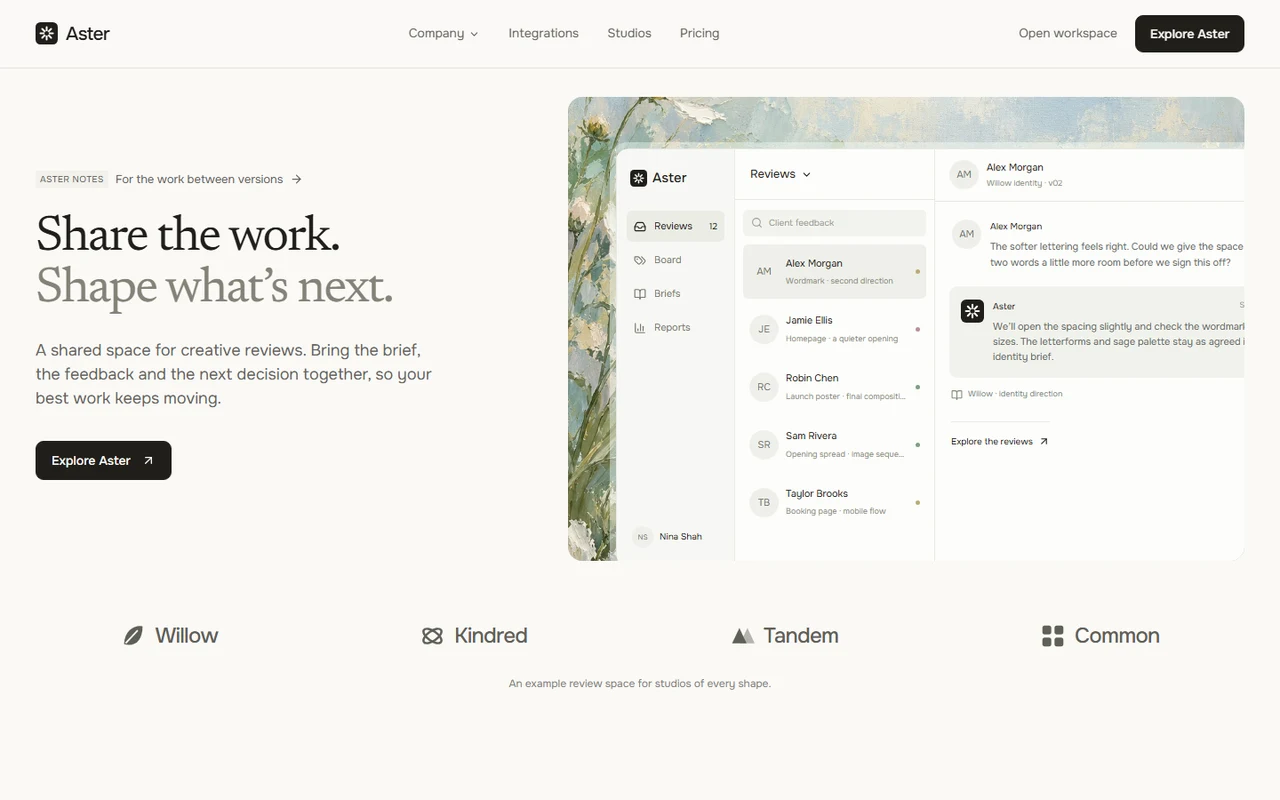
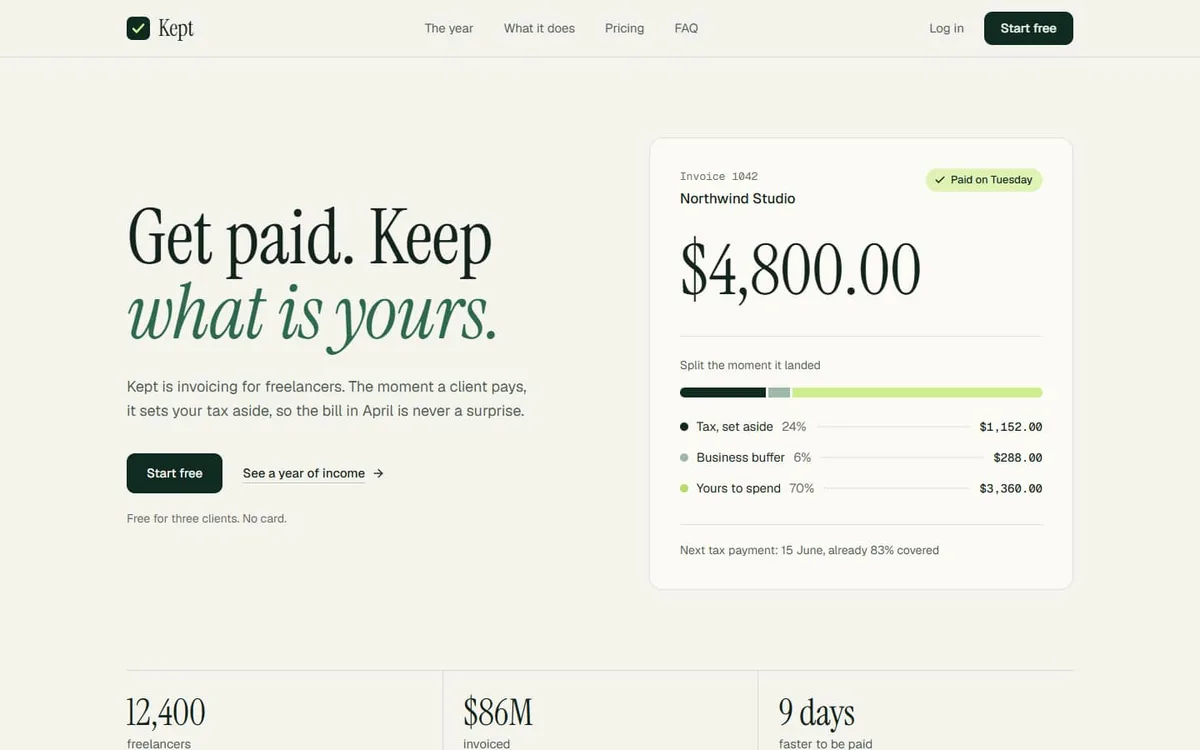
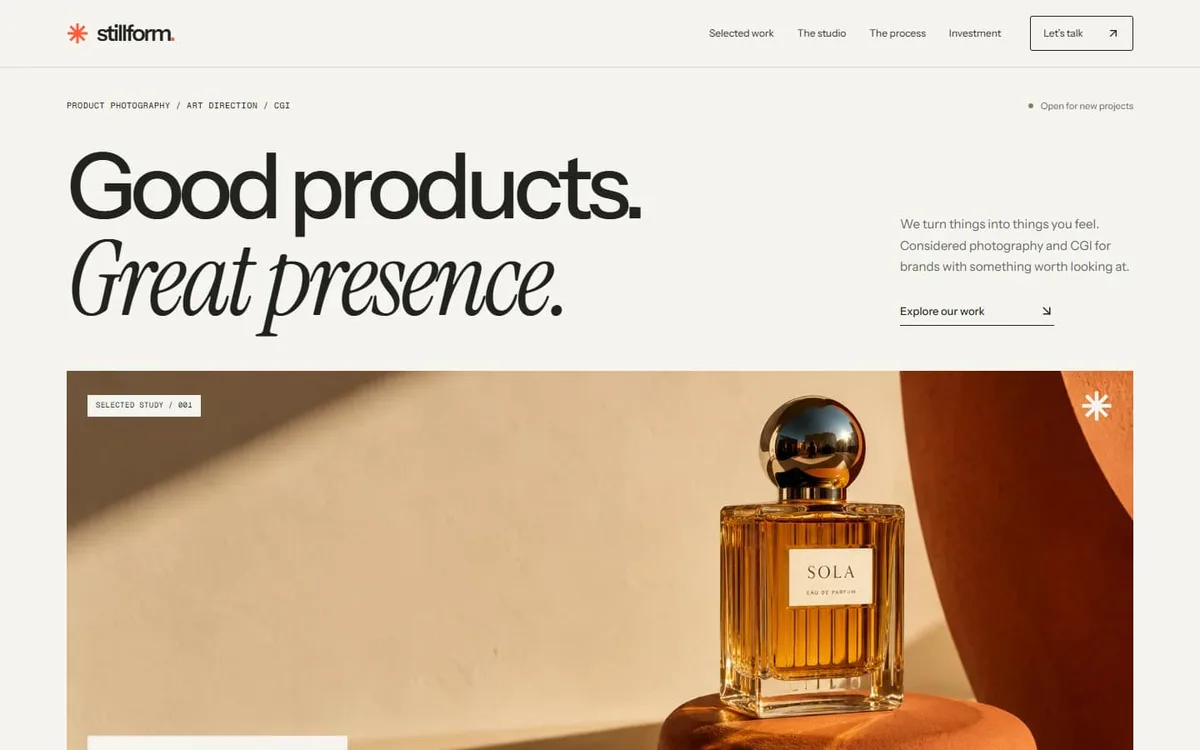
Vela: CRM and customer success landing page template for Next.js.
- Next.js 15
- CSS
- TypeScript
- 7 sections
- Light
- No API keys
- Updated Oct 10, 2026

Overview
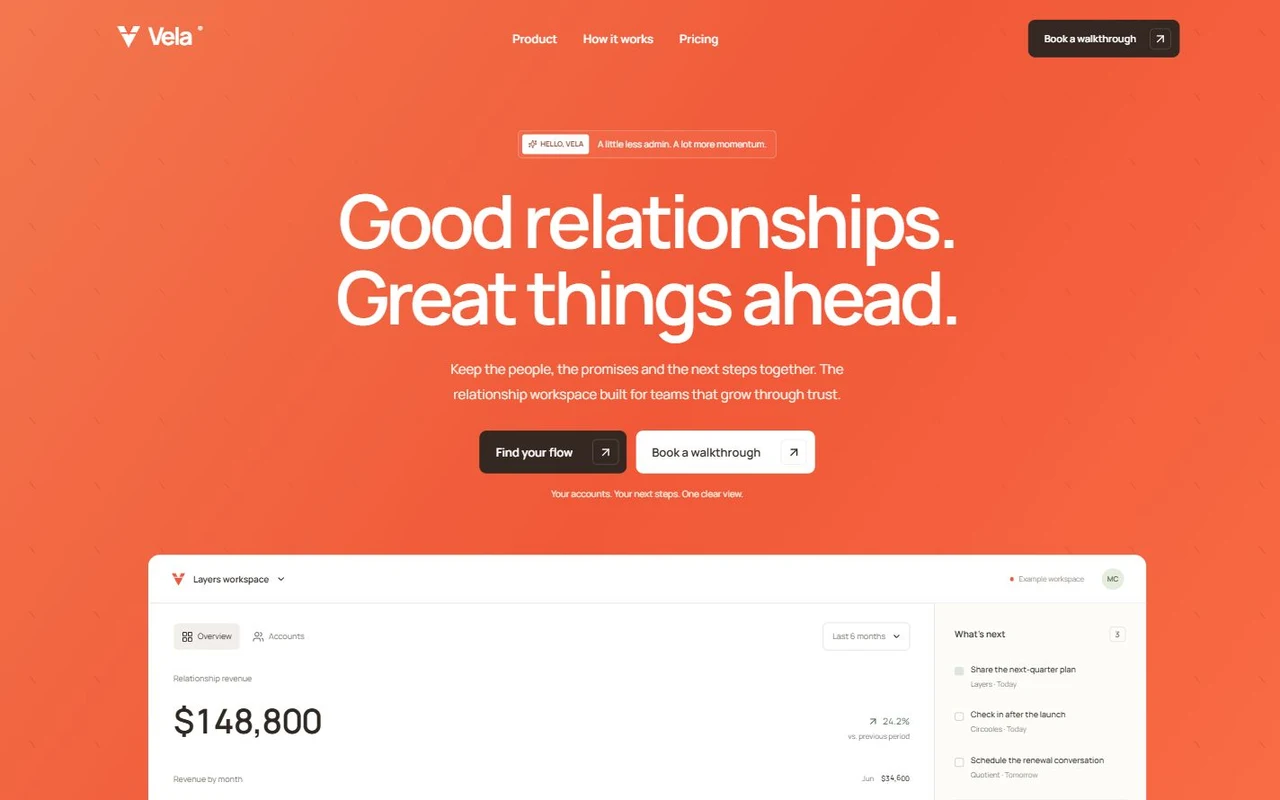
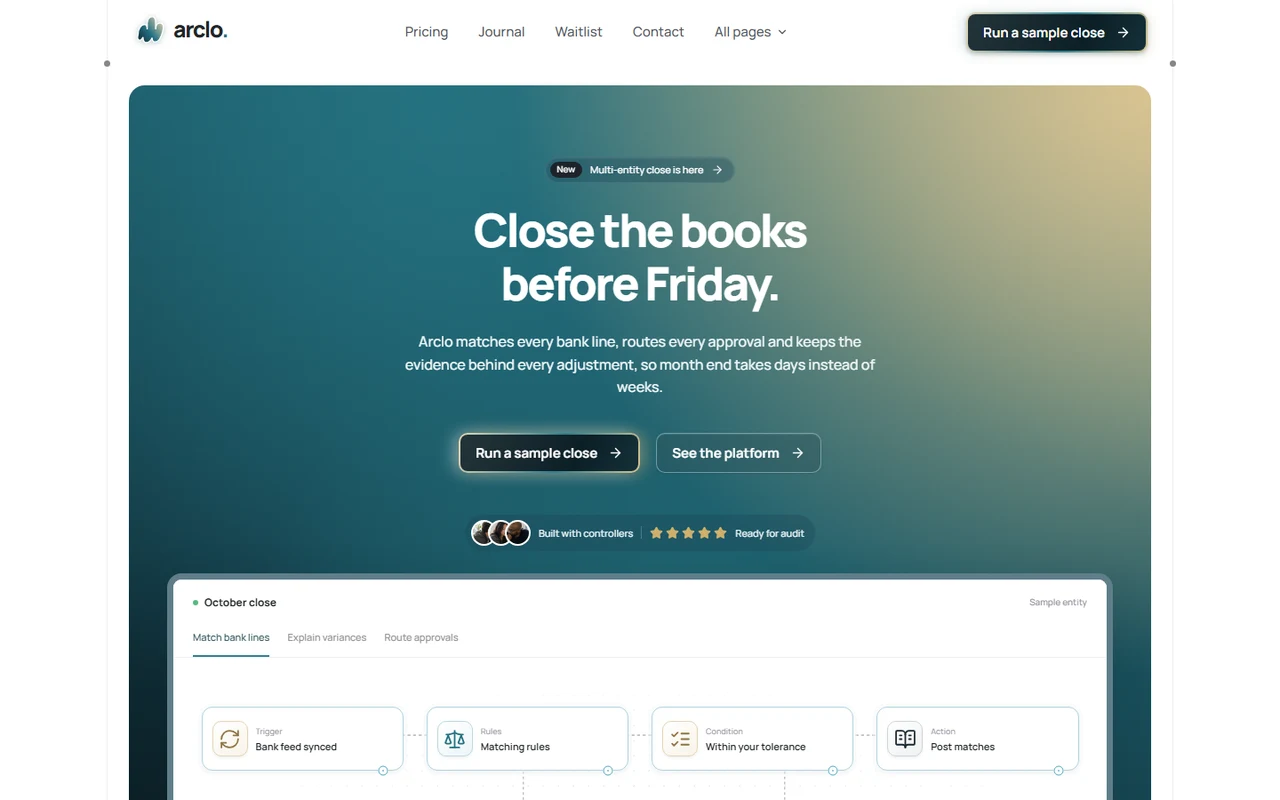
A clear launch for relationship-led products. A vivid coral hero and editable dashboard lead into stacking chapters, guided setup, connected tools, team stories and plans that send visitors to your product.
- Made for
- CRM and account management products, Customer success and renewal platforms, Service team and collaboration tools
- Highlights
- Coral hero with a subtly tilting dashboard, period selection and inspectable revenue bars
- Three stacking chapters with editable account, follow-up and renewal scenes
- Keyboard-accessible setup tabs, tool connections, billing selection and native FAQs
- Configurable signup, booking, checkout and contact destinations without marketing popups
- The look
- Coral and espresso, precise Manrope typography, white framed sections and quiet sage, peach and lilac fields. A centered opening, wide dashboard, three signal cards, three overlapping chapters, guided setup, connected tools, two stories, aligned plans and a split FAQ.
Sections
- 01
Hero and dashboard
A fine diagonal field, scroll tilt, two workspace views, period selection, inspectable monthly revenue bars and a follow-up summary.
- 02
Signals and product story
Three overview cards and three stacking chapters for account context, follow-ups and renewals. Chapters read normally on smaller screens.
- 03
Principles and setup
Four benefits and three keyboard-accessible steps with coordinated illustrations.
- 04
Connections and stories
An editable six-tool diagram and two fictional team perspectives.
- 05
Pricing and questions
Three plans, monthly/yearly selection, exact annual totals and savings, configurable checkout links and native disclosures.
- 06
Closing and footer
A coral closing, complete navigation.
- 07
Contact
Validated request builder with selected plan and billing, configured JSON submission, mail draft or an explicit local-file fallback.
Remove a section by deleting its line in app/page.tsx, or move the line to reorder.
Make it yours
Start in site.config.ts for your brand, copy and destinations. Example records and coded scenes live in focused files.
| To change | Edit |
|---|---|
| Brand, copy, metadata, plans and destinations | site.config.ts |
| Revenue, accounts and follow-ups | data/preview.ts |
| Palette, typography and controls | styles/base.css |
| Product interfaces | components/product/ |
| Section order | app/page.tsx |
| Contact delivery | site.config.ts and components/ContactForm.tsx |
Run it
$ npm install$ npm run devNode.js 20.9 or newer. No environment variables.
Before you go live
Replace fictional teams, stories, figures, plans and connections. Configure signup, booking, checkout and contact. Connect your own CRM, accounts, storage and billing; product views use illustrative local records.
Specifications
- Framework
- Next.js 15 (App Router), React 19
- Language
- TypeScript
- Styling
- CSS with design tokens and component styles
- Fonts
- Manrope, self-hosted with next/font
- Dependencies
- next, react, react-dom, lucide-react
- Images
- Original editable React, SVG and CSS artwork and initial-based avatars. No remote images or stock photography.
- API keys and environment variables
- None
- Node.js
- 20.9 or newer
- Colour scheme
- Light
- Responsive
- Desktop, tablet and phone
- Accessibility
- Skip link, visible focus, keyboard navigation, reduced motion
- Deploys to
- Vercel, Netlify, Cloudflare Pages or any Node host
- Codebase
- 57 source files, about 2,900 lines
- Last updated
- Oct 10, 2026
License
One license, no tiers. The full text ships as LICENSE.md in the download.
You can
- Use it for your own products
- Use it for any number of client projects
- Change the code and design however you like
- Deploy the result commercially
You can’t
- Resell or share the files as a template, theme or UI kit
- Publish the source as a template in a public repository
Questions
What do I get when I buy Vela?
The complete Vela project as a download: the Next.js app, its config file, a README with setup and customisation notes, and the license. The download link arrives right after checkout.
Can I use Vela for client projects?
Yes. One purchase covers your own products and any number of client projects, and you can change the code however you like. What you can’t do is resell or share the template files themselves as a template or UI kit.
Do I need API keys, a database or a backend?
No. It runs with npm install and npm run dev and deploys to Vercel, Netlify or Cloudflare Pages without any environment variables.
What should I change before I launch?
Replace fictional teams, stories, figures, plans and connections. Configure signup, booking, checkout and contact. Connect your own CRM, accounts, storage and billing; product views use illustrative local records.
Do I need to know Next.js?
Basic React helps, but most changes are text edits in site.config.ts. The README walks through colours, fonts and section order.
How do updates work?
Updates to Vela are free. When a new version ships, download it again from the link in your order email.
Can I get a refund?
Yes. If Vela isn’t right for you, reply to your receipt within 14 days and you get your money back.
Should I buy all-access instead?
If you’ll use more than two templates, yes. All-access is $99 for all 31 templates, including Vela and every template added later. Three single templates would cost $117.
All-access
All 31 templates for $99.
Every template in the library, including Vela, and every one added later. Same license, free updates. Less than three single templates.