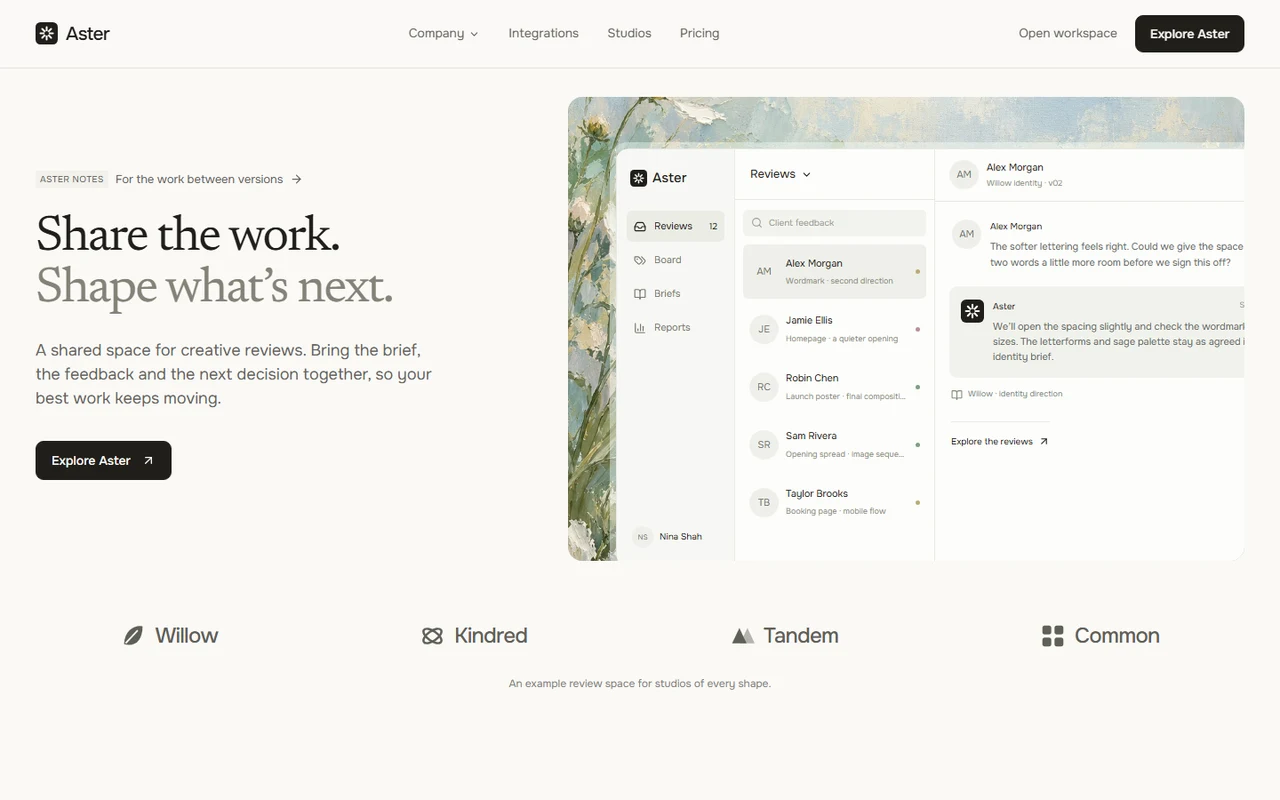
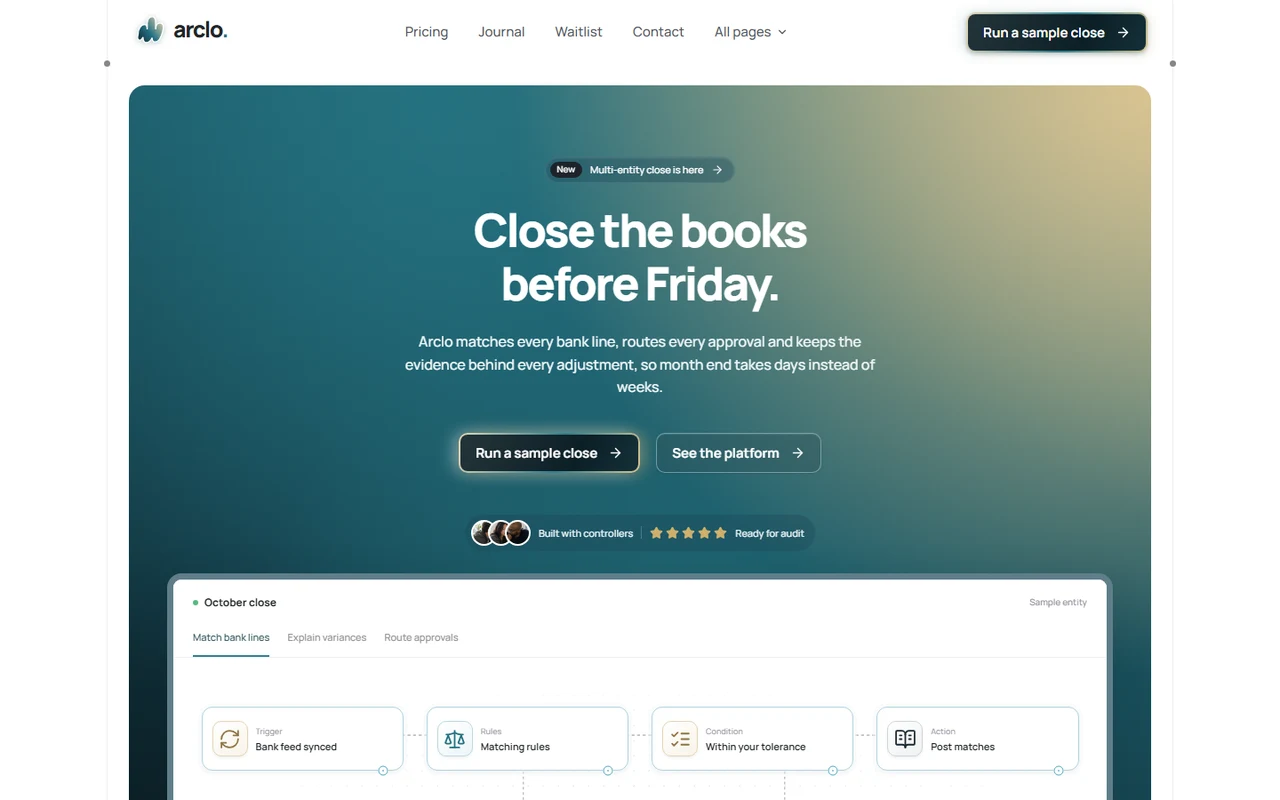
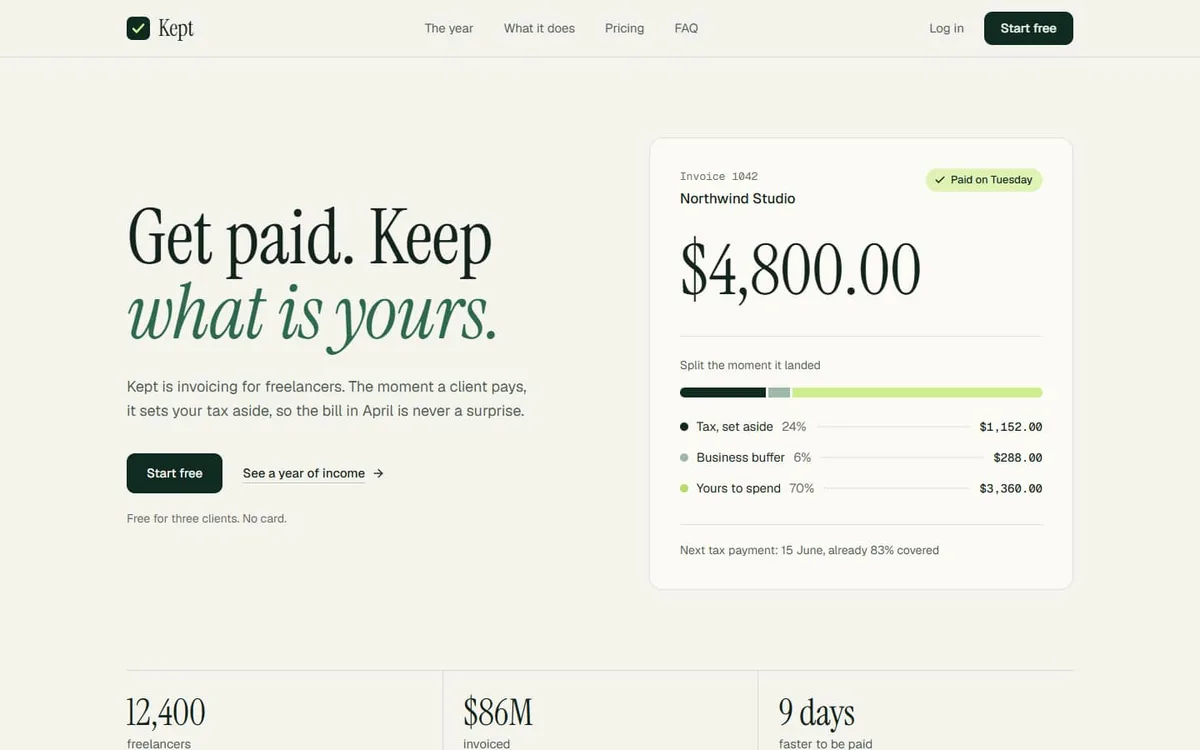
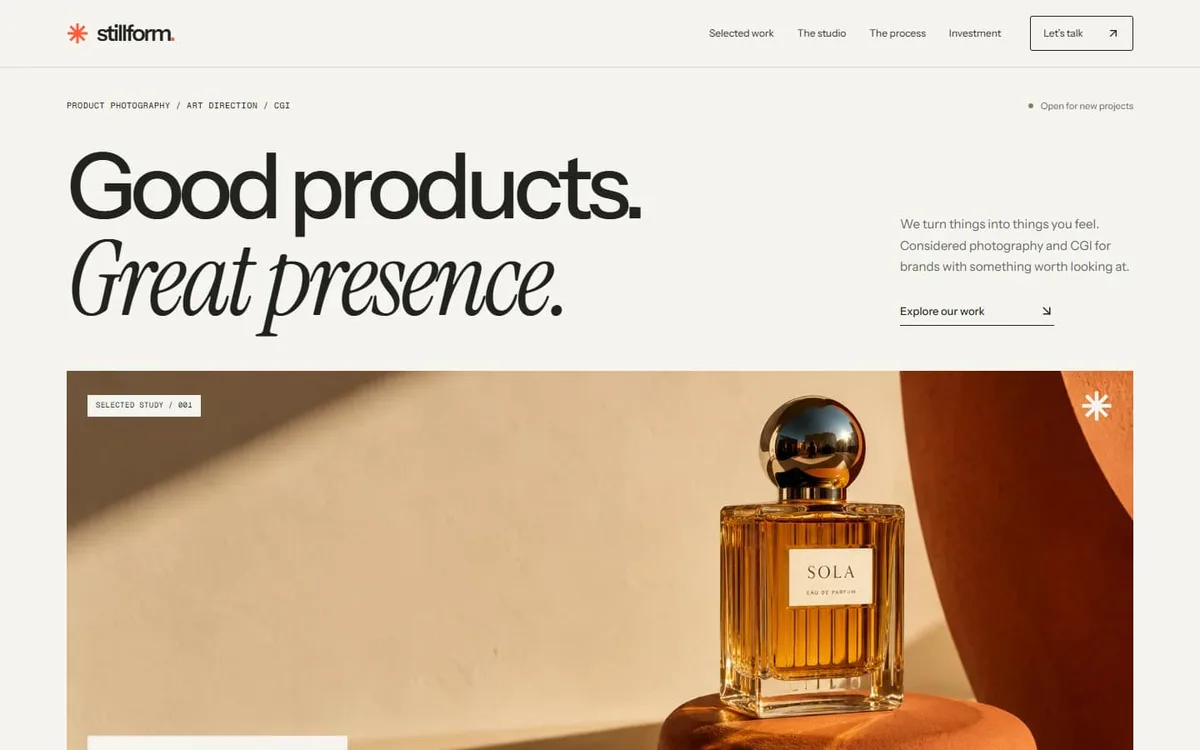
Bounce: Online course and cohort landing page template for Next.js.
- Next.js 15
- CSS
- TypeScript
- 9 sections
- Light
- No API keys
- Updated Oct 10, 2026

Overview
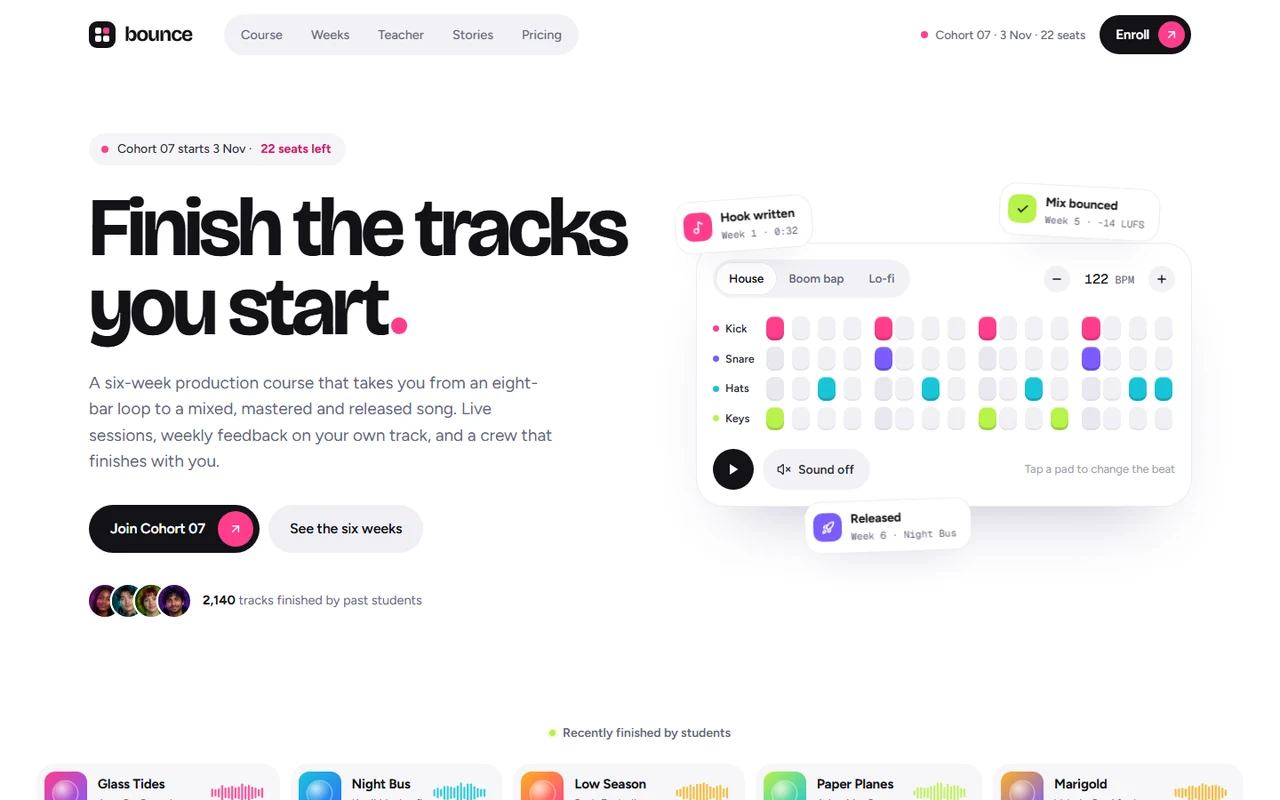
A complete landing page for an online course, written for a six-week music production cohort. Bright and playful, with vivid colour-lit photography, six named colours and an interactive moment in every section.
- Made for
- Online courses and cohort programmes, Creative and music education, Workshops, bootcamps and memberships
- Highlights
- Playable 16-step beat pad with presets, tempo and optional synthesized sound
- Pinned scroll statement and a six-week curriculum shown as a recording arrangement
- Draggable outcomes rail, teacher credits, story wall and rolling stats
- Reshaping pricing card with payment plans, seats left and a live cohort countdown
- The look
- Bricolage Grotesque headlines, Figtree text and Geist Mono labels on white, with six colours (pink, violet, blue, lime, cyan, amber) carried by weeks, pads, stories and plans. An asymmetric hero with a beat pad, a pinned statement, a photo rail, an arrangement-style curriculum, a teacher portrait with credits, a platform screen, a story wall, a spec list, a reshaping pricing card, a split FAQ and a violet closing panel.
Sections
- 01
Hero
Cohort status, a headline whose full stop bounces in, and a playable beat pad with presets, tempo, keyboard support and optional Web Audio sound. Milestone chips drift with the pointer.
- 02
Finished tracks
A slow strip of student tracks with CSS cover art and waveforms.
- 03
Statement
A pinned sentence that lights up word by word while loose project files are pulled into one finished master.
- 04
Outcomes
A draggable, snapping rail of colour-lit photo cards with arrows and a progress line.
- 05
Six weeks
Each week is a lane whose clip starts that week and runs to the end. On desktop the section pins and a scroll-driven playhead records the clips; on phones, week tabs.
- 06
Teacher and platform
A portrait with rolling stats and a credits list, then the course platform as a rendered screen that straightens on scroll.
- 07
Stories and included
A masonry wall of student stories with waveforms and results, and a typographic spec list with rolling numbers.
- 08
Pricing, FAQ and closing
A plan selector beside a card that changes colour, price, payment plan, seats and features in place; a split FAQ; a fitted bouncing wordmark with a countdown to the cohort start.
- 09
Pages
A printable syllabus, privacy and terms placeholders and a custom 404.
Remove a section by deleting its line in app/page.tsx, or move the line to reorder.
Make it yours
Start in site.config.ts: brand, cohort date and seats, links, beat pad presets, weeks, teacher, stories, plans and questions.
| To change | Edit |
|---|---|
| Brand, cohort, links, copy, weeks, plans, FAQ | site.config.ts |
| Beat pad presets and instruments | site.config.ts (pad) |
| Colours, type scale and buttons | styles/base.css |
| Section order | app/page.tsx |
| Photos and platform screens | public/images/ and ASSETS.md |
| Privacy and terms placeholders | data/legal.ts |
Run it
$ npm install$ npm run devNode.js 20.9 or newer. No environment variables.
Before you go live
Replace the fictional course, teacher, students, numbers and quotes; set the cohort date and seats, the enroll and checkout links, and replace the privacy and terms placeholders. Swap the beat pad for your own hero visual if your course isn't about music.
Specifications
- Framework
- Next.js 15 (App Router), React 19
- Language
- TypeScript
- Styling
- CSS with design tokens and component styles
- Fonts
- Bricolage Grotesque, Figtree, Geist Mono, self-hosted with next/font
- Dependencies
- next, react, react-dom, lucide-react
- Images
- Thirteen generated photographs and portraits of fictional people and two rendered course-platform screens, all optimized WebP. Covers, waveforms, the mark and the beat pad sounds are code.
- API keys and environment variables
- None
- Node.js
- 20.9 or newer
- Colour scheme
- Light
- Responsive
- Desktop, tablet and phone
- Accessibility
- Skip link, visible focus, keyboard navigation, reduced motion
- Deploys to
- Vercel, Netlify, Cloudflare Pages or any Node host
- Codebase
- 63 source files, about 3,200 lines
- Last updated
- Oct 10, 2026
License
One license, no tiers. The full text ships as LICENSE.md in the download.
You can
- Use it for your own products
- Use it for any number of client projects
- Change the code and design however you like
- Deploy the result commercially
You can’t
- Resell or share the files as a template, theme or UI kit
- Publish the source as a template in a public repository
Questions
What do I get when I buy Bounce?
The complete Bounce project as a download: the Next.js app, its config file, a README with setup and customisation notes, and the license. The download link arrives right after checkout.
Can I use Bounce for client projects?
Yes. One purchase covers your own products and any number of client projects, and you can change the code however you like. What you can’t do is resell or share the template files themselves as a template or UI kit.
Do I need API keys, a database or a backend?
No. It runs with npm install and npm run dev and deploys to Vercel, Netlify or Cloudflare Pages without any environment variables.
What should I change before I launch?
Replace the fictional course, teacher, students, numbers and quotes; set the cohort date and seats, the enroll and checkout links, and replace the privacy and terms placeholders. Swap the beat pad for your own hero visual if your course isn't about music.
Do I need to know Next.js?
Basic React helps, but most changes are text edits in site.config.ts. The README walks through colours, fonts and section order.
How do updates work?
Updates to Bounce are free. When a new version ships, download it again from the link in your order email.
Can I get a refund?
Yes. If Bounce isn’t right for you, reply to your receipt within 14 days and you get your money back.
Should I buy all-access instead?
If you’ll use more than two templates, yes. All-access is $99 for all 31 templates, including Bounce and every template added later. Three single templates would cost $117.
All-access
All 31 templates for $99.
Every template in the library, including Bounce, and every one added later. Same license, free updates. Less than three single templates.