Scale pricingAll-Access


A pricing section that follows usage: drag the volume slider and every price rolls, the right plan lights up and the comparison table opens below.
Used forUsage-based SaaS & API platformsPer-seat team workspacesAI credit & inference pricing pagesHigh-intent conversion sections
Install with the shadcn CLI
A premium block, included with All-Access (see what’s inside). Add the @hairline-pro registry once, with the token from your account settings. Set it up
Templates
Need the whole page?
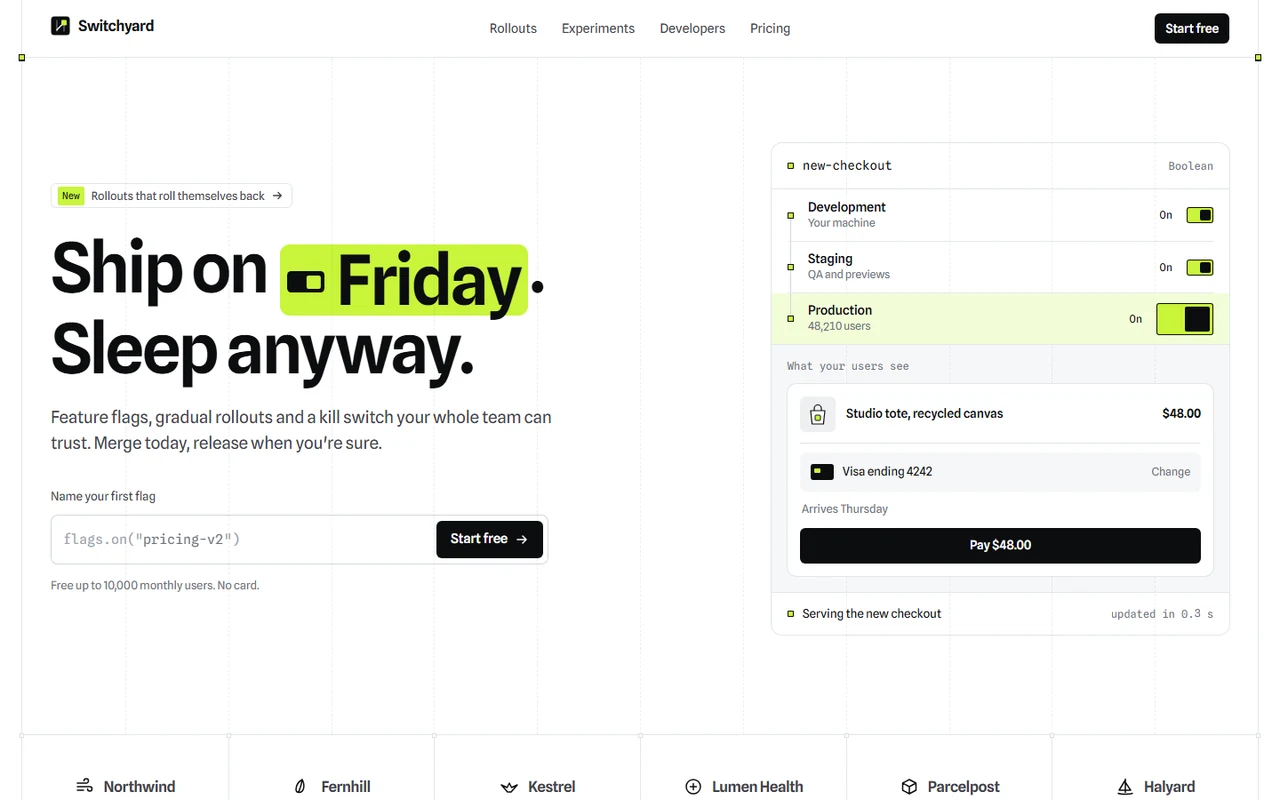
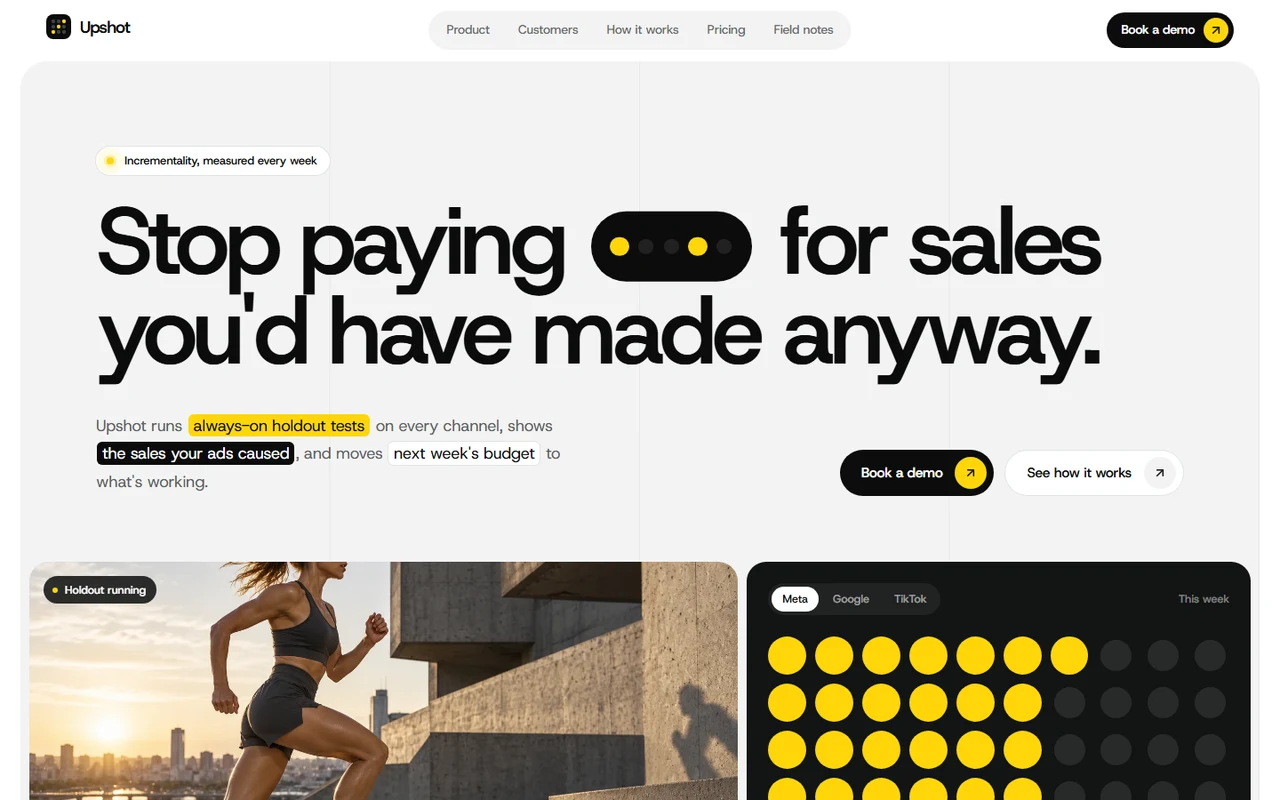
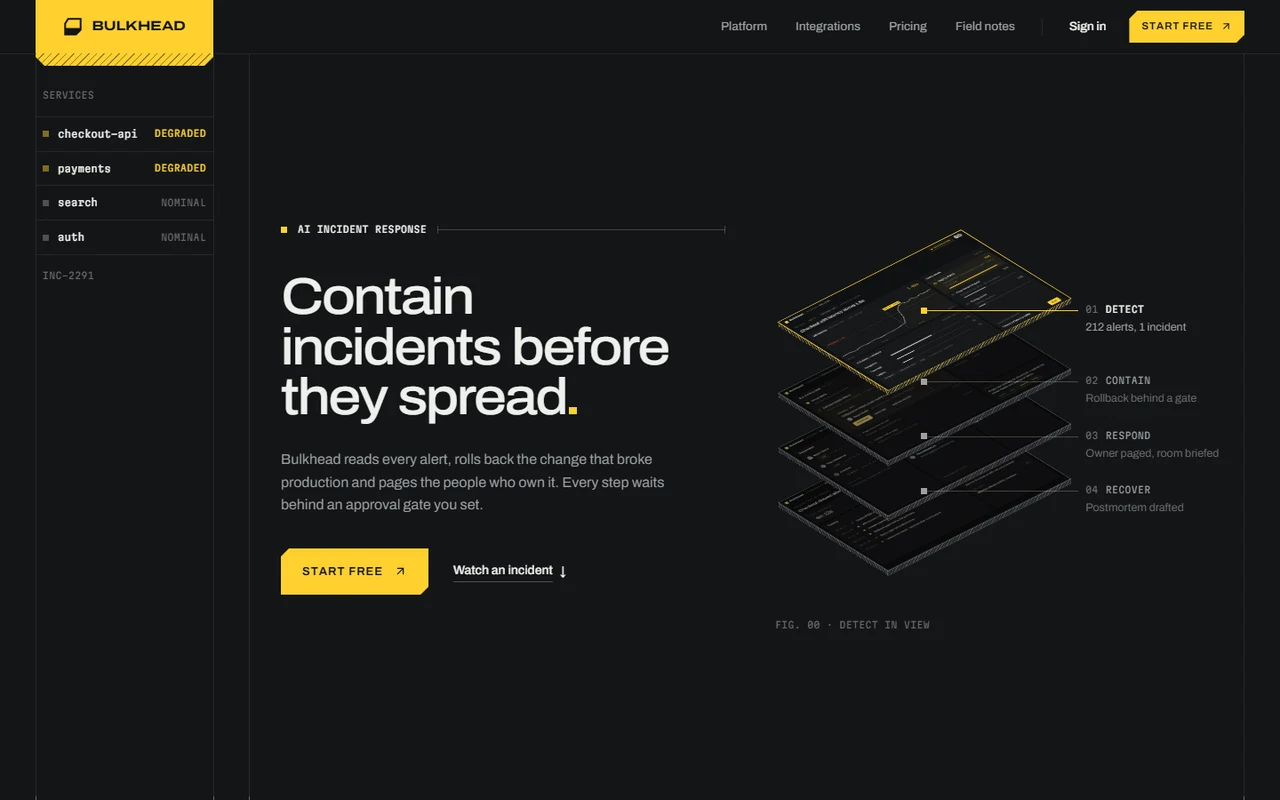
63 Next.js landing pages, each designed from scratch. Try any of them live; one is $39, all of them $159, and 8 are free.
Where it’s used
Usage-based SaaS & API platforms
Lets developers drag their monthly event, request or token volume to see live tier pricing and unit economics.
Per-seat team workspaces
Swap volumes for team seat milestones (5 to 250 seats) with automatic annual savings calculation.
AI credit & inference pricing pages
Highlights the right plan automatically as workload scales while keeping enterprise custom volume one click away.
High-intent conversion sections
Combines interactive pricing, live comparison matrix and async checkout buttons in one self-contained section.
What it handles for you
Building a usage-coupled pricing section where a custom spring scrubber, billing toggle, live unit-cost calculator, dynamic recommendation highlight and foldable comparison table all stay in sync across mobile and desktop normally takes weeks of plumbing.
41-tick magnetic hairline scrubber
Drag smoothly with spring physics and rubber-band boundaries, click milestone labels or use keyboard arrow keys.
Dynamic recommended tier highlight
Automatically shifts the lit tonal surface and Best fit marker to whichever plan matches the chosen volume.
Live rolling prices and unit economics
Every price rolls via NumberRoll on volume or billing changes alongside effective unit cost and calculated annual savings.
Inline async plan checkout states
Passes planId, billing, volumeId and priceMonthly to your onSelectPlan handler with TextMorph loading, success and error UI.
Foldable in-place comparison ledger
Smoothly expands a full multi-tier comparison table via CSS grid-template-rows with zero modals or page jumps.
Container-responsive & theme-native
Uses @container queries inside a natural-width strut and reads shadcn tokens cleanly across light and dark themes.
Overview
Static three-column pricing tables leave buyers guessing which tier fits their real traffic or team size. Scale pricing seats a 41-tick magnetic hairline scrubber across the top of one unified architectural frame. Dragging the spring handle—or clicking any milestone—rolls every plan price with NumberRoll, recalculates the live effective unit rate and smoothly moves the lit recommended surface when volume crosses a tier quota. A solid grey Monthly/Annual toggle calculates real yearly savings from your prices, every CTA runs your async checkout handler with TextMorph feedback, and a full feature comparison ledger unfolds cleanly in place.
States
- volume scrub
- Dragging the spring handle lights hairline ticks up to the thumb, snaps magnetically to milestones on release, rolls prices and shifts the recommended lit column.
- billing toggle
- Switching Monthly and Annual glides the solid grey thumb in 360ms, rolls every price downward and displays calculated yearly savings.
- plan select
- Clicking a CTA invokes onSelectPlan, morphing the label via TextMorph through Opening… to Selected (with a checkmark) or Try again with an inline error alert.
- comparison ledger
- Clicking Compare every limit smoothly unfolds the full capability table via grid-template-rows (0fr -> 1fr) and rotates the chevron 180deg.
- reduced motion
- Jumps scrubber positions immediately and opens the comparison ledger without CSS transition travel.
Usage
Depends on lucide-react, installed for you by the CLI along with the keyframes it needs.
Works with
Usage-based pricing section wired to Stripe or Dodo
Pass your own volume steps, plans and comparison rows, then return a promise from `onSelectPlan` to open your checkout session.
Props
- eyebrow= "Pricing"
- string
- Plain label rendered above the display headline.
- heading
- string
- Main display heading for the pricing section.
- subheading
- string
- Supporting sentence explaining the volume scrubber and billing options.
- annualDiscountPct= 20
- number
- Percentage discount applied to monthly prices when Annual billing is selected.
- unitLabel= "1k events"
- string
- Unit suffix displayed in the live effective-rate line.
- unitDivisor= 1000
- number
- Divisor applied to volume.quantity when computing effective unit cost.
- volumes
- ScaleVolumeStep[]
- Ordered milestones along the magnetic hairline scrubber, with per-plan prices and recommendedPlanId.
- plans
- ScalePlan[]
- Three plan columns seated inside the architectural frame.
- comparisonRows
- ScaleComparisonRow[]
- Rows displayed inside the foldable inline comparison ledger.
- onSelectPlan
- (selection: ScalePricingSelection) => Promise<unknown> | void
- Async callback fired when a visitor clicks a plan CTA.
- accent= "var(--primary)"
- string
- CSS colour or token tinting the lit recommended column and active scrubber ticks.
Accessibility and motion
- Zero animation libraries: uses createSpring and rubberBand from ui-interaction-motion.ts alongside NumberRoll and TextMorph.
- The hairline scrubber exposes role="slider" with aria-valuetext and Arrow/Home/End keyboard controls; milestone buttons also provide direct click access.
- Collapsed comparison ledger carries pointer-events-none so hidden rows never trap clicks or focus.
- Fully theme-tokenized in light and dark mode using shadcn background, card, muted, border and primary variables.
Requirements
React 19, Tailwind CSS v4 and shadcn/ui theme variables (any style, light and dark). Icons from lucide-react.
The CLI also installs Number roll, Text morph.
Source
Part of All-Access
Scale pricing is 923 lines of finished work.
- components/scale-pricing.tsx721 lines
- components/ui-interaction-motion.ts202 lines
Installs with npx shadcn add @hairline-pro/scale-pricing, in your theme, light and dark.
$159once, for everything
The 55 paid templates alone are $2,145 one by one.
- Scale pricing: the source and the CLI install
- Every premium block: 8 today, and each one we add
- All 63 Next.js templates, with live demos
- Commercial license for unlimited client sites
7 more templates and it goes to $169. Full refund within 14 days, until your first download.
Already have All-Access? Sign in to see the source