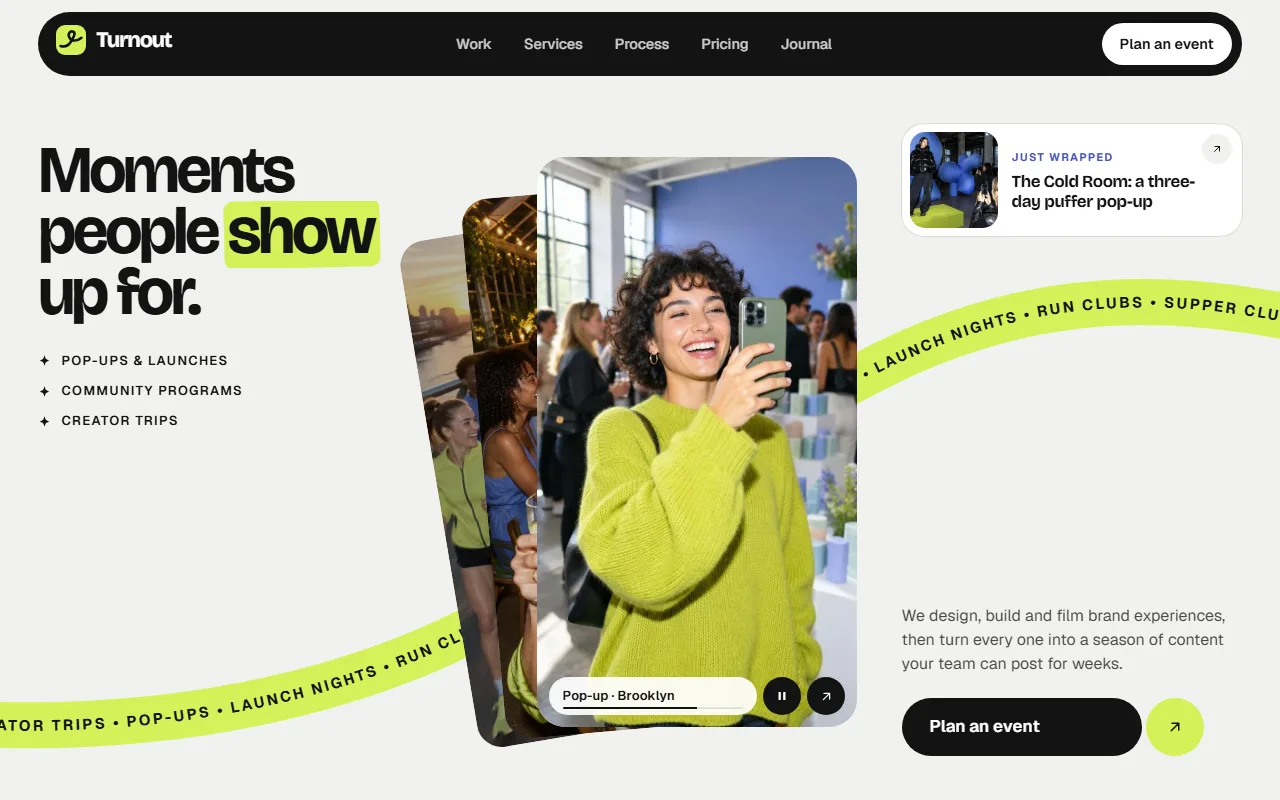
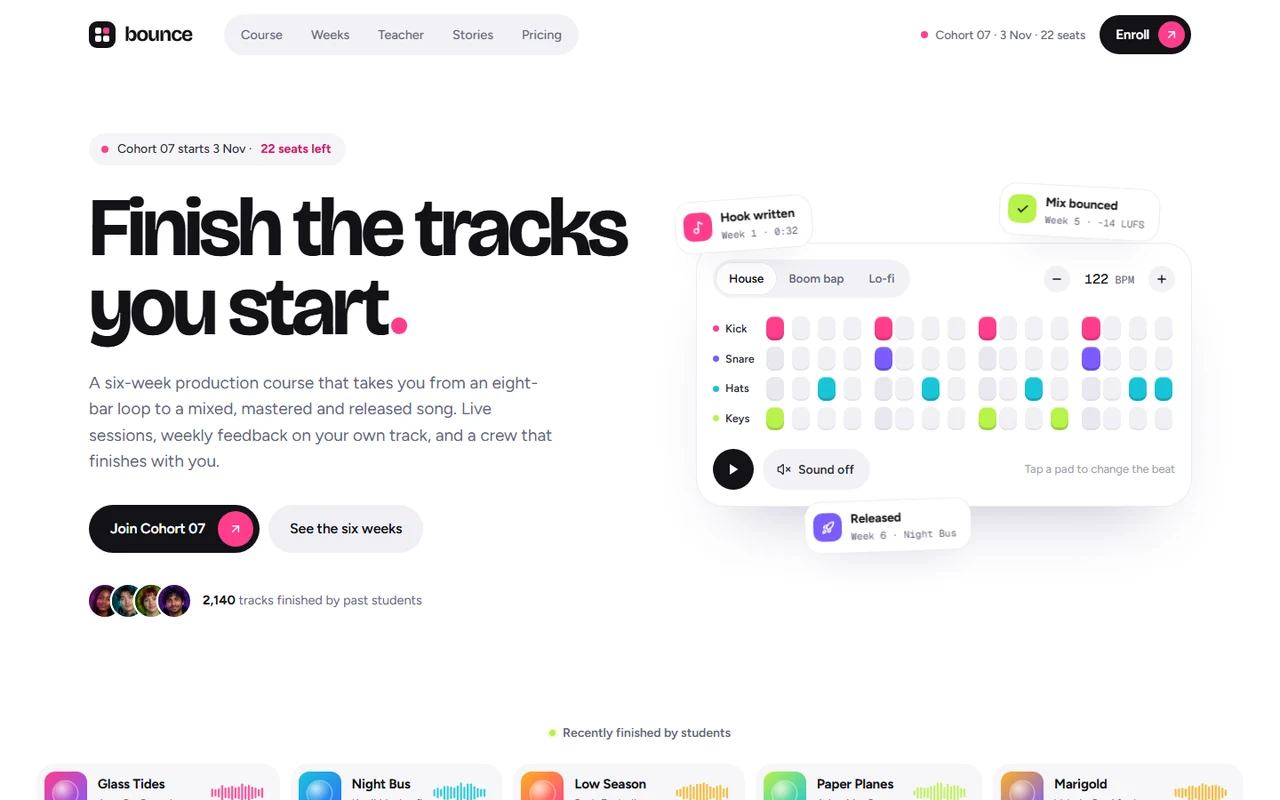
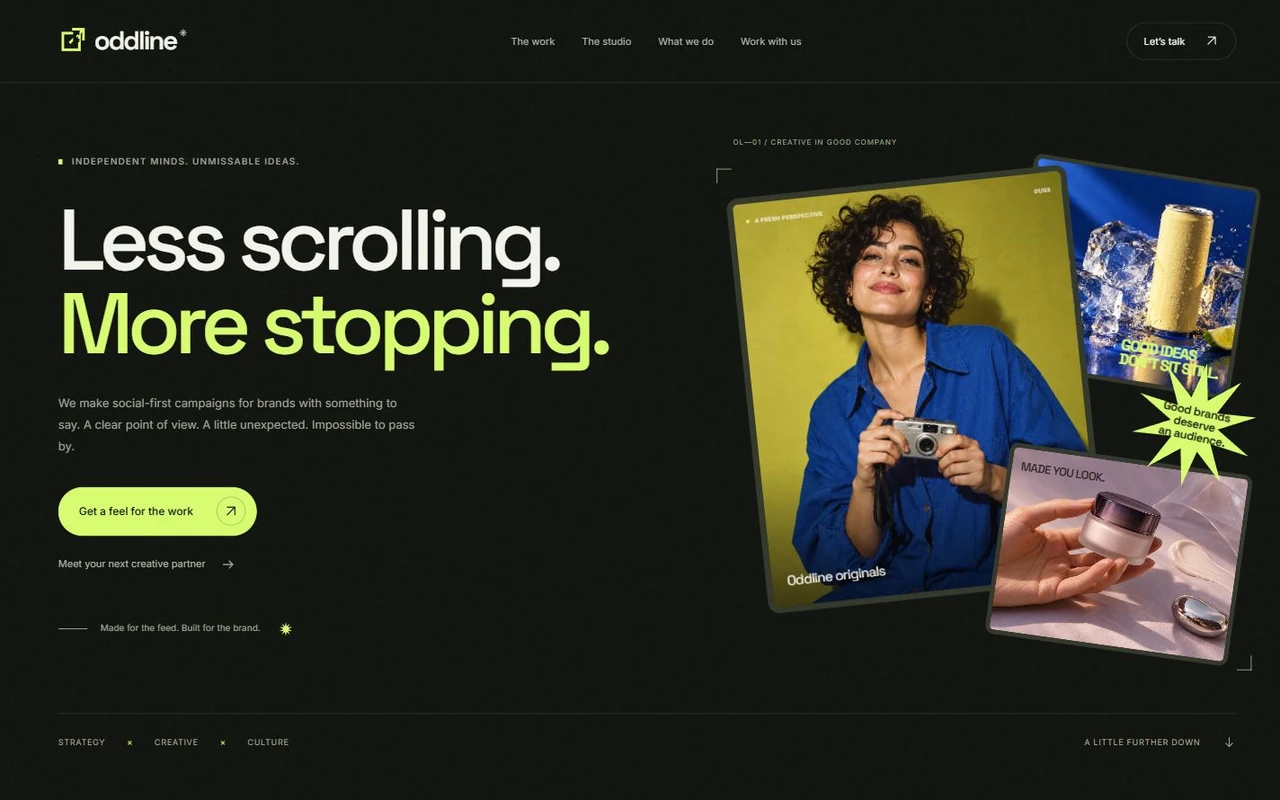
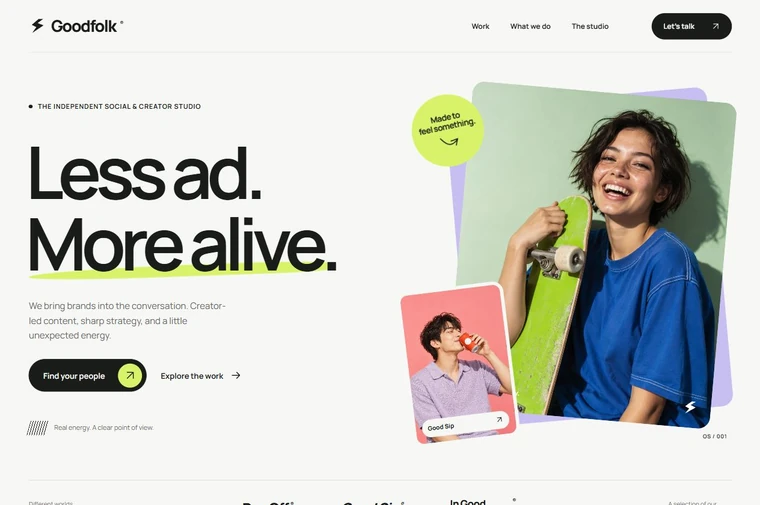
Inlay: Motion-led landing page for a link-in-bio, storefront and payouts app for Next.js.
- Next.js 15
- CSS
- TypeScript
- 11 sections
- Light
- No API keys
- Updated Oct 10, 2026

Overview
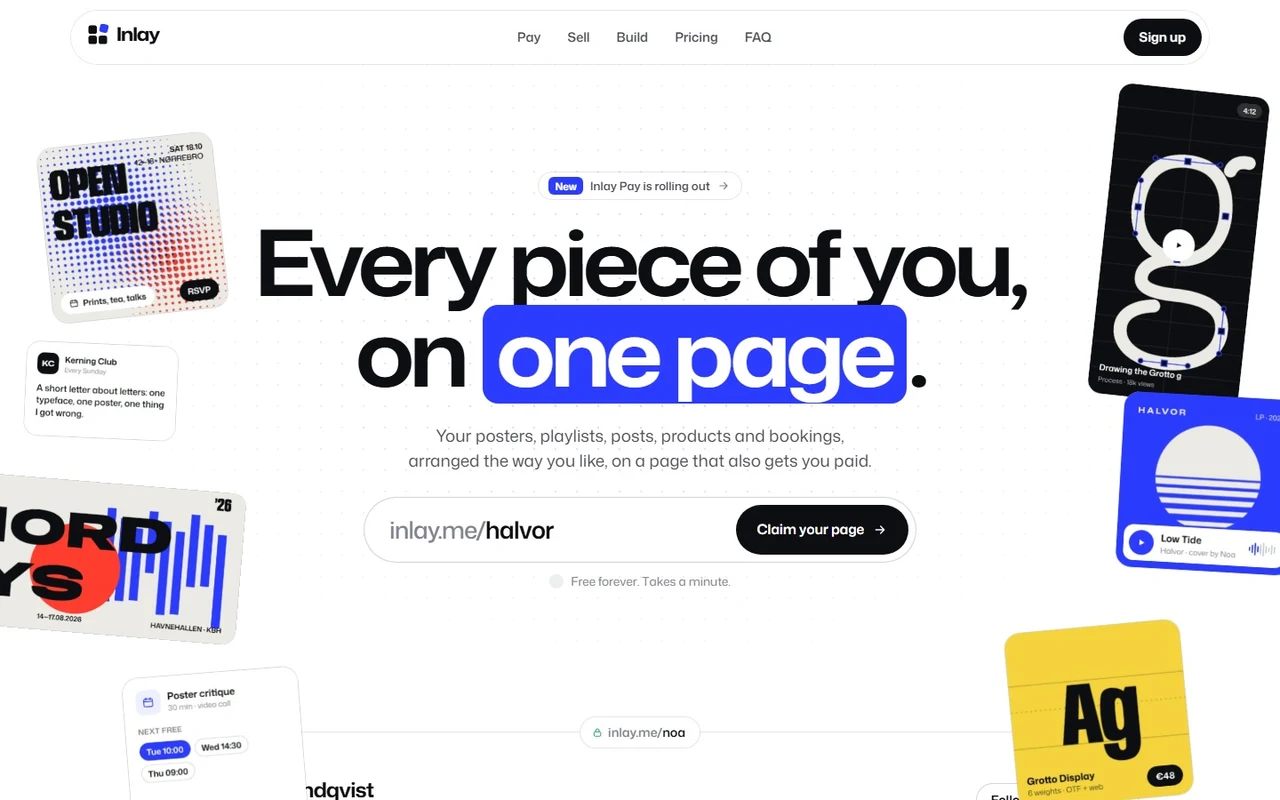
A complete launch page with original positioning: Inlay is a link in bio you arrange like a gallery wall (photos, posters, music, products, bookings and a newsletter as tiles) that also takes tips, sells files, books sessions and pays out instantly. The example creator is a type designer, so most tiles are original poster art, and every number, label and button that changes moves instead of swapping.
- Made for
- Link-in-bio, personal site and portfolio builders, Creator storefronts, booking, membership and tipping products, Payments and payout apps for freelancers and small studios
- Highlights
- Scattered tiles that fly into a page on scroll, with a working handle field
- Live balance: payments fly in and roll the total; Pay out morphs in place
- A product tile that becomes a checkout, a story stage and a self-building board
- Rolling prices, morphing labels, no popups and full reduced-motion support
- The look
- Mona Sans throughout, run wide and heavy for headings. A white page, ink text and one ultramarine accent, with citrine, vermilion and bone kept for the poster artwork. One phrase per heading sits in a tile that drops into the line. Hairlines and 1px rings, no shadows or blur.
Sections
- 01
Hero
Seven tiles wait around the headline, drifting and leaning toward the pointer (fanned out under the claim field on phones). As you scroll they fly into their slots on an example page, the dashed slots fade as each one lands and a tile bar rises. The handle field cycles example names, validates as you type, can check availability against your endpoint and puts the visitor's handle in the page's address.
- 02
Navigation and dock
A white pill bar that narrows on scroll, with a highlight that glides to the active section and a phone menu that grows out of the bar. A dock at the bottom carries the visitor's handle ("Claim inlay.me/ines") and steps aside wherever the page already has a call to action.
- 03
Pay
An ultramarine stage where payment chips fly in from the edges and land in a live balance that rolls like an odometer, with feed rows sliding in. Tabs roll between balance, this month and paid out, and Pay out empties the balance while its button morphs through busy and done.
- 04
Story
Four chapters (tips, bookings, payouts, privacy) beside one pinned picture that rises into place for each chapter while the panel changes colour and the checks draw in.
- 05
Built in
A carousel of five features that advances only while on screen, with a dot that fills as its timer, hover and focus to hold, a pause button, drag, swipe and arrow keys.
- 06
Early access
An inline email form whose button morphs from Join to Joining to You're on the list, among icon tiles that drift at different depths as you scroll.
- 07
Storefront
As you scroll, the product tile on the page grows into the checkout, a payment bar sweeps across, the sheet reshapes into the receipt and "+€48.00 to your balance" rises out, with a three-step indicator following along.
- 08
Connect
Platform marks float around the headline; hairlines draw from each one toward it and pulses keep travelling inward. Pointing at a platform lights its line and names it.
- 09
Build
A tilted board where a cursor performs each step: a tile drops into a free spot, another is resized while its neighbours make room, a tall tile is dragged across and the grid rearranges. The board flattens on hover; steps are clickable.
- 10
Showcase, pricing, FAQ, footer
Six creator pages in two rows that drift with scroll. Free beside Plus with a monthly/yearly switch, rolling price and a billing note that slides from the side you chose. A two-column FAQ. A footer that opens on the visitor's own address set in tiles that drop into place, plus a newsletter form.
- 11
Pages
Privacy and terms placeholders and a custom 404.
Remove a section by deleting its line in app/page.tsx, or move the line to reorder.
Make it yours
Every heading, tile, plan and destination lives in site.config.ts. Put one phrase of any heading in [brackets] to set it in a tile. Swap the pictures in public/images for screenshots of your own product at similar proportions.
| To change | Edit |
|---|---|
| Brand, copy, tiles, balance card, chapters, plans, FAQ and links | site.config.ts |
| Sign-up, login, handle check, waitlist and newsletter endpoints | site.config.ts → links |
| Hero tile slots and waiting positions | site.config.ts → page, styles/hero.css |
| Palette and type | styles/base.css, app/layout.tsx |
| Logo mark and platform marks | components/ui/Brand.tsx, components/ui/Platforms.tsx |
| Pictures (shapes in the README) | public/images/ |
| Section order | app/page.tsx |
Run it
$ npm install$ npm run devNode.js 20.9 or newer. No environment variables.
Before you go live
Replace the fictional brand, creators and figures. Set links.signup (and links.login, links.handleCheck, links.waitlistEndpoint, links.newsletterEndpoint if you have them), plan links and site.url in site.config.ts, and swap in screenshots of your own product.
Specifications
- Framework
- Next.js 15 (App Router), React 19
- Language
- TypeScript
- Styling
- CSS with design tokens and component styles
- Fonts
- Mona Sans, self-hosted with next/font
- Dependencies
- next, react, react-dom
- Images
- Original poster art, product screens and creator pages made for the template and shipped as WebP. The mark, icons and platform marks are SVG.
- API keys and environment variables
- None
- Node.js
- 20.9 or newer
- Colour scheme
- Light
- Responsive
- Desktop, tablet and phone
- Accessibility
- Skip link, visible focus, keyboard navigation, reduced motion
- Deploys to
- Vercel, Netlify, Cloudflare Pages or any Node host
- Codebase
- 85 source files, about 4,800 lines
- Last updated
- Oct 10, 2026
License
One license, no tiers. The full text ships as LICENSE.md in the download.
You can
- Use it for your own products
- Use it for any number of client projects
- Change the code and design however you like
- Deploy the result commercially
You can’t
- Resell or share the files as a template, theme or UI kit
- Publish the source as a template in a public repository
Questions
What do I get when I buy Inlay?
The complete Inlay project as a download: the Next.js app, its config file, a README with setup and customisation notes, and the license. The download link arrives right after checkout.
Can I use Inlay for client projects?
Yes. One purchase covers your own products and any number of client projects, and you can change the code however you like. What you can’t do is resell or share the template files themselves as a template or UI kit.
Do I need API keys, a database or a backend?
No. It runs with npm install and npm run dev and deploys to Vercel, Netlify or Cloudflare Pages without any environment variables.
What should I change before I launch?
Replace the fictional brand, creators and figures. Set links.signup (and links.login, links.handleCheck, links.waitlistEndpoint, links.newsletterEndpoint if you have them), plan links and site.url in site.config.ts, and swap in screenshots of your own product.
Do I need to know Next.js?
Basic React helps, but most changes are text edits in site.config.ts. The README walks through colours, fonts and section order.
How do updates work?
Updates to Inlay are free. When a new version ships, download it again from the link in your order email.
Can I get a refund?
Yes. If Inlay isn’t right for you, reply to your receipt within 14 days and you get your money back.
Should I buy all-access instead?
If you’ll use more than two templates, yes. All-access is $99 for all 35 templates, including Inlay and every template added later. Three single templates would cost $117.
All-access
All 35 templates for $99.
Every template in the library, including Inlay, and every one added later. Same license, free updates. Less than three single templates.