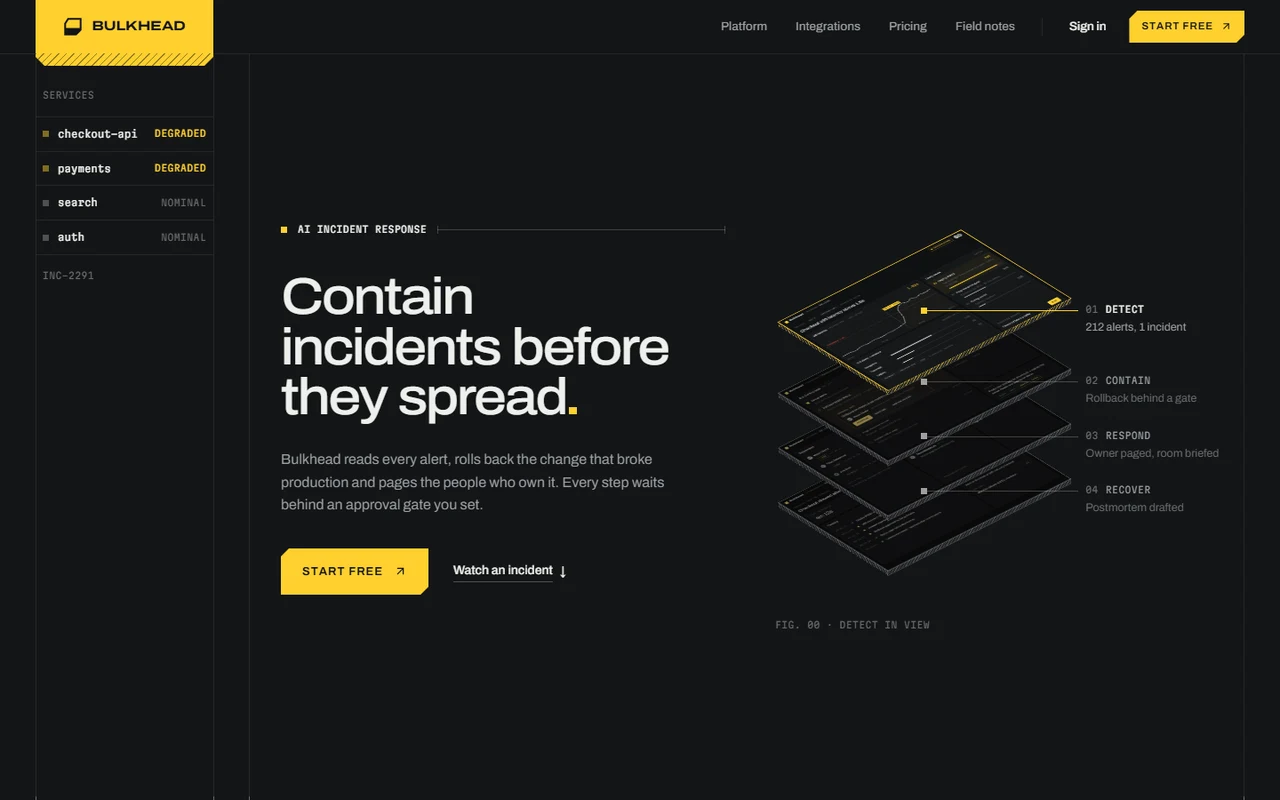
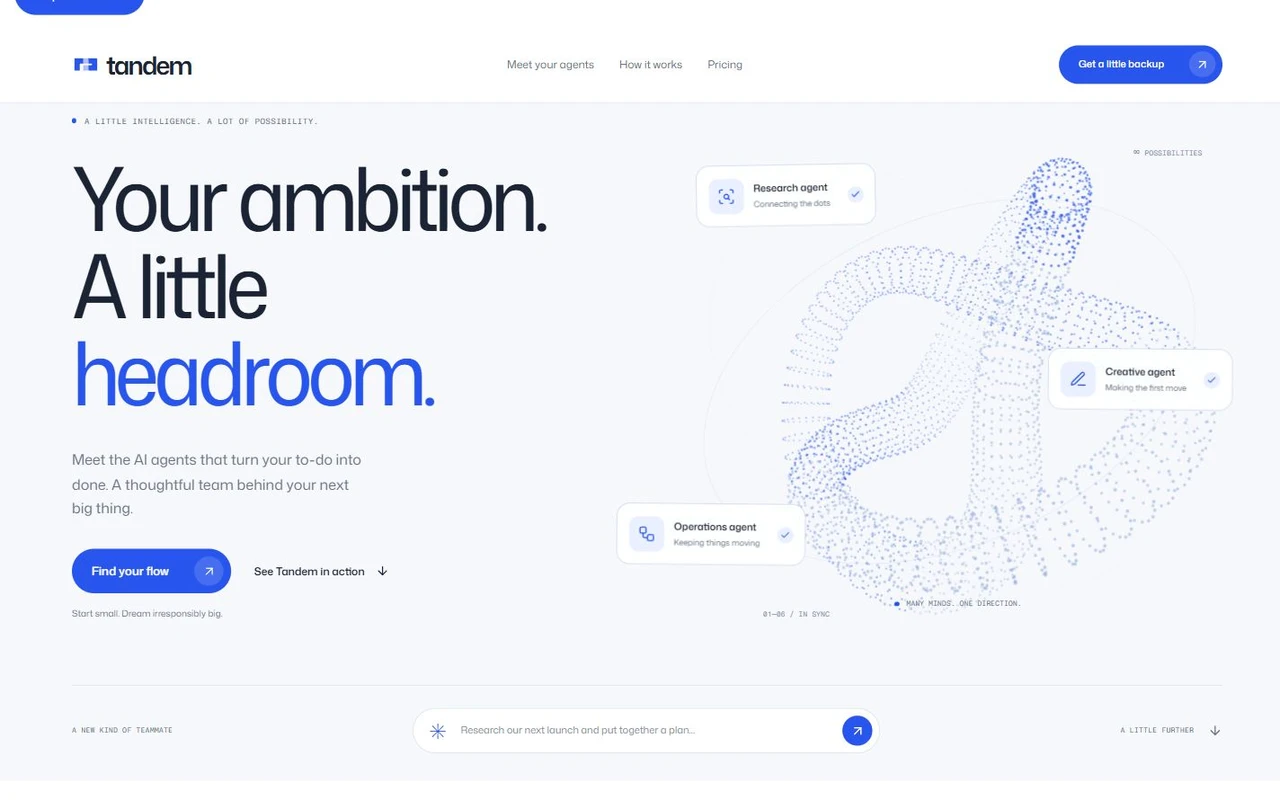
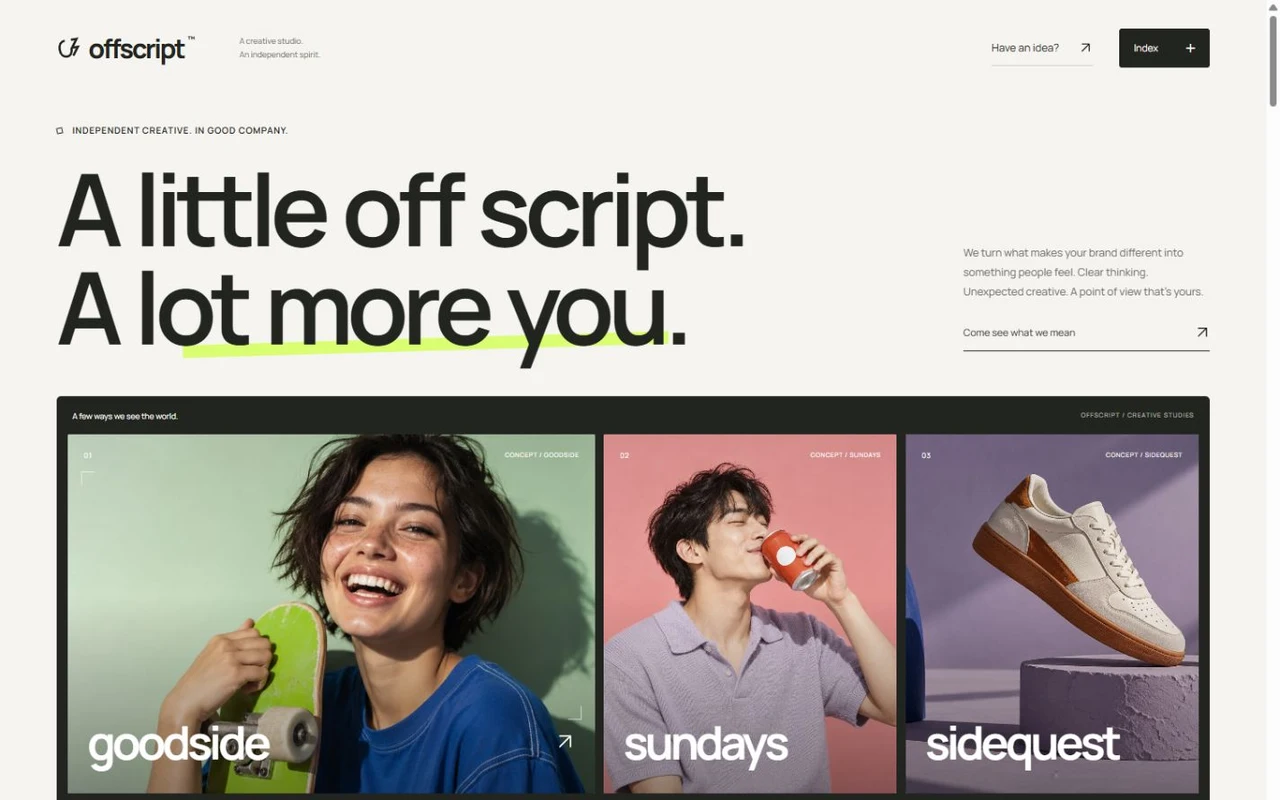
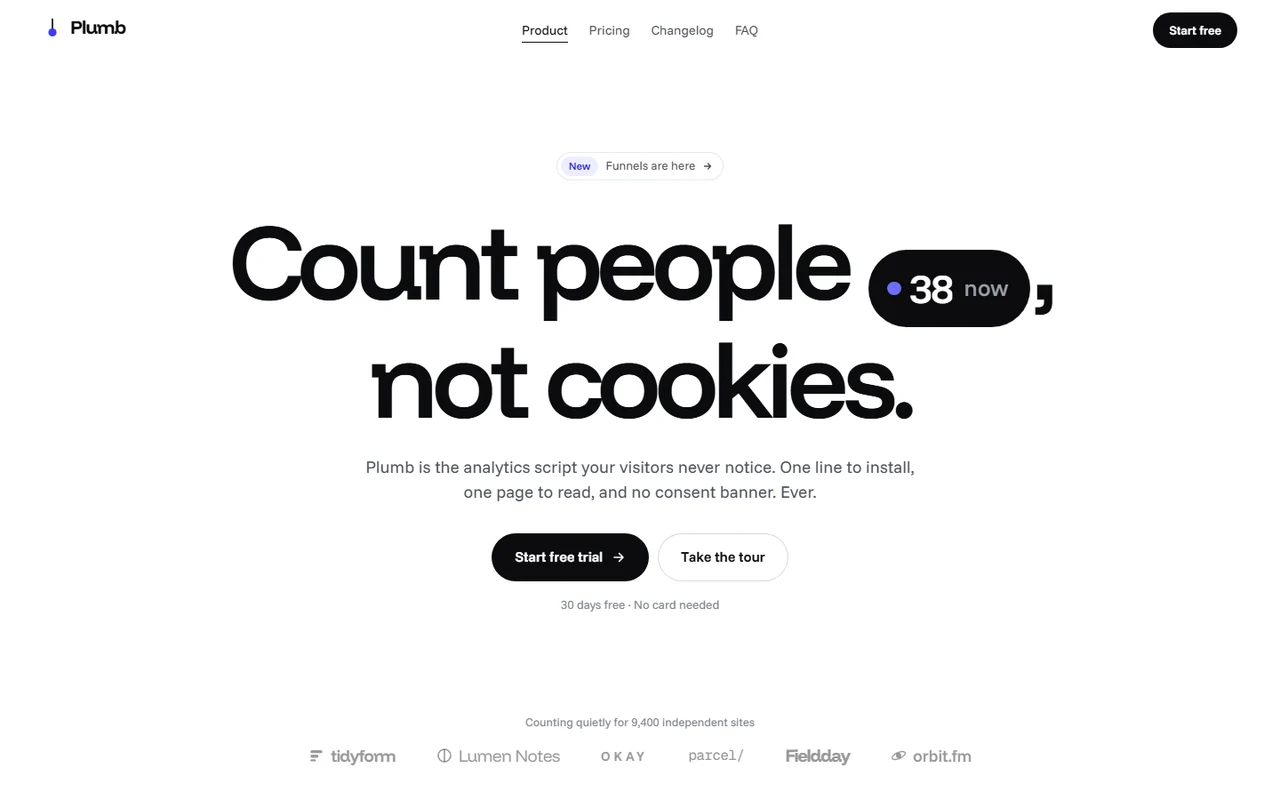
Firstly: Minimal mobile SaaS and onboarding product landing page template for Next.js.
- Next.js 16
- CSS
- TypeScript
- 9 sections
- Light
- No API keys
- Palette
- Updated Oct 19, 2026
01Overview
At a glance
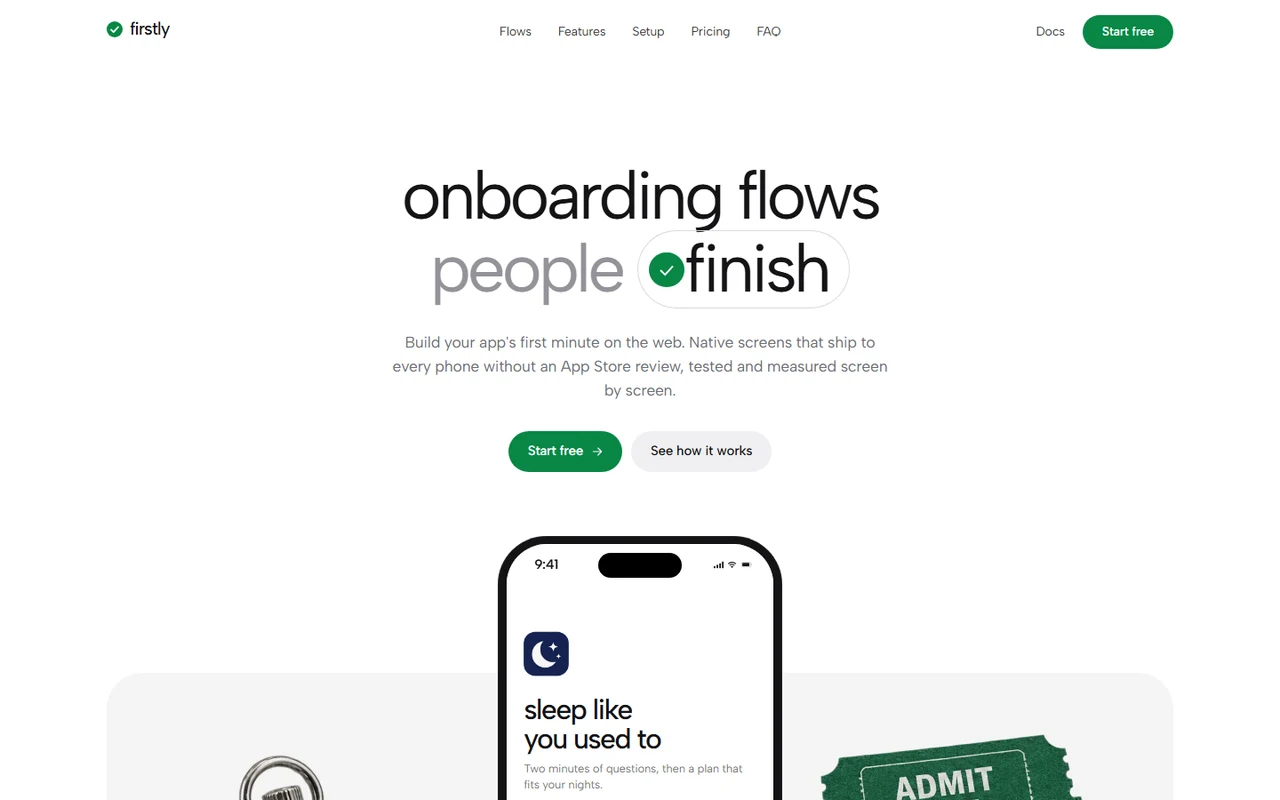
A complete launch page with original positioning: Firstly builds the first minute of a mobile app. You design onboarding screens on the web, ship them to every phone without an app store review, and see where people leave, screen by screen. The idea runs through every section: the page onboards you, one step at a time, and green always means done.
Made for
- Onboarding, paywall and in-app messaging tools for app makers
- Mobile SDKs, no-code app builders and experimentation or analytics products
- Consumer apps with a first run worth showing
- A hero phone that plays a six-screen onboarding with a ghost tap, and hands over when a visitor taps
- A web editor beside a phone: type a question, pick an accent, publish, and the phone picks it up
- Five live feature demos: one screen in three app styles, branching paths, an A/B test that ships its winner, versions with rollback, a funnel per version
- The makers' note told as a tap-through onboarding that asks your name and uses it in the closing
02The look
Its own palette and type
The colours and type it ships with. Tap a colour to copy it.
- AaAlbert SansIncluded with the template
The quick brown fox jumps over the lazy dog
0123456789
- AaJetBrains MonoIncluded with the template
The quick brown fox jumps over the lazy dog
0123456789
Albert Sans set light and tight, every heading in two lines: what it is in ink, why it matters in grey. A white page with soft grey rounded cards, white inner panels on hairline rings, tactile cut-out photography beside the phones, and one jade green that means done: buttons that move you on, chosen answers and progress that has filled. A full dark theme follows the device, with a switch in the footer.
03Sections
9 sections, in page order
From the first screen to the footer.
- 01
Hero
"onboarding flows" over a second line that is a ticked answer: people finish, that convert, you ship tonight, that feel native. The tick clears, both words morph and it ticks again. Below, a phone on a grey table between a chrome stopwatch and two ticket stubs plays the example app's onboarding (welcome, one question, a wake-up wheel, a plan, a reminder, a free week) with a ghost tap. Visitors can tap through it; a strip of six steps fills as each screen plays.
- 02
Bar
Under each menu link a line fills while you read its section and stays once you're past it, like the phone's progress bar. On phones the same progress runs along the bottom of the bar.
- 03
Editor
A browser with the flow editor: screens, a canvas with the selected question and an inspector. The demo rewrites the question letter by letter and publishes; the phone beside it morphs to the new words and the count of phones on the new version rolls up. Visitors can edit, pick an accent and corners, and publish again.
- 04
Numbers
A finish rate that rolls from 41% to 68% beside bars for every screen, before and after; a wall of twelve app icons; 2.4× more trials; a customer quote with a portrait.
- 05
Five features
One question screen worn by three apps (colours, type and corners change in place); answers that draw a path to the screen they lead to; an A/B test where people arrive, rates settle on a sparkline and the winner ships; version history with publish, rollout and restore; a funnel per screen with a version switch.
- 06
Setup
Three cards you can use: code tabs including a prompt for a coding agent with a copy button, a list of starting flows, and a publish button that brings the first people through.
- 07
Story
The makers' note read one screen at a time with a progress bar, ending on "what should we call you?". The name is used again in the closing heading.
- 08
Pricing, FAQ, closing
One plan on a usage slider that snaps to each stop while the price rolls, up to "let's talk". Questions on hairlines that open in place. A photograph of a running track's start line at dawn.
- 09
Pages
Privacy and terms placeholders and a custom 404.
04Make it yours
Where everything lives
Every heading, the example app and its screens, the editor, the numbers, all five demos' data, plans and FAQ live in site.config.ts. The phone and every screen are drawn in code, so a new question or plan is a line of text, not a new screenshot. Colours for light and dark are a few variables in styles/base.css.
| To change | Edit |
|---|---|
| Brand, copy, the example app's onboarding, numbers, plans and FAQ | site.config.ts |
| Feature demo data: app styles, branches, test results, versions, funnel | site.config.ts → features |
| Sign-up, docs, email and social links | site.config.ts → links |
| Palette and type, light and dark | styles/base.css, app/layout.tsx |
| Objects, app icons, portraits and the closing photo | public/images/ |
| Section order | app/page.tsx |
Run it
$ npm install$ npm run devNode.js 20.9 or newer. No environment variables.
Before you go live
Replace the fictional brand, example apps, people and figures. Set links.signup, links.docs, links.email and site.url in site.config.ts, point the example app at your own product's onboarding and have the legal placeholders rewritten.
05Specifications
What’s under the hood
- sections
- 9
- source files
- 90
- lines of code
- ~5,300
- dependencies
- 3
- API keys needed
- 0
Stack
- Framework
- Next.js 16 (App Router), React 19
- Language
- TypeScript
- Styling
- CSS with design tokens and component styles
- Dependencies
nextreactreact-dom
Design
- Fonts
- Albert Sans, JetBrains Mono, self-hosted with next/font
- Images
- Six cut-out objects on transparency (stopwatch, ticket stubs, tape measure, compass, coin, paper plane), twelve app icons, four portraits, the closing photograph and a social preview. The phone, its screens, the editor, charts and every demo are HTML, CSS and SVG.
- Colour scheme
- Light
- Responsive
- Desktop, tablet and phone
Quality
- Accessibility
- Skip link, visible focus, keyboard navigation, reduced motion
- API keys and environment variables
- None
- Node.js
- 20.9 or newer
Shipping
- Deploys to
- Vercel, Netlify, Cloudflare Pages or any Node host
- Codebase
- 90 source files, about 5,300 lines
- Last updated
- Oct 19, 2026
06License
One license, no tiers
The full text ships as LICENSE.md in the download and is on the license page.
You can
- Use it for your own products
- Use it for any number of client projects
- Change the code and design however you like
- Deploy the result commercially
You can’t
- Resell or share the files as a template, theme or UI kit
- Publish the source as a template in a public repository
07Questions
Before you buy
What do I get when I buy Firstly?
The complete Firstly project as a download: the Next.js app, its config file, a README with setup and customisation notes, and the license. It’s added to your account’s library the moment payment goes through.
Can I use Firstly for client projects?
Yes. One purchase covers your own products and any number of client projects, and you can change the code however you like. What you can’t do is resell or share the template files themselves as a template or UI kit.
Do I need API keys, a database or a backend?
No. It runs with npm install and npm run dev and deploys to Vercel, Netlify or Cloudflare Pages without any environment variables.
What should I change before I launch?
Replace the fictional brand, example apps, people and figures. Set links.signup, links.docs, links.email and site.url in site.config.ts, point the example app at your own product's onboarding and have the legal placeholders rewritten.
Do I need to know Next.js?
Basic React helps, but most changes are text edits in site.config.ts. The README walks through colours, fonts and section order.
How do updates work?
Updates to Firstly are free. When a new version ships, download it again from your library.
Can I get a refund?
Yes. If Firstly isn’t right for you, email support@hairlineui.com within 14 days and you get your money back. No reason needed.
Should I buy all-access instead?
If you’ll use more than two templates, yes. All-access is $99 for all 43 templates, including Firstly and every template added later. Three single templates would cost $117.
08All-access
Every template, one price
All 43 templates for $99.
Every template in the library, including Firstly, and every one added later. Same license, free updates. Less than three single templates.