Marlow: Studio and consultancy landing page template for Next.js.
- Next.js 15
- Tailwind CSS v4
- TypeScript
- 11 sections
- Light
- No API keys
- Updated Oct 7, 2026

Overview
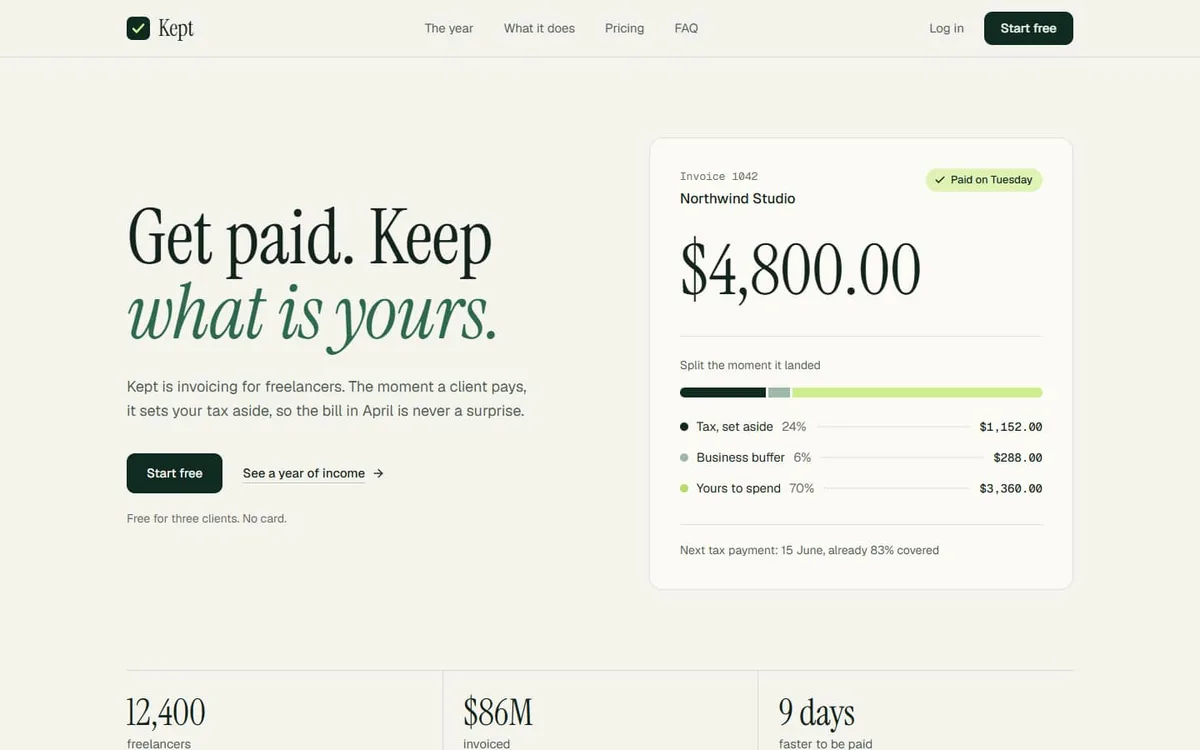
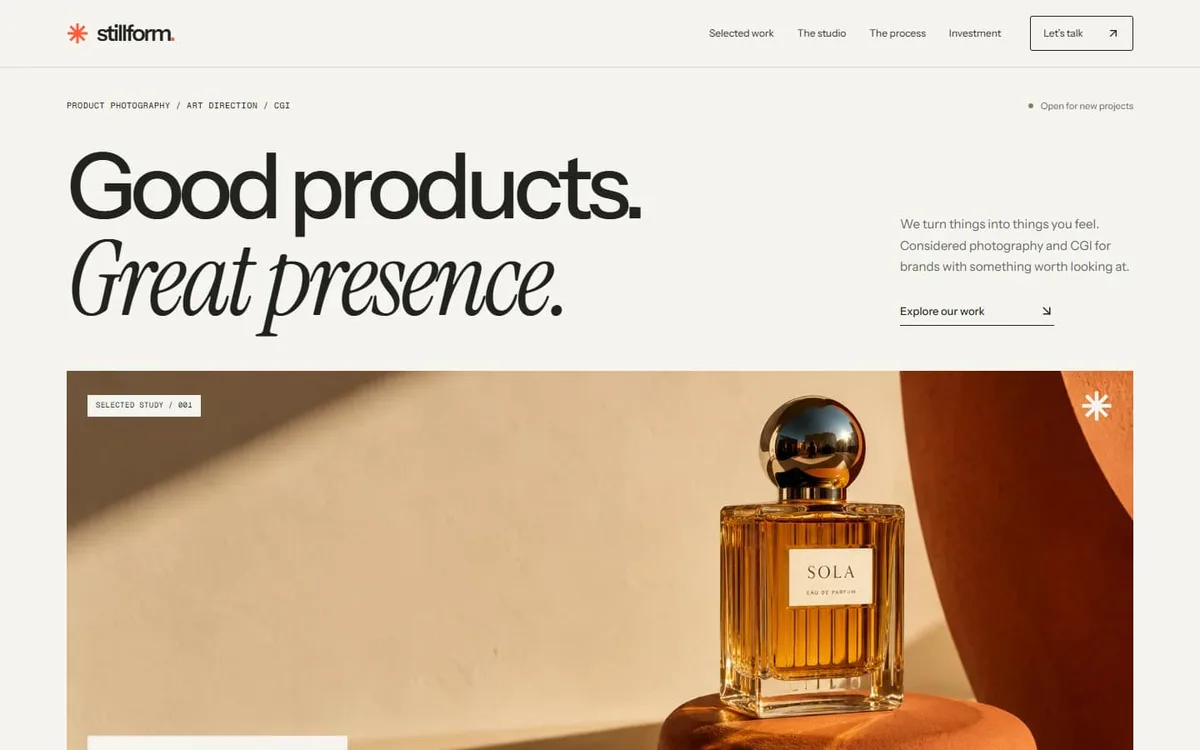
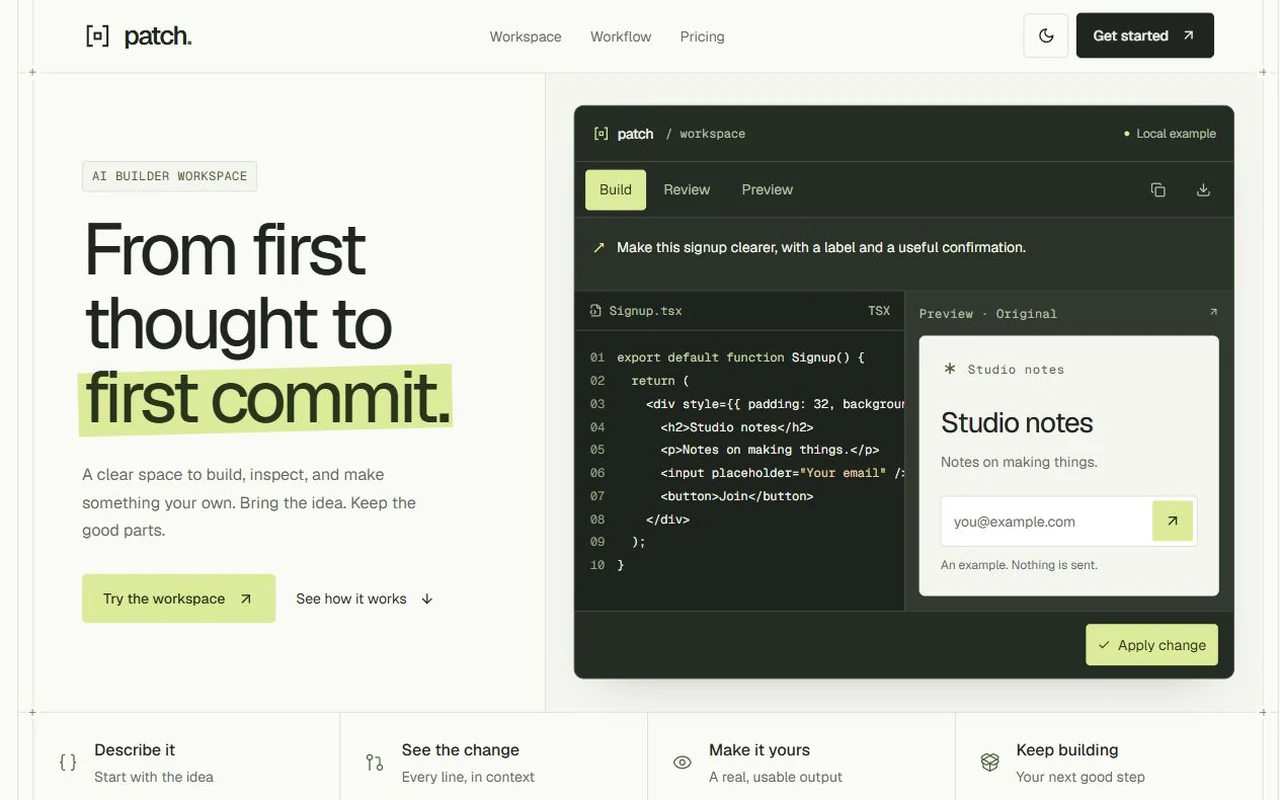
A warm, editorial landing page for studios, consultancies and agencies: serif display type, a highlighted manifesto, a services index, result tiles, a six-week Gantt process and a rate card.
- Made for
- Consultancies, Strategy and design studios, Agencies
- Highlights
- Manifesto with highlighter marks
- Services index and result tiles
- Six-week Gantt process chart
- One config file and one colour palette
- The look
- Warm paper, a Fraunces display face, one clay accent and five pastel tints. Ten sections, and every word of them lives in one file.
Sections
- 01
Hero
Headline beside two product-style panels.
- 02
Client names
The teams you have worked with.
- 03
Approach
Your manifesto, with highlighter marks.
- 04
Services
An index of what you offer.
- 05
Selected work
Result tiles for past engagements.
- 06
Process
A six-week Gantt chart.
- 07
Testimonials
Client quotes.
- 08
Pricing
A rate card.
- 09
FAQ
Common questions, answered in place.
- 10
Closing
A call to action with your next open call slots.
- 11
Footer
Links, legal and the wordmark.
Remove a section by deleting its line in app/page.tsx, or move the line to reorder.
Make it yours
Every word, link and price lives in site.config.ts. TypeScript flags a missing or misspelled field, so you can’t quietly break a section.
| To change | Edit |
|---|---|
| All copy, links, prices, FAQ | site.config.ts |
| Colours (paper, ink, clay, five tints) | app/globals.css (@theme) |
| Fonts | app/layout.tsx |
| Which sections appear, and in what order | app/page.tsx |
| The two hero panels | components/sections/HeroPanels.tsx |
Run it
$ npm install$ npm run devNode.js 18.18 or newer. No environment variables.
Before you go live
The brand, customers, numbers and quotes in the demo are placeholders. Replace them in site.config.ts, and point the buttons at your own sign-up or booking link.
Specifications
- Framework
- Next.js 15 (App Router), React 19
- Language
- TypeScript
- Styling
- Tailwind CSS v4 with design tokens and component styles
- Fonts
- Fraunces, Geist, Geist Mono, self-hosted with next/font
- Dependencies
- next, react, react-dom, lucide-react, clsx, tailwind-merge
- Images
- None. Every visual is built in code.
- API keys and environment variables
- None
- Node.js
- 18.18 or newer
- Colour scheme
- Light
- Responsive
- Desktop, tablet and phone
- Accessibility
- Skip link, visible focus, keyboard navigation, reduced motion
- Deploys to
- Vercel, Netlify, Cloudflare Pages or any Node host
- Codebase
- 22 source files, about 1,700 lines
- Last updated
- Oct 7, 2026
License
One license, no tiers. The full text ships as LICENSE.md in the download.
You can
- Use it for your own products
- Use it for any number of client projects
- Change the code and design however you like
- Deploy the result commercially
You can’t
- Resell or share the files as a template, theme or UI kit
- Publish the source as a template in a public repository
Questions
What do I get when I buy Marlow?
The complete Marlow project as a download: the Next.js app, its config file, a README with setup and customisation notes, and the license. The download link arrives right after checkout.
Can I use Marlow for client projects?
Yes. One purchase covers your own products and any number of client projects, and you can change the code however you like. What you can’t do is resell or share the template files themselves as a template or UI kit.
Do I need API keys, a database or a backend?
No. It runs with npm install and npm run dev and deploys to Vercel, Netlify or Cloudflare Pages without any environment variables.
What should I change before I launch?
The brand, customers, numbers and quotes in the demo are placeholders. Replace them in site.config.ts, and point the buttons at your own sign-up or booking link.
Do I need to know Next.js?
Basic React helps, but most changes are text edits in site.config.ts. The README walks through colours, fonts and section order.
How do updates work?
Updates to Marlow are free. When a new version ships, download it again from the link in your order email.
Can I get a refund?
Yes. If Marlow isn’t right for you, reply to your receipt within 14 days and you get your money back.
Should I buy all-access instead?
If you’ll use more than two templates, yes. All-access is $99 for all 17 templates, including Marlow and every template added later. Three single templates would cost $117.
All-access
All 17 templates for $99.
Every template in the library, including Marlow, and every one added later. Same license, free updates. Less than three single templates.