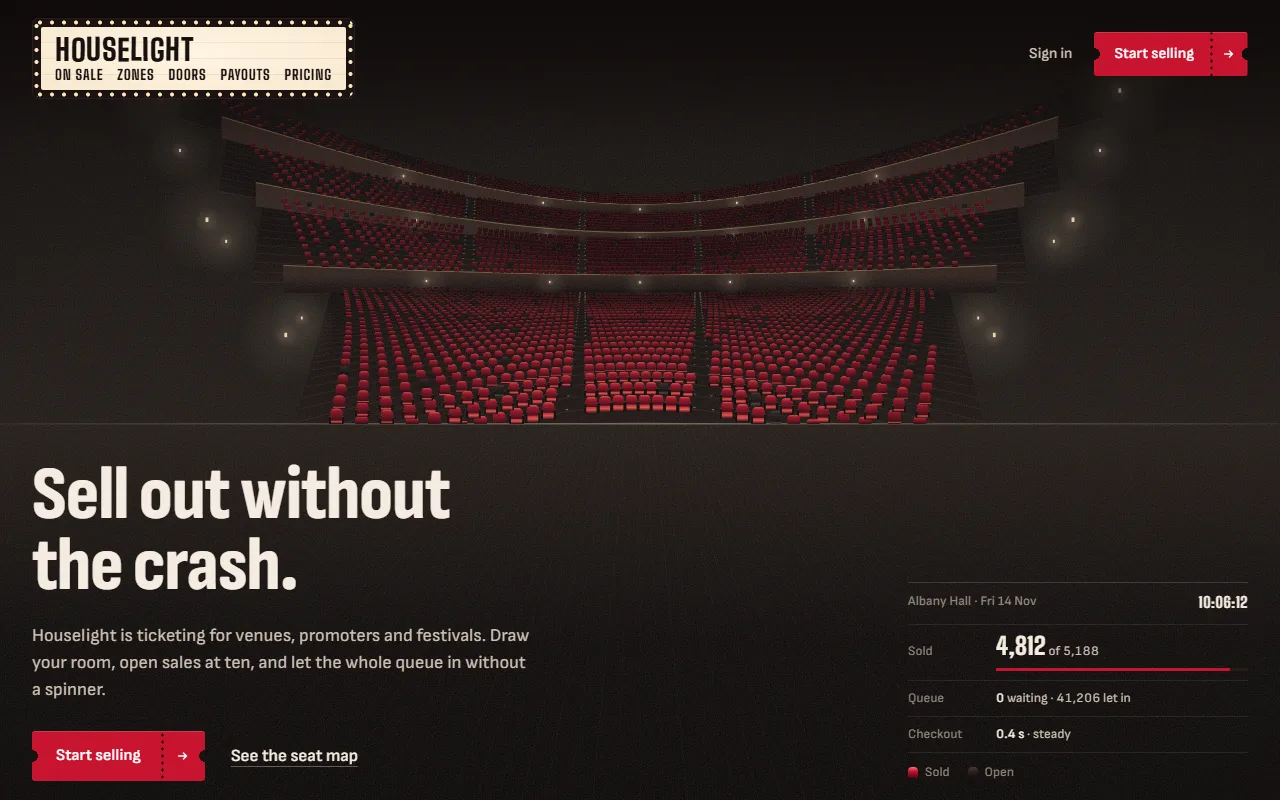
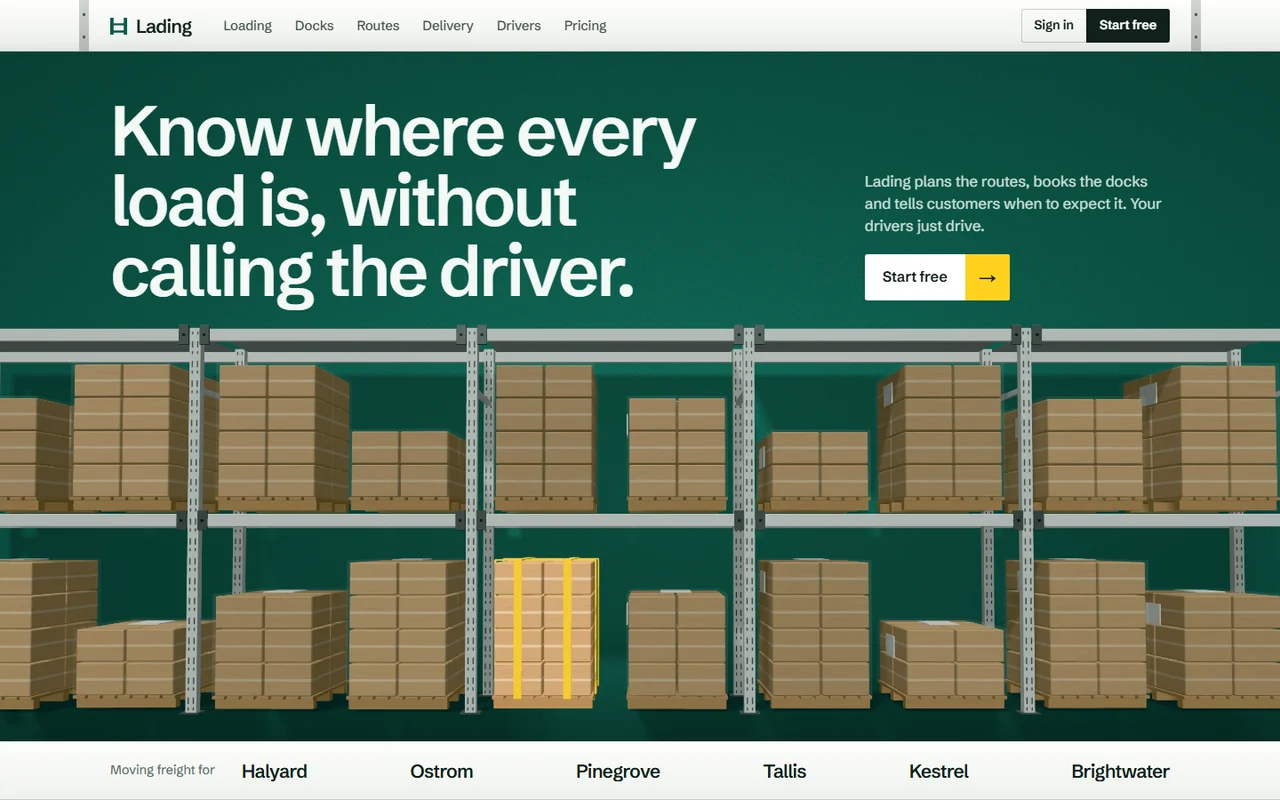
Fold: Folding portfolio for designers and developers template for Next.js.
- Next.js 16
- CSS
- TypeScript
- 6 sections
- Dark
- No API keys
- Palette
- Updated Nov 20, 2026
01Overview
At a glance
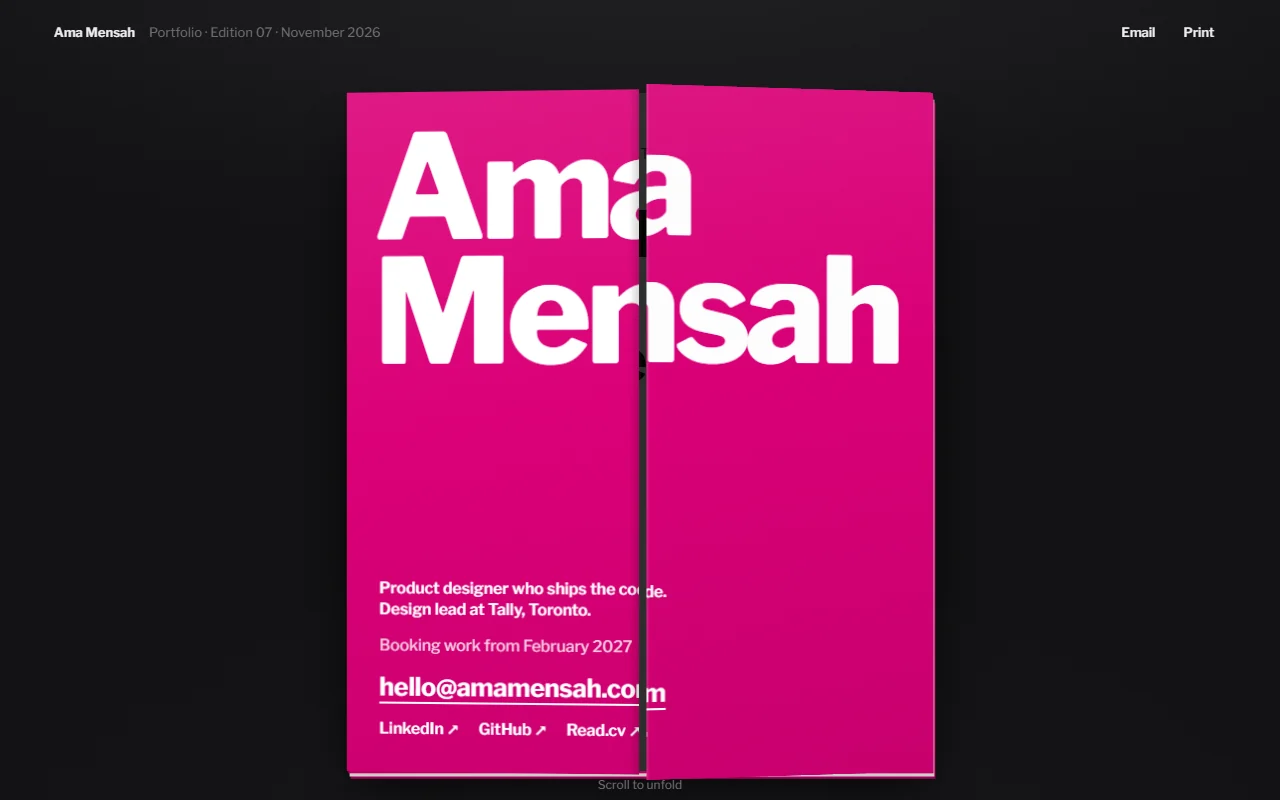
A portfolio for Ama Mensah, a fictional product designer who ships her own code, printed on one long sheet of paper and folded. The page is the object: the cover opens, the sheet unfolds as you read, and it folds back up when you reach the end. Every word, project and photo comes from one site.config.ts file.
Made for
- Product designers and design engineers with four or five projects to show properly
- Developers and indie makers who want a portfolio people share, not a résumé page
- Studios of one: illustrators, photographers and writers who can fill the panels with their own pictures
What stands out04
- A gatefold cover that opens sideways on desktop and up and down on phones, with the name split across the seam
- Every panel hangs on its crease and swings flat as it rises into view, settling with a little give
- Four project layouts for desktop, phone, full-bleed and dark screens, a photo concertina, and a typeset index
- An ending where the whole sheet folds back up from the last panel to the cover, plus a flat print version
02The look
Its own palette and type
The colours and type it ships with. Tap a colour to copy it.
- AaLibre FranklinIncluded with the template
The quick brown fox jumps over the lazy dog
0123456789
Libre Franklin throughout, heavy for the name and headings, regular for reading. The sheet is printed in two inks on white stock: black for every word, process magenta for every number and for the outside of the sheet, which is the cover. It lies on a dark table under one lamp. Creases run down the sheet in four columns and across between panels, and everything is placed against them. Product screens are printed to the trim; the only shadows are the paper's own on the table.
03Sections
6 sections, in page order
From the first screen to the footer.
- 01
Cover
A magenta gatefold on a dark table with the name split across the seam, the role, availability, email and links. A moment after it lands the flaps lift open a crack; scrolling opens them, the second flap leading.
- 02
Inside the cover
The spread under the flaps: a full-height portrait on the left flap, the headline and two short paragraphs in the centre, and the contents on the right flap with each panel's folio.
- 03
Projects
Four panels, each hinged on the crease above it and swinging flat as it rises: a desktop screen printed to the right edge, three phone screens standing on the bottom trim, a full-bleed screen, and a dark screen printed to the left edge. Each has its role, years, story, one measured result in magenta and a link.
- 04
Away from the screen
Five photo cards in a concertina that arrives pressed shut and opens as it scrolls in, peaks catching the lamp and valleys in shade, each card captioned with its place and date.
- 05
Everything else
A typeset index: a large count in magenta, side projects with dot leaders and years, and talks and writing.
- 06
Ending
The whole sheet seen small, folding itself back up from the last panel to the first, the magenta outside flashing on each turn, until the gatefold closes into the cover with the email on it.
04Make it yours
Where everything lives
Every word, project, photo and link lives in site.config.ts. Each project picks one of four layouts to suit its pictures. Replace the images in public/images/ and run npm run verify:content to check paths, slugs and image counts.
| To change | Edit |
|---|---|
| Name, role, city, email and the cover's lines and links | site.config.ts → person, cover |
| Headline and introduction inside the cover | site.config.ts → intro |
| Projects, their layout, result and images | site.config.ts → work |
| Concertina photos and captions | site.config.ts → away |
| Side projects, talks and writing | site.config.ts → index |
| Ink, paper, magenta and table colours | styles/tokens.css |
Run it
$ npm install$ npm run devNode.js 20.9 or newer. No environment variables.
Before you go live
Set person, cover, intro and work in site.config.ts, replace the images in public/images/, then run npm run verify:content and npm run build.
05Specifications
What’s under the hood
- sections
- 6
- source files
- 31
- lines of code
- ~2,900
- dependencies
- 3
- API keys needed
- 0
Stack
- Framework
- Next.js 16 (App Router), React 19
- Language
- TypeScript
- Styling
- CSS with design tokens and component styles
- Dependencies
nextreactreact-dom
Design
- Fonts
- Libre Franklin, self-hosted with next/font
- Images
- Six sample photographs (a portrait and five concertina photos) and four product screens drawn for the template: a finance app, three phone screens of a family calendar, a design system site and a command palette. Paper, creases, shading and every fold are CSS.
- Colour scheme
- Dark
- Responsive
- Desktop, tablet and phone
Quality
- Accessibility
- Skip link, visible focus, keyboard navigation, reduced motion
- API keys and environment variables
- None
- Node.js
- 20.9 or newer
Shipping
- Deploys to
- Vercel, Netlify, Cloudflare Pages or any Node host
- Codebase
- 31 source files, about 2,900 lines
- Last updated
- Nov 20, 2026
06License
One license, no tiers
The full text ships as LICENSE.md in the download and is on the license page.
You can
- Use it for your own products
- Use it for any number of client projects
- Change the code and design however you like
- Deploy the result commercially
You can’t
- Resell or share the files as a template, theme or UI kit
- Publish the source as a template in a public repository
07Questions
Before you start
What do I get with Fold?
The complete Fold project as a download: the Next.js app, its config file, a README with setup and customisation notes, and the license. It’s free: press Get, sign in with a free account, and it’s added to your library to download. No card needed.
Can I use Fold for client projects?
Yes. The free templates use the same commercial license as the paid ones: your own products and any number of client projects, and you can change the code however you like. What you can’t do is resell or share the template files themselves as a template or UI kit.
Do I need API keys, a database or a backend?
No. It runs with npm install and npm run dev and deploys to Vercel, Netlify or Cloudflare Pages without any environment variables.
What should I change before I launch?
Set person, cover, intro and work in site.config.ts, replace the images in public/images/, then run npm run verify:content and npm run build.
Do I need to know Next.js?
Basic React helps, but most changes are text edits in site.config.ts. The README walks through colours, fonts and section order.
How do updates work?
Updates to Fold are free. When a new version ships, download it again from your account.
Why is Fold free?
So you can see the standard of every template in the library before you pay for one. Fold is complete, with nothing held back. If you want the rest, all-access is $159 for all 63 templates.
08All-access
All 63 templates for $159. And every one added later.
Every template in the library, including Fold. Same license, free updates, and less than 5 single templates would cost.
63 templates today$2.52 each
7 more and it’s $169. Buy today and every one after is yours at $159.
09More templates