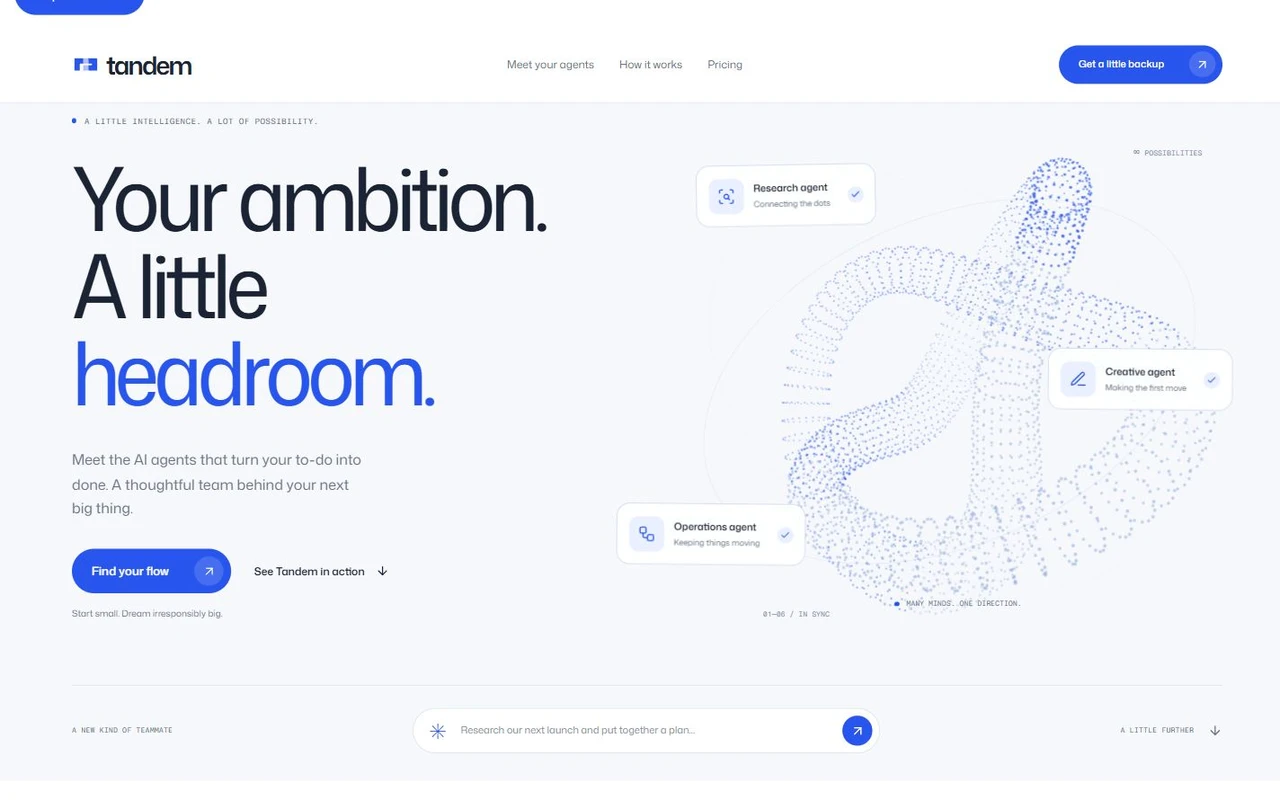
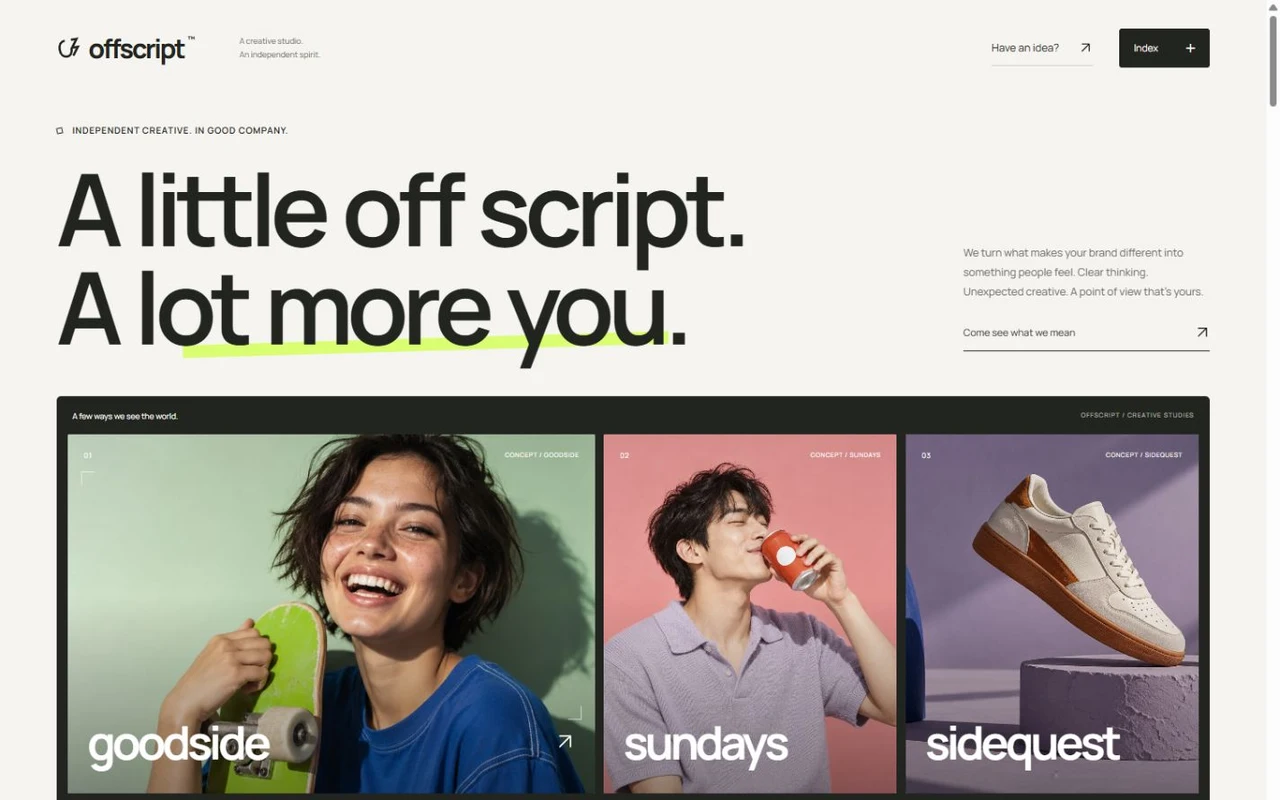
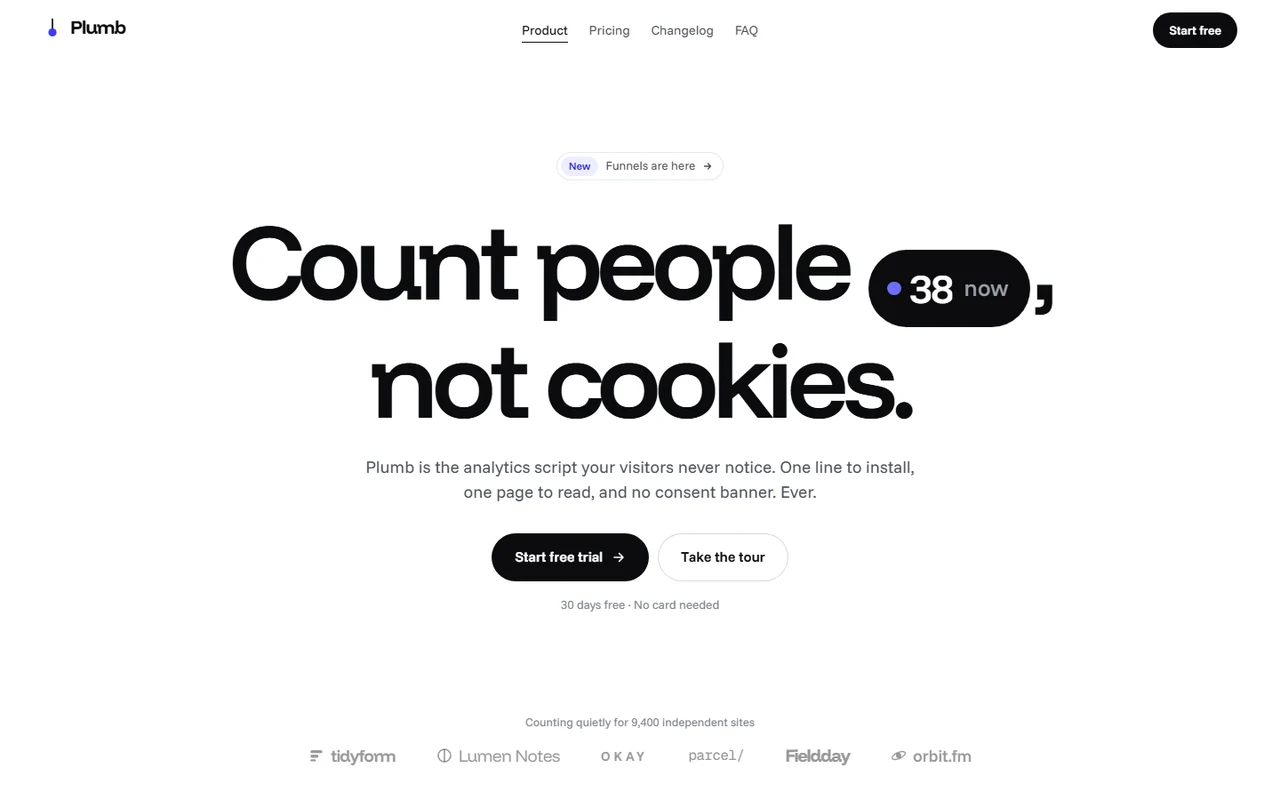
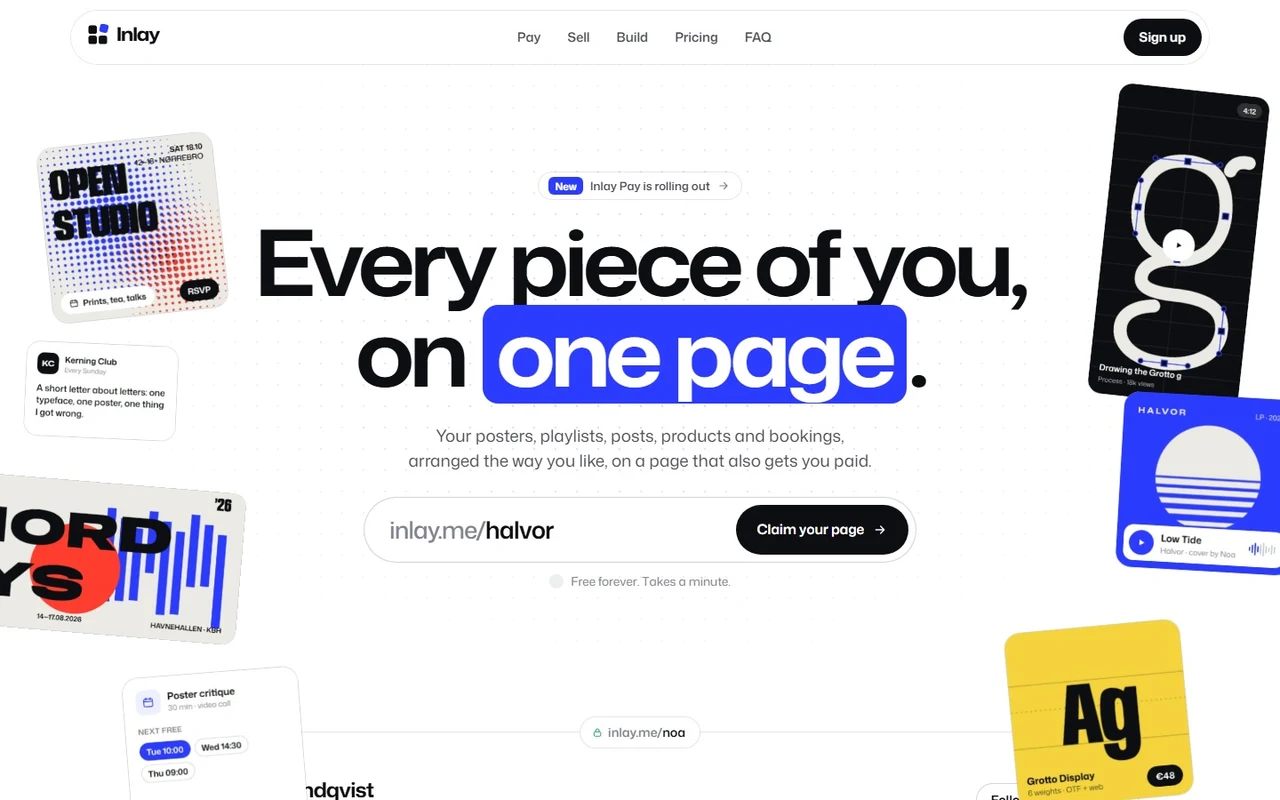
Switchyard: Feature flag and rollout SaaS landing page template for Next.js.
- Next.js 16
- CSS
- TypeScript
- 11 sections
- Light
- No API keys
- Palette
- Updated Oct 18, 2026
01Overview
At a glance
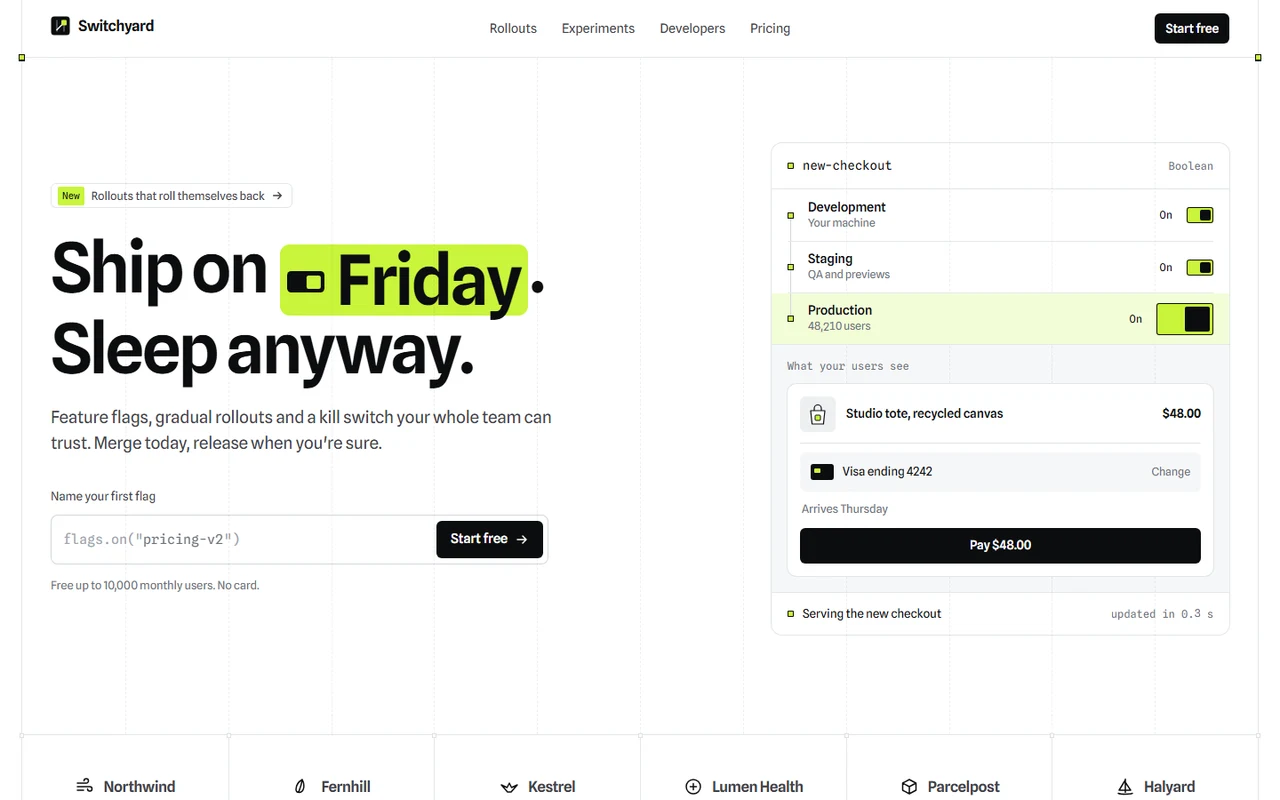
A complete launch page with original positioning: Switchyard is a feature flag and gradual rollout product for teams that would rather release on their own schedule. The idea runs through every section: the page is behind flags. Headings flip from their old copy to their new one, the hairline grid's crossing points switch on as each band is read, and the flag a visitor names in the hero follows them into the code, the audit log, the dock and the footer.
Made for
- Feature flag, experimentation and release tools
- Developer tools, APIs and infrastructure products
- B2B SaaS that sells safety, control or speed to engineering teams
- Flagged headings: one word per heading flips from old copy to new as it scrolls in, and back on a tap
- A hero console where flipping Production sends a pulse through the environments and down the page's rails
- A canvas rollout of a thousand users with sticky buckets, targets and a guardrail that rolls itself back
- A kill switch that reverts the whole page, an A/B test that ships its winner and deletes the flag's dead code
02The look
Its own palette and type
The colours and type it ships with. Tap a colour to copy it.
- AaSpline SansIncluded with the template
The quick brown fox jumps over the lazy dog
0123456789
- AaSpline Sans MonoIncluded with the template
The quick brown fox jumps over the lazy dog
0123456789
Spline Sans for words, set tight at weight 600, and Spline Sans Mono for flag keys, code and figures. A white page framed by two rails and a twelve-column grid, hairlines across every band and a square mark wherever lines cross. One colour means on, an electric lime used only as a fill with ink text; red is kept for errors. Everything is squared: switches, thumbs, marks and buttons.
03Sections
11 sections, in page order
From the first screen to the footer.
- 01
Hero
"Ship on Monday" flips to "Friday" as the page opens. A field shaped like code, flags.on("…"), takes the visitor's first flag. Beside it a console shows that flag across Development, Staging and Production: flipping Production runs a pulse down the console's rail, morphs the checkout preview into the new version and carries on down the page's rails. If nobody flips it, it flips itself once.
- 02
Navigation and dock
A sticky band on the grid with a switch mark that glides to the section you're reading; on phones it opens downward into the menu. A dock carries the visitor's flag ("Ship new-checkout") and steps aside at pricing, the closing and the footer.
- 03
Grid and statement
Customer marks sit in cells whose dividers are column lines. The statement is rolled out like a flag: its words switch from grey to ink in a random order as you scroll, with a rolling percentage beside it.
- 04
Board
The product's flags board, rendered as a picture with a separate phone version, rises out of its panel; three notes sit on the columns beneath it.
- 05
Rollouts
A canvas of about a thousand users, one square each. A stop slider widens the rollout from 1% to 100% and people keep their place, as with real bucketing; targets (Pro plan, Europe, your team) hollow out everyone else. Ship a bug and the error line climbs past the guardrail, the lit squares flash red and the rollout takes itself back to 0%.
- 06
Kill switch
A dark band with one lever. Pulling it turns off every flag on the page in a wave that spreads from the switch: flagged words revert to their old copy, the hero console turns off and every mark goes dark, while a readout rolls the count.
- 07
Experiments
An A/B test that runs while it's on screen: visitors and sign-ups roll, confidence ranges narrow until B's lead is clear, "Ship B" folds A away, and "Remove the flag" folds the dead branch out of the code.
- 08
Developers and audit log
A dark code block in four languages with the visitor's flag highlighted, a copy button that draws a check, and rolling figures. A production change asks for review and gets approved; the audit log has quietly written down everything the visitor did on the page.
- 09
Integrations, pricing, FAQ
Eight tools in cells with their own switches. Plans priced by monthly users with a stop slider and a monthly/yearly switch whose prices roll. A two-column FAQ whose answers open to their measured height.
- 10
Closing and footer
"Turn it on." with a last lever that turns everything back on and flips the footer's line of code, flags.on("your-flag"), from false to true.
- 11
Pages
Privacy and terms placeholders and a custom 404.
04Make it yours
Where everything lives
Every heading, label, plan and destination lives in site.config.ts. Write one word of any heading as [old|new] to put it behind a flag. The grid, switches and colours are a few variables in styles/base.css, and the board is a picture you replace with your own product at the same proportions.
| To change | Edit |
|---|---|
| Brand, copy, the console, rollout labels, experiment, code snippets, plans and FAQ | site.config.ts |
| Sign-up, sign-in, docs and sales links | site.config.ts → links |
| The grid, switches, palette and type | styles/base.css, app/layout.tsx |
| Logo mark, customer marks and integration marks | components/ui/Brand.tsx, components/sections/ |
| Product board pictures (sizes in the README) | public/images/ |
| Section order | app/page.tsx |
Run it
$ npm install$ npm run devNode.js 20.9 or newer. No environment variables.
Before you go live
Replace the fictional brand, customers, people and figures. Set links.signup (and links.login, links.docs, links.sales if you have them) and site.url in site.config.ts, swap the board pictures for your own product, and have the legal placeholders rewritten.
05Specifications
What’s under the hood
- sections
- 11
- source files
- 63
- lines of code
- ~4,900
- dependencies
- 3
- API keys needed
- 0
Stack
- Framework
- Next.js 16 (App Router), React 19
- Language
- TypeScript
- Styling
- CSS with design tokens and component styles
- Dependencies
nextreactreact-dom
Design
- Fonts
- Spline Sans, Spline Sans Mono, self-hosted with next/font
- Images
- Two WebP product screens (desktop and phone) and a social preview, rendered at 2× for the template. The mark, customer and integration marks, switches, the rollout field and charts are drawn in SVG, CSS and canvas.
- Colour scheme
- Light
- Responsive
- Desktop, tablet and phone
Quality
- Accessibility
- Skip link, visible focus, keyboard navigation, reduced motion
- API keys and environment variables
- None
- Node.js
- 20.9 or newer
Shipping
- Deploys to
- Vercel, Netlify, Cloudflare Pages or any Node host
- Codebase
- 63 source files, about 4,900 lines
- Last updated
- Oct 18, 2026
06License
One license, no tiers
The full text ships as LICENSE.md in the download and is on the license page.
You can
- Use it for your own products
- Use it for any number of client projects
- Change the code and design however you like
- Deploy the result commercially
You can’t
- Resell or share the files as a template, theme or UI kit
- Publish the source as a template in a public repository
07Questions
Before you buy
What do I get when I buy Switchyard?
The complete Switchyard project as a download: the Next.js app, its config file, a README with setup and customisation notes, and the license. It’s added to your account’s library the moment payment goes through.
Can I use Switchyard for client projects?
Yes. One purchase covers your own products and any number of client projects, and you can change the code however you like. What you can’t do is resell or share the template files themselves as a template or UI kit.
Do I need API keys, a database or a backend?
No. It runs with npm install and npm run dev and deploys to Vercel, Netlify or Cloudflare Pages without any environment variables.
What should I change before I launch?
Replace the fictional brand, customers, people and figures. Set links.signup (and links.login, links.docs, links.sales if you have them) and site.url in site.config.ts, swap the board pictures for your own product, and have the legal placeholders rewritten.
Do I need to know Next.js?
Basic React helps, but most changes are text edits in site.config.ts. The README walks through colours, fonts and section order.
How do updates work?
Updates to Switchyard are free. When a new version ships, download it again from your library.
Can I get a refund?
Yes. If Switchyard isn’t right for you, email support@hairlineui.com within 14 days and you get your money back. No reason needed.
Should I buy all-access instead?
If you’ll use more than two templates, yes. All-access is $99 for all 42 templates, including Switchyard and every template added later. Three single templates would cost $117.
08All-access
Every template, one price
All 42 templates for $99.
Every template in the library, including Switchyard, and every one added later. Same license, free updates. Less than three single templates.