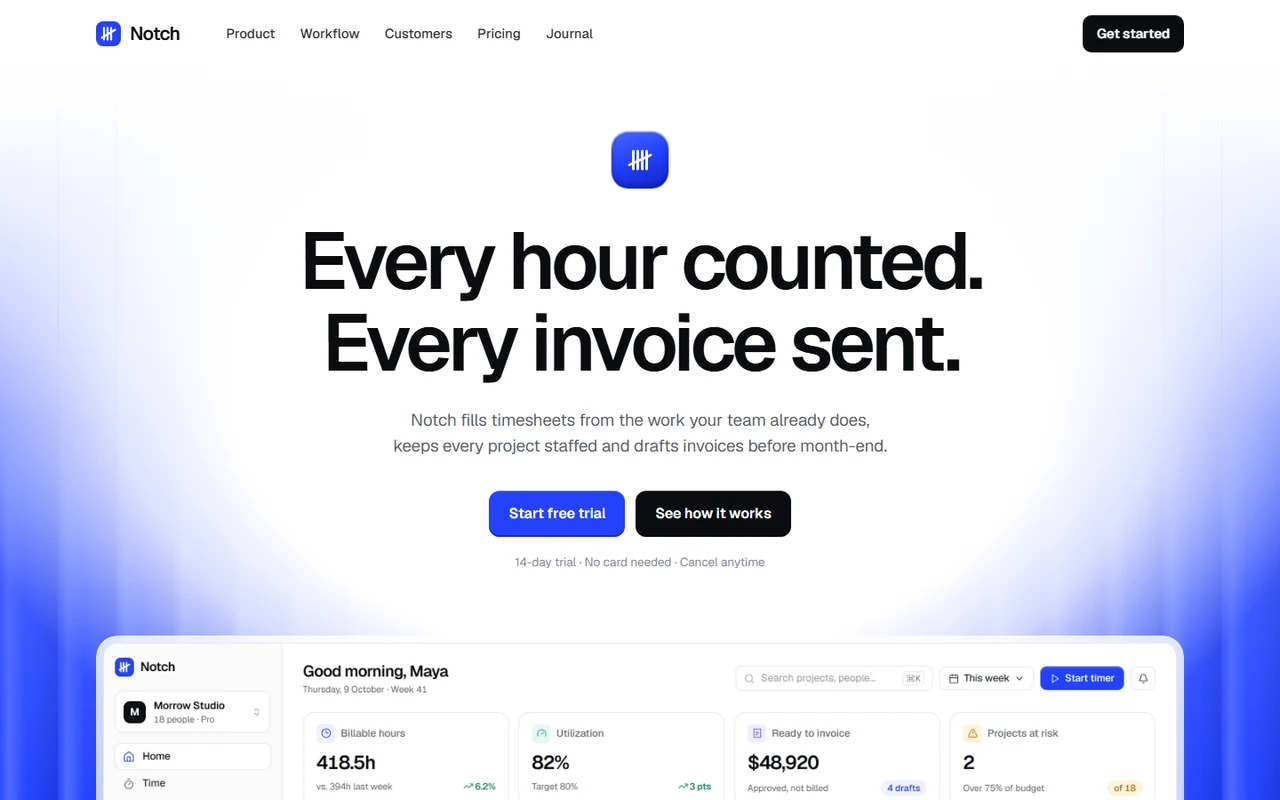
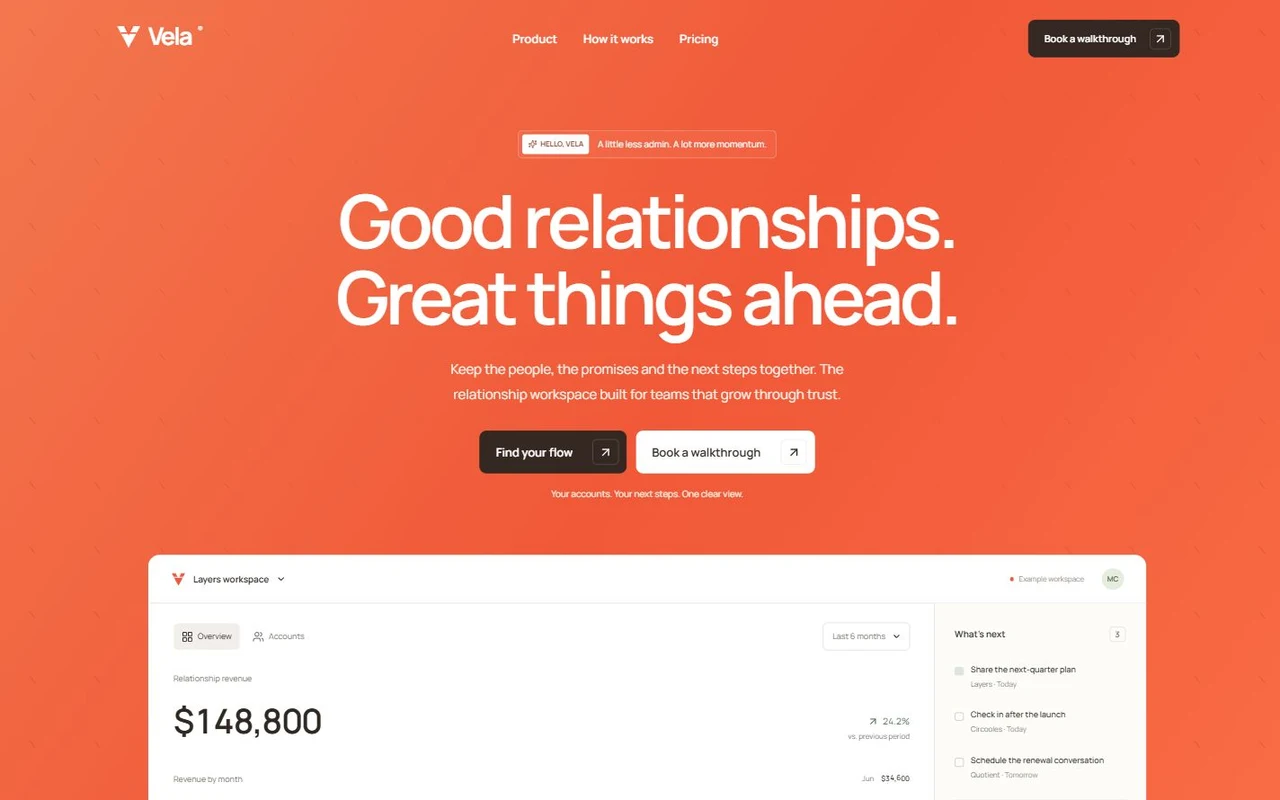
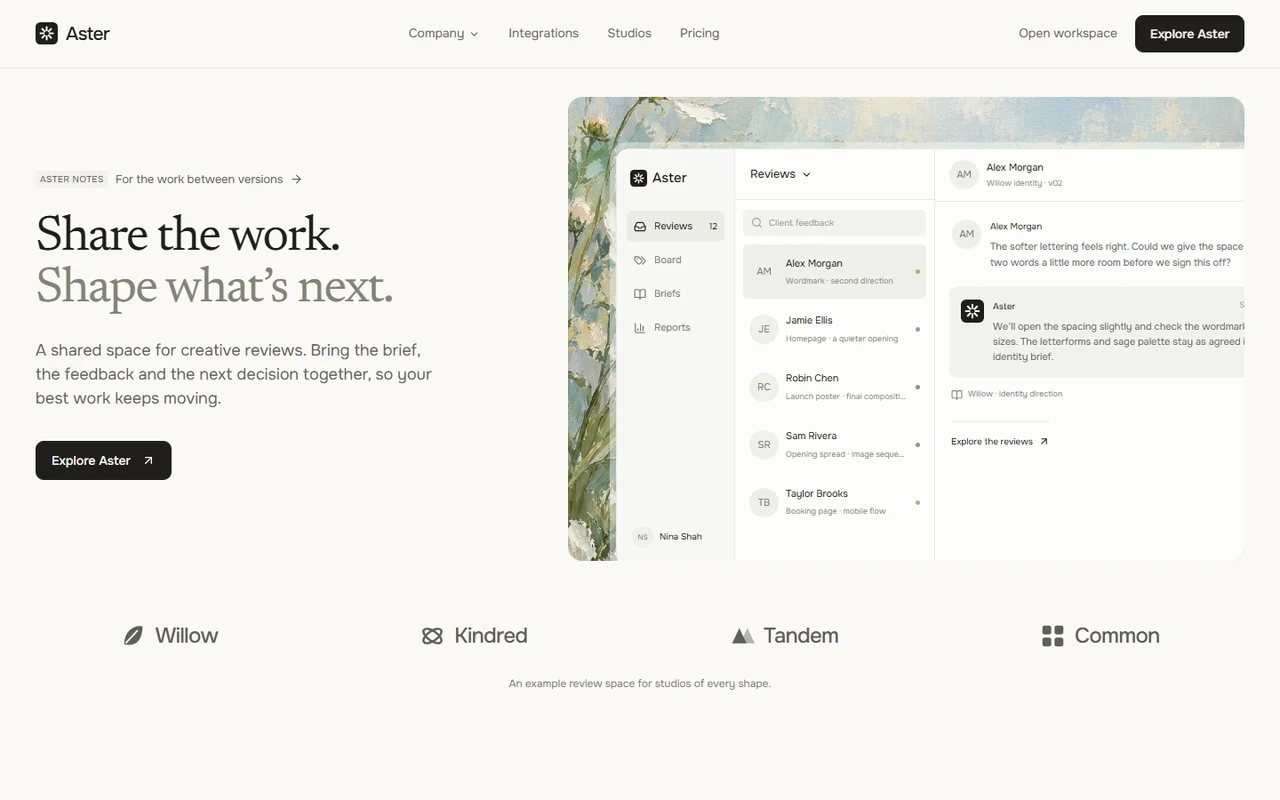
Aveniq: Product workspace SaaS landing page template for Next.js.
$39one-time payment
Guest checkout · Instant zip · Commercial license · 14-day refund before download
- Next.js 16
- CSS
- TypeScript
- 7 sections
- Dark
- No API keys
- Palette
- Updated Nov 22, 2026
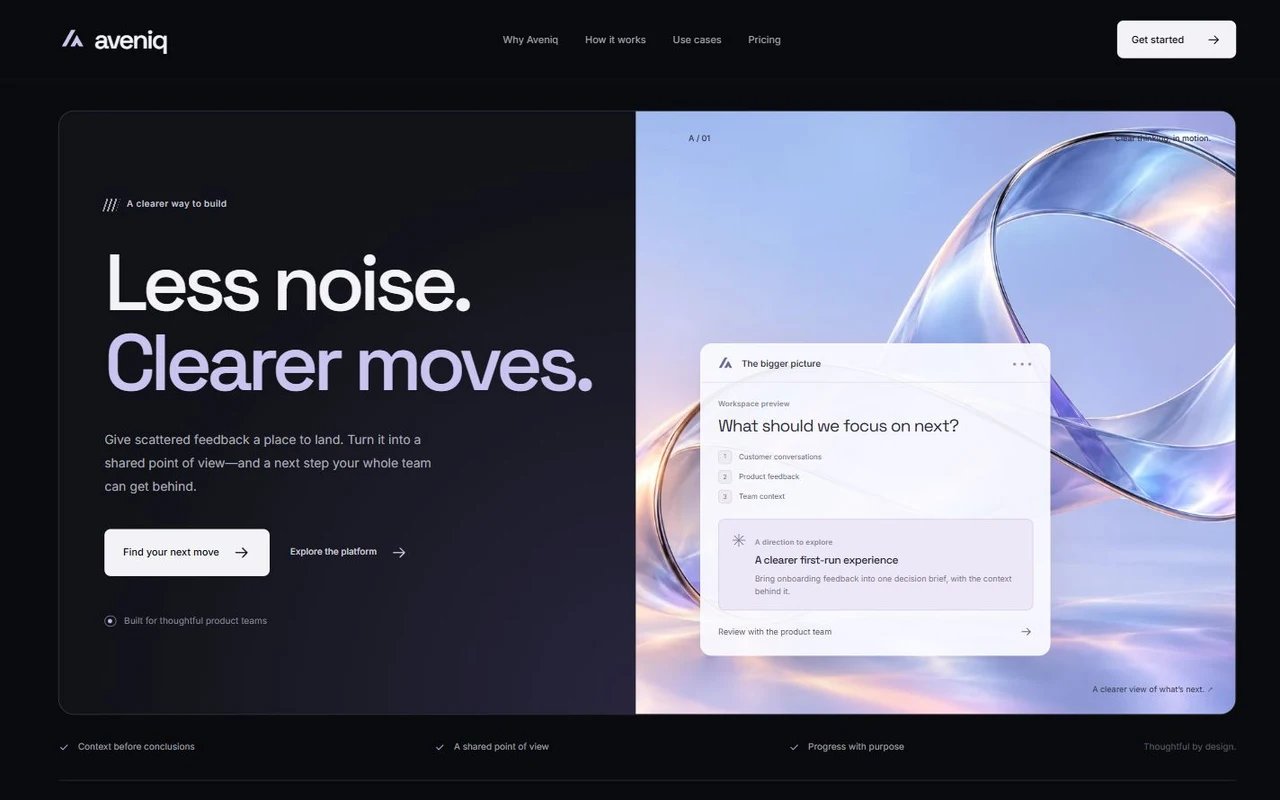
01Overview
At a glance
A single-page launch for tools that turn customer feedback into product decisions. The page says it with pictures instead of paragraphs: every voice is a bar or a dot, themes are peaks, and the decision is the one thing marked yellow.
Made for
- Customer feedback, research and voice-of-customer tools
- Product analytics and roadmap software
- AI products that summarise or sort large volumes of input
What stands out04
- A hero where feedback static is tuned into one peak per theme, the loudest marked yellow
- Dots that sort into themes, a dial that turns with the scroll, twelve weeks drawn as ridges
- Every picture drawn in code from the numbers in one config file, no images
- Light pricing sheet with monthly and yearly in place, native FAQs, reduced motion respected
02The look
Its own palette and type
The colours and type it ships with. Tap a colour to copy it.
- AaGeologicaIncluded with the template
The quick brown fox jumps over the lazy dog
0123456789
Near-black page, warm white type and one highlighter yellow that only marks the signal: the loudest peak, the decision, and the point of each heading. Geologica, bundled locally. Every picture is canvas or SVG drawn from site.config.ts; pricing turns the page over onto a light band.
03Sections
7 sections, in page order
From the first screen to the footer.
- 01
Hero
A full-width field of feedback bars flickers as static in the colours of its sources. A tuning line sweeps across, the bars settle into one labelled peak per theme, and the loudest turns yellow as the headline is marked. New voices keep arriving for a while and counts tick up.
- 02
Platform
Every voice of the month as a dot. On view they sort into a column per theme, the noise steps back, threads run from the loudest column to the decision with its owner, and three captions light with their stages.
- 03
Workflow
Gather, understand and move as one dial of bars: raw static, smoothed peaks, then a single yellow spike. A needle turns with the scroll and lights the step it is on.
- 04
Use cases
Twelve weeks of feedback stacked as a range of ridges. The yellow theme climbs, is decided on, and falls after the fix ships, with three moments pinned to their weeks.
- 05
Sources
Six inputs flow as coloured streams that run together into one line ending in the brief.
- 06
Pricing
A light price sheet with no cards: three columns, prices that switch monthly and yearly in place, and a small field under each plan showing how much it holds.
- 07
FAQ, closing and footer
Five native disclosures, then the field returns calm with one yellow peak rising under the closing line, and a quiet footer.
04Make it yours
Where everything lives
Edit site.config.ts for identity, copy, links and every number the pictures are drawn from. Each picture is its own component.
| To change | Edit |
|---|---|
| Identity, copy, plans and CTA URLs | site.config.ts |
| Themes and counts in the hero | site.config.ts → hero.signal |
| Sorted voices, decision and owner | site.config.ts → platform.sort |
| Twelve-week trend and its moments | site.config.ts → stories |
| Colour (the marker is --mark), type and controls | styles/base.css |
| The pictures | components/SignalField.tsx, DotSort, WorkflowDial, Ridgeline, Streams |
| Section order | app/page.tsx |
Run it
$ npm install$ npm run devNode.js 20.9 or newer. No environment variables.
Before you go live
Replace the fictional product identity, example themes, counts, trend, pricing and email. Point CTAs at your own signup or booking destination. There are no forms, account flows or backend services.
05Specifications
What’s under the hood
- sections
- 7
- source files
- 44
- lines of code
- ~3,400
- dependencies
- 3
- API keys needed
- 0
Stack
- Framework
- Next.js 16 (App Router), React 19
- Language
- TypeScript
- Styling
- CSS with design tokens and component styles
- Dependencies
nextreactreact-dom
Design
- Fonts
- Geologica, self-hosted with next/font
- Images
- None. Every picture is drawn in code on canvas or in SVG from the numbers in site.config.ts. Font licences are bundled.
- Colour scheme
- Dark
- Responsive
- Desktop, tablet and phone
Quality
- Accessibility
- Skip link, visible focus, keyboard navigation, reduced motion
- API keys and environment variables
- None
- Node.js
- 20.9 or newer
Shipping
- Deploys to
- Vercel, Netlify, Cloudflare Pages or any Node host
- Codebase
- 44 source files, about 3,400 lines
- Last updated
- Nov 22, 2026
06License
One license, no tiers
The full text ships as LICENSE.md in the download and is on the license page.
You can
- Use it for your own products
- Use it for any number of client projects
- Change the code and design however you like
- Deploy the result commercially
You can’t
- Resell or share the files as a template, theme or UI kit
- Publish the source as a template in a public repository
07Questions
Before you buy
What do I get when I buy Aveniq?
The complete Aveniq project as a download: the Next.js app, its config file, a README with setup and customisation notes, and the license. It’s added to your account’s library the moment payment goes through.
Can I use Aveniq for client projects?
Yes. One purchase covers your own products and any number of client projects, and you can change the code however you like. What you can’t do is resell or share the template files themselves as a template or UI kit.
Do I need API keys, a database or a backend?
No. It runs with npm install and npm run dev and deploys to Vercel, Netlify or Cloudflare Pages without any environment variables.
What should I change before I launch?
Replace the fictional product identity, example themes, counts, trend, pricing and email. Point CTAs at your own signup or booking destination. There are no forms, account flows or backend services.
Do I need to know Next.js?
Basic React helps, but most changes are text edits in site.config.ts. The README walks through colours, fonts and section order.
How do updates work?
Updates to Aveniq are free. When a new version ships, download it again from your library.
Can I get a refund?
Before you download it, yes: email support@hairlineui.com within 14 days and you get your money back, no reason needed. After you download, if Aveniq doesn’t work as described, we fix it, and if we can’t, we refund it. A change of mind after downloading isn’t refunded, because you keep the code, so try the live demo first: it’s the whole template.
Should I buy all-access instead?
If you’ll use 5 or more templates, yes. All-access is $159 for all 64 templates, including Aveniq and every template added later; 5 single templates would cost $195. The price rises as the library grows: 6 more templates and it goes to $169.
08All-access
All 64 templates for $159. And every one added later.
Every template in the library, including Aveniq. Same license, free updates, and less than 5 single templates would cost.
64 templates today$2.48 each
6 more and it’s $169. Buy today and every one after is yours at $159.
09More templates
More templates for SaaS and dev tools
Compare Aveniq side by side with the other templates for ai products and saas landing pages.