Terrain heroAll-Access


A hero for data products: the answer to a typed question rises as a WebGL terrain of stacked-plate columns, rolling from the horizon toward you.
Used forWarehouse and BI toolsProduct analyticsObservabilityRevenue and finance data
Install with the shadcn CLI
A premium block, included with All-Access (see what’s inside). Add the @hairline-pro registry once, with the token from your account settings. Set it up
Templates
Need the whole page?
63 Next.js landing pages, each designed from scratch. Try any of them live; one is $39, all of them $159, and 8 are free.
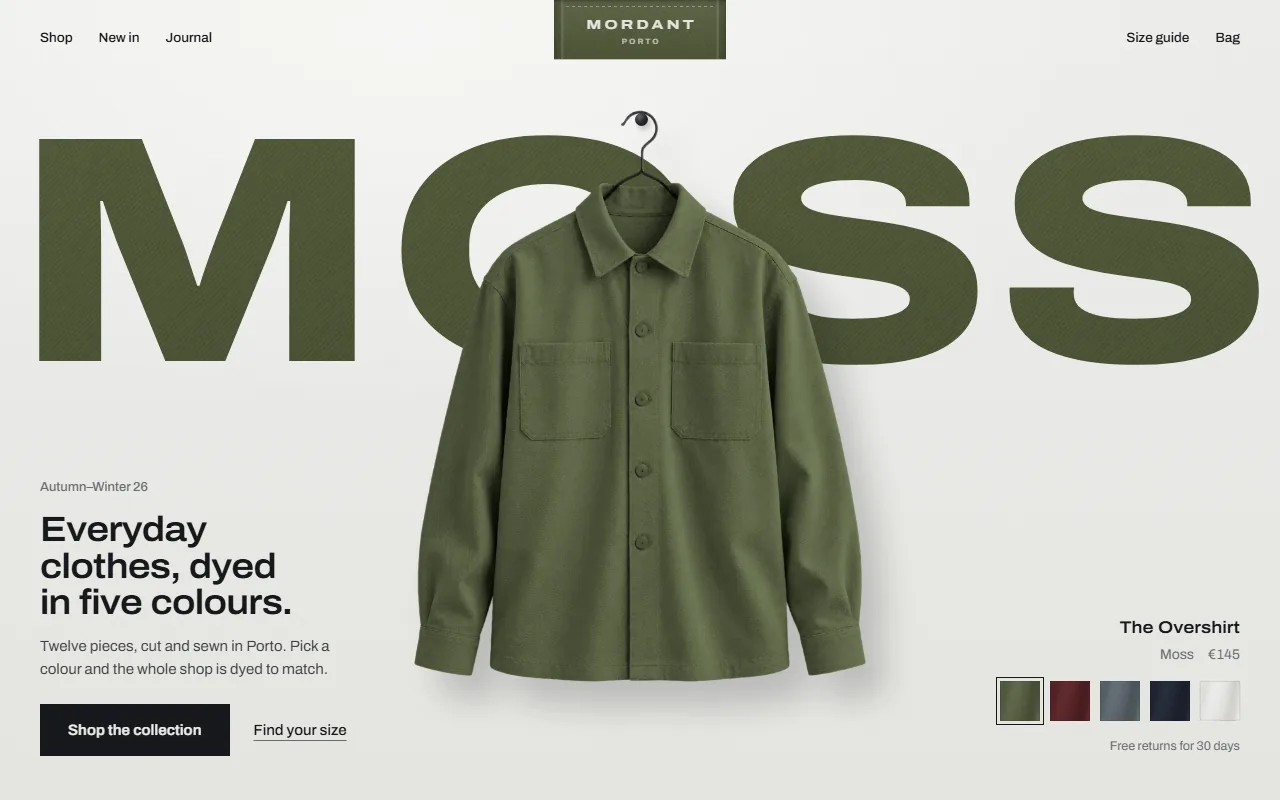
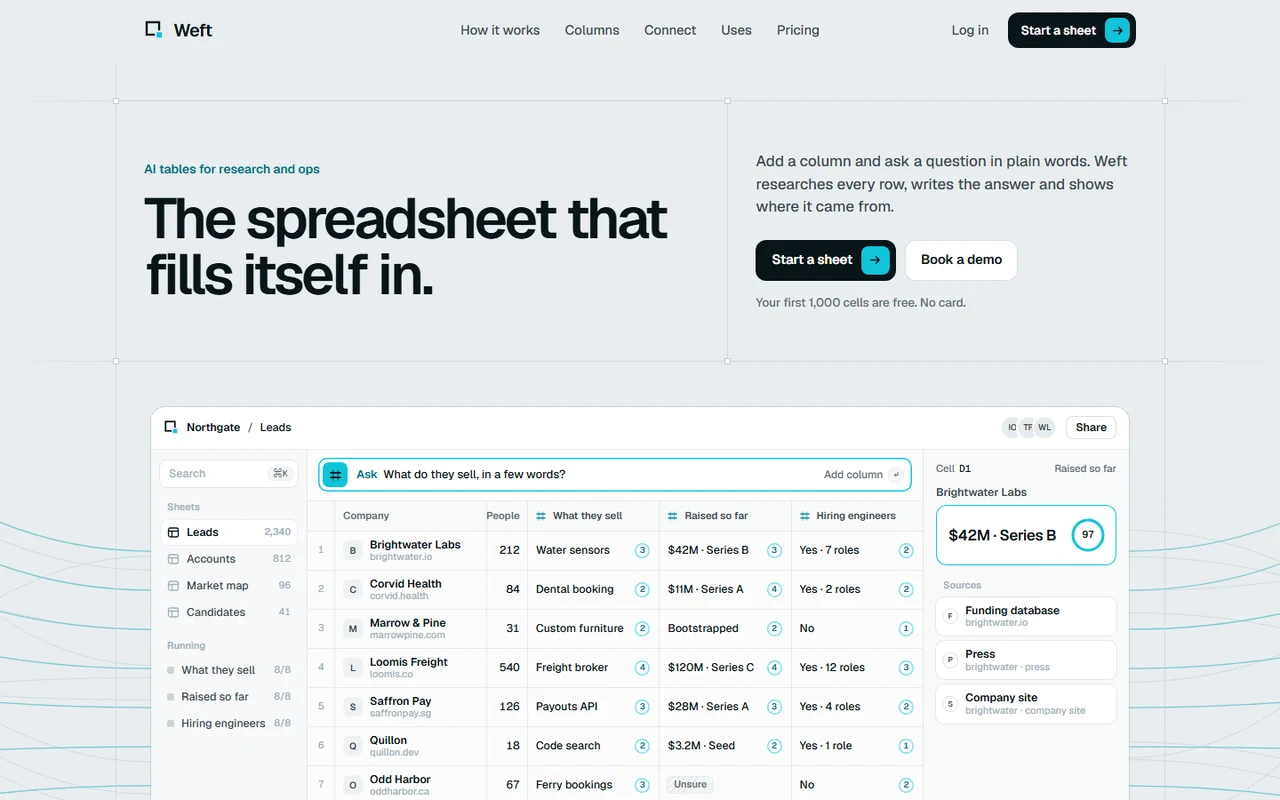
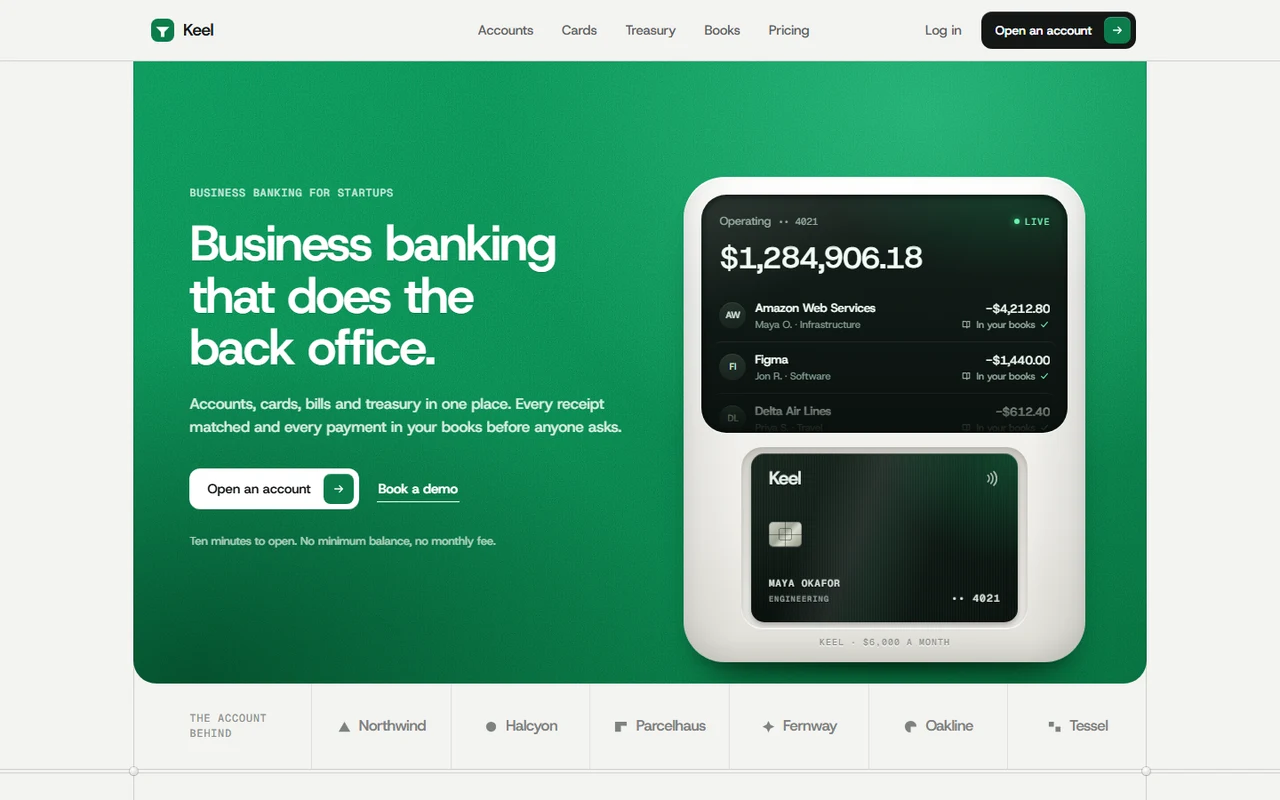
Where it’s used
Warehouse and BI tools
Ask a question in plain words and show the answer drawn from rows, on the first screen.
Product analytics
Signups by channel, active teams by plan: series over days, read by hovering a column.
Observability
Latency or errors by service over 24 hours, with the spike standing out of the field.
Revenue and finance data
Revenue by region with currency formatting, read column by column.
What it handles for you
Hero charts are usually a flat image or a looping video: nothing to read, nothing to ask, and the numbers are made up to look good.
Your data in, one object
Each saved question is plain data: series, buckets and values. Swap in your own and the terrain, colours and readout follow.
A beam that answers
Columns change height and colour only as the beam reaches them, so the answer visibly rolls in from the horizon instead of popping in.
Light you can point
The pointer's light falls off over neighbouring columns and fades slowly after it leaves, and the camera leans with it on springs.
A hero first
Headline, sentence and actions stay the first thing read; the terrain is the picture under them, standing on the bottom edge and filling the width.
Theme colours, both modes
Ground, beam, light and series colours are read from your tokens and re-read when the theme changes.
Cheap when idle
Raw WebGL2, one instanced draw. The loop sleeps when everything has settled and stops off screen.
Overview
Data products usually open with a screenshot of a dashboard, which says "we have charts" and nothing about how it feels to ask. Terrain hero keeps the first screen a hero (headline, one sentence, the actions) and makes the answer its picture. Under the copy a saved question types itself into one pill on the horizon, and a 3D terrain of columns, one per series and day, each built from thin stacked plates, stands on the bottom edge, seen from its newest end. Run turns into Scanning and a beam rolls from the horizon toward the viewer: as it passes a column, that column springs to its new value and changes colour, the rows read roll up in the pill and the highlighted words in the headline catch the same light. Pointing at a column lights it, brings its series forward and hangs the value above it on a leader line.
States
- arrival
- Headline lines rise out of masked slots 90ms apart. The first question types itself at 12ms a letter while the beam already crosses the field (1250ms) and the columns spring up behind it.
- scan
- Choosing a question types it (15ms a letter), then Run turns into Scanning, the beam rolls from the horizon toward the viewer over 1250ms and each column springs to its new value and colour as the beam passes (about 8% overshoot). Rows read roll up in step; the button settles on the time taken.
- pointer light
- Moving over the field lights the column under the pointer; the light falls off over its neighbours, glides between columns and fades over about 600ms after it leaves. The camera leans up to 4° with the pointer.
- series focus
- Pointing at a column brings its whole series forward while the other rows recede part of the way toward the ground, over about 300ms.
- autoplay
- While nobody touches it, the next question asks itself 5.6s after the last answer. Any click or key stops it for good.
- reduced motion
- The answer is drawn finished: no beam, no springs, no camera lean, no typing.
Usage
Depends on lucide-react, installed for you by the CLI along with the keyframes it needs.
Works with
Answer from your own API
The hero only draws what it is given. Load a few saved questions on the server (from your warehouse, your metrics store or a cached JSON file) and pass them in; the shape is the same for any backend.
Props
- brand
- string
- Name in the nav lockup.
- logo
- ReactNode
- Mark beside the name. Defaults to three stacked plates in the primary colour.
- navLinks
- { label: string; href: string }[]
- Nav links with a gliding grey hover; on narrow widths they fold out under the bar.
- navSecondaryAction / navPrimaryAction
- { label: string; href?: string; onClick?: () => void }
- Quiet and solid actions on the right of the nav.
- headline
- string[]
- Two short display lines, each rising out of its own slot.
- highlight
- string
- Words inside the headline that the scan beam crosses with light on every answer.
- subheadline
- string
- One plain sentence about what the product does.
- primaryAction / secondaryAction
- { label: string; href?: string; onClick?: () => void }
- The main action (primary colour, arrow that slides through on hover) and a quiet outline one.
- queries
- TerrainHeroQuery[]
- Saved questions: id, label, prompt, series (up to 8, with optional colours), buckets, values[series][bucket], rowsScanned, durationMs, and optional format, prefix and suffix.
- defaultQuery= 0
- number
- Index of the question answered first.
- autoPlay= true
- boolean
- Ask the next question on its own until the visitor clicks, presses a key or pins a series.
- onQueryChange
- (query: TerrainHeroQuery) => void
- Called when a question is chosen or run again.
Accessibility and motion
- Raw WebGL2 with no 3D or animation library: one unit box drawn instanced per plate, heights in a small float texture driven by springs on the CPU. The loop sleeps once everything has settled and stops when the hero is off screen.
- Without WebGL2 the field shows a quiet hairline grid; the copy, actions and question still work.
- The canvas is hidden from screen readers; the answer is also a visually hidden table, the field is a focusable group read with the arrow keys (Home and End jump to the first and last bucket, Escape clears), and each value read is announced politely.
- Saved questions are a tablist with arrow-key navigation; the answer is also announced when it lands.
- Colours come from your theme: the ground from the hero’s own background, the beam from --primary, series from --chart-1…5 unless a series sets its own, and they are re-read when the theme class or OS scheme changes.
- Respects prefers-reduced-motion: the answer is drawn finished, with no beam, springs, camera lean, typing or autoplay.
Requirements
React 19, Tailwind CSS v4 and shadcn/ui theme variables (any style, light and dark). Icons from lucide-react.
The CLI also installs Text morph, Number roll.
Source
Part of All-Access
Terrain hero is 2,089 lines of finished work.
- components/terrain-hero.tsx934 lines
- components/terrain-hero-gl.ts953 lines
- components/ui-interaction-motion.ts202 lines
Installs with npx shadcn add @hairline-pro/terrain-hero, in your theme, light and dark.
$159once, for everything
The 55 paid templates alone are $2,145 one by one.
- Terrain hero: the source and the CLI install
- Every premium block: 8 today, and each one we add
- All 63 Next.js templates, with live demos
- Commercial license for unlimited client sites
7 more templates and it goes to $169. Full refund within 14 days, until your first download.
Already have All-Access? Sign in to see the source