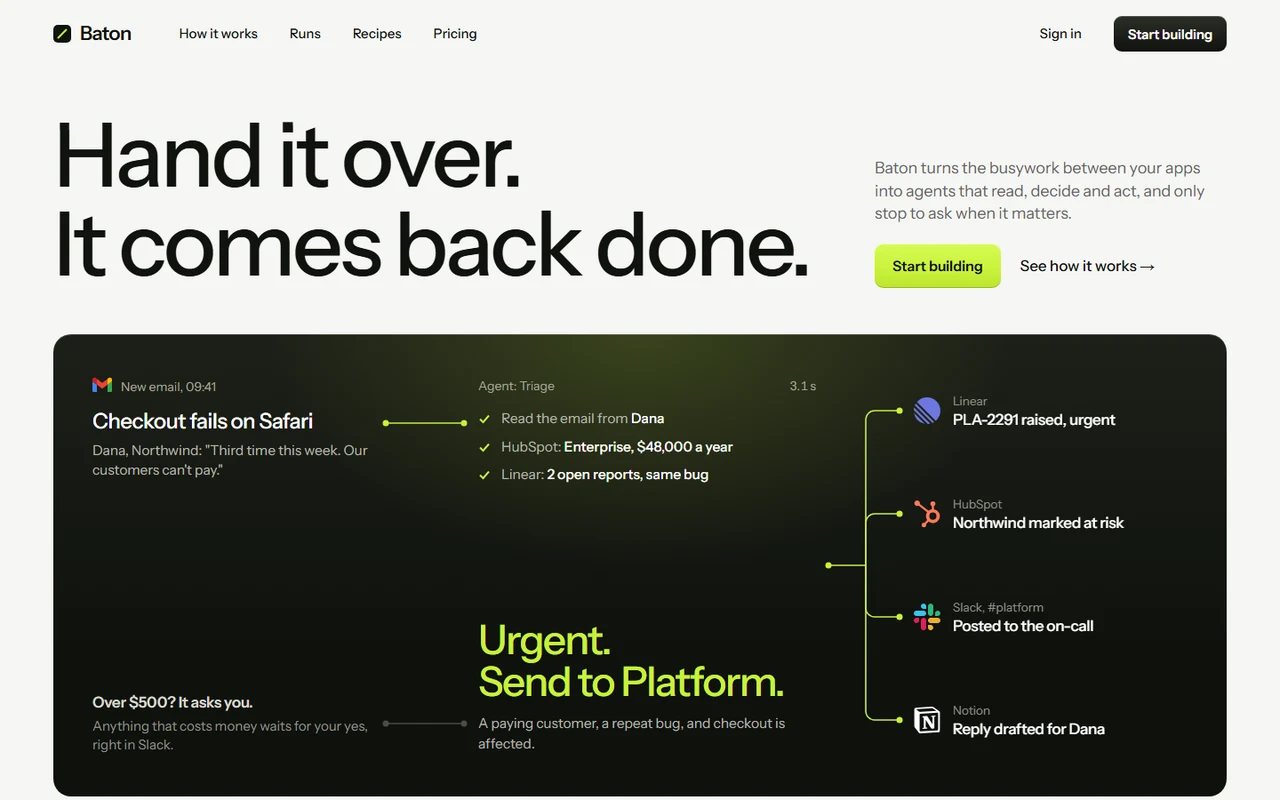
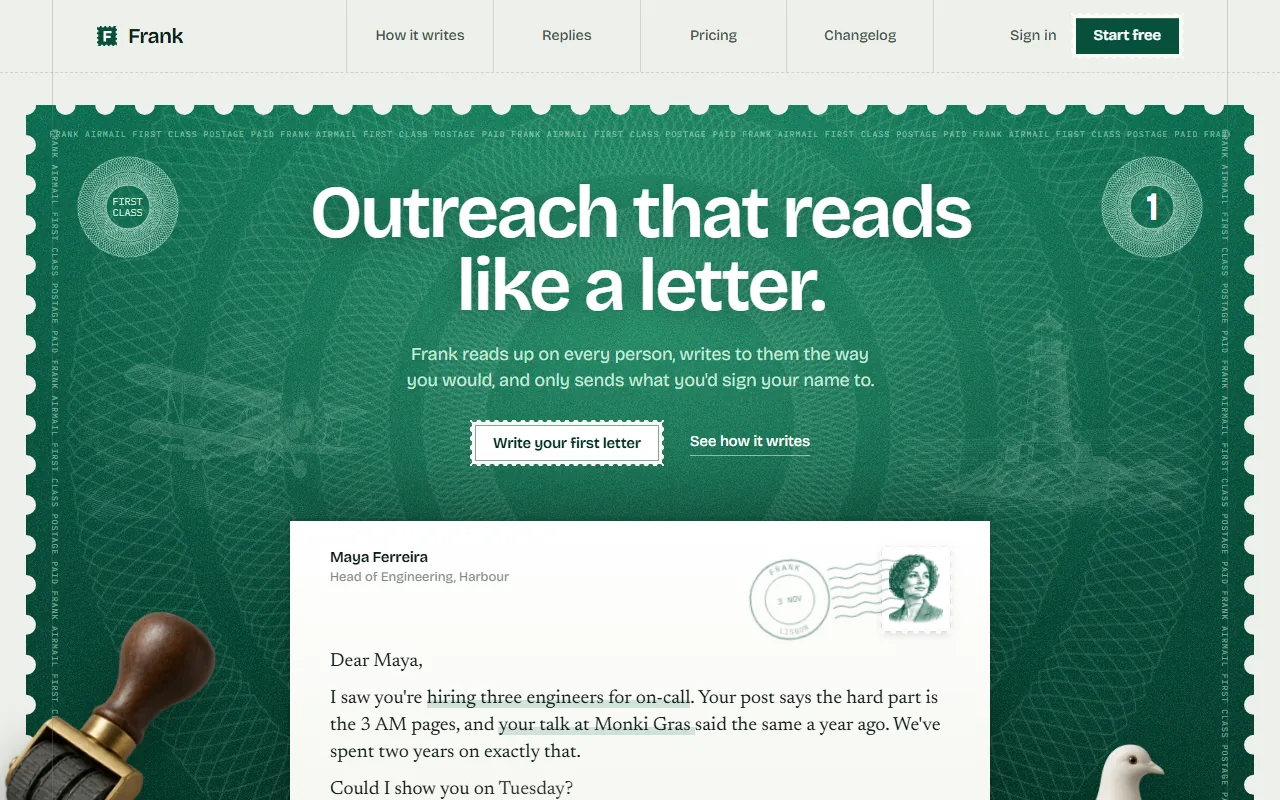
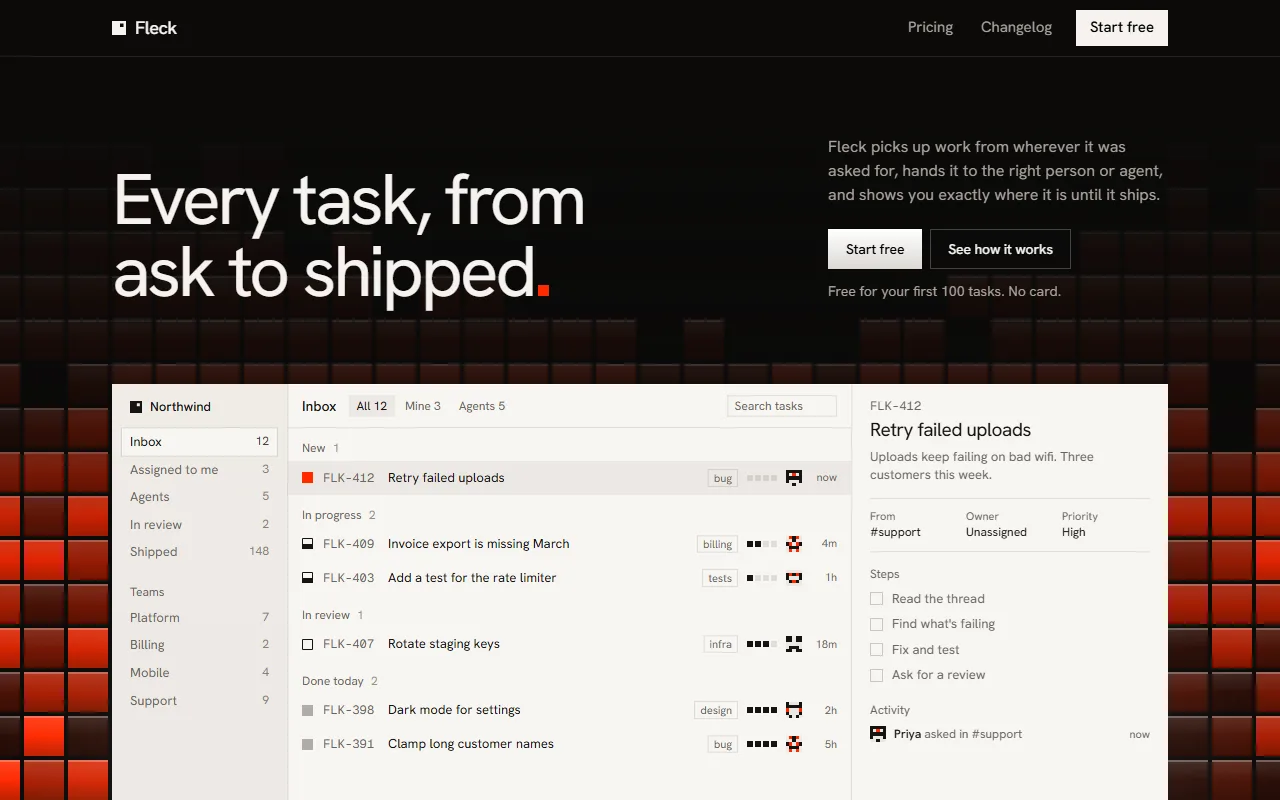
Weft: AI spreadsheet landing page template for Next.js.
- Next.js 16
- CSS
- TypeScript
- 10 sections
- Light
- No API keys
- Palette
- Updated Nov 10, 2026
01Overview
At a glance
A complete launch page for a product that looks things up and fills in a table. The example is a spreadsheet that researches its own columns; yours can be a data enrichment tool, a research assistant, a CRM, a database or a data API, and you change the words in one file.
Made for
- AI spreadsheets and data enrichment tools
- Research, prospecting and lead list products
- CRMs, databases and data APIs that fill in records
What stands out04
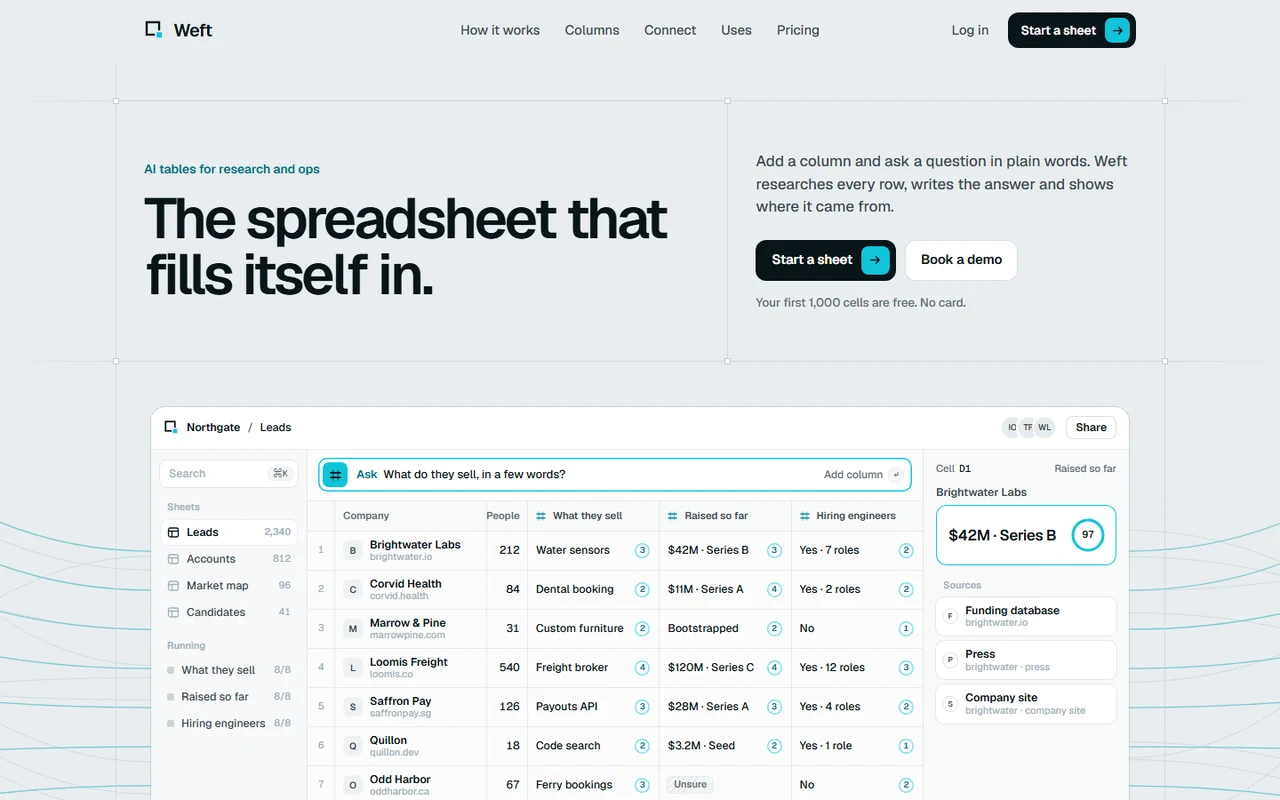
- A dense app window as the hero: an ask bar types the question, three columns fill row by row, and a side panel opens the last cell with its sources and how sure it is
- Source documents lighting the phrase each answer came from, four column kinds as working machines, and a dark band of fibres counting ten thousand cells
- Six sources syncing into one sheet, four use-case sheets that turn by themselves, cell-based pricing and every answer open in ruled cells
- A separate product screen for phones, a page ruled in hairlines with handles where they cross, and no animation library
02The look
Its own palette and type
The colours and type it ships with. Tap a colour to copy it.
- AaGeistIncluded with the template
The quick brown fox jumps over the lazy dog
0123456789
- AaGeist MonoIncluded with the template
The quick brown fox jumps over the lazy dog
0123456789
Geist at a few heavy sizes on a pale mist page ruled in hairlines, with a small white square wherever two lines cross and frames drawn only round what matters. One accent, aqua, means one thing: Weft is working on this or wrote it. Surfaces are printed, not lit: white with one hairline, a flat aqua wash and edge for an active cell, crisp lines for the fibres, and no glow or lifted shadows. Product UI is set small and dense, the way a real app is.
03Sections
10 sections, in page order
From the first screen to the footer.
- 01
Header
A plain row with the links in the middle. On a phone they open as a short block of cells under the bar.
- 02
Hero
"The spreadsheet that fills itself in." in a ruled cell beside the pitch, then the app window: sheets in a sidebar, the question typing into the ask bar, three columns filling row by row with a bar running under the cell being read, and a panel opening the last cell with its sources. Fibres on both sides end on the rows. Phones get a screen composed for a phone.
- 03
How it works
Three source documents light the phrase each answer came from, their fibres light in turn, and the cell fills, or stays hatched when nothing is sure enough.
- 04
Columns
Four kinds of column as machines: a deck of records filling line by line, a sentence turning into a formula, free text sorted into buckets with rolling counts, and a dial re-checking every week.
- 05
Scale
The dark band: fibres filling left to right across a canvas while the count rolls to ten thousand cells, and three figures.
- 06
Connect
Six source keys feed a sheet in the middle; rows come in, the row count rolls, and the filled columns go back.
- 07
Uses
Four tabs, each a small sheet whose answers arrive a row at a time; they turn by themselves until you pick one.
- 08
Quotes, pricing, answers
One large measured quote and two small, plans as rows priced by cells with the featured row lit, and every answer open in ruled cells.
- 09
The close and footer
A dark bay with an empty sheet, A1 lit and a question typing, then the footer as the sheet's tabs and a status bar.
- 10
Pages
A changelog, privacy and terms placeholders and a 404, in the same frame.
04Make it yours
Where everything lives
Every word, name and number lives in site.config.ts, one block per section. The palette is in one stylesheet. npm run verify:content checks that what you changed still fits, including that every column has an answer for every row.
| To change | Edit |
|---|---|
| Headline, the sheet's rows and the columns it fills | site.config.ts → hero |
| The picture phones show | site.config.ts → hero.phone |
| Sources, column kinds and the dark band | site.config.ts → how, columns, scale |
| Connections and use-case sheets | site.config.ts → connect, uses |
| Quotes, plans, answers and the close | site.config.ts → quotes, pricing, faq, end, footer |
| The aqua and the page | styles/tokens.css → --lt, --page |
| Section order | app/page.tsx |
Run it
$ npm install$ npm run devNode.js 20.9 or newer. No environment variables.
Before you go live
Set links and url in site.config.ts, replace the example product's words, rows, quotes, figures and prices, swap public/images/sheet-phone.webp for a phone screenshot of your product, and have the privacy and terms pages written for your product.
05Specifications
What’s under the hood
- sections
- 10
- source files
- 56
- lines of code
- ~6,900
- dependencies
- 3
- API keys needed
- 0
Stack
- Framework
- Next.js 16 (App Router), React 19
- Language
- TypeScript
- Styling
- CSS with design tokens and component styles
- Dependencies
nextreactreact-dom
Design
- Fonts
- Geist, Geist Mono, self-hosted with next/font
- Images
- One: the phone screen of the product, a rendering made for this template, which you replace with your own. Everything else is HTML, CSS, SVG and one canvas.
- Colour scheme
- Light
- Responsive
- Desktop, tablet and phone
Quality
- Accessibility
- Skip link, visible focus, keyboard navigation, reduced motion
- API keys and environment variables
- None
- Node.js
- 20.9 or newer
Shipping
- Deploys to
- Vercel, Netlify, Cloudflare Pages or any Node host
- Codebase
- 56 source files, about 6,900 lines
- Last updated
- Nov 10, 2026
06License
One license, no tiers
The full text ships as LICENSE.md in the download and is on the license page.
You can
- Use it for your own products
- Use it for any number of client projects
- Change the code and design however you like
- Deploy the result commercially
You can’t
- Resell or share the files as a template, theme or UI kit
- Publish the source as a template in a public repository
07Questions
Before you buy
What do I get when I buy Weft?
The complete Weft project as a download: the Next.js app, its config file, a README with setup and customisation notes, and the license. It’s added to your account’s library the moment payment goes through.
Can I use Weft for client projects?
Yes. One purchase covers your own products and any number of client projects, and you can change the code however you like. What you can’t do is resell or share the template files themselves as a template or UI kit.
Do I need API keys, a database or a backend?
No. It runs with npm install and npm run dev and deploys to Vercel, Netlify or Cloudflare Pages without any environment variables.
What should I change before I launch?
Set links and url in site.config.ts, replace the example product's words, rows, quotes, figures and prices, swap public/images/sheet-phone.webp for a phone screenshot of your product, and have the privacy and terms pages written for your product.
Do I need to know Next.js?
Basic React helps, but most changes are text edits in site.config.ts. The README walks through colours, fonts and section order.
How do updates work?
Updates to Weft are free. When a new version ships, download it again from your library.
Can I get a refund?
Before you download it, yes: email support@hairlineui.com within 14 days and you get your money back, no reason needed. After you download, if Weft doesn’t work as described, we fix it, and if we can’t, we refund it. A change of mind after downloading isn’t refunded, because you keep the code, so try the live demo first: it’s the whole template.
Should I buy all-access instead?
If you’ll use 5 or more templates, yes. All-access is $159 for all 61 templates, including Weft and every template added later; 5 single templates would cost $195. The price rises as the library grows: 9 more templates and it goes to $169.
08All-access
All 61 templates for $159. And every one added later.
Every template in the library, including Weft. Same license, free updates, and less than 5 single templates would cost.
61 templates today$2.61 each
9 more and it’s $169. Buy today and every one after is yours at $159.
09More templates
More templates for AI products
Compare Weft side by side with the other templates for ai products.