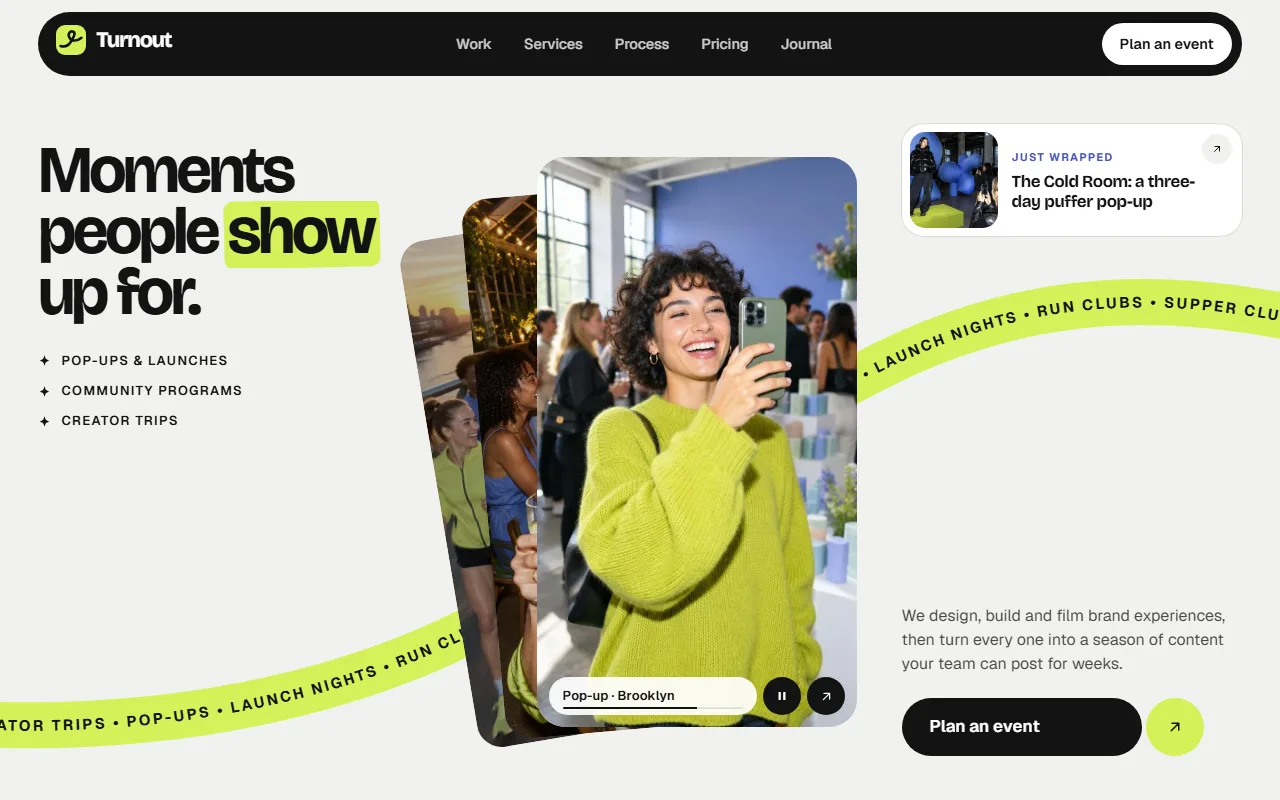
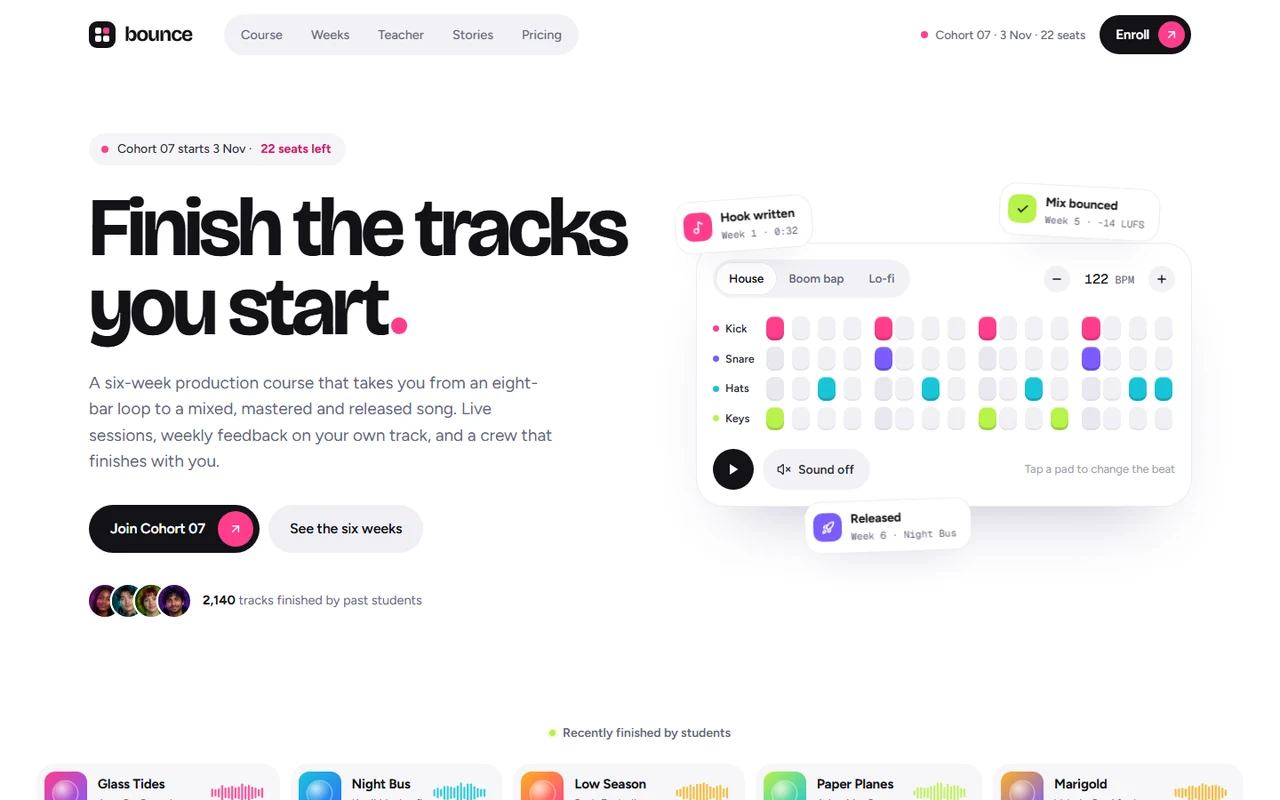
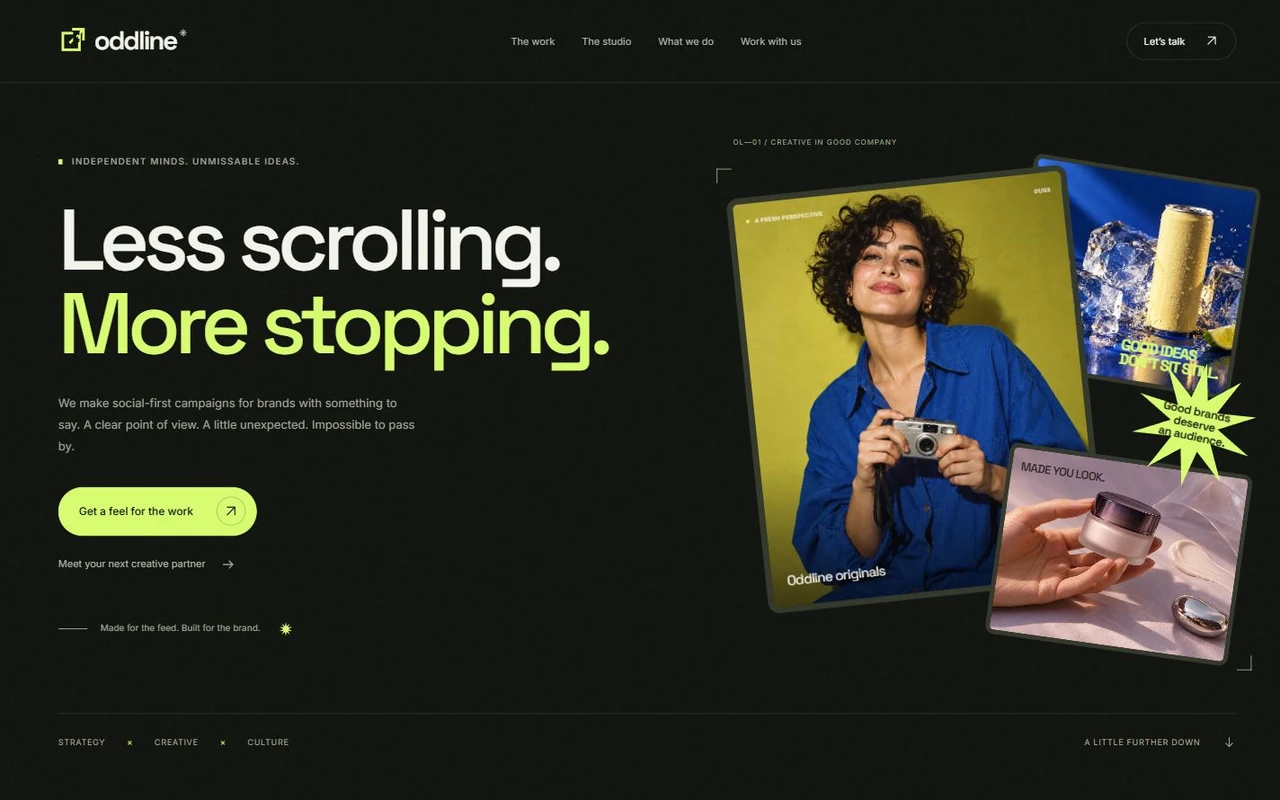
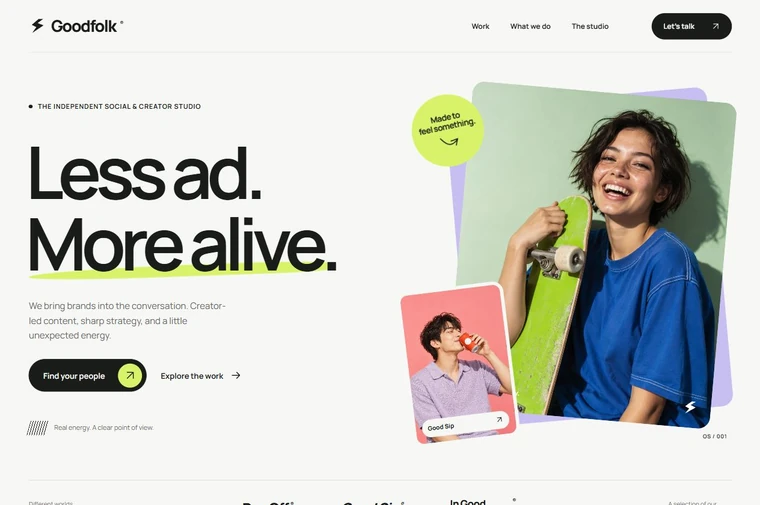
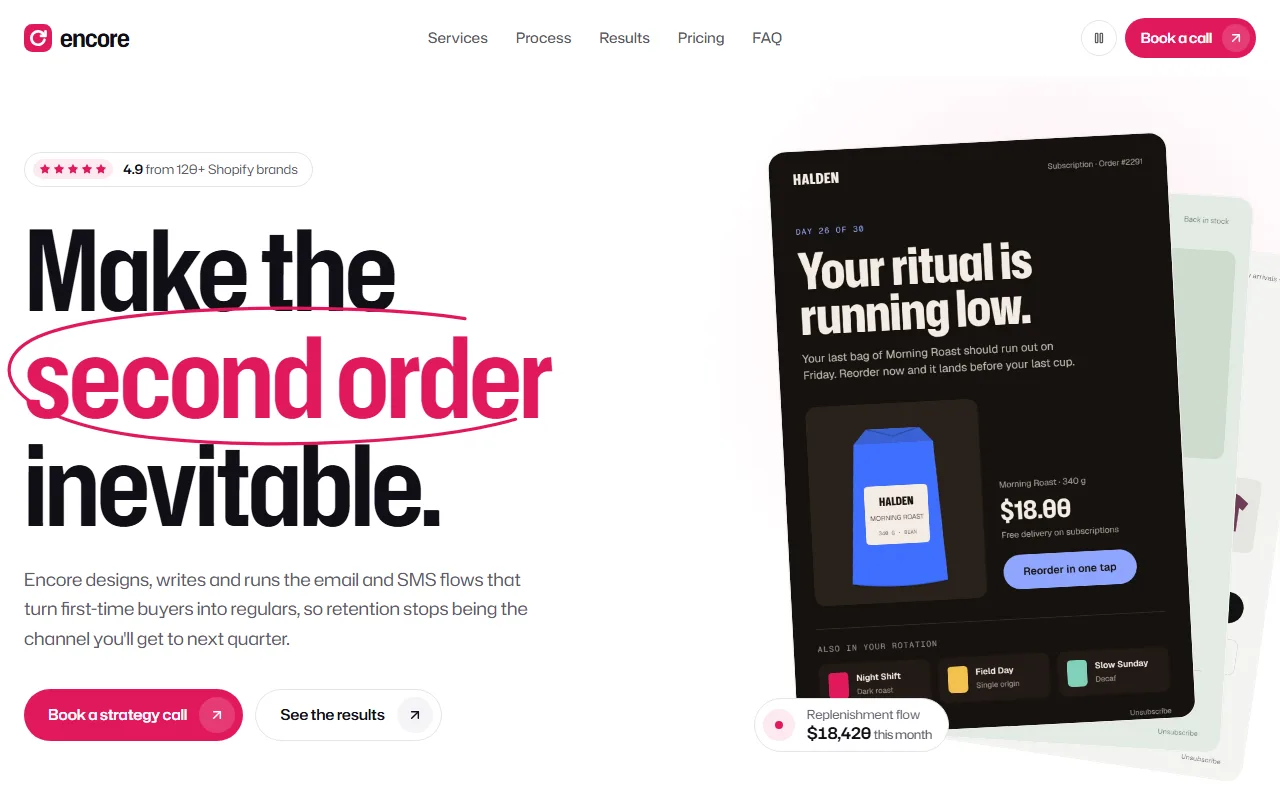
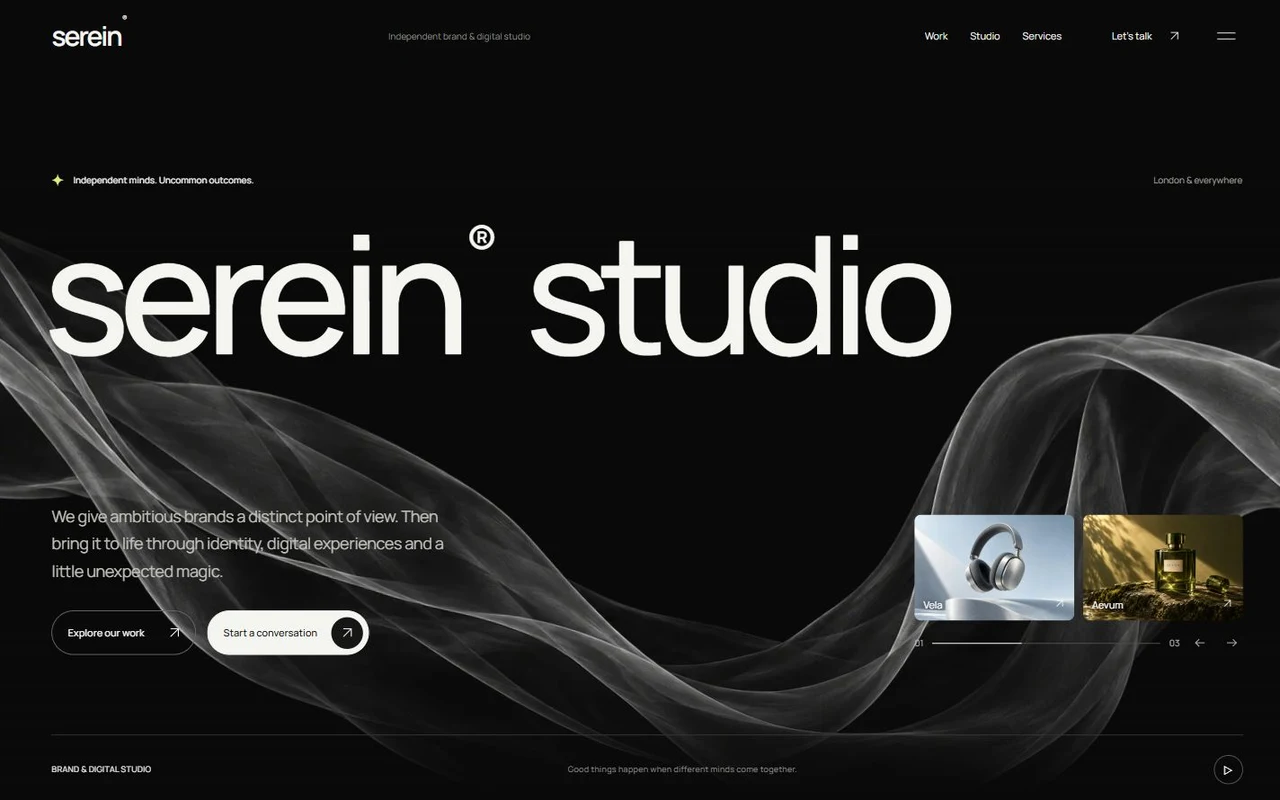
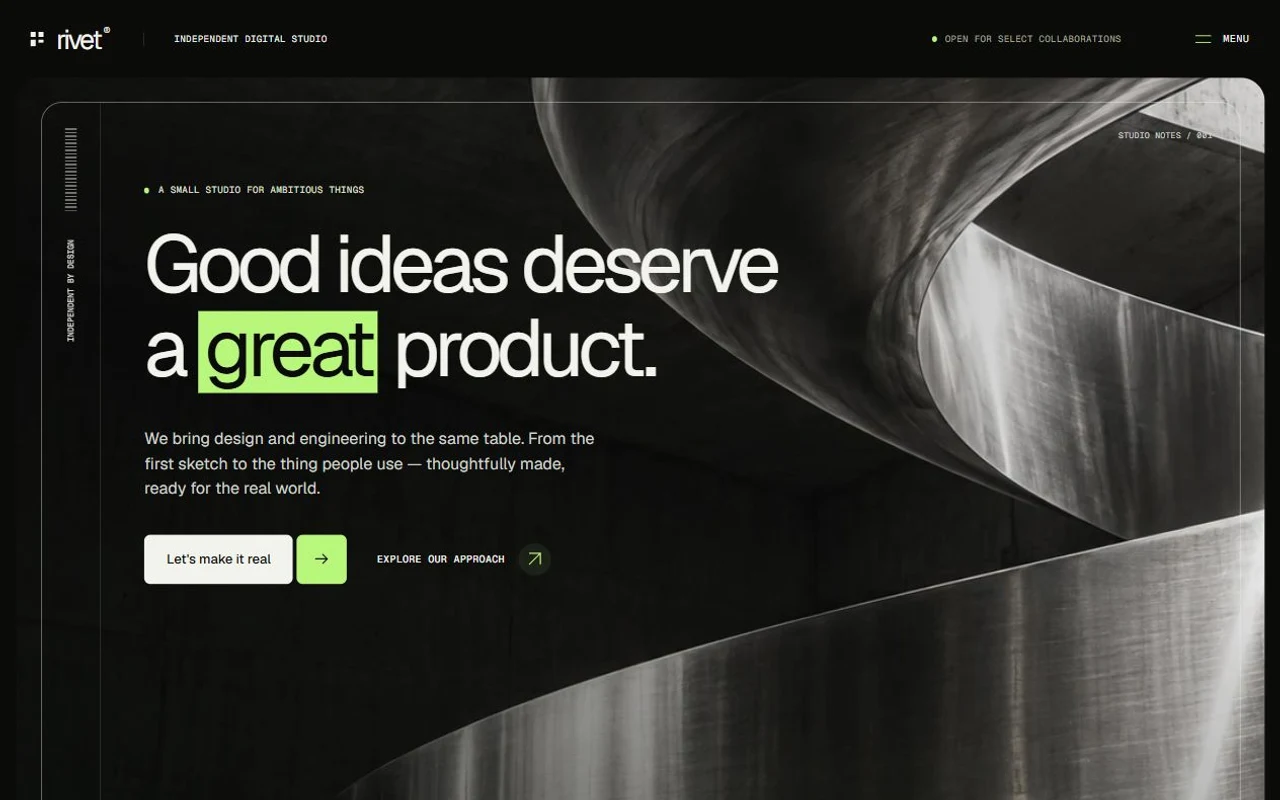
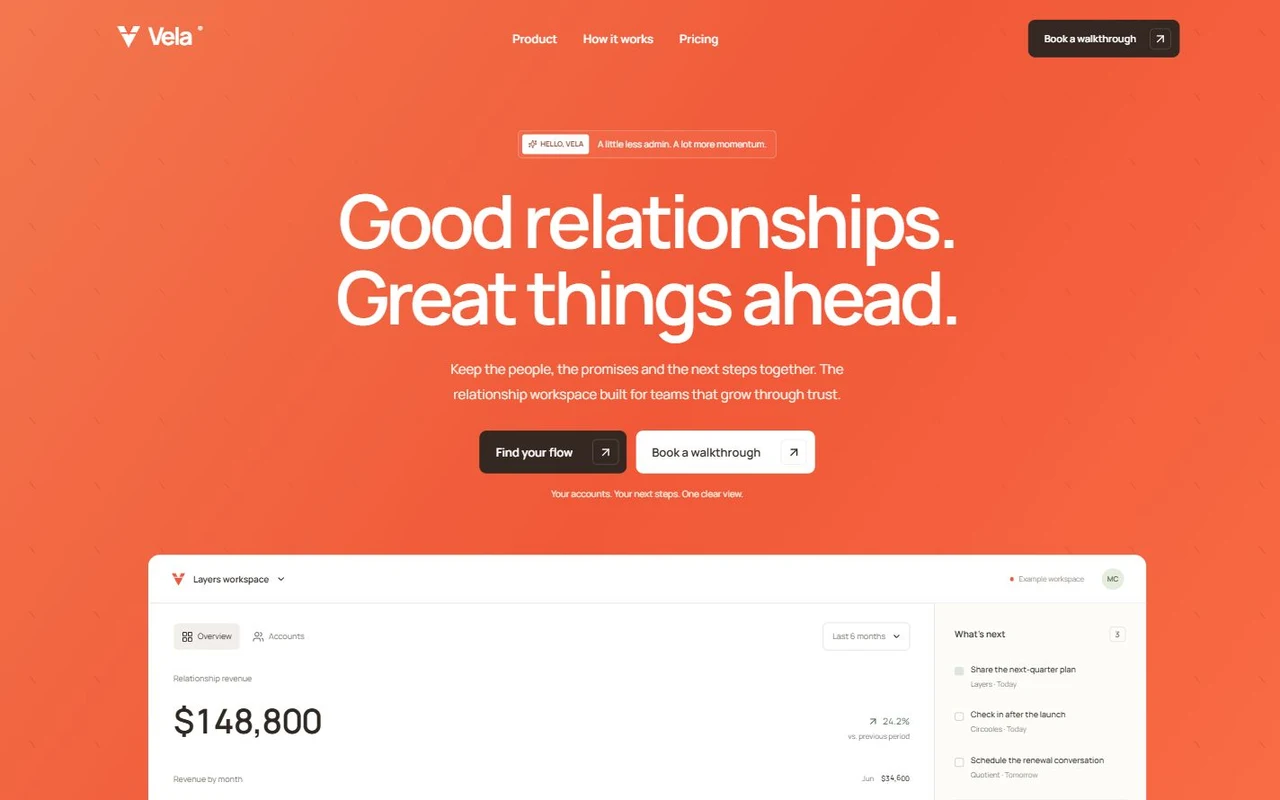
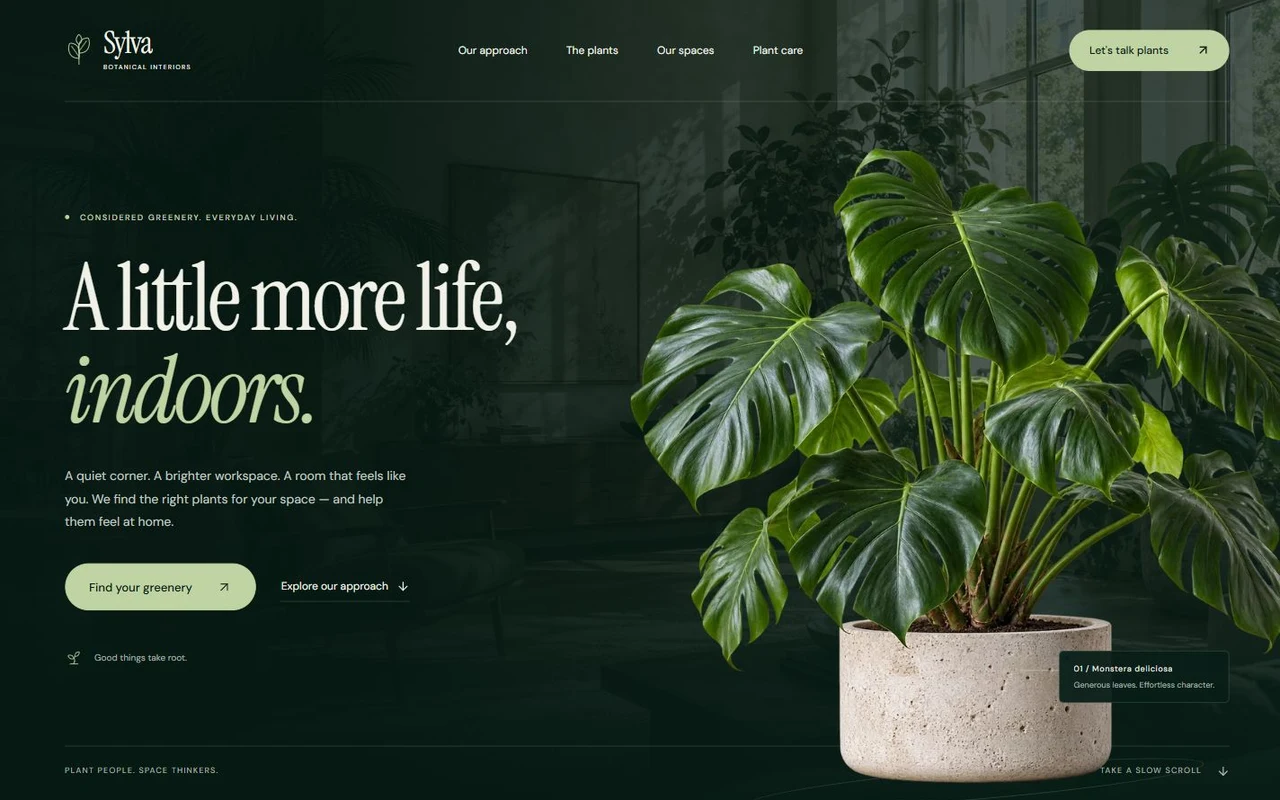
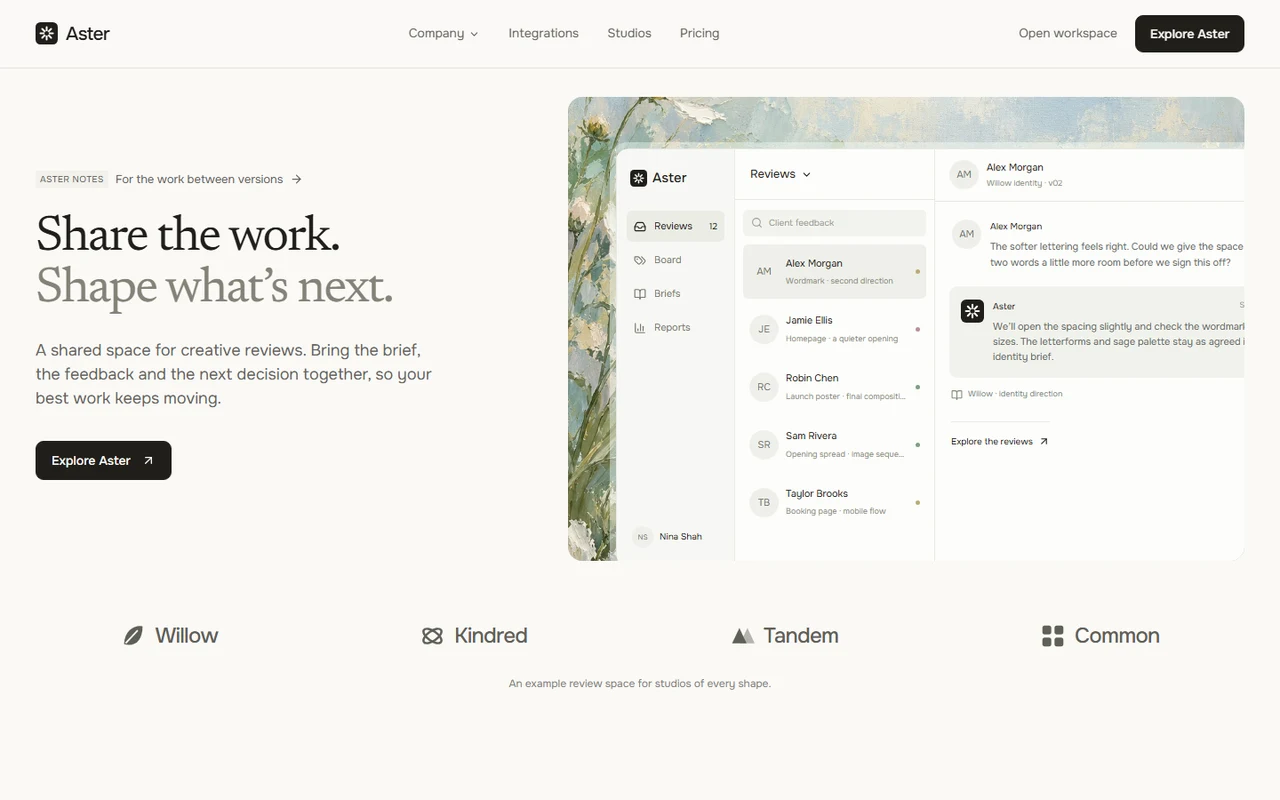
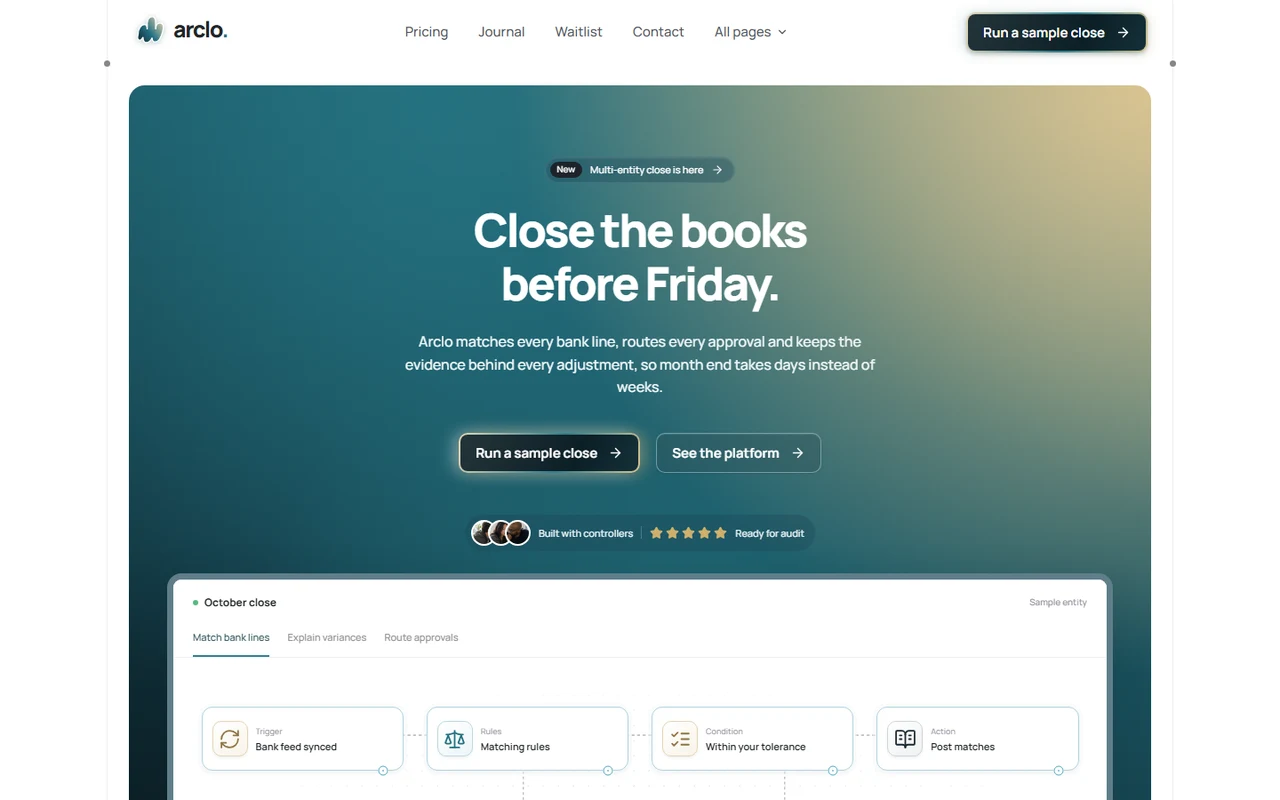
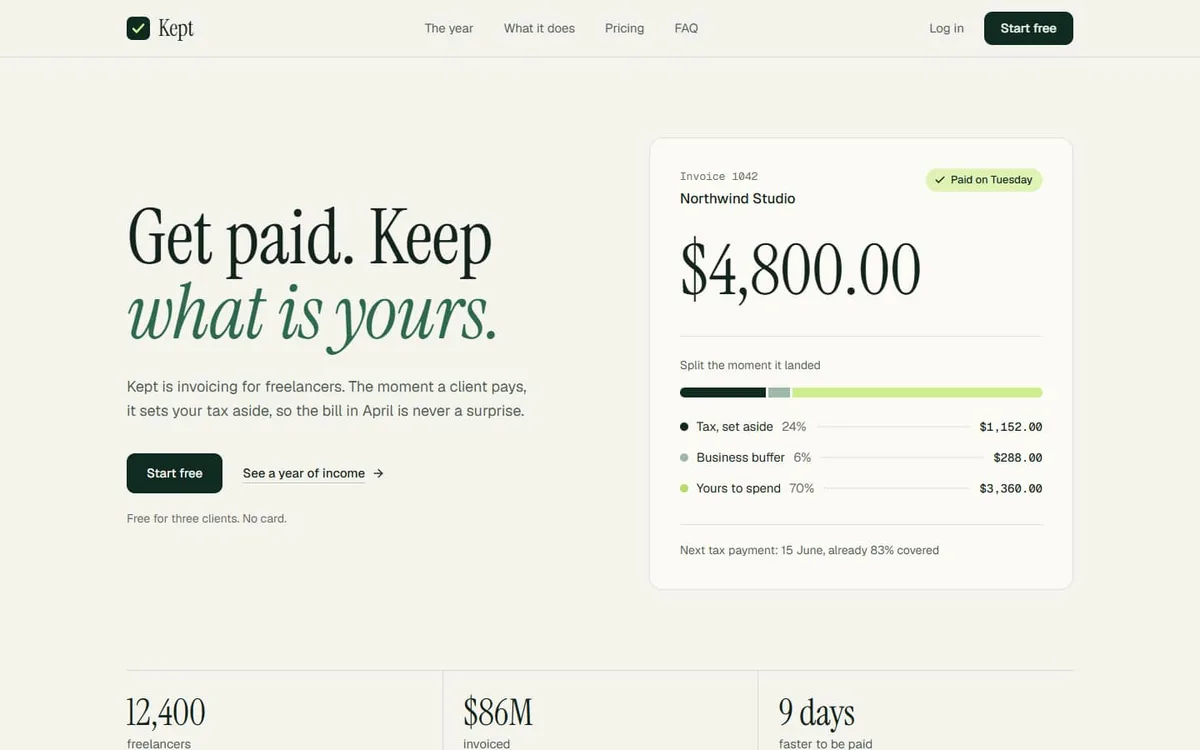
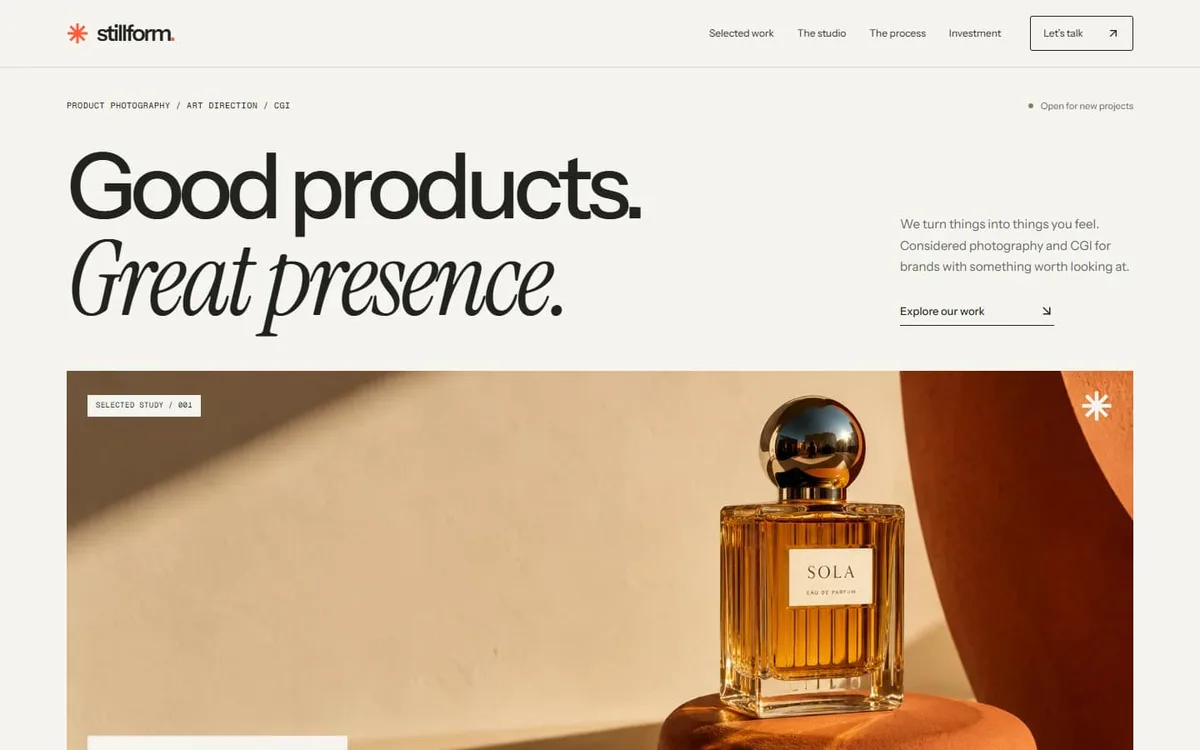
Encore: Motion-led email and SMS agency landing page template for Next.js.
- Next.js 15
- Tailwind CSS v4
- TypeScript
- 12 sections
- Light
- No API keys
- Updated Oct 10, 2026

Overview
A complete, motion-first page for a service business that sells a retainer and books calls. Encore positions an email and SMS studio around one promise, the second order, and backs it with revenue figures, case results and a clear 90-day plan. Every figure and label that changes morphs instead of swapping.
- Made for
- Email, SMS, lifecycle and retention agencies, Growth and CRO studios that sell retainers and audits, Any service business whose next step is a booked call
- Highlights
- Self-shuffling email deck with a chip that morphs the flow name and rolls its revenue
- Services index with a sticky preview that wipes by direction, and a scroll-filled 90-day timeline
- Case ledger with a pointer-following email preview, plus a featured case with rolling metrics
- Every button goes to your booking or audit link; pause control and full reduced-motion support
- The look
- Hubot Sans throughout, set condensed for display and using its width axis for motion, with Azeret Mono for labels. A white page with mist slabs inset from the edge, an ink block for the process and the featured plan, and a single berry accent. Pill buttons with an arrow disc that swaps on hover. No photography: emails and dashboards are light WebP images.
Sections
- 01
Hero
A headline with a hand-drawn loop around its key phrase, a deck of four emails that shuffles itself (holds on hover, steps on click) with a chip that morphs the flow name and rolls its revenue, four rolling stats and a client-name marquee.
- 02
Navigation
A sticky bar that tightens on scroll, with an underline that glides to the section you're reading, and a phone menu that grows out of the bar.
- 03
Statement
One paragraph on the problem whose words light from grey to ink as you read.
- 04
Services
Six numbered rows that open to their deliverables, beside a sticky preview whose image wipes up or down depending on the way you moved. Inline images on phones.
- 05
Process
A dark 90-day timeline whose berry line fills with scroll and lights each stage as it arrives, with a free-audit button.
- 06
Results
A featured case with rolling metrics and a revenue chart, then a ledger of results whose emails float beside the pointer on desktop and show as thumbnails on phones.
- 07
How we work
A berry tile with a rolling headline figure and five promises in a grid that closes itself for four to six points.
- 08
Integrations
Two rings of tools turning in opposite directions around the mark, every name upright, with a plain list for screen readers.
- 09
Testimonials
One large quote at a time; a client list with an autoplay hairline on desktop and pills on phones, with arrow-key tabs.
- 10
Pricing
Three engagements (free audit, Growth, Full lifecycle), each going to your booking or audit link.
- 11
FAQ
An accordion beside a sticky intro and a founder card with its own booking button.
- 12
Closing and footer
A berry block with outlined words drifting along its edge, then a footer whose giant wordmark narrows from wide to condensed as it scrolls in.
Remove a section by deleting its line in app/page.tsx, or move the line to reorder.
Built with
Its motion comes from free components in our library, shipped in components/hairline/ so you can use them anywhere else on the page too.
- Number roll · Hero, Results, WhyNumbers that change like an odometer: every digit rolls in the direction the number moved.
- Text morph · HeroText that changes the way it should: shared letters slide over, new ones rise out of a blur, the width eases.
- FAQ accordion · FaqQuestions on hairlines that open like they mean it: the answer eases to its height, the plus folds into a minus.
- Logo marquee · HeroA quiet strip of logos that notices you: it eases to a stop on hover and the logo you point at stays bright.
Make it yours
Everything a visitor reads, and every destination, lives in site.config.ts. Set your scheduling link once and every booking button follows. The palette is a handful of CSS variables, and the emails and dashboards are images you replace with your own at the same proportions.
| To change | Edit |
|---|---|
| Brand, copy, the hero deck, stats, services, results, plans and questions | site.config.ts |
| Where the buttons go (booking page, audit form, email) | site.config.ts → links |
| Palette: berry accent, ink, mist greys | app/globals.css |
| Fonts | app/layout.tsx |
| Emails, dashboards and service previews (sizes in the README) | public/images/ and site.config.ts |
| Section order | app/page.tsx |
Run it
$ npm install$ npm run devNode.js 20.9 or newer. No environment variables.
Before you go live
Replace the fictional studio, clients, quotes and figures. Set links.booking to your scheduling page (and links.audit if audits have their own form) in site.config.ts, then swap the images for your own work.
Specifications
- Framework
- Next.js 15 (App Router), React 19
- Language
- TypeScript
- Styling
- Tailwind CSS v4 with design tokens and component styles
- Fonts
- Hubot Sans, Azeret Mono, self-hosted with next/font
- Dependencies
- next, react, react-dom, lucide-react
- Images
- Eleven original images designed for the template (four emails, six service previews and a case chart), rendered at 2× as WebP, about 490 KB in all. The mark is SVG; client names are set in type.
- API keys and environment variables
- None
- Node.js
- 20.9 or newer
- Colour scheme
- Light
- Responsive
- Desktop, tablet and phone
- Accessibility
- Skip link, visible focus, keyboard navigation, reduced motion
- Deploys to
- Vercel, Netlify, Cloudflare Pages or any Node host
- Codebase
- 53 source files, about 3,400 lines
- Last updated
- Oct 10, 2026
License
One license, no tiers. The full text ships as LICENSE.md in the download.
You can
- Use it for your own products
- Use it for any number of client projects
- Change the code and design however you like
- Deploy the result commercially
You can’t
- Resell or share the files as a template, theme or UI kit
- Publish the source as a template in a public repository
Questions
What do I get when I buy Encore?
The complete Encore project as a download: the Next.js app, its config file, a README with setup and customisation notes, and the license. The download link arrives right after checkout.
Can I use Encore for client projects?
Yes. One purchase covers your own products and any number of client projects, and you can change the code however you like. What you can’t do is resell or share the template files themselves as a template or UI kit.
Do I need API keys, a database or a backend?
No. It runs with npm install and npm run dev and deploys to Vercel, Netlify or Cloudflare Pages without any environment variables.
What should I change before I launch?
Replace the fictional studio, clients, quotes and figures. Set links.booking to your scheduling page (and links.audit if audits have their own form) in site.config.ts, then swap the images for your own work.
Do I need to know Next.js?
Basic React helps, but most changes are text edits in site.config.ts. The README walks through colours, fonts and section order.
How do updates work?
Updates to Encore are free. When a new version ships, download it again from the link in your order email.
Can I get a refund?
Yes. If Encore isn’t right for you, reply to your receipt within 14 days and you get your money back.
Should I buy all-access instead?
If you’ll use more than two templates, yes. All-access is $99 for all 31 templates, including Encore and every template added later. Three single templates would cost $117.
All-access
All 31 templates for $99.
Every template in the library, including Encore, and every one added later. Same license, free updates. Less than three single templates.