Autoscale heroAll-AccessNew


A hero for GPU, inference and compute products: an isometric server room where requests queue, the rack boots sleds to meet them and parks them when traffic falls.
Used forInference clouds and model APIsServerless GPUs and batch computeAutoscalers, schedulers and orchestrationEdge and on-prem AI platforms
Install with the shadcn CLI
A premium block, included with All-Access (see what’s inside). Add the @hairline-pro registry once, with the token from your account settings. Set it up
Templates
Need the whole page?
64 Next.js landing pages, each designed from scratch. Try any of them live; one is $39, all of them $159, and 8 are free.
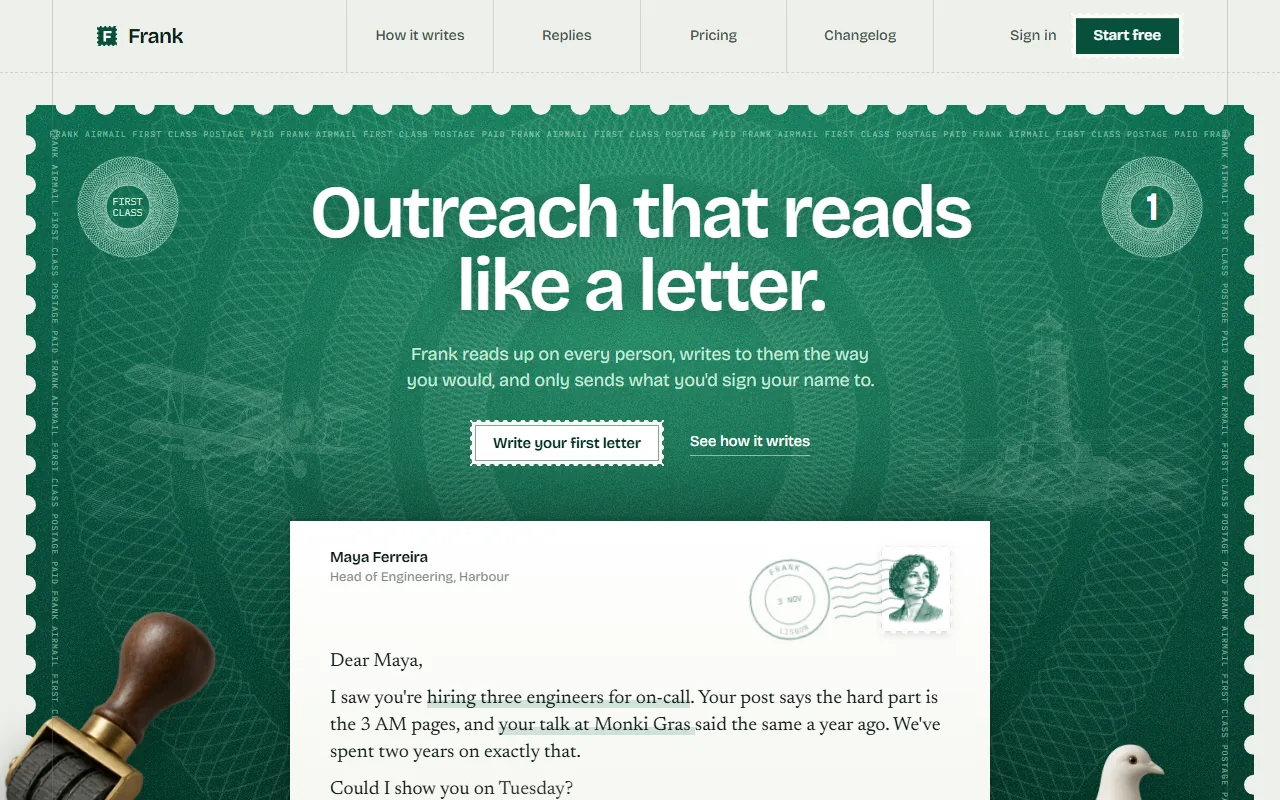
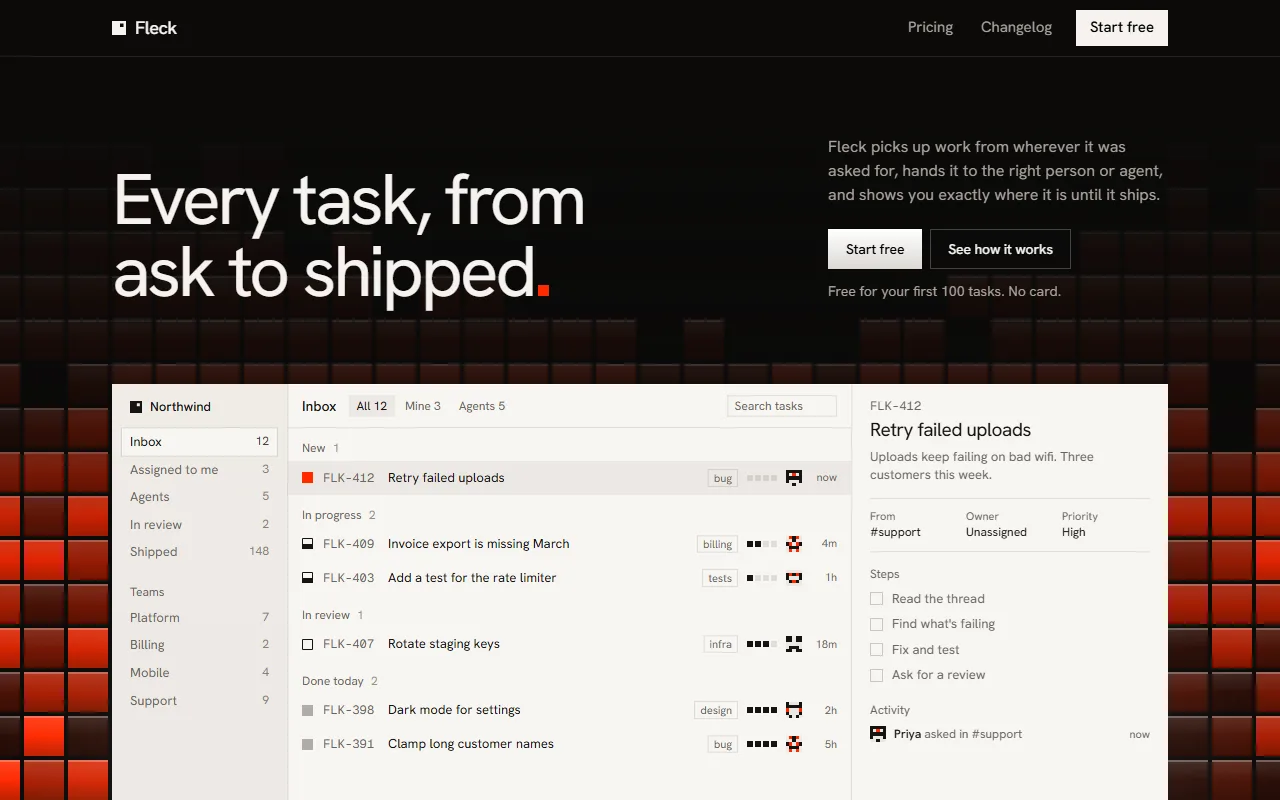
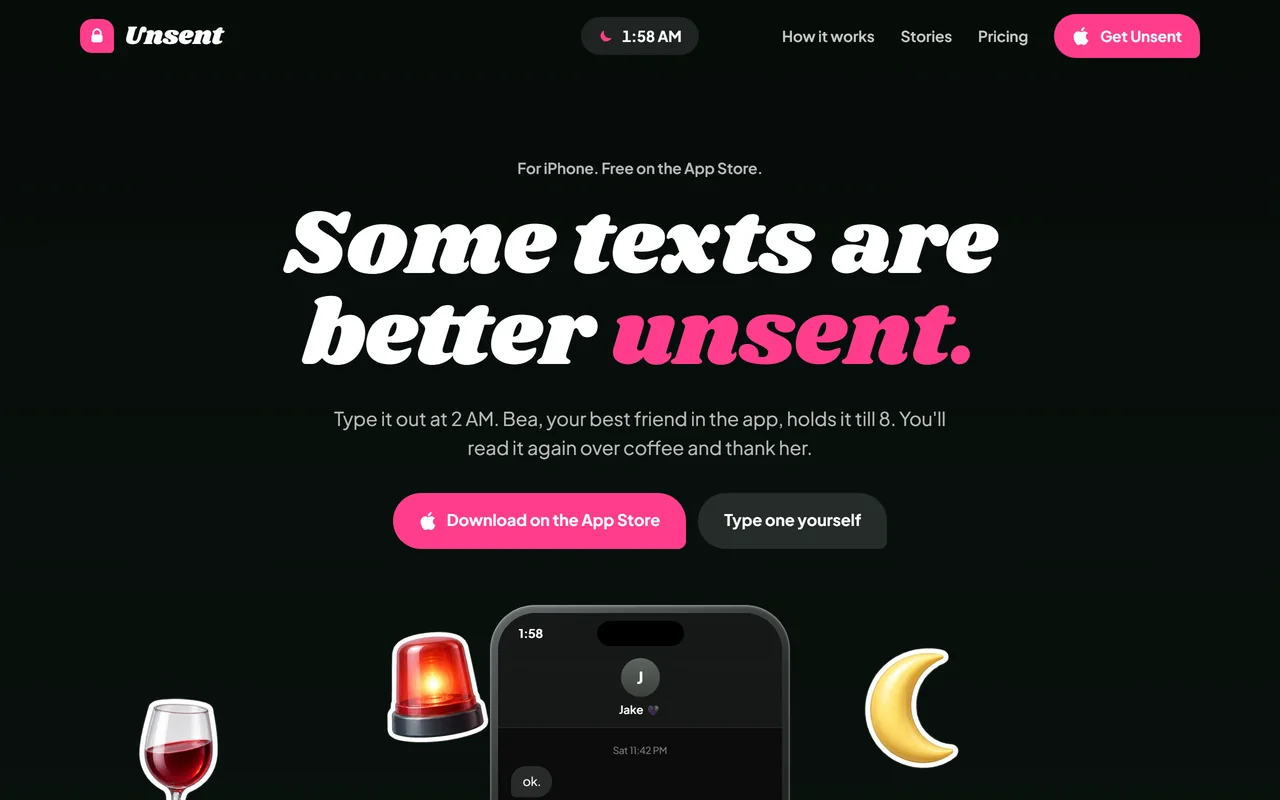
Where it’s used
Inference clouds and model APIs
Show GPUs booting under load and the p95 holding, with your own endpoint on the floor.
Serverless GPUs and batch compute
Warm sleds, cold sleds and a queue that drains: the whole pitch in one picture.
Autoscalers, schedulers and orchestration
Kubernetes autoscaling, job queues, render farms: requests in, capacity up, cost down.
Edge and on-prem AI platforms
Rename the sleds (L40S, MI300X, Jetson) and the rack plate to your region or site.
What it handles for you
Infra heroes are usually a looping render or a glowing orb: expensive to make, impossible to edit, and they say nothing about how the product behaves under load.
A room drawn in code
Every face is projected from 3D units at render time, with flat shadows, floor seams, pedestals and rack-unit holes. No images, no animation library.
A real autoscaler inside
Arrivals, a queue, idle and busy sleds, boot and park delays and a cooldown run on one loop, so what you see is consistent: the tray fills before the rack grows.
Your numbers on the glass
Sled count and name, price per hour, request rate and p95 range, the endpoint and the rack plate come from one fleet object.
A key that does something
The burst key on the gateway dips and sends a spike; it is a real button with keyboard support, and it dips on its own each cycle so people find it.
Its own palette
Light and dark rooms ship as --ah-* variables (faces, floor, lines, glass, signal) that you override without touching the drawing.
Phones get their own crop
Under 720px the copy stacks and the room crops in on the scheduler and the rack, so the sleds stay large enough to read.
Overview
Infrastructure products are hard to show: the work happens in a data centre nobody sees, so heroes fall back to a glowing abstract shape or a dashboard screenshot. Autoscale hero draws the room. Beside the headline stands an isometric line drawing on a raised floor: a gateway cabinet with the request rate on its glass and a burst key on top, a scheduler whose top is a tray the queue fills tile by tile, and an open-frame rack of sleds. Requests ride in along the floor lanes; when they pile up in the tray, sleds boot one after another, each front filling with the signal colour before its top and side catch up, and the queue drains into them. Finished tokens stream out the front in the signal colour, past your endpoint painted on the floor. The scheduler’s glass reads the sleds in use, p95 and the hourly cost as they change; when traffic falls the sleds park again from the top. Pressing the burst key sends a spike on demand.
States
- idle
- The minimum sleds stay lit; a slow trickle of requests rides in, a few tiles sit in the tray and tokens leave the rack at the same pace.
- burst
- About 1.1s after load the burst key dips and traffic rises over 1.1s. The tray fills tile by tile while sleds boot every 0.26s from the bottom, each front filling over 0.7s before its top and side light.
- drain
- With the rack full, the queue drains into idle sleds; each sled’s light on its front shows while it works a request. The glass rolls through sleds in use, p95 and cost.
- park
- When traffic falls the top sled that is idle parks, its colour draining over 0.55s, then the next 0.7s later, down to the minimum. The cycle runs 15s.
- press
- Clicking the burst key (or Enter or Space on it) sends a spike at once from wherever the cycle is.
- reduced motion
- The busy moment is drawn finished: the rack full, tiles placed on every lane, no loop.
Usage
Depends on lucide-react, installed for you by the CLI along with the keyframes it needs.
A whole first screen
The nav, copy and room are one section. Set the fleet to your own hardware and numbers, and restyle the room with its --ah-* variables if the signal colour should be your brand’s.
Props
- brand
- string
- Name on the faceplate.
- logo
- ReactNode
- Mark beside the name. Defaults to one lit isometric sled.
- navLinks
- { label: string; href: string }[]
- Links on the faceplate; under 860px they fold into a menu under it.
- navSecondaryAction / navPrimaryAction
- { label: string; href?: string; onClick?: () => void }
- Quiet and solid actions at the right end of the faceplate.
- eyebrow
- string
- One plain line above the headline.
- headline
- string | string[]
- The headline; an array sets the line breaks.
- highlight
- string
- A phrase inside the headline painted in the signal colour, once, on load.
- subheadline
- string
- One plain sentence about what the product does.
- primaryAction / secondaryAction
- { label: string; href?: string; onClick?: () => void }
- The main action (ink with a signal-coloured arrow end) and a quiet one.
- fleet
- AutoscaleHeroFleet
- units (3–10, default 8), minUnits (2), unitName ("GPUs"), pricePerHour (2.85), currency ("USD"), requestsPerSecond ([240, 1480]), latencyMs ([96, 420]), endpoint, burstLabel, rackLabel.
- tone= "light"
- "light" | "dark"
- A pale room or a graphite one. Every colour is an --ah-* variable you can override through style or CSS.
- autoPlay= true
- boolean
- Spike traffic on its own every 15s. Off, the room idles until the burst key is pressed.
Accessibility and motion
- The drawing is SVG projected once from 3D units; per frame the loop only moves tiles, fills sled fronts and swaps a few readouts (at most 8 times a second). It stops off screen and in background tabs.
- The room has its own palette (--ah-page, --ah-ink, --ah-top/left/right, --ah-floor, --ah-line, --ah-glass, --ah-signal and its two shades) and never reads your shadcn theme, so it looks the same in any app.
- The type follows your page font; set --ah-font on the section to give it another.
- The burst key is a focusable button with Enter and Space; the drawing has a text description for screen readers.
- Respects prefers-reduced-motion: the busy moment is drawn finished, with no loop and no paint wipe on the headline.
Requirements
React 19, Tailwind CSS v4 and shadcn/ui theme variables (any style, light and dark). Icons from lucide-react.
Source
Part of All-Access
Autoscale hero is 2,010 lines of finished work.
- components/autoscale-hero.tsx1,383 lines
- components/autoscale-hero-scene.ts627 lines
Installs with npx shadcn add @hairline-pro/autoscale-hero, in your theme, light and dark.
$159once, for everything
The 56 paid templates alone are $2,184 one by one.
- Autoscale hero: the source and the CLI install
- Every premium block: 12 today, and each one we add
- All 64 Next.js templates, with live demos
- Commercial license for unlimited client sites
Guest checkout · Instant CLI token + downloads · 6 more templates and it goes to $169. Full refund within 14 days, until your first download.
Already have All-Access? Sign in to see the source