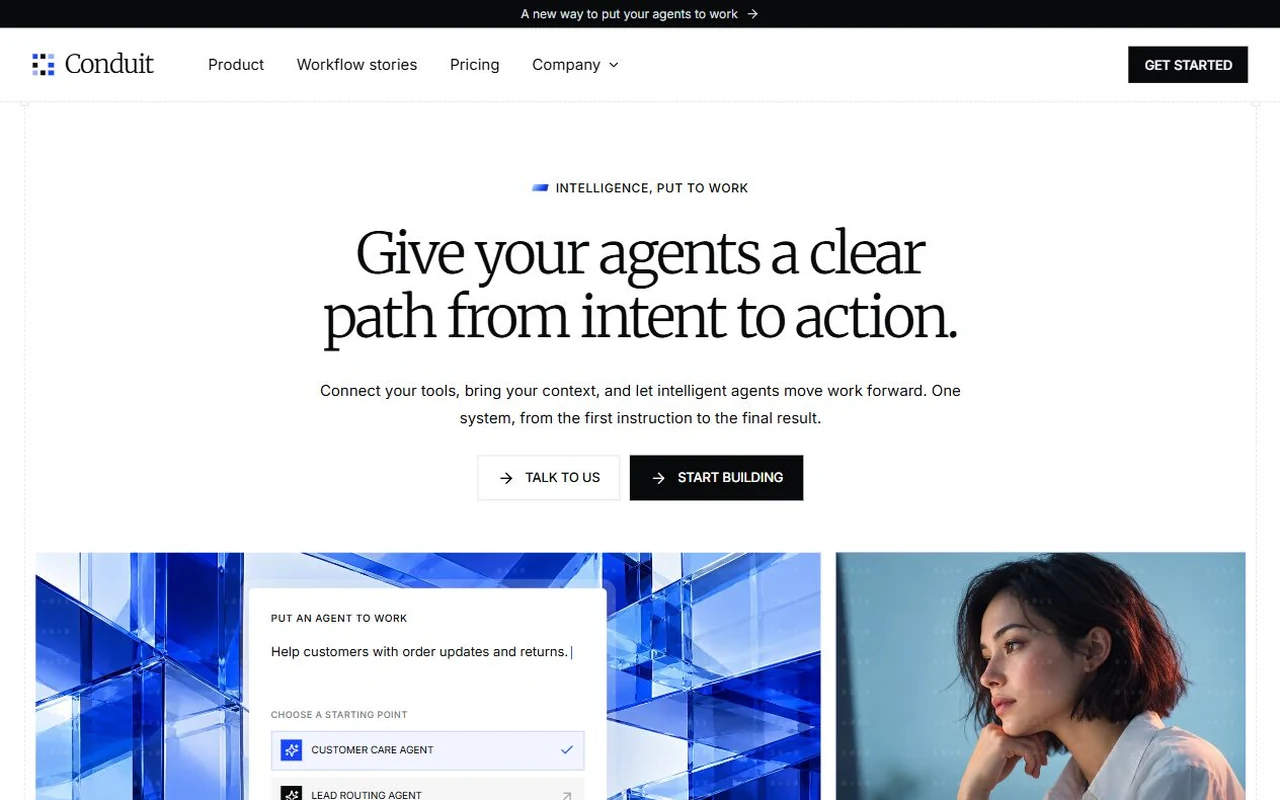
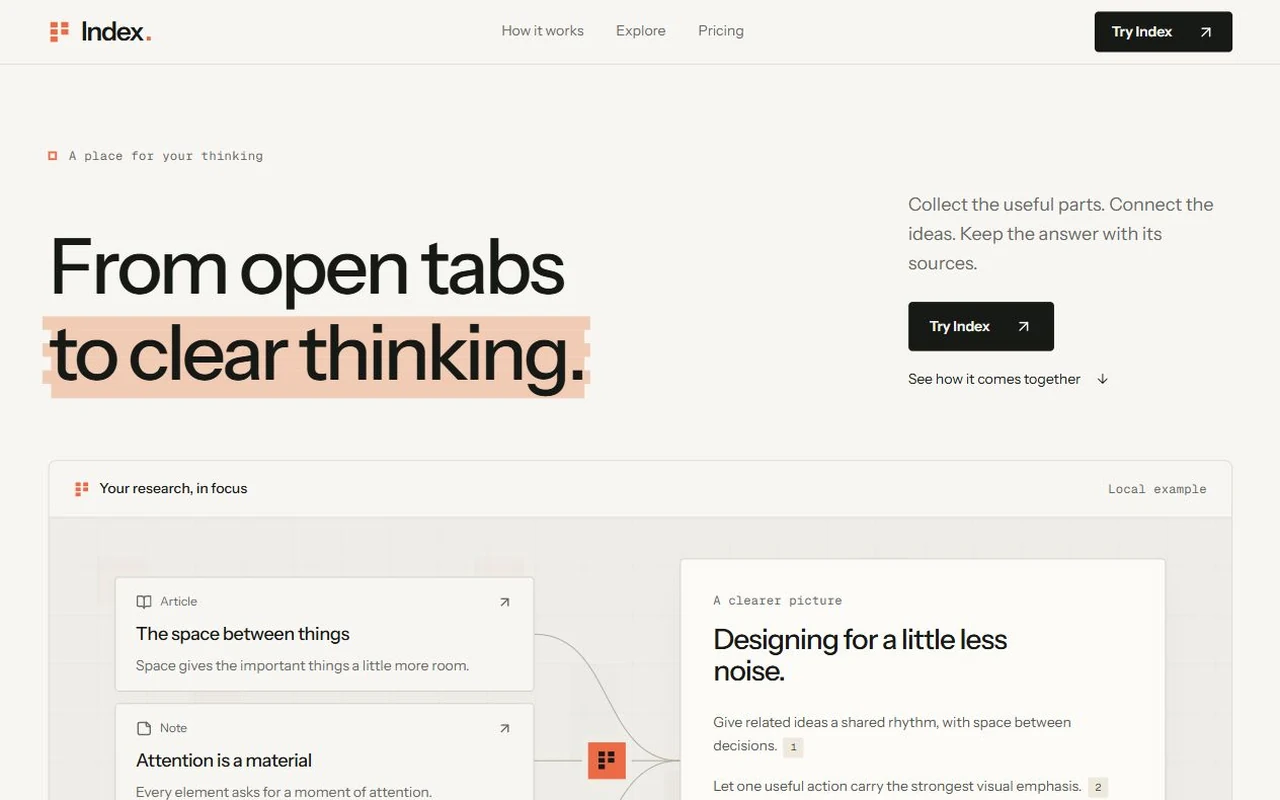
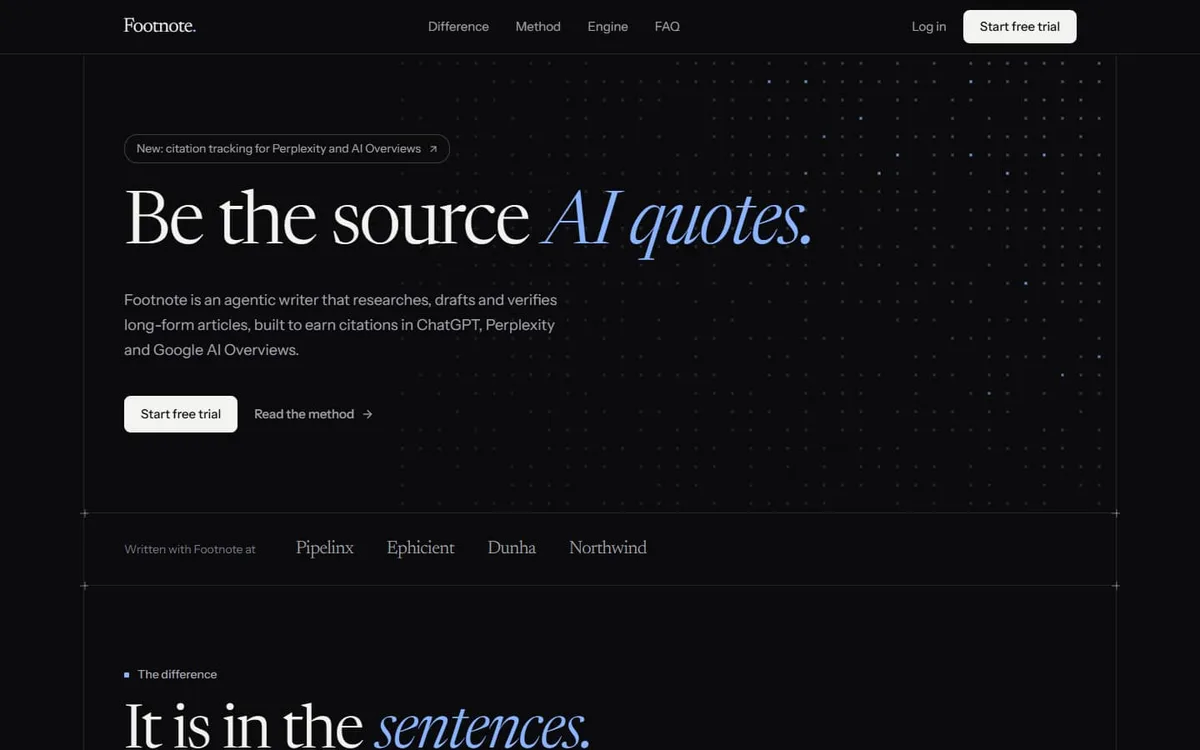
Daybreak: AI marketing analytics landing page template for Next.js.
$39one-time payment
- Next.js 16
- CSS
- TypeScript
- 8 sections
- Light
- No API keys
- Palette
- Updated Oct 9, 2026
01Overview
At a glance
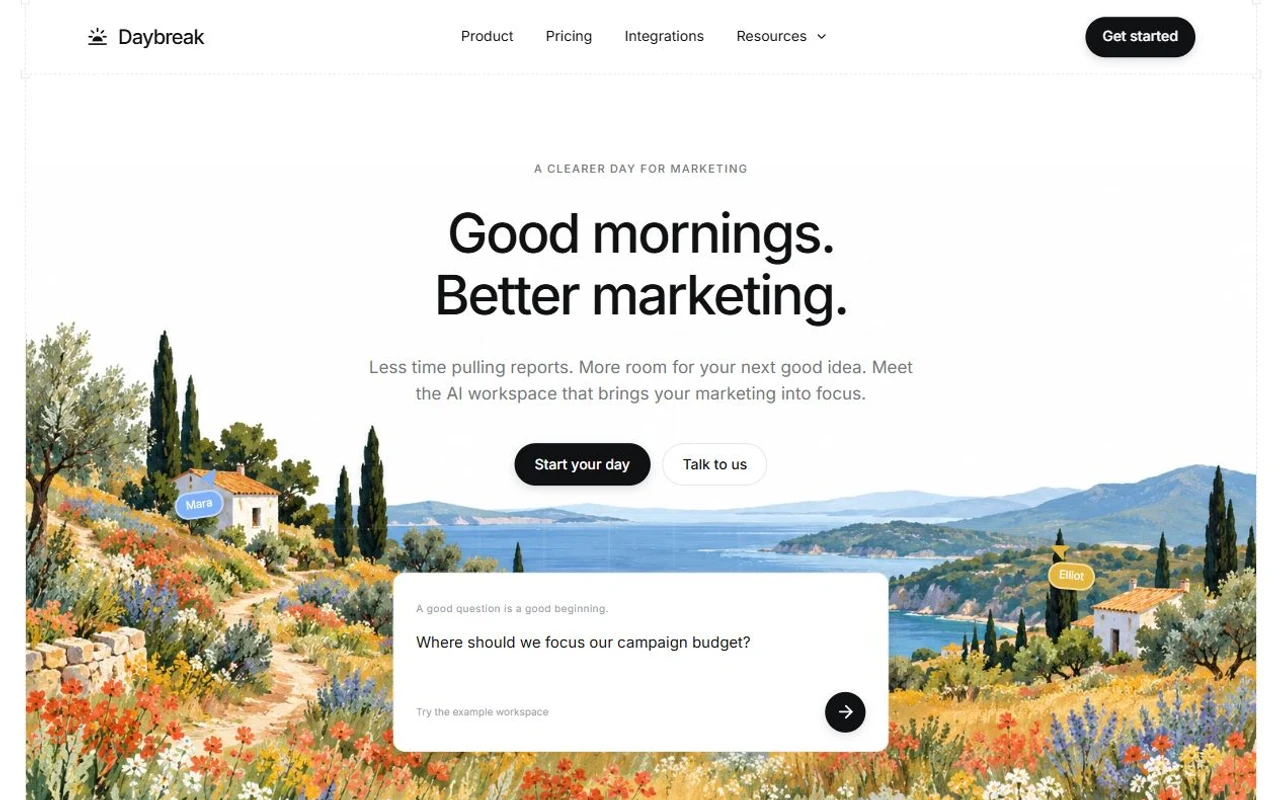
A complete launch experience with a landscape-led hero, quiet Inter typography, pill controls and aligned dashed frames. Original artwork and expanding portrait stories add warmth; working local campaign reviews, a week of mornings and a clear access panel make the product story tangible.
Made for
- AI marketing and campaign platforms
- Analytics and reporting products
- Connected team workspaces and agency tools
What stands out04
- Landscape-led hero, pill controls and aligned dashed section frames
- Campaign questions, source context, channel filters and matching CSV exports
- A week of mornings, a calm-by-design access panel and a searchable integration directory
- Expanding portrait stories, three plans, contact briefs and editorial routes
02The look
Its own palette and type
The colours and type it ships with. Tap a colour to copy it.
- AaInterIncluded with the template
The quick brown fox jumps over the lazy dog
0123456789
White, charcoal and quiet blue with ochre, sage and coral in original painted landscapes. A centered two-line hero leads into split product tabs, a wide dashboard over a painted valley, a week of mornings on a sun-path arc, an integration garden, three audience chapters, expanding portrait perspectives, a calm-by-design access panel and three aligned plans. Shared frame rules meet at actual square intersections.
03Sections
8 sections, in page order
From the first screen to the footer.
- 01
Navigation and hero
Compact sticky navigation, accessible resource/mobile menus, original coastal landscape and an editable question opening a source-linked campaign report.
- 02
Product and workspace
Four keyboard-accessible views, source context, campaign filtering, a four-step report workflow and a dashboard preview with a dedicated phone layout.
- 03
A week of mornings
A sun crosses a dashed arc to the day you choose; each day opens a small working interface: a weekly brief, an approvable budget nudge, a creative test, an early warning and a scheduled report.
- 04
Integrations and audience chapters
Clickable connection garden, searchable directory with category filters and scope guides, plus three audience rows with scroll-aware navigation.
- 05
Portrait perspectives
Four expanding, keyboard-accessible fictional team stories with original editorial portraits.
- 06
Calm by design
An access panel with read-only connections, per-source suggestion switches, an approval rule and an activity log, beside three plain principles.
- 07
Pricing and closing
Three plans, monthly/annual selection, plan buttons that go to checkout or contact and a landscape-led closing section.
- 08
Contact and resources
Validated local contact brief or configured JSON submission, journal and three articles, about, privacy, terms, accessibility and a custom missing-page state.
04Make it yours
Where everything lives
Start in site.config.ts for the brand, copy, plans and destinations. Campaign data, team perspectives, integrations and resource content each have their own focused file.
| To change | Edit |
|---|---|
| Brand, metadata, copy, plans, FAQ and destinations | site.config.ts |
| Campaign values, calculations and recommendations | data/campaigns.ts |
| Example teams and portrait stories | data/teams.ts |
| Connection directory and scope guides | data/integrations.ts |
| Articles and supporting pages | data/pages.ts |
| Palette, type, gutters and controls | styles/base.css |
| Original images and full prompt set | public/images/ and ASSETS.md |
Run it
$ npm install$ npm run devNode.js 20.9 or newer. No environment variables.
Before you go live
Replace the fictional brand, teams, quotes and sample campaigns. Configure your app URL, monthly/annual checkout destinations and contact endpoint. Replace privacy and terms with your own policies. Local reports, filtered CSV exports, workflow states and contact briefs work; connect your production AI, accounts, attribution and integration providers separately.
05Specifications
What’s under the hood
- sections
- 8
- source files
- 76
- lines of code
- ~7,500
- dependencies
- 4
- API keys needed
- 0
Stack
- Framework
- Next.js 16 (App Router), React 19
- Language
- TypeScript
- Styling
- CSS with design tokens and component styles
- Dependencies
nextreactreact-domlucide-react
Design
- Fonts
- Inter, self-hosted with next/font
- Images
- Two original painted landscapes and four original fictional portraits generated with the built-in imagegen tool. Optimized WebP assets ship locally. The dashboard preview ships as two images rendered from the template’s interface. Brand marks, diagrams and interfaces are editable SVG, CSS and React.
- Colour scheme
- Light
- Responsive
- Desktop, tablet and phone
Quality
- Accessibility
- Skip link, visible focus, keyboard navigation, reduced motion
- API keys and environment variables
- None
- Node.js
- 20.9 or newer
Shipping
- Deploys to
- Vercel, Netlify, Cloudflare Pages or any Node host
- Codebase
- 76 source files, about 7,500 lines
- Last updated
- Oct 9, 2026
06License
One license, no tiers
The full text ships as LICENSE.md in the download and is on the license page.
You can
- Use it for your own products
- Use it for any number of client projects
- Change the code and design however you like
- Deploy the result commercially
You can’t
- Resell or share the files as a template, theme or UI kit
- Publish the source as a template in a public repository
07Questions
Before you buy
What do I get when I buy Daybreak?
The complete Daybreak project as a download: the Next.js app, its config file, a README with setup and customisation notes, and the license. It’s added to your account’s library the moment payment goes through.
Can I use Daybreak for client projects?
Yes. One purchase covers your own products and any number of client projects, and you can change the code however you like. What you can’t do is resell or share the template files themselves as a template or UI kit.
Do I need API keys, a database or a backend?
No. It runs with npm install and npm run dev and deploys to Vercel, Netlify or Cloudflare Pages without any environment variables.
What should I change before I launch?
Replace the fictional brand, teams, quotes and sample campaigns. Configure your app URL, monthly/annual checkout destinations and contact endpoint. Replace privacy and terms with your own policies. Local reports, filtered CSV exports, workflow states and contact briefs work; connect your production AI, accounts, attribution and integration providers separately.
Do I need to know Next.js?
Basic React helps, but most changes are text edits in site.config.ts. The README walks through colours, fonts and section order.
How do updates work?
Updates to Daybreak are free. When a new version ships, download it again from your library.
Can I get a refund?
Before you download it, yes: email support@hairlineui.com within 14 days and you get your money back, no reason needed. After you download, if Daybreak doesn’t work as described, we fix it, and if we can’t, we refund it. A change of mind after downloading isn’t refunded, because you keep the code, so try the live demo first: it’s the whole template.
Should I buy all-access instead?
If you’ll use 5 or more templates, yes. All-access is $159 for all 63 templates, including Daybreak and every template added later; 5 single templates would cost $195. The price rises as the library grows: 7 more templates and it goes to $169.
08All-access
All 63 templates for $159. And every one added later.
Every template in the library, including Daybreak. Same license, free updates, and less than 5 single templates would cost.
63 templates today$2.52 each
7 more and it’s $169. Buy today and every one after is yours at $159.
09More templates
More templates for AI products
Compare Daybreak side by side with the other templates for ai products.