Handoff heroAll-AccessNew


A hero for workflow automation and AI agents: raw incoming records cross a live WebGL optical scan-slit, firing your workflow steps in sequence and emerging as verified completed receipts.
Used forWorkflow automation platformsAI agents for operationsAutomation agencies and consultantsBack-office and finance tools
Install with the shadcn CLI
A premium block, included with All-Access (see what’s inside). Add the @hairline-pro registry once, with the token from your account settings. Set it up
Templates
Need the whole page?
64 Next.js landing pages, each designed from scratch. Try any of them live; one is $39, all of them $159, and 8 are free.
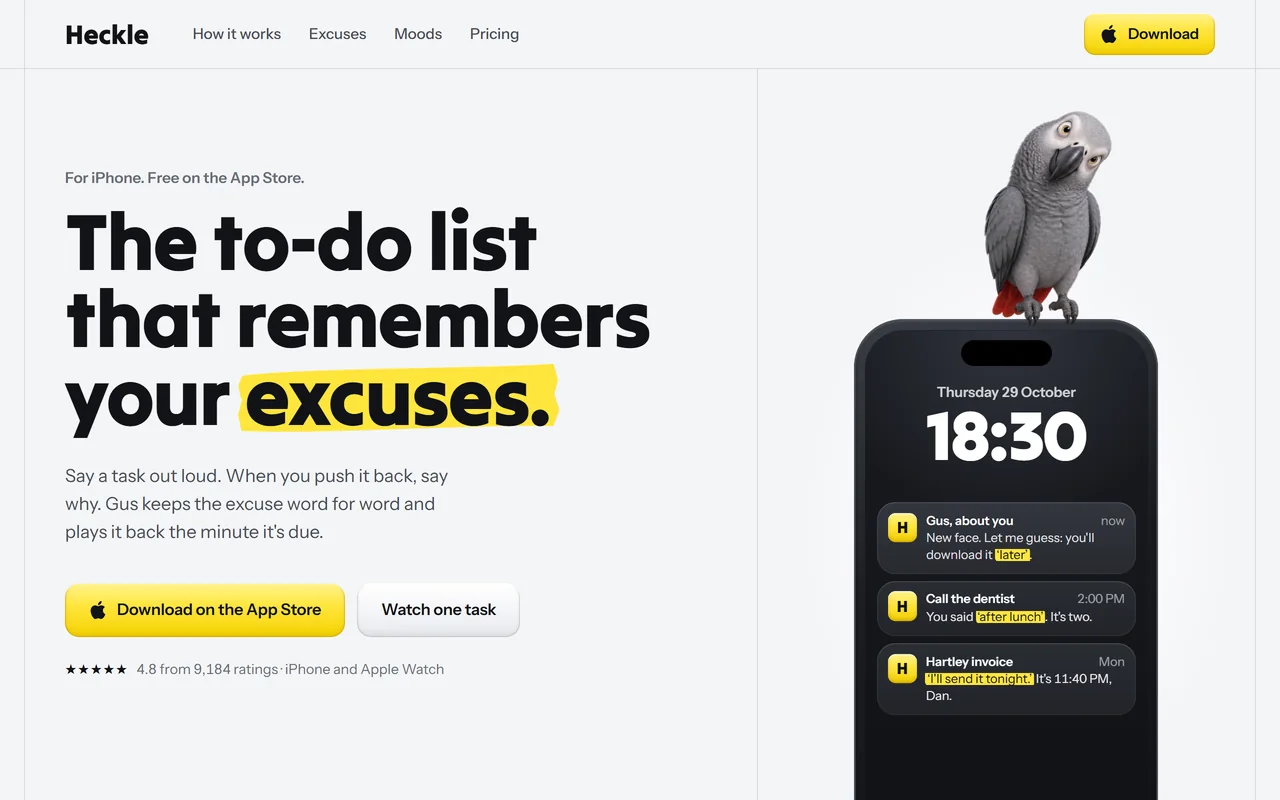
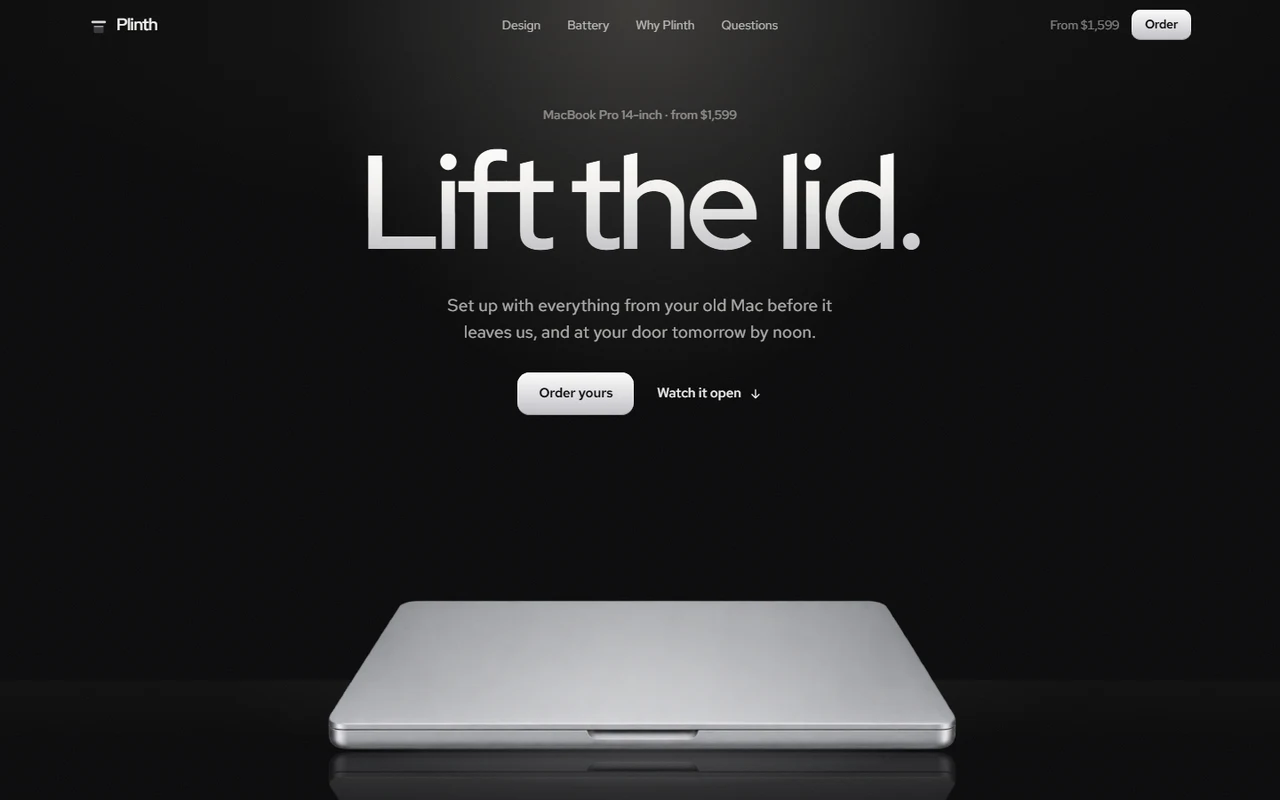
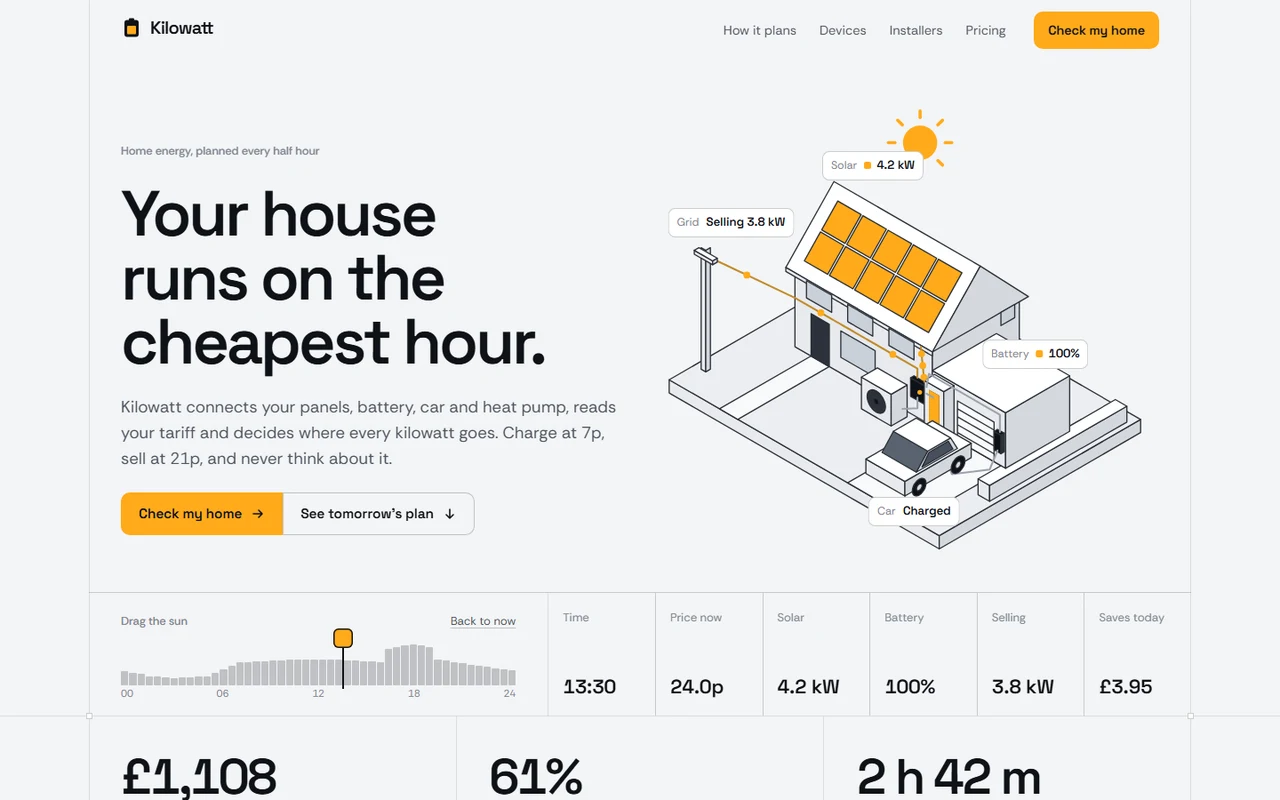
Where it’s used
Workflow automation platforms
Show incoming work crossing your real steps and turning into completed actions in under two seconds.
AI agents for operations
Invoices, tickets, claims or onboarding: raw work queues on one side, verified results emerge on the other.
Automation agencies and consultants
Swap in a client's exact tools and records so the first screen proves the automation live.
Back-office and finance tools
Accounts payable, expenses, reconciliation: every receipt carries the exact step marks that processed it.
What it handles for you
Automation heroes usually show a constellation of app logos on dotted lines or a static node screenshot: they show what connects to what, never the work getting done.
A live WebGL optical gate
One lightweight WebGL 1 fragment shader renders the split stone-and-obsidian chamber, brushed micro-grain, directional slit spill, synchronized step flashes, completion sweeps and pointer reflections.
Crisp native records, not skewed SVG
Incoming queue items, step modules and completed receipts are real HTML and CSS at 12–13px with tabular figures, staying razor sharp at every zoom level and viewport.
Your workflow on the gate
Pass three to five steps with a label, tool name, icon and colour, plus your own sample records, ID prefix and starting counters.
Interactive switch and step triggers
Manual / Auto is an accessible role=switch toggle; clicking any workflow step dispatches a record straight through the optical beam and hands control to the visitor.
Its own split-material palette
Light (stone to obsidian) and dark (basalt to jet) palettes ship as --ho-* CSS variables you override on the section root; never inherits your shadcn theme.
Rotates cleanly for phones
Under 768px the WebGL optical slit rotates 90° to a horizontal seam with incoming items above, compact step buttons across the beam, and dispatched receipts below.
Overview
Automation heroes usually drop app logos on dotted lines or stack a generic headline over a static diagram nobody reads. Handoff hero splits the first screen across a live optical threshold. Under a seated asymmetric editorial header and a real Manual / Auto control strip sits a full-bleed split chamber powered by one WebGL shader: incoming raw items queue on the matte stone side, and completed execution receipts emerge on the dark obsidian side. On Manual the slit rests dim as paperwork piles up. Switch to Auto and the beam ignites end to end: each record crosses through the light, firing your 3 to 5 workflow steps down the center rail with synchronized flashes along the slit, and emerges on the dark floor as a verified receipt stamped by every step. Click any step to dispatch a record through it, or flip Manual / Auto at any time. Under 768px the optical gate rotates cleanly to a horizontal slit so phones get crisp native rows instead of a shrunk desktop graphic.
States
- manual backlog
- Opens briefly on Manual with four incoming records queued on the matte left bay while the optical slit rests dim; a fifth item arrives so the backlog is visible.
- ignite
- At 0.88s the switch glides to Auto and the WebGL optical slit ignites in --ho-signal, casting directional light across both chamber floors.
- handoff
- The lead record glides into the slit as each workflow step fires down the rail 165ms apart, triggering localized light flares along the beam at each step's exact position.
- dispatched
- A completion light wave sweeps across the dark obsidian floor as the verified receipt emerges on the right stamped with every step's colour mark and increments the done count.
- interactive
- Clicking Manual / Auto or any workflow step immediately stops autoplay and gives the visitor direct control; mouse movement shifts subtle specular light across the anodized floor.
- reduced motion
- Draws one crisp still WebGL frame with Auto lit, queued and dispatched records in place, and no animation loop.
Usage
Depends on lucide-react, installed for you by the CLI along with the keyframes it needs.
A whole first screen
Nav, asymmetric editorial band, control strip and split optical chamber are one section. Pass your own steps, sample records and counters, and override --ho-signal for your brand colour.
Props
- brand
- string
- Brand name in the top architectural rail.
- logo
- ReactNode
- Mark beside the name. Defaults to a split-plane optical mark.
- navLinks
- { label: string; href: string }[]
- Links in the top rail; under 896px they fold into a seated dropdown menu.
- navSecondaryAction / navPrimaryAction
- { label: string; href?: string; onClick?: () => void }
- Quiet link and solid ink action at the right of the top rail.
- eyebrow
- string
- One plain line above the headline.
- headline
- string | string[]
- The headline; an array sets the line breaks.
- subheadline
- string
- One plain sentence bottom-aligned beside the headline.
- primaryAction / secondaryAction
- { label: string; href?: string; onClick?: () => void }
- Solid ink button with a signal arrow chip, and a hairline outline action.
- steps
- HandoffHeroStep[]
- Three to five workflow steps: label, app, icon and color. Rendered down the optical gate and stamped onto completed receipts.
- item= { prefix: "INV-", start: 419 }
- { prefix?: string; start?: number }
- ID prefix and starting number printed on each record.
- records
- HandoffHeroRecord[]
- Optional sample incoming/dispatched records ({ subject, meta, outcome, duration }) cycled through the gate.
- counters= { waiting: "waiting", done: "done today", doneStart: 1284 }
- { waiting?: string; done?: string; doneStart?: number }
- Labels beside the live waiting and completed counts, and where the completed count starts.
- switchLabels= ["Manual", "Auto"]
- [string, string]
- Labels for the two ends of the Manual / Auto switch.
- tone= "light"
- "light" | "dark"
- Light stone-to-obsidian split chamber, or dark basalt-to-jet chamber. Override any --ho-* variable to restyle.
- autoPlay= true
- boolean
- Start briefly on Manual to show the queue, then flip to Auto automatically.
Accessibility and motion
- The split chamber is powered by one WebGL 1 fragment shader (handoff-hero-gl.ts) capped at 1.25× DPR × 0.75 scale. It stops automatically when off screen or in background tabs, and falls back cleanly to a CSS split gradient without WebGL.
- All colours are self-contained --ho-* variables on the root section and never inherit your shadcn theme.
- Type follows your page font; set --ho-display for the headline and brand and --ho-font for everything else. The examples use Funnel Display and Funnel Sans.
- The Manual / Auto toggle uses role=switch with aria-checked, the workflow steps are keyboard-focusable buttons, and the mobile menu closes on Escape and returns focus.
- Respects prefers-reduced-motion: draws one finished WebGL frame with Auto active and stops all motion loops.
Requirements
React 19, Tailwind CSS v4 and shadcn/ui theme variables (any style, light and dark). Icons from lucide-react.
Source
Part of All-Access
Handoff hero is 1,503 lines of finished work.
- components/handoff-hero.tsx1,196 lines
- components/handoff-hero-gl.ts307 lines
Installs with npx shadcn add @hairline-pro/handoff-hero, in your theme, light and dark.
$159once, for everything
The 56 paid templates alone are $2,184 one by one.
- Handoff hero: the source and the CLI install
- Every premium block: 12 today, and each one we add
- All 64 Next.js templates, with live demos
- Commercial license for unlimited client sites
Guest checkout · Instant CLI token + downloads · 6 more templates and it goes to $169. Full refund within 14 days, until your first download.
Already have All-Access? Sign in to see the source